
Download 20 free aesthetic fall wallpapers for iPhone and desktop, including cozy pumpkins, autumn leaves, cottage scenes and neutral fall backgrounds.
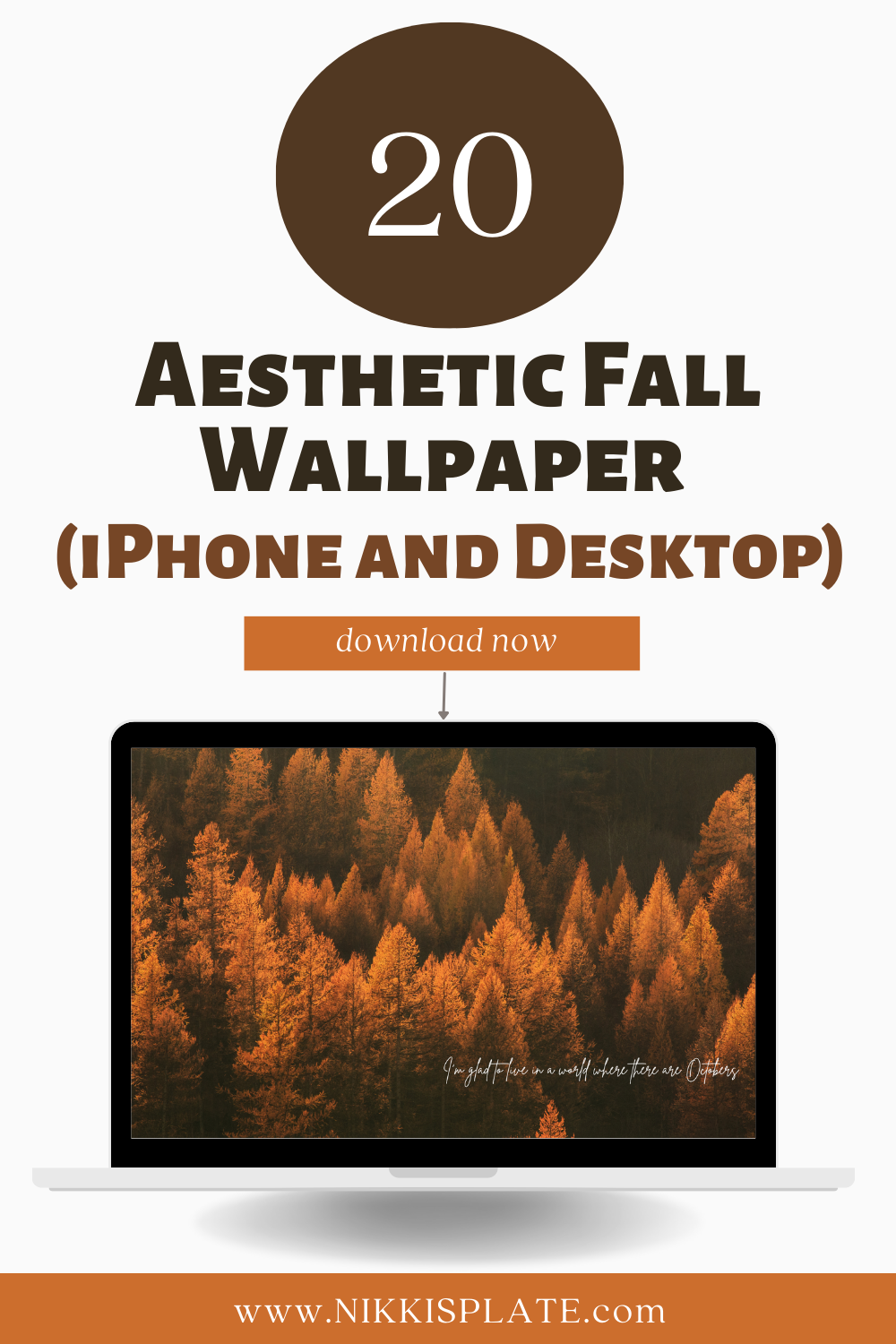
Hi beauties!! Looking for free aesthetic fall wallpapers to give your screens a cozy seasonal refresh? I created 20 autumn designs in matching iPhone and desktop sizes, so you can carry the same fall aesthetic from your phone to your laptop or computer. You will find golden leaves, pumpkins, cozy knits, coffee, cottagecore landscapes and warm neutral backgrounds throughout the collection.
Each design is completely free to download and comes in a wide 1920 x 1080 desktop size plus a portrait 1180 x 2550 iPhone size. That means you are getting 20 coordinated wallpaper sets and 40 individual downloads. Choose one matching set for all your devices or save several and rotate them throughout September, October and November.
If you want even more computer options, browse my 35 free aesthetic fall desktop wallpapers. You can also add a functional calendar to your screen with these free September 2026 desktop calendar backgrounds.
Quick download details:
- 20 matching fall wallpaper sets
- 40 free files in total
- Desktop size: 1920 x 1080 pixels
- iPhone size: 1180 x 2550 pixels
- No sign-up is required
20 Free Aesthetic Fall Wallpapers for iPhone and Desktop
Choose your favourite design below, then select the desktop or iPhone download button beneath it. The full-resolution image will open so you can save it directly to your device.
1. Golden October Forest Wallpaper
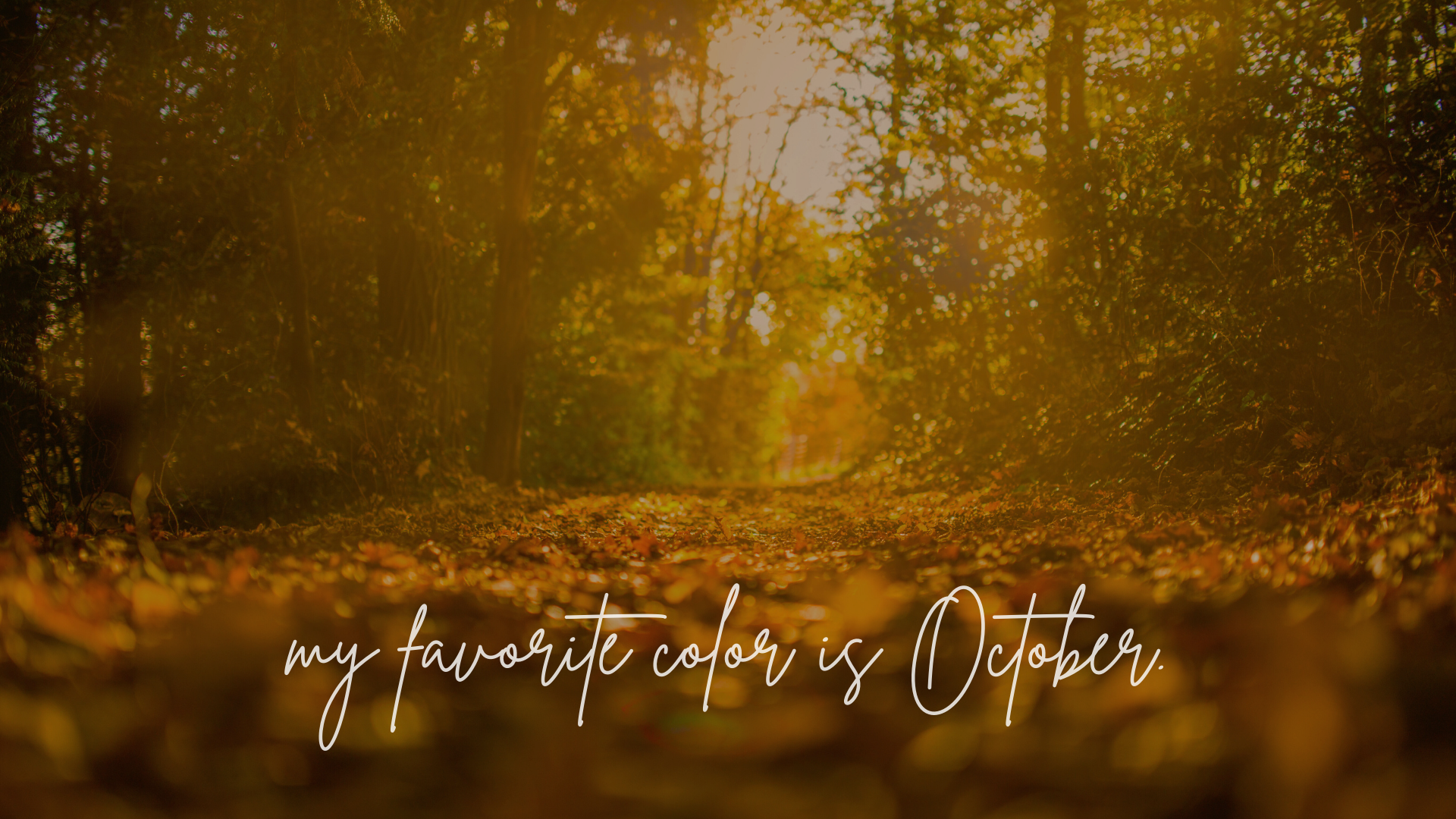
2. Cozy Coffee and Autumn Leaves Wallpaper

3. Pumpkin Spice Mug Illustration Wallpaper
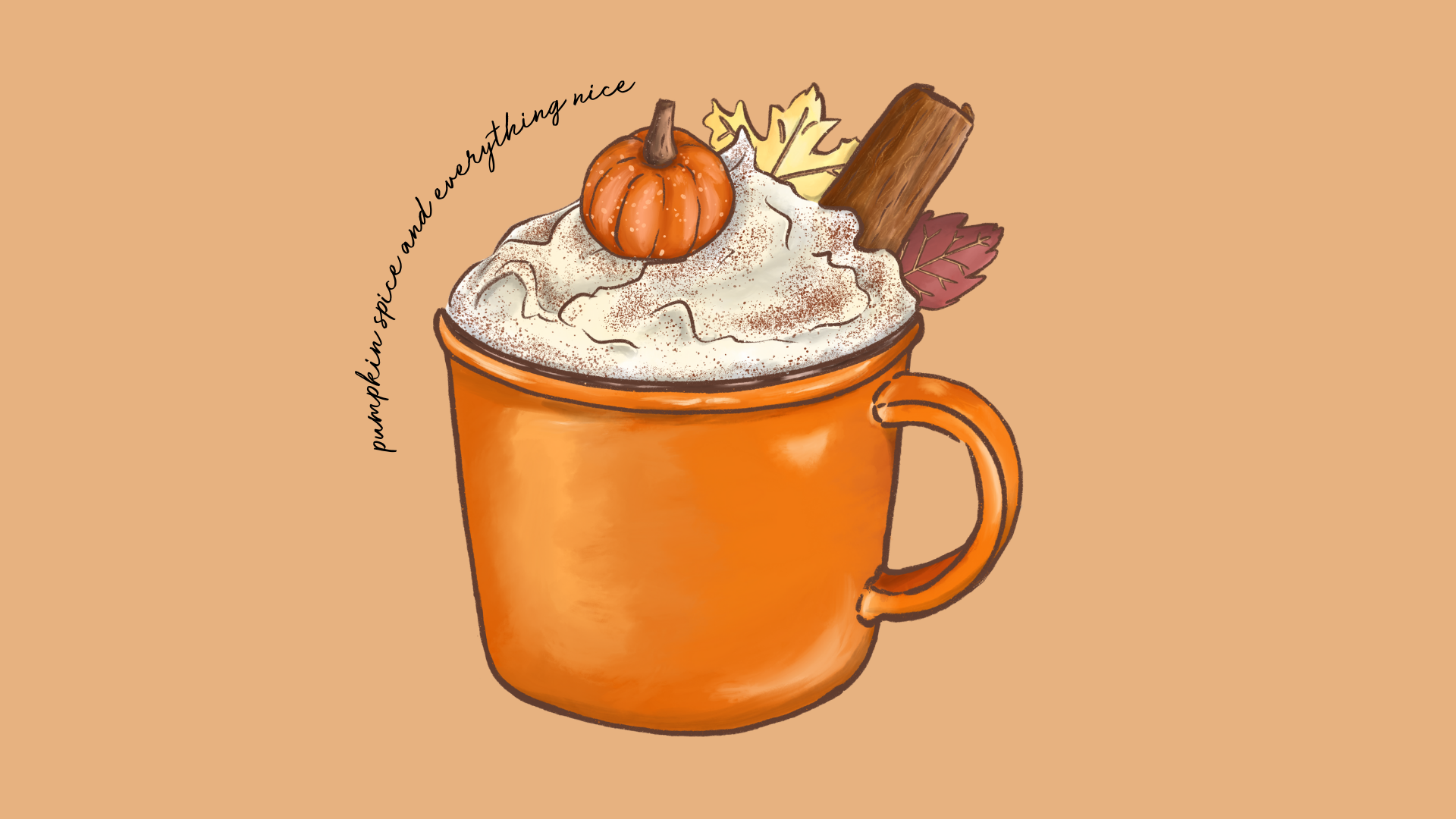
4. Blue Watercolour Pumpkin Wallpaper
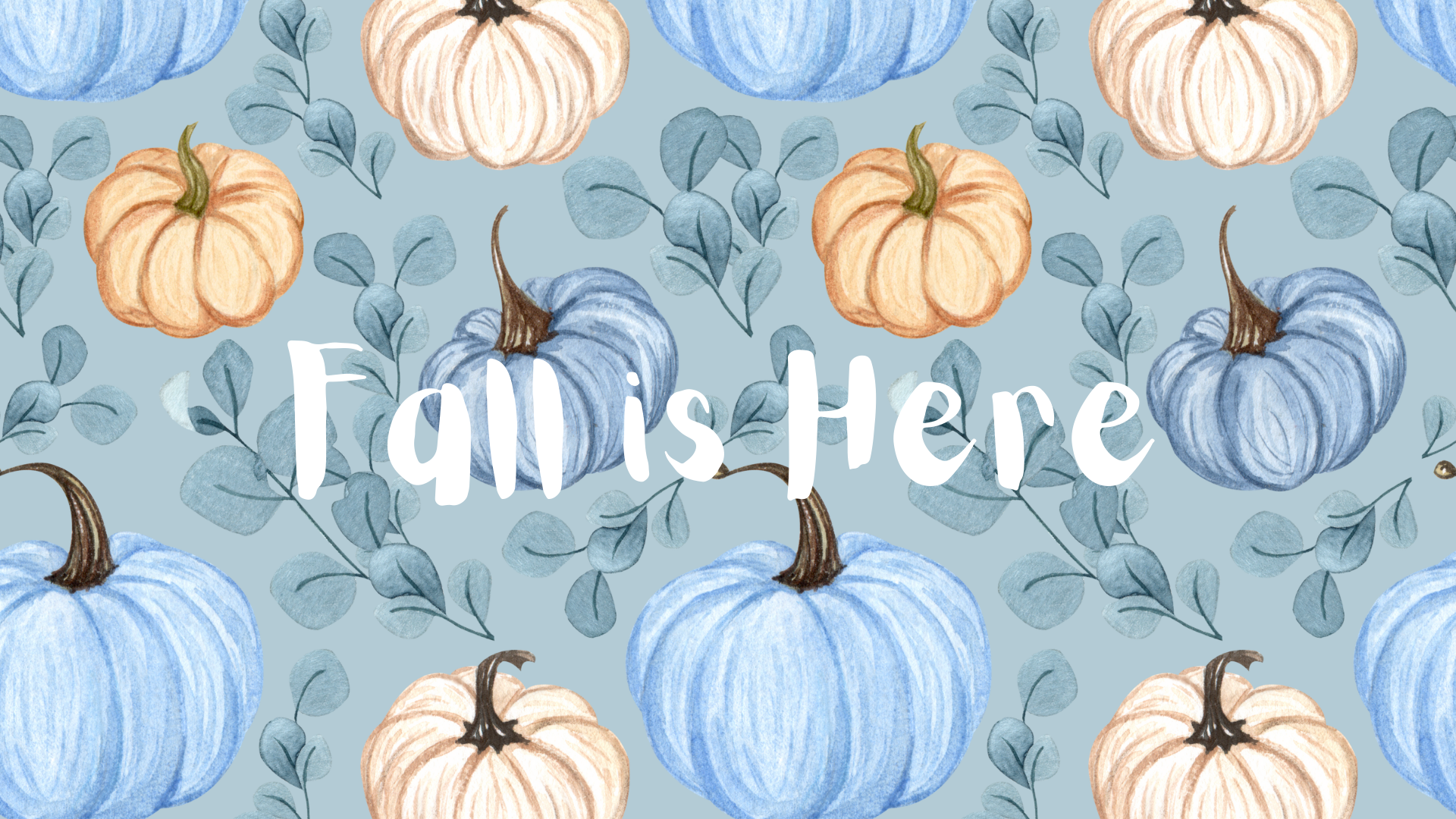
5. Classic Orange Pumpkin Patch Wallpaper
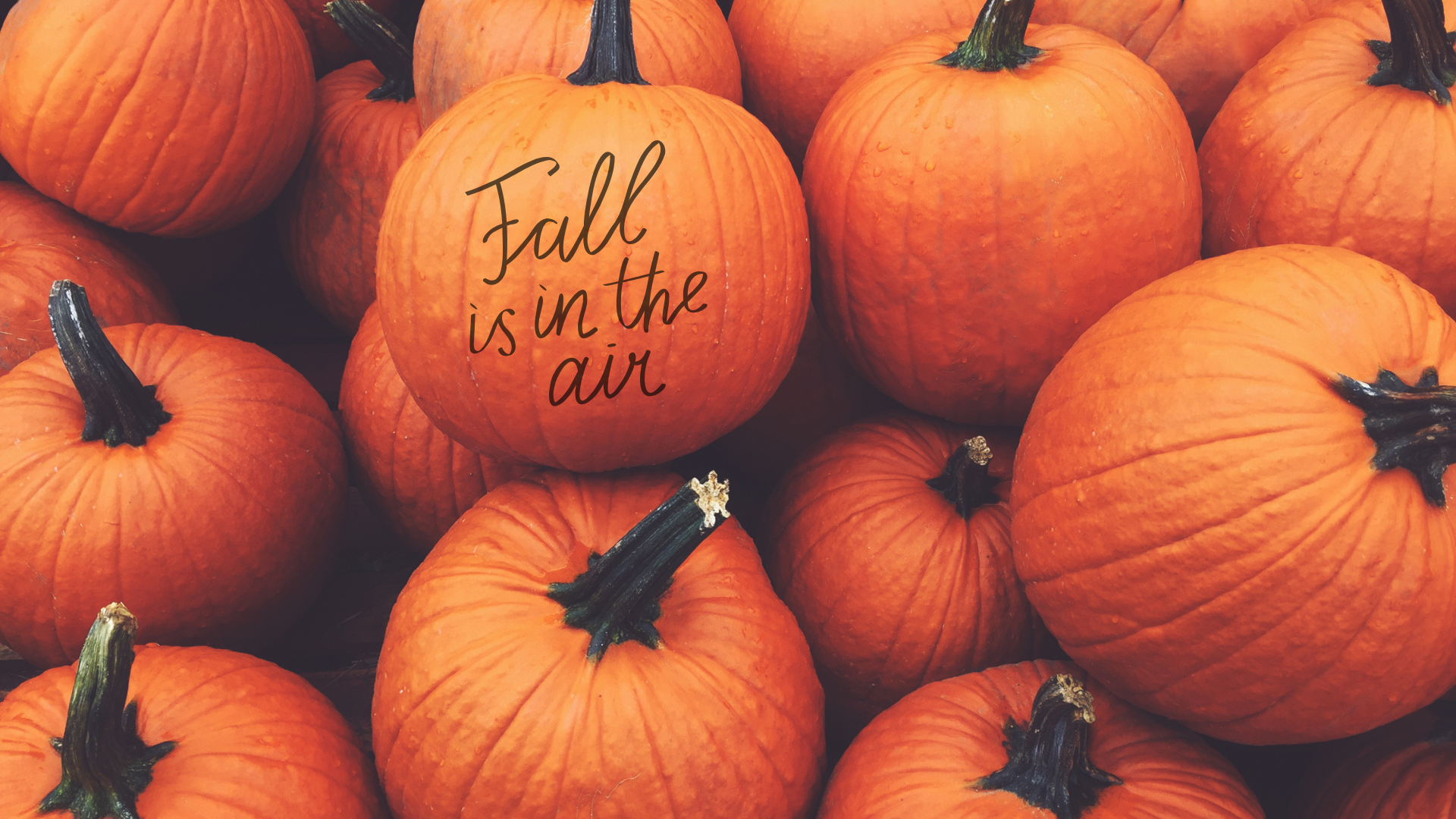
6. Moody Autumn Forest Quote Wallpaper

7. Golden Fall Leaves Wallpaper
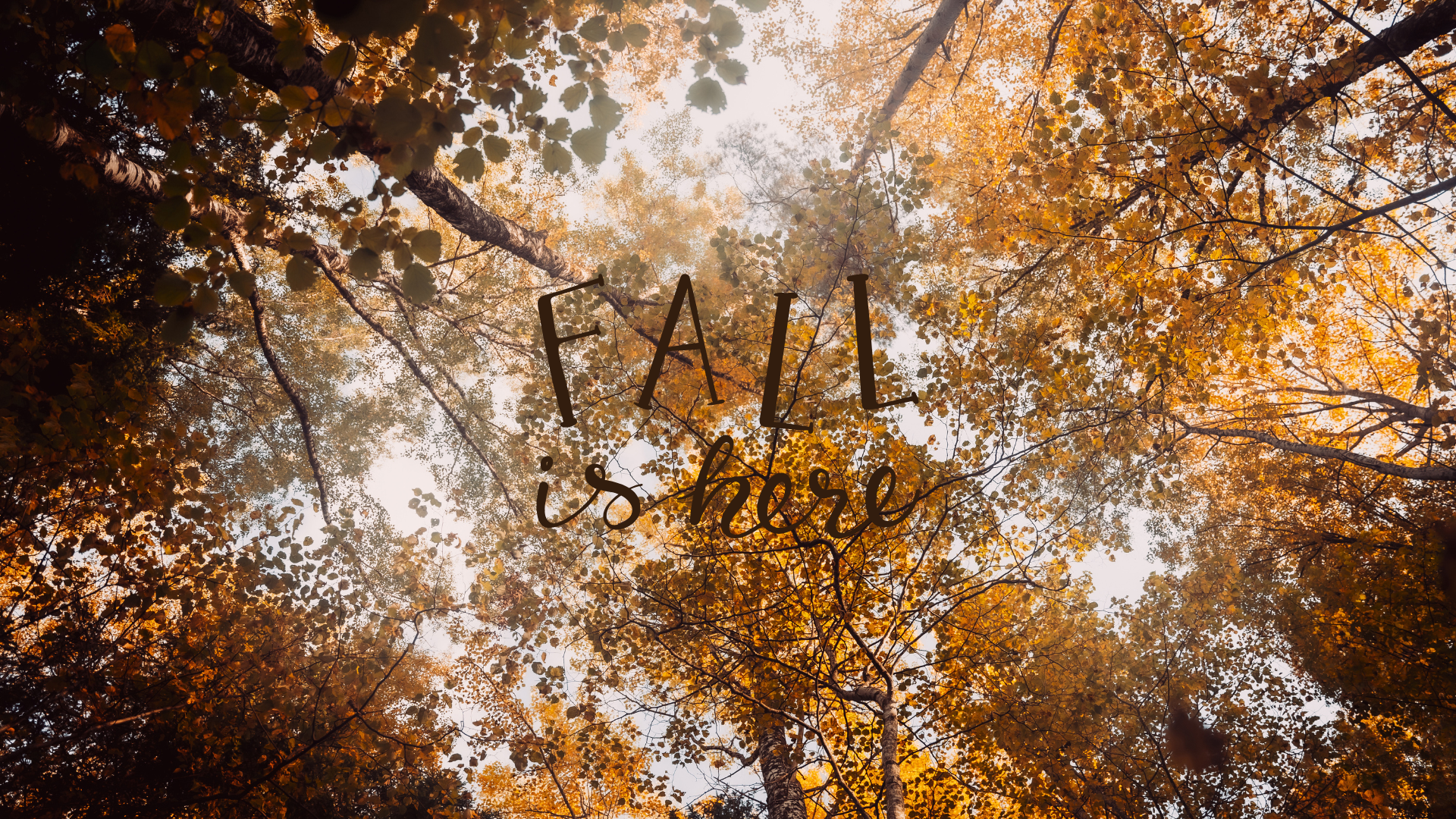
8. Autumn Lake and Mountain Wallpaper
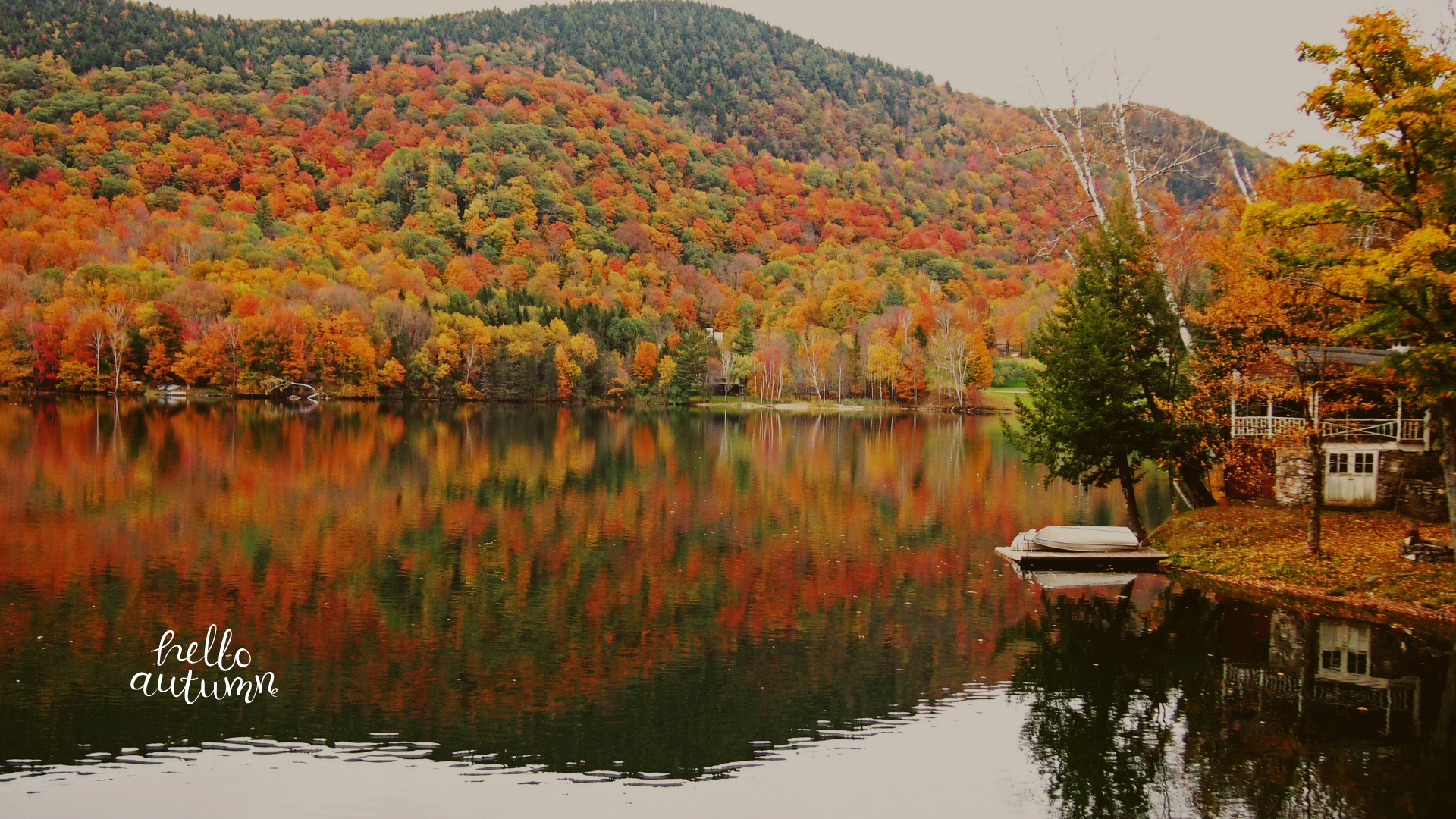
9. Orange Autumn Forest Wallpaper
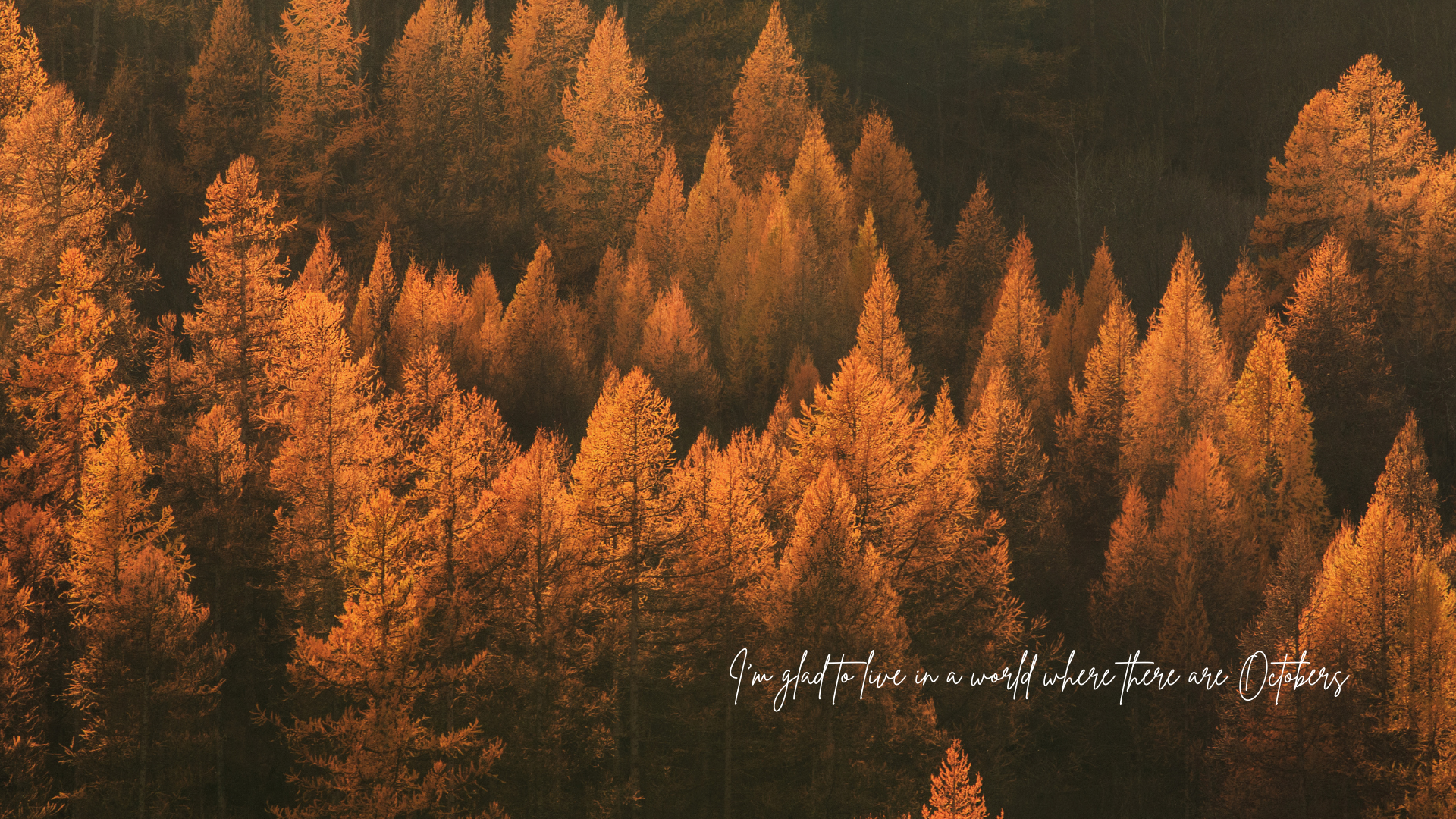
10. Neutral Fall Leaves and Coffee Wallpaper

11. Cozy Fall Bed and Book Wallpaper

12. Moody Red Berries Wallpaper
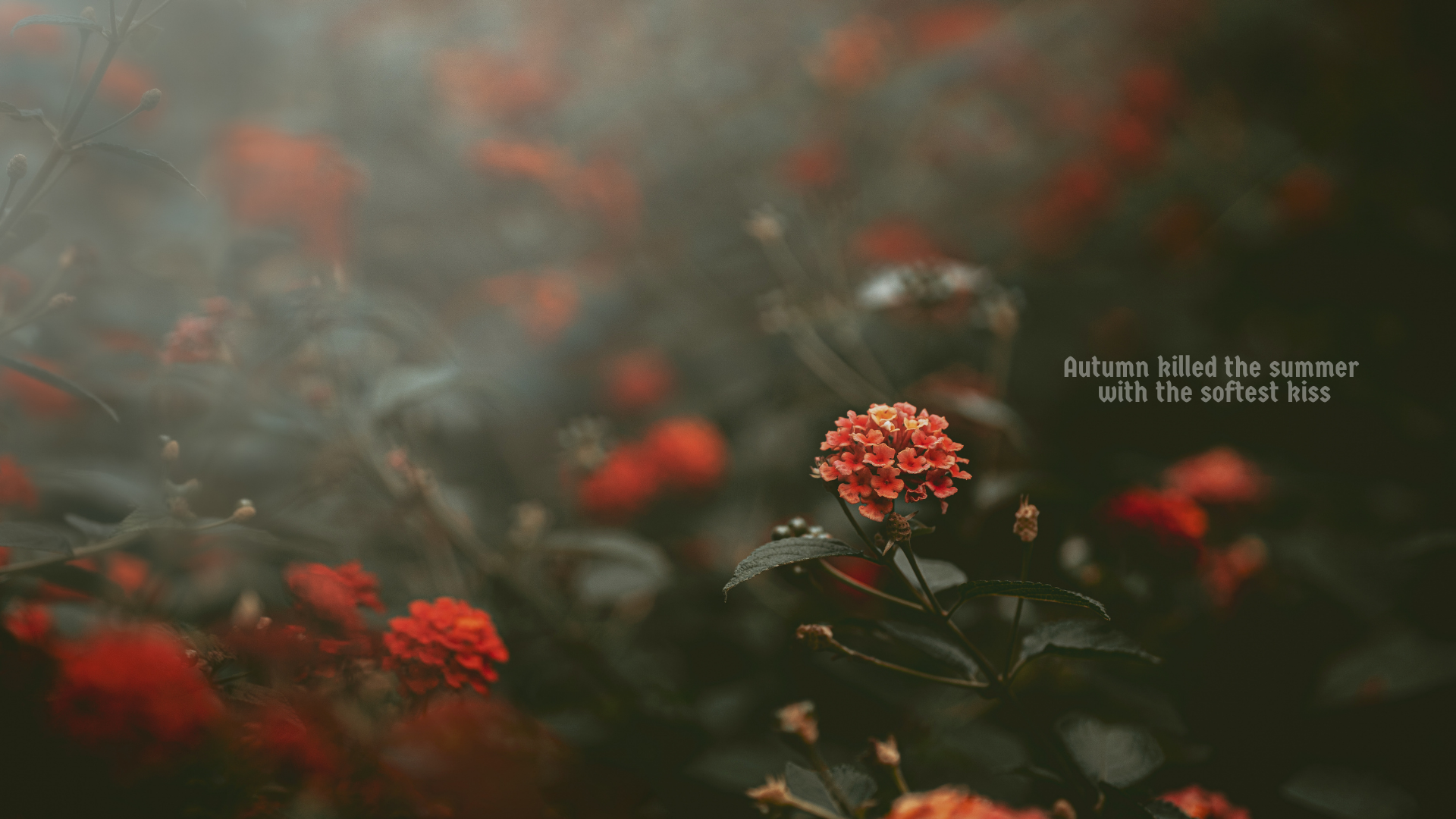
13. Vintage Botanical Fall Pattern

14. Dark Autumn Mountain Wallpaper

15. Cottagecore Fall Country Road Wallpaper
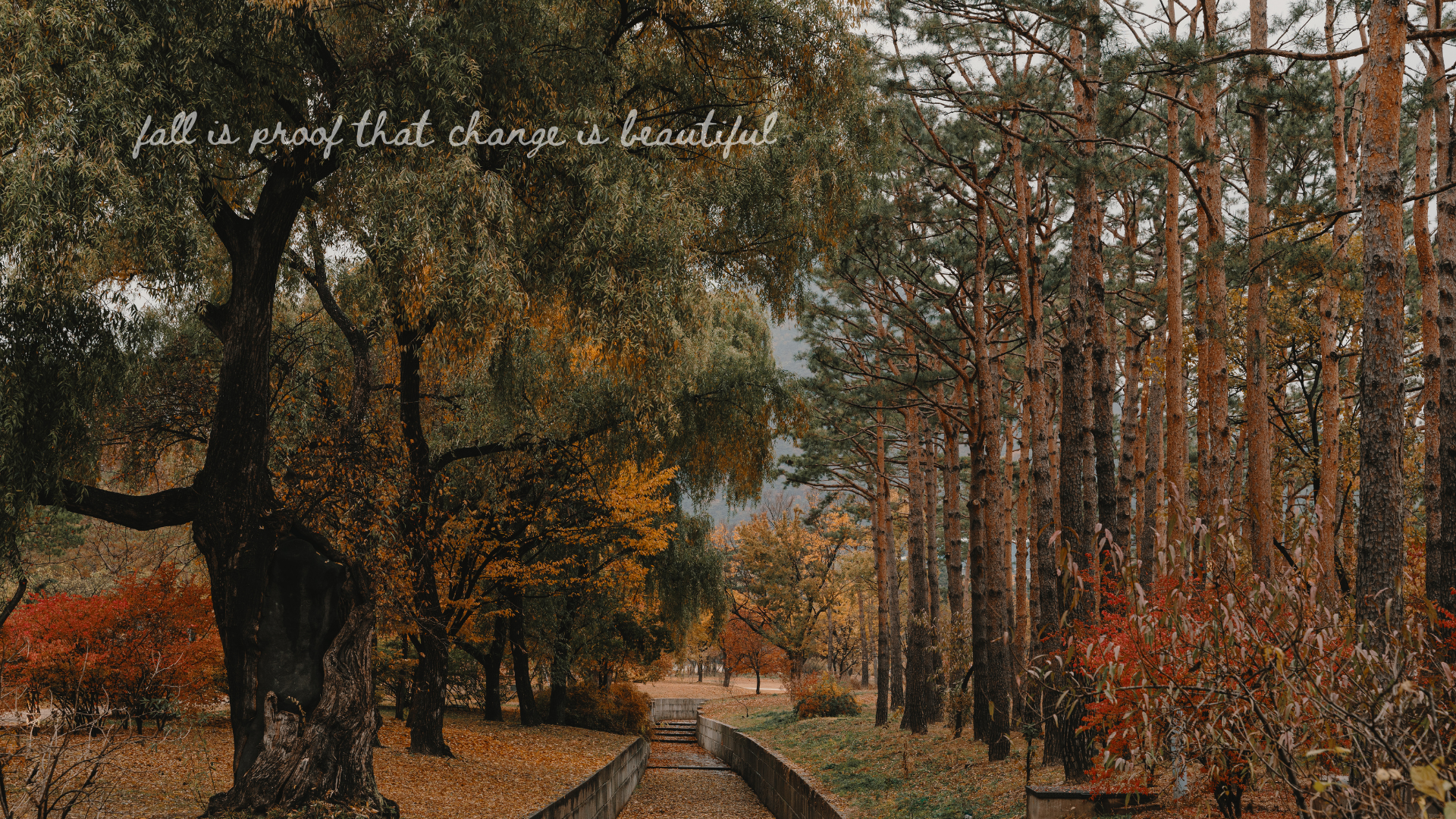
16. Cozy Autumn Reading Wallpaper

17. Pastel Pumpkin Pattern Wallpaper
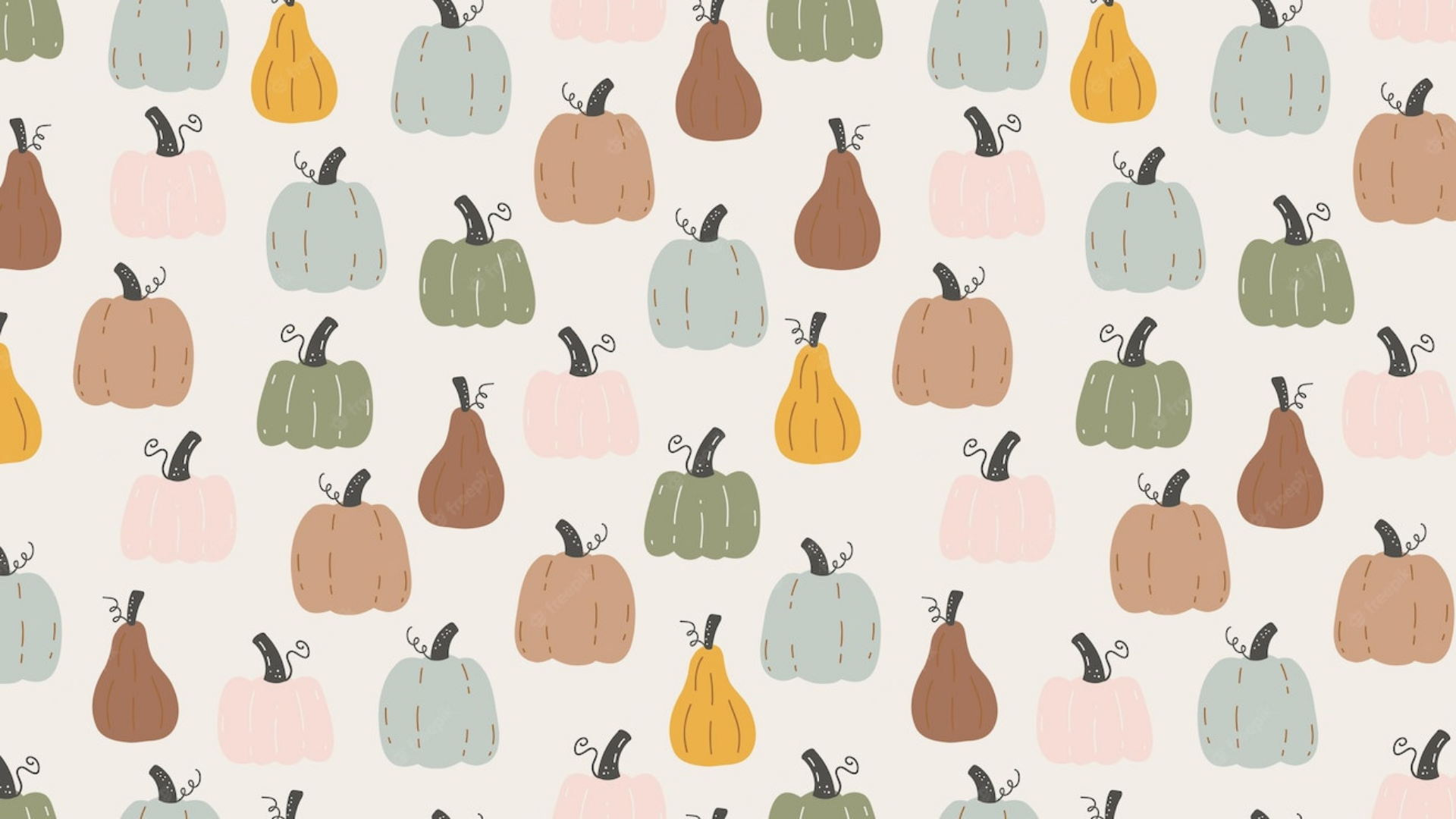
18. Minimal Fall Vibes Wallpaper

19. Neutral Chunky Knit Wallpaper

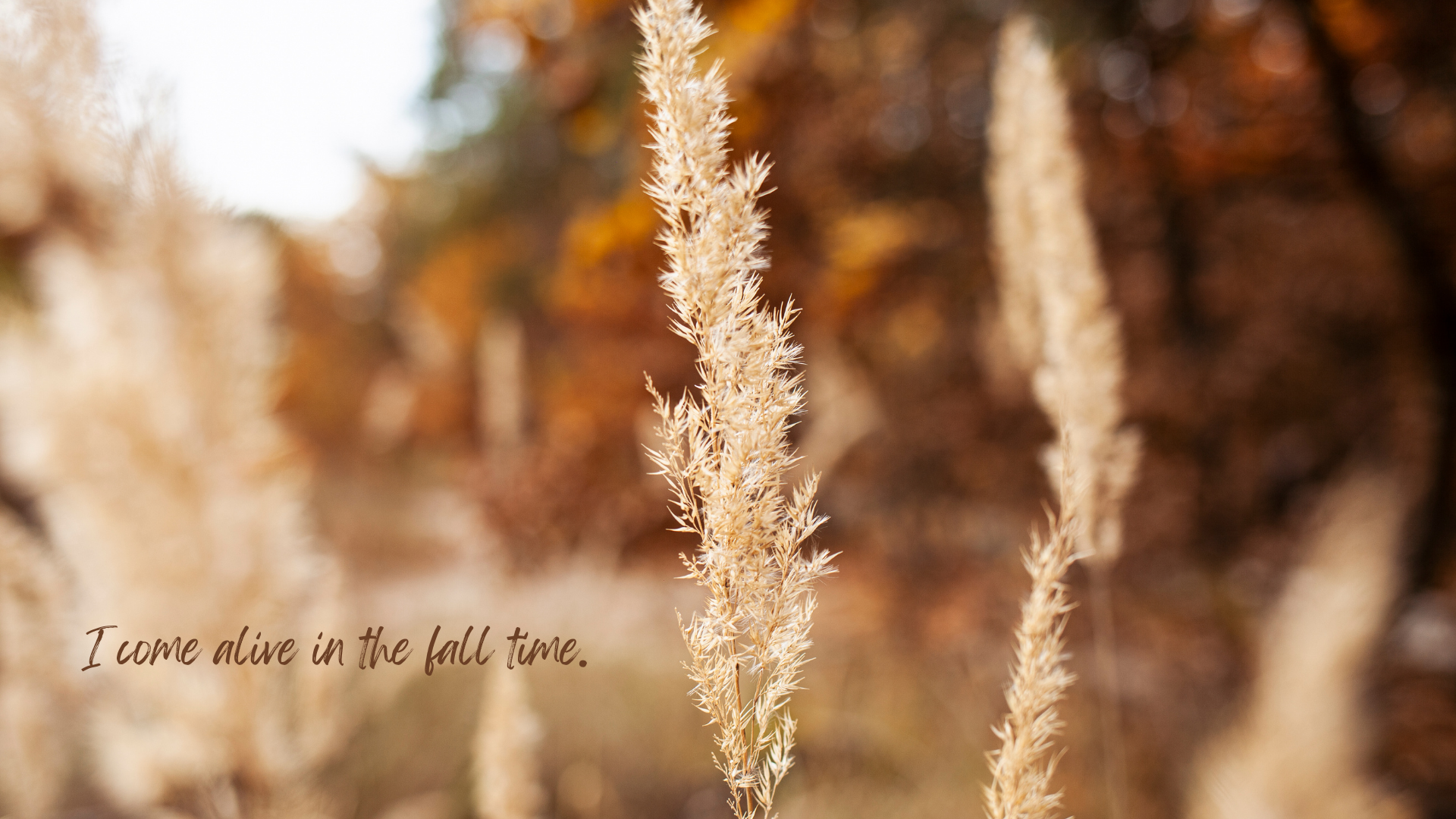
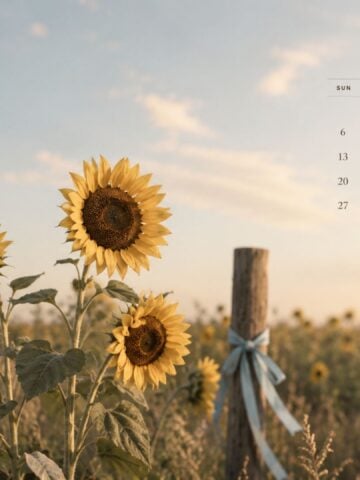
20. Golden Field Fall Quote Wallpaper
How to Download a Fall Wallpaper on iPhone
- Tap the iPhone download button beneath the wallpaper you want.
- When the full-size image opens, touch and hold it, then save it to Photos.
- Open Settings > Wallpaper > Add New Wallpaper > Photos and select the saved image.
- Reposition or resize the design if needed, tap Add, then choose Set as Wallpaper Pair or Customize Home Screen.
You can also touch and hold your Lock Screen, tap the plus button and select the saved image from Photos.
How to Download a Fall Wallpaper on a Mac or PC
- Select the desktop download button beneath your favourite design.
- Save the full-resolution image to your computer.
- On a Mac, open System Settings > Wallpaper, choose Add Photo, and select the saved file. You can also open it in Photos and choose Share > Set Wallpaper.
- In Windows, open Settings > Personalization > Background, choose Picture, and browse for the saved file.
Tips for a Coordinated Fall Screen
Match Your Phone and Computer
Use the portrait and landscape versions of the same design to create a coordinated look across your iPhone, MacBook, laptop or desktop computer. The matching set makes your digital space feel intentional without requiring any extra design work.
Rotate Your Wallpapers Through the Season
Start September with soft pumpkins, coffee or botanical patterns, switch to rich forests and deeper colours in October, then use cozy knits and bookish backgrounds through November. Saving several favourites now makes it easy to refresh your screen all season.
Leave Room for Icons and Widgets
If your screen feels cluttered, choose one of the simpler patterns or neutral designs. On iPhone, reposition the wallpaper so important details are not hidden by the clock or widgets. On a desktop, select a fit option that keeps the main focal point away from your busiest columns of icons.
Frequently Asked Questions
Yes. The portrait files can be saved and used on most Android phones, although the exact crop may vary by screen size. Reposition the image in your phone's wallpaper settings before applying it.
Yes. The 1920 x 1080 files are designed for widescreen computers and work on most laptops, MacBooks and desktop monitors. Your device may crop the edges slightly if it uses a different aspect ratio.
Phones and computers automatically resize wallpaper to fill the screen. Try pinching or repositioning the image on iPhone, or switching between Fill, Fit and Stretch options on a computer.
Yes. After selecting the image, choose Set as Wallpaper Pair to use it on both screens, or customize the Home Screen separately if you want a softer or blurred version behind your apps.
More Free Fall Backgrounds
- 35 Free Aesthetic Fall Desktop Wallpapers
- 35 Free September 2026 Desktop Calendar Backgrounds
- 20 Free Halloween Aesthetic Wallpaper Backgrounds
- Fall Grandmacore Decor Ideas
Conclusion
Changing your wallpaper is one of the easiest ways to bring a little autumn coziness into your everyday routine. Whether you love warm pumpkins, moody forests, neutral knits or colourful fall leaves, these free aesthetic fall wallpapers make it easy to refresh your phone and computer for the season.
Download one matching set or save several favourites to rotate from September through November. I would love to know which design you chose, so leave a comment below and tell me your favourite!
Until next time,


As Seen on TikTok
Come behind the scenes of our farmhouse build, decor projects, and cozy everyday life. Tap a video to watch, then follow @nikkisplate on TikTok for more.
Watch this video on TikTok
Watch this video on TikTok
Watch this video on TikTok




Leave a Reply