
Browse 30 free Christmas iPhone wallpaper backgrounds and download your favorites for a festive Lock Screen or Home Screen.
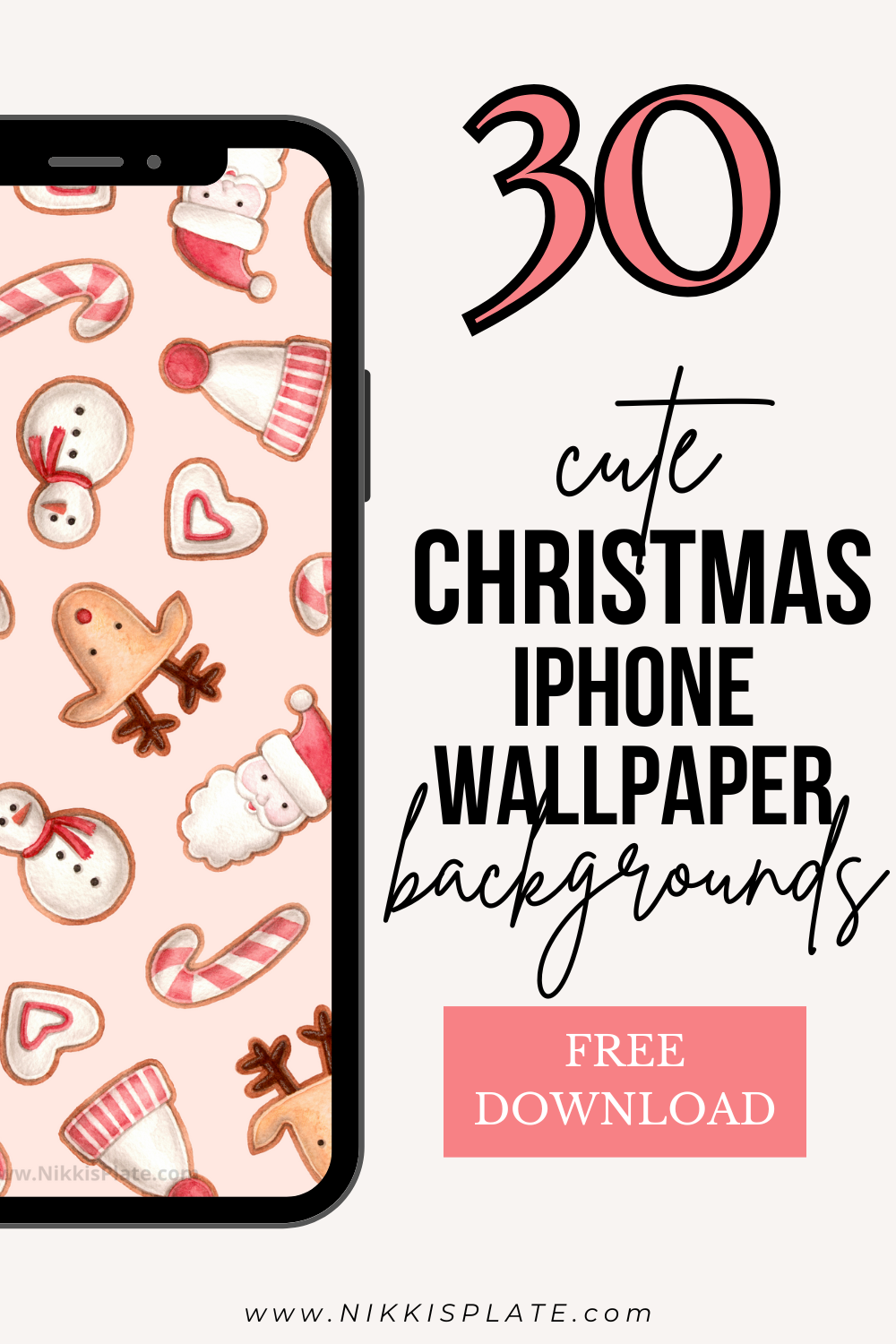
Hi beauties! Ready to give your phone a little Christmas cheer? Here are 30 free Christmas iPhone wallpaper backgrounds you can browse and save right from this page.
Scroll through the designs, tap the wallpaper you love to open the full image, and save it to your phone. You can use it on your Lock Screen, your Home Screen, or both.
I love how easy it is to change up a phone background for the season. Pick one favorite for December or save a few so you can switch whenever the mood strikes!
30 Free Christmas iPhone Wallpapers
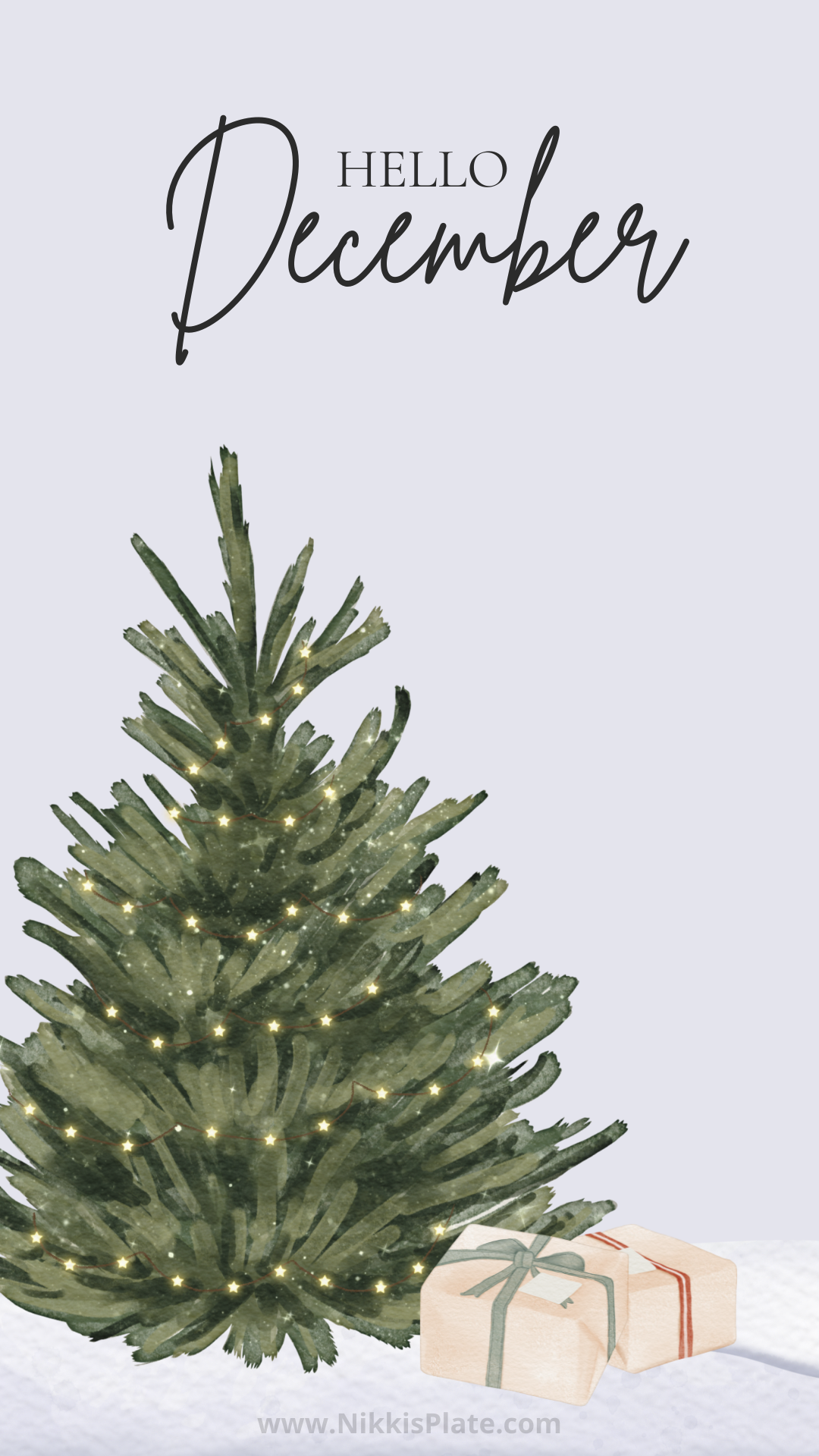
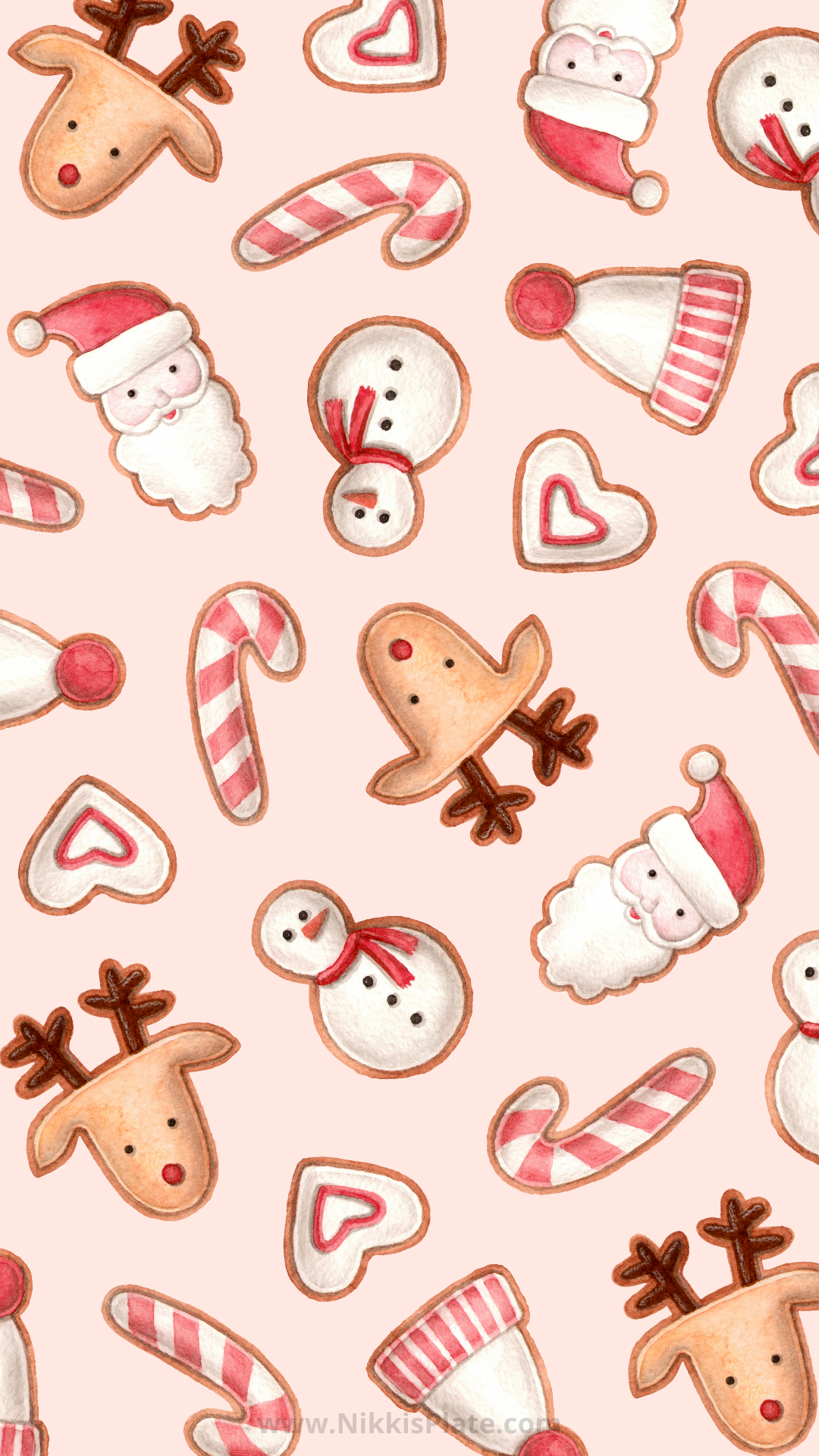
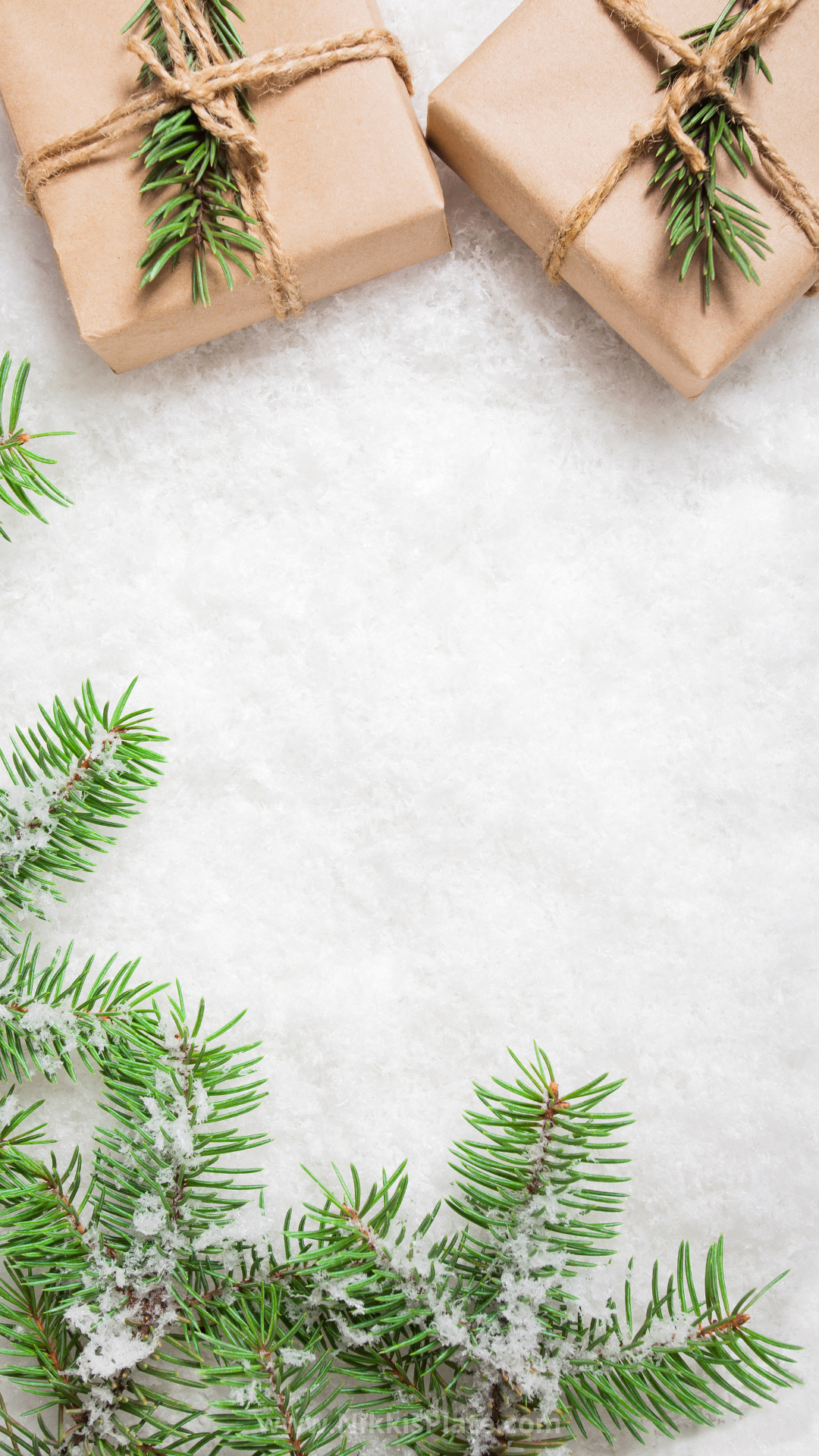
Browse the full collection below. Tap a wallpaper or its Download Here link to open the image before saving it; saving the full image will give you a better result than taking a screenshot of the page.


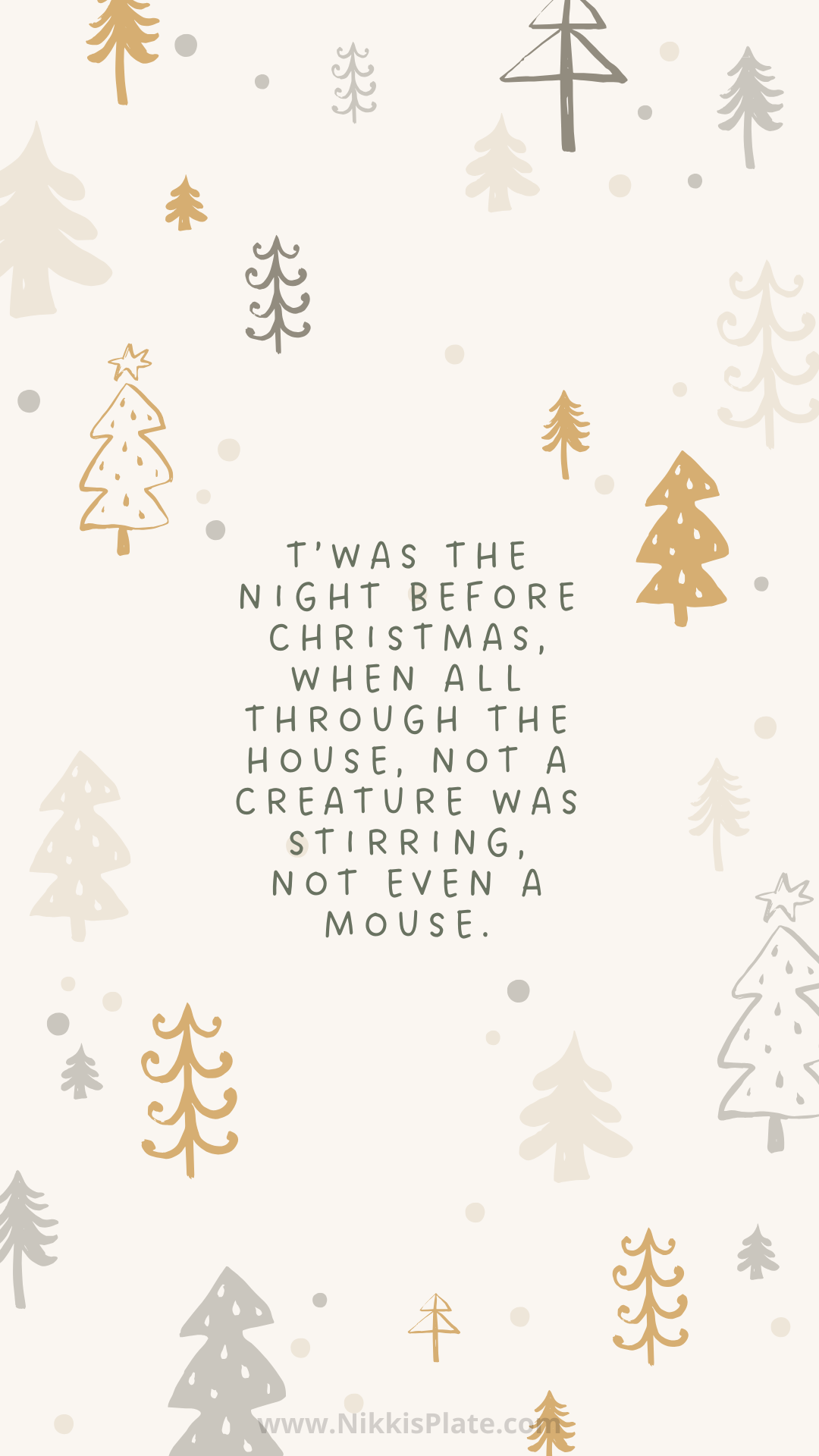
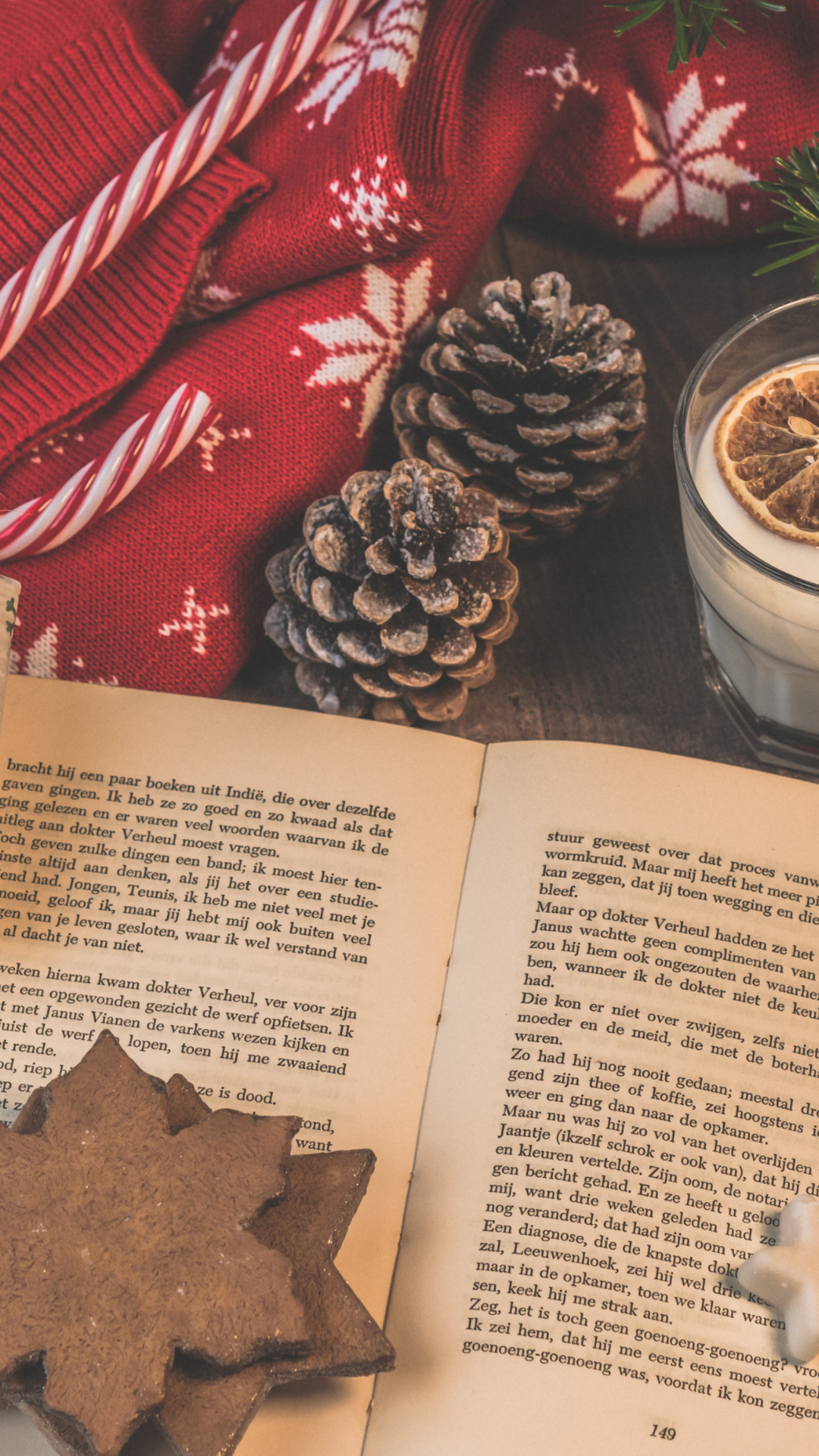
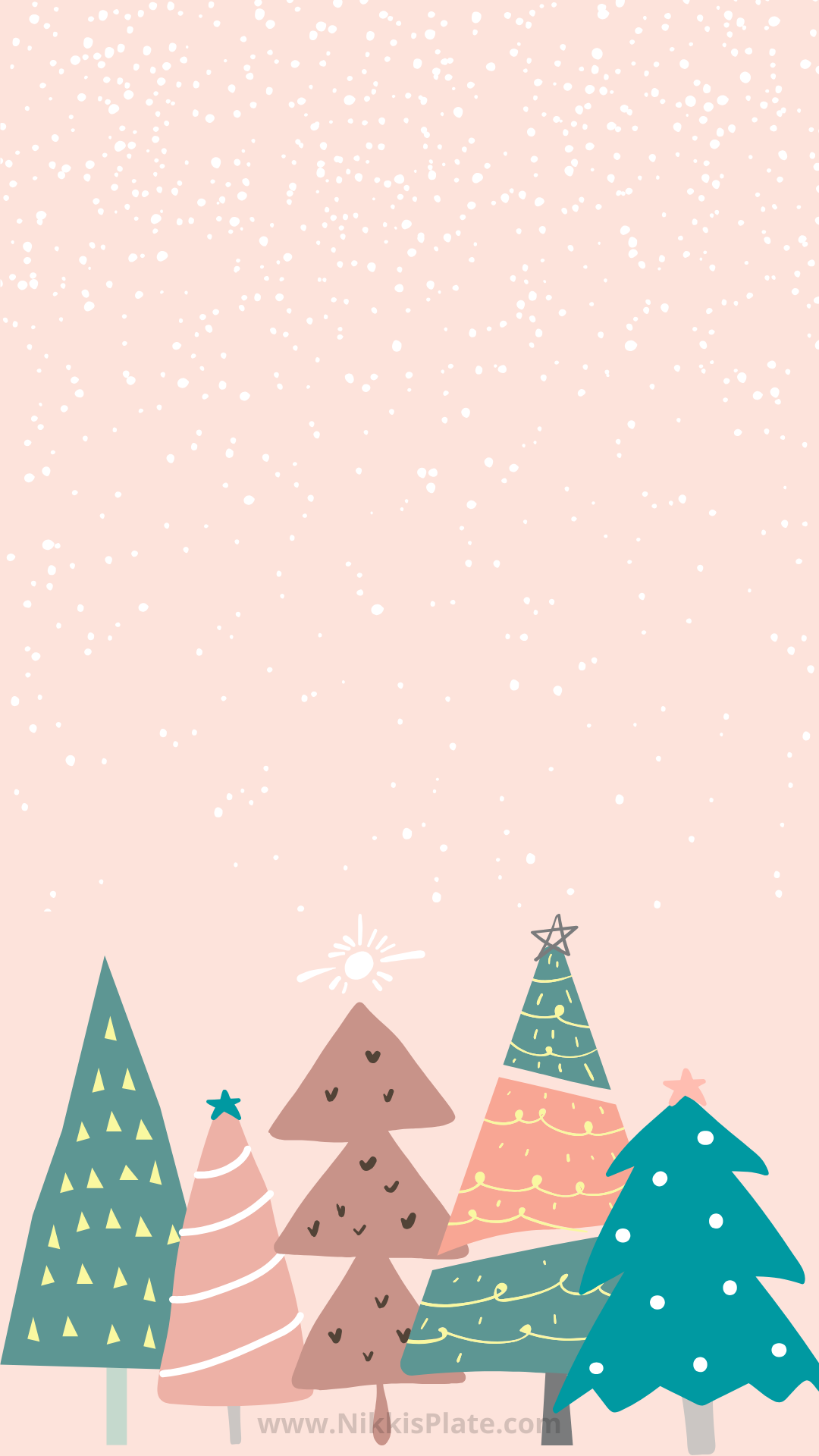

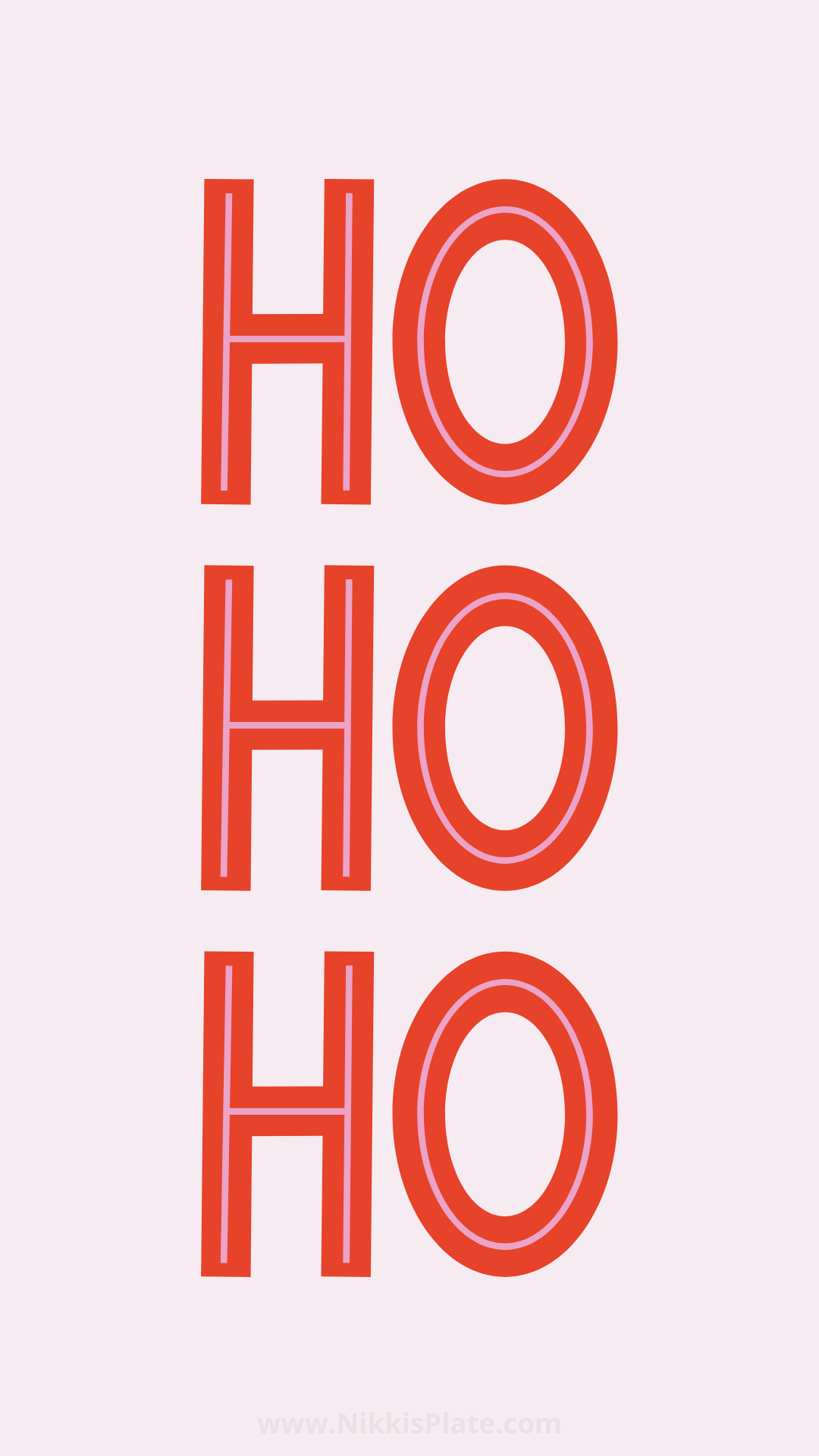

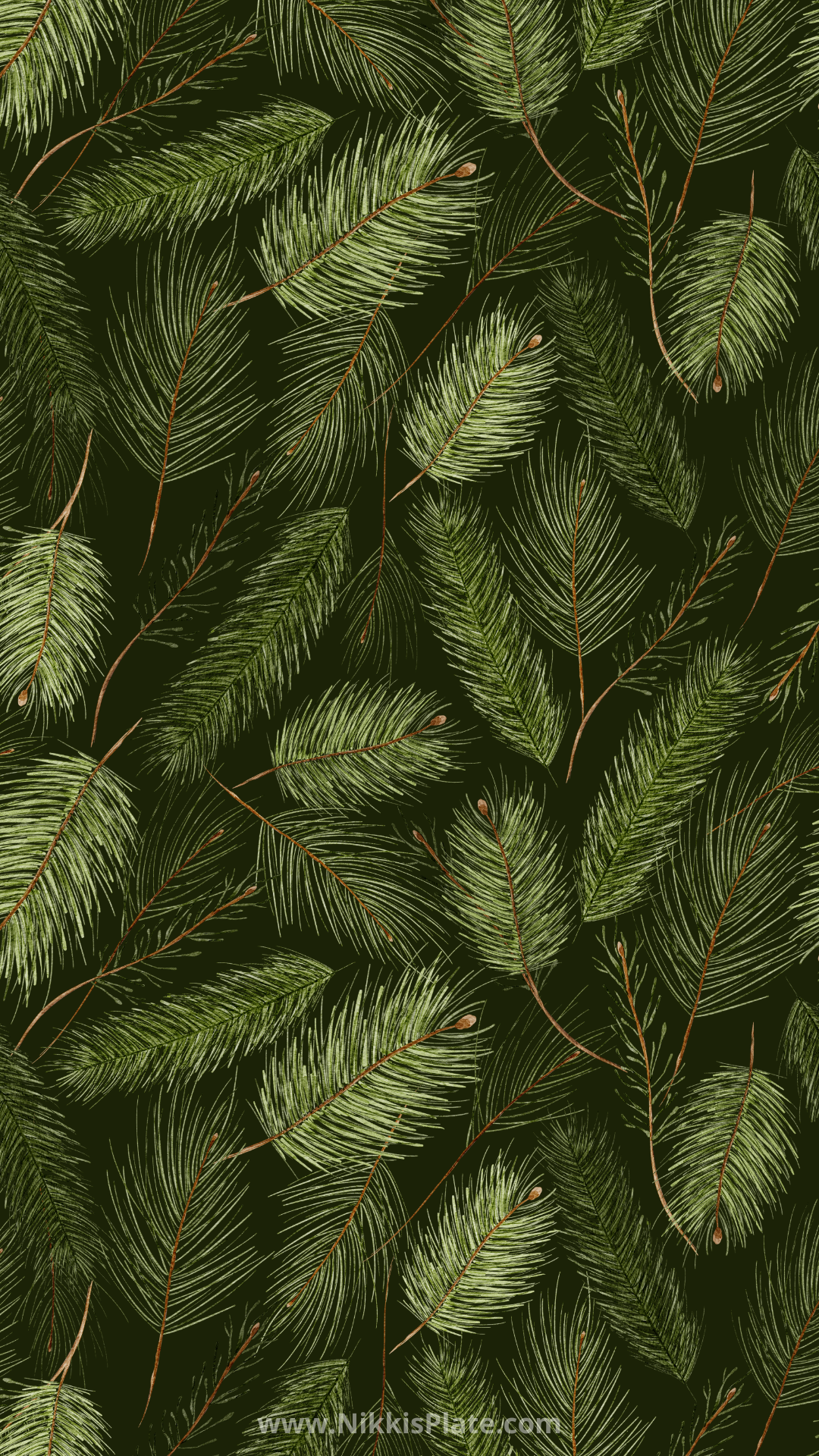
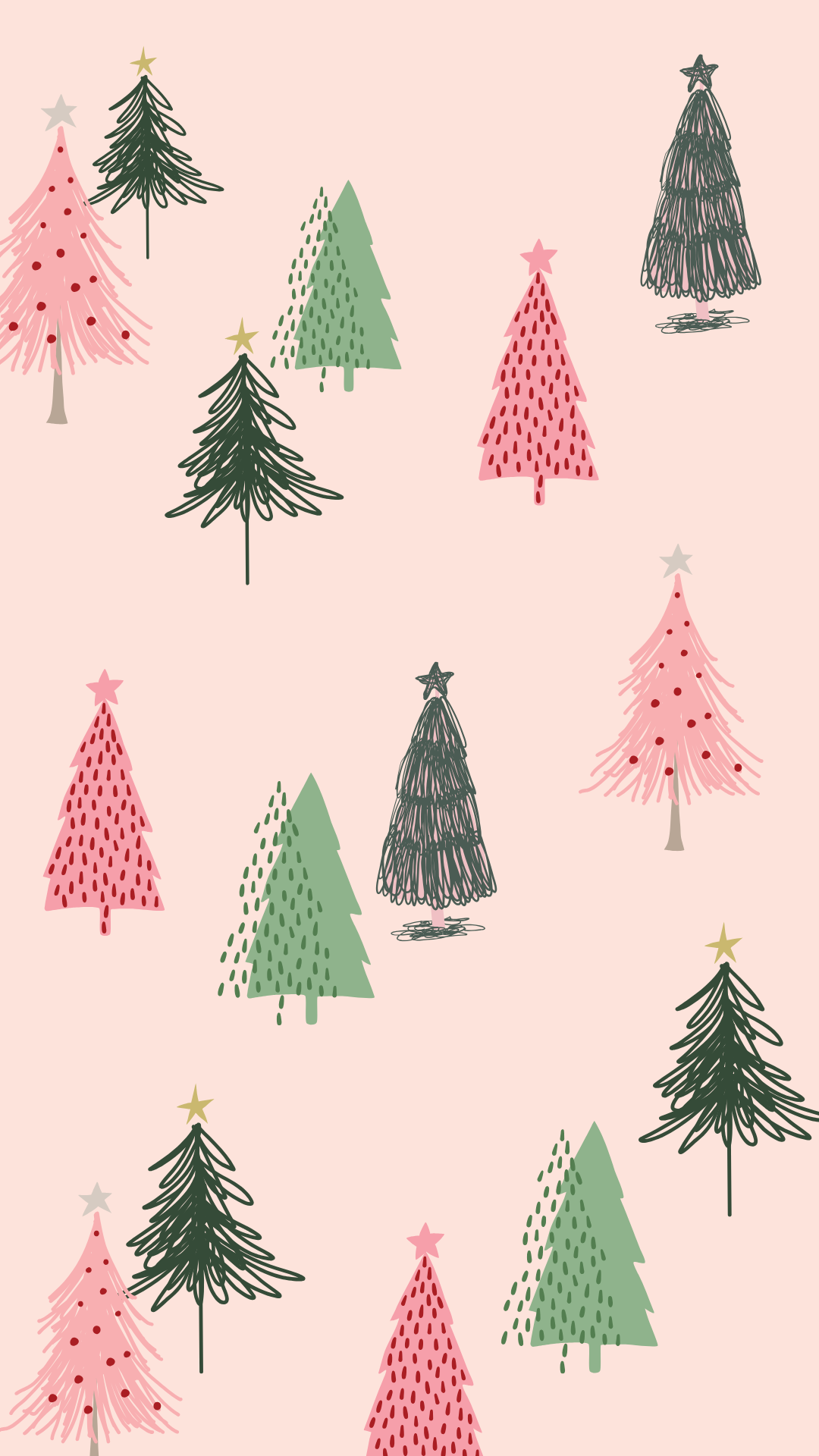

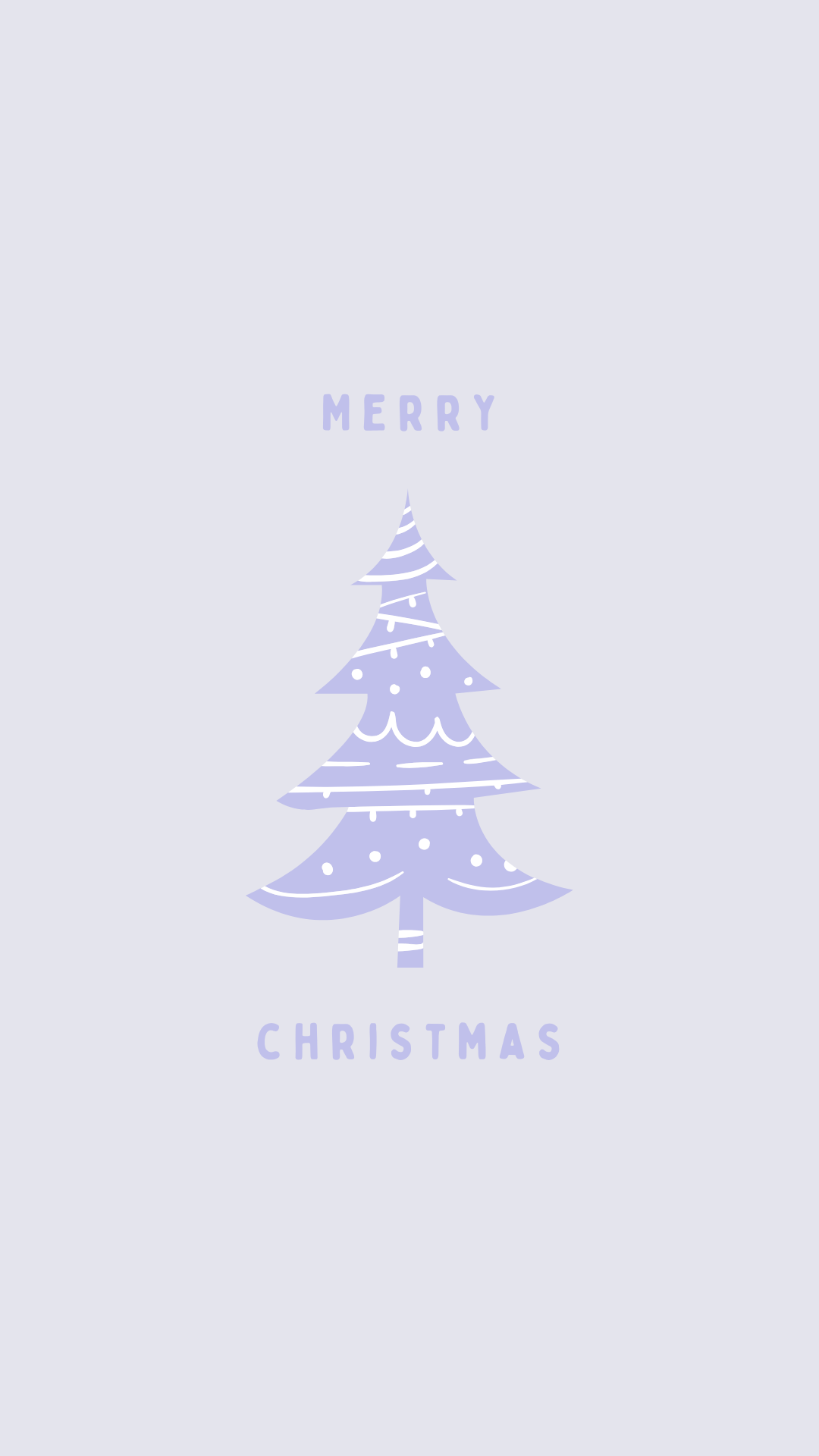
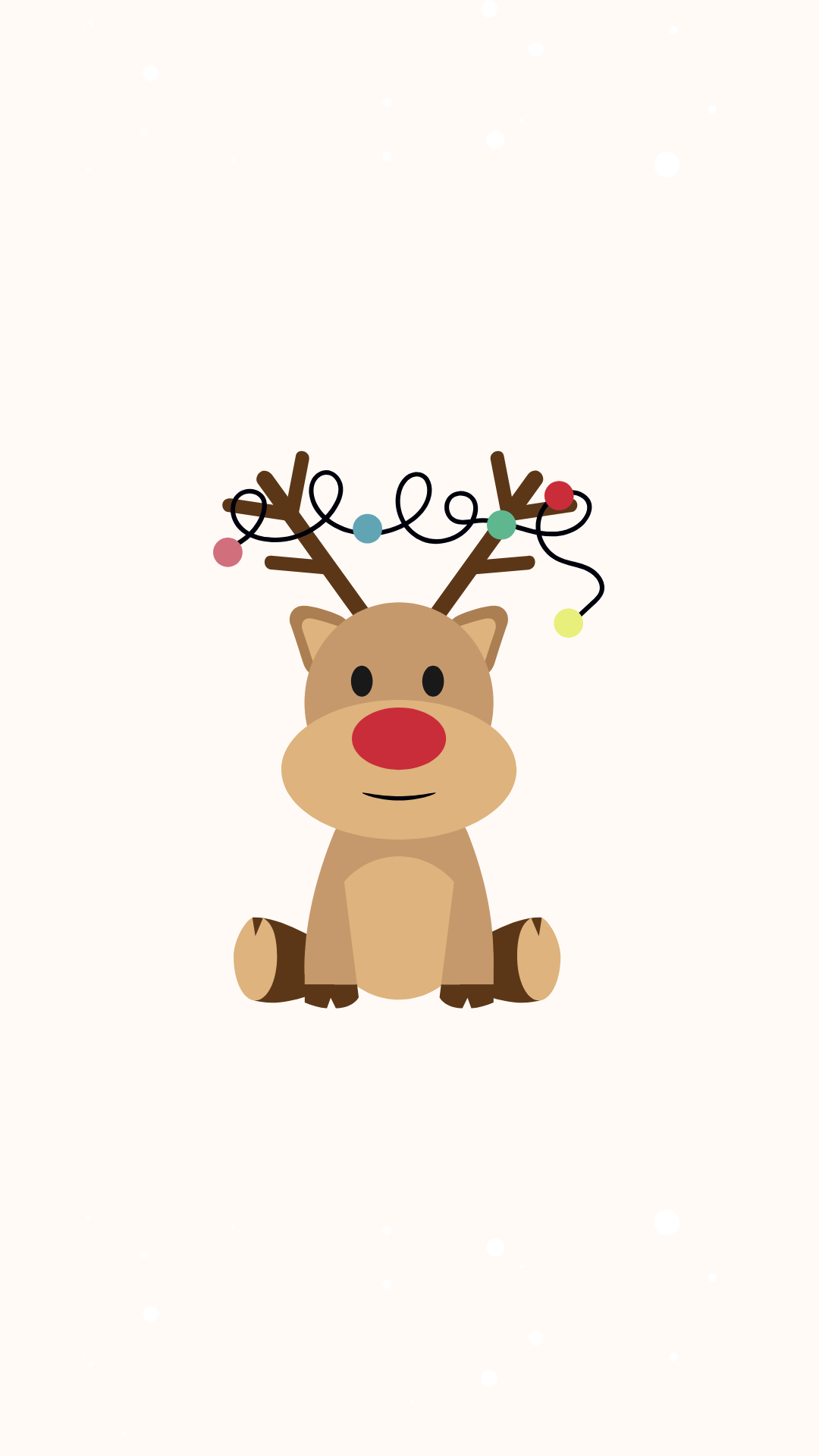


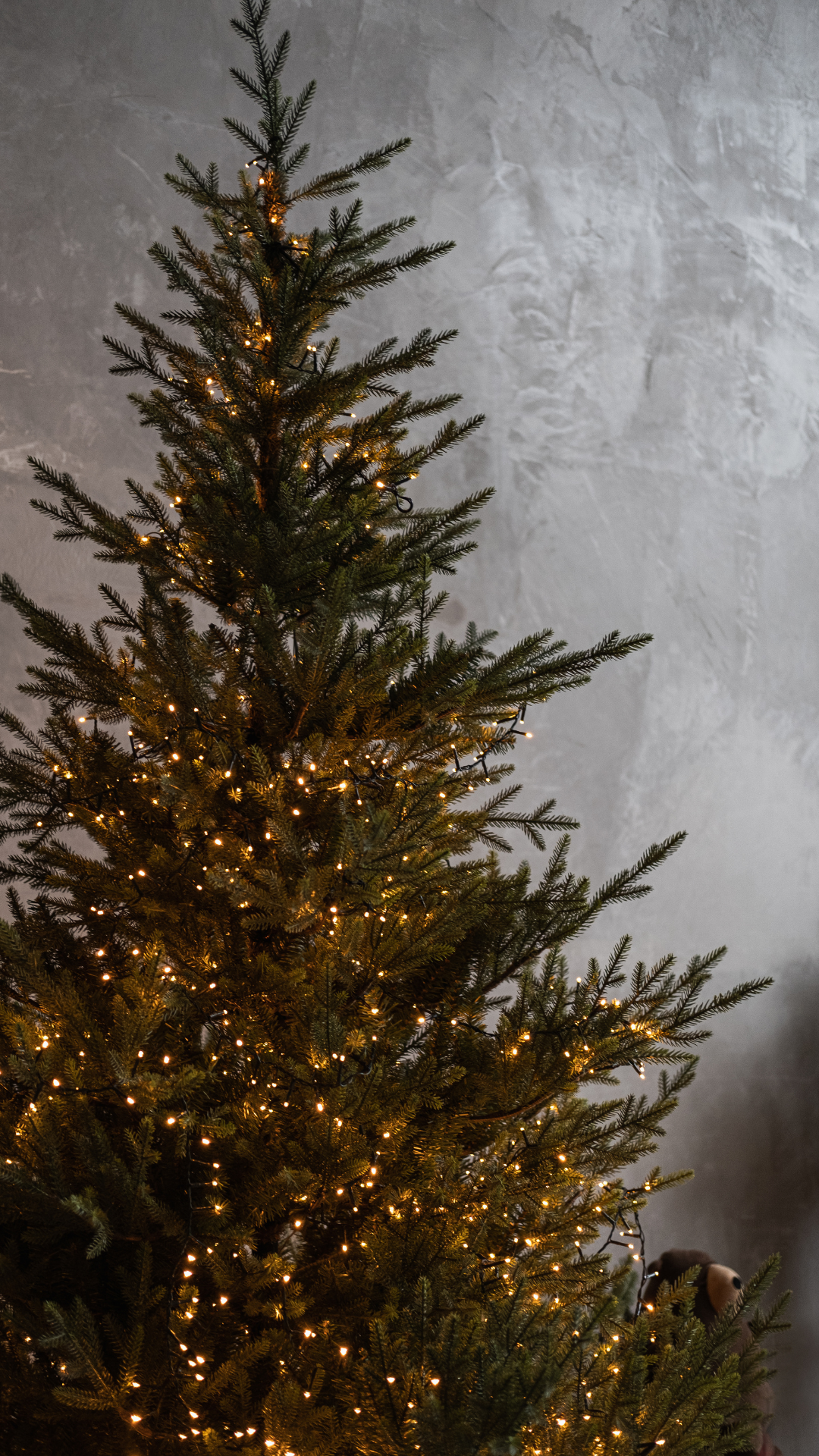
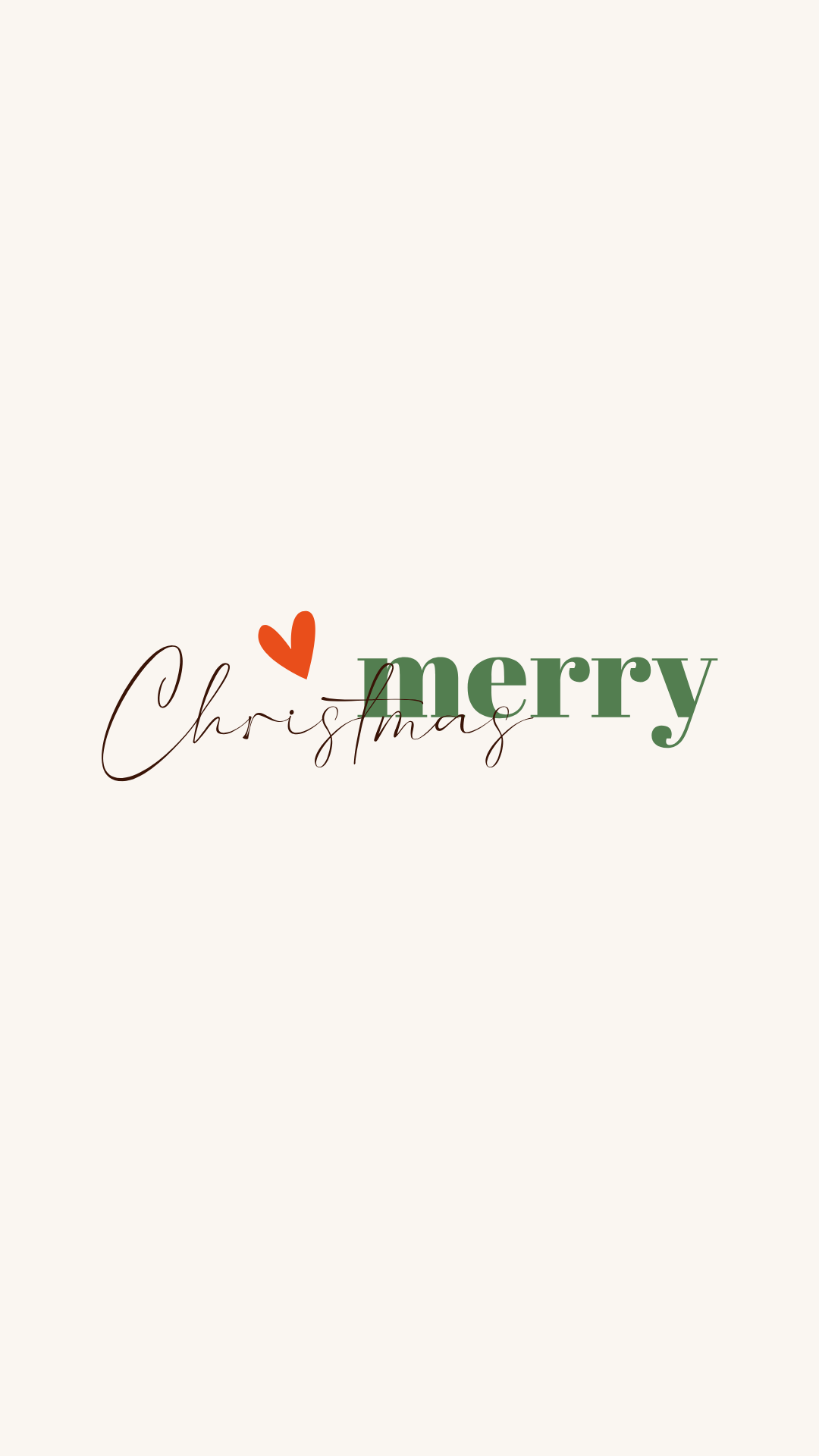


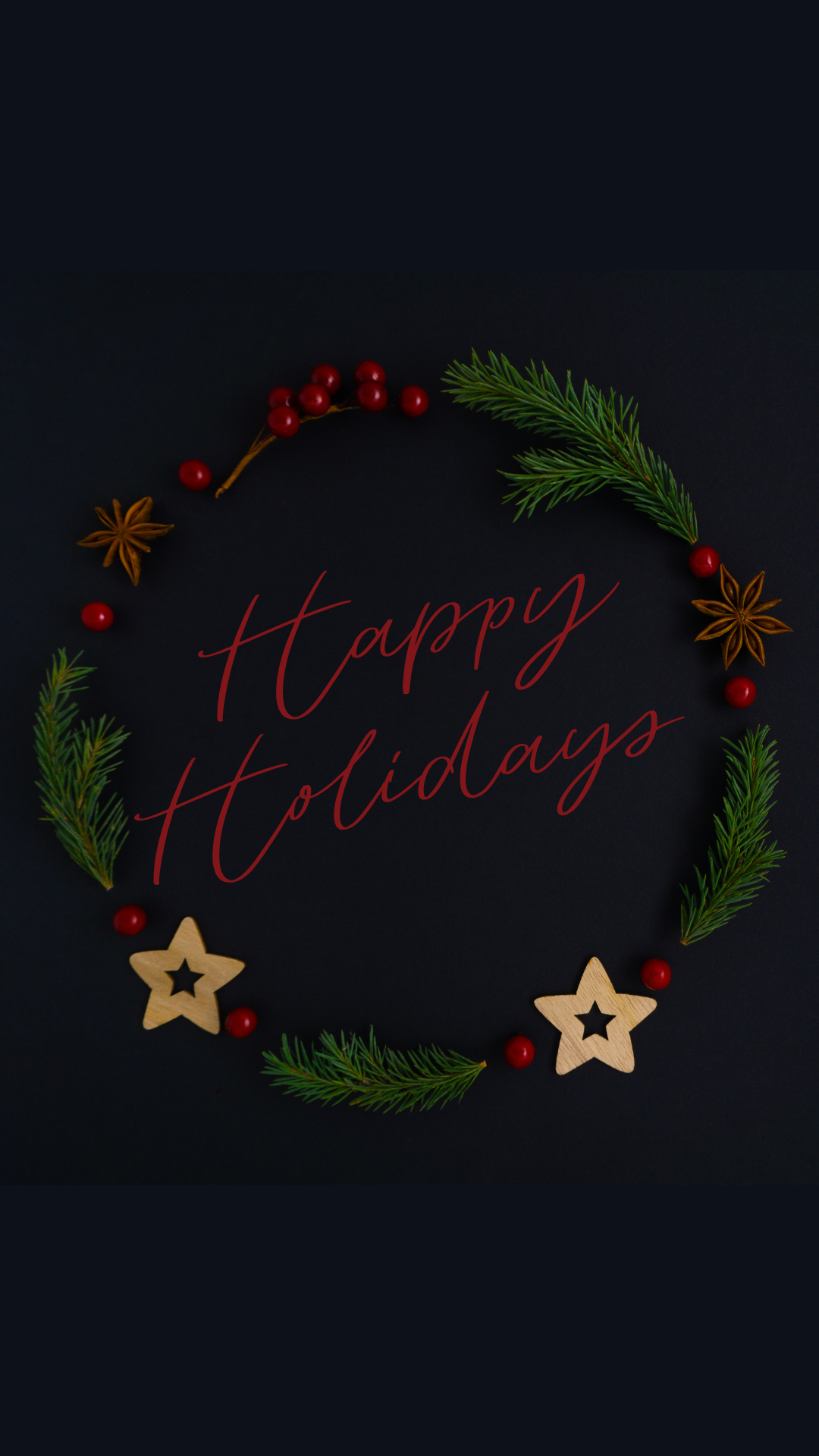


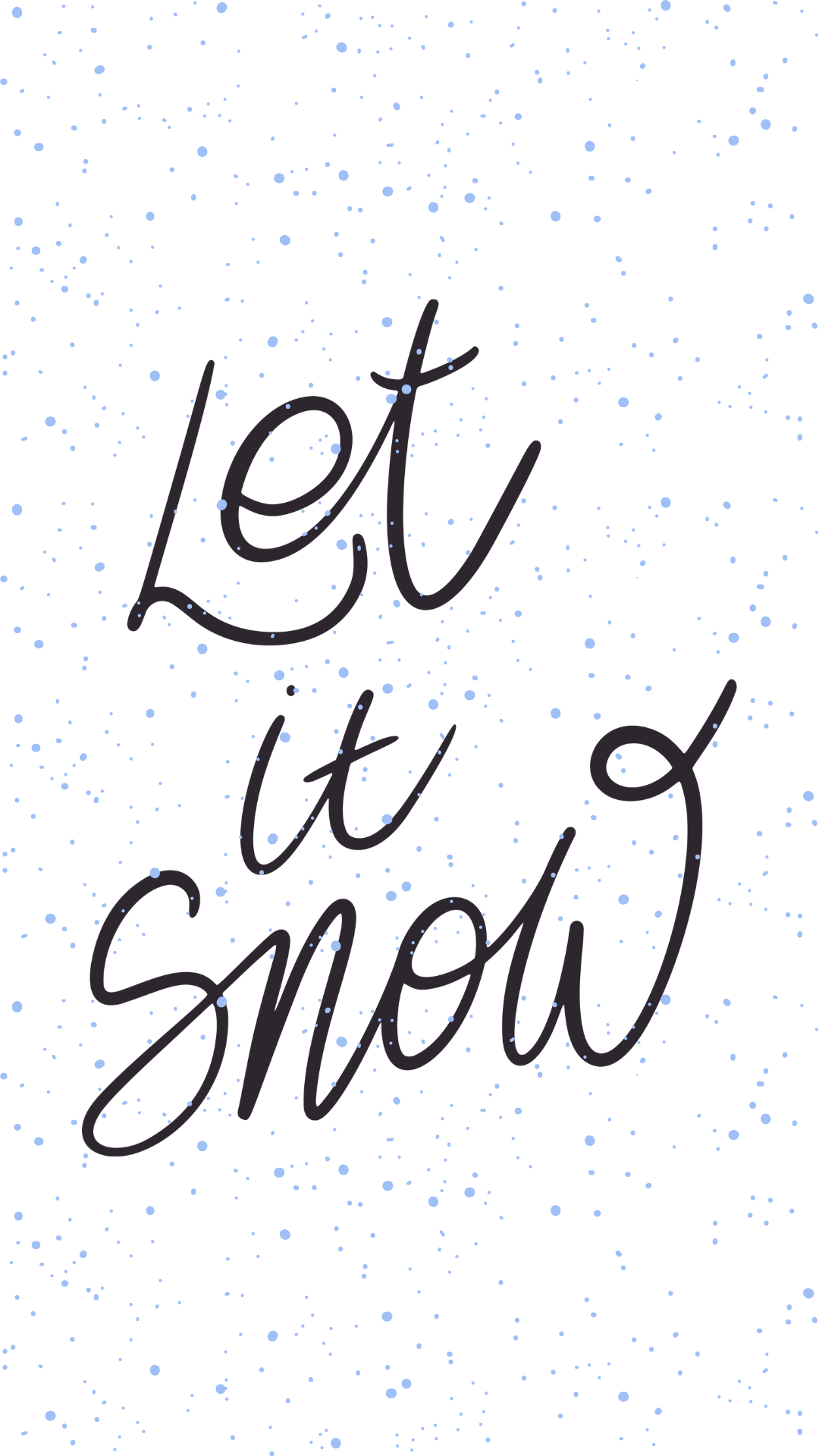


How to Download and Set a Christmas iPhone Wallpaper
- Choose a design. Tap its preview or Download Here link to open the full image.
- Save the image. On your iPhone, touch and hold the opened image and choose the option to save it to Photos. If your browser shows a sharing menu instead, use its image-saving option.
- Open your wallpaper settings. Go to Settings → Wallpaper → Add New Wallpaper → Photos and select the image you saved.
- Adjust the crop. Move or resize the image in the preview so the part you love stays visible around the clock and widgets. Tap Add.
- Choose where it goes. Select Set as Wallpaper Pair for both screens, or Customize Home Screen if you want a different image or appearance behind your apps.
Apple's iPhone wallpaper instructions show the current Lock Screen and Home Screen options if the menus on your phone look a little different.
If Your Wallpaper Looks Zoomed In
Try moving the image in the wallpaper preview before you tap Add. iPhone screens have different shapes, so some edges may be cropped. If a detail sits close to the top of a design, leave enough space for your clock and widgets.
If You Can't Find the Image in Photos
Open the Download Here link again and save the full image rather than the small preview on this page. Then check your recent images in Photos before returning to Settings → Wallpaper.
More Free Christmas and Winter Wallpapers
Want a festive background for your computer too? Browse my cute Christmas desktop wallpapers, pastel Christmas desktop backgrounds, and Christmas aesthetic wallpaper freebies.
And when Christmas is over, you can keep the cozy feeling going with my free winter iPhone wallpapers.
Christmas iPhone Wallpaper FAQs
Yes! You can save the wallpapers in this collection for personal use.
No. Save the image to Photos, then select it in your iPhone's wallpaper settings.
Yes. After choosing your Lock Screen image, tap Customize Home Screen instead of Set as Wallpaper Pair.
Absolutely. Save as many favorites as you like and switch them throughout the Christmas season.
Please enjoy them for personal use rather than reposting or selling the files. The graphics used in this collection are credited to Canva or Depositphotos; rights to those graphics remain with their respective owners.
Final Thoughts on Christmas iPhone Wallpaper Backgrounds
I hope you found a cute Christmas iPhone wallpaper that makes you smile every time you pick up your phone. Save a few favorites now so they're ready whenever you feel like changing your screen.
Which one did you choose? Let me know in the comments! And if you want another seasonal refresh later, take a peek at my winter iPhone wallpaper collection.
Until next time,



As Seen on TikTok
Come behind the scenes of our farmhouse build, decor projects, and cozy everyday life. Tap a video to watch, then follow @nikkisplate on TikTok for more.
Watch this video on TikTok
Watch this video on TikTok
Watch this video on TikTok


Leave a Reply