
Give your computer a nostalgic holiday refresh with 30 free vintage Christmas wallpapers for desktop. Browse retro Santa illustrations, snowy villages, classic ornaments and cosy seasonal scenes, then save your favourite full-size background and follow the simple setup steps.
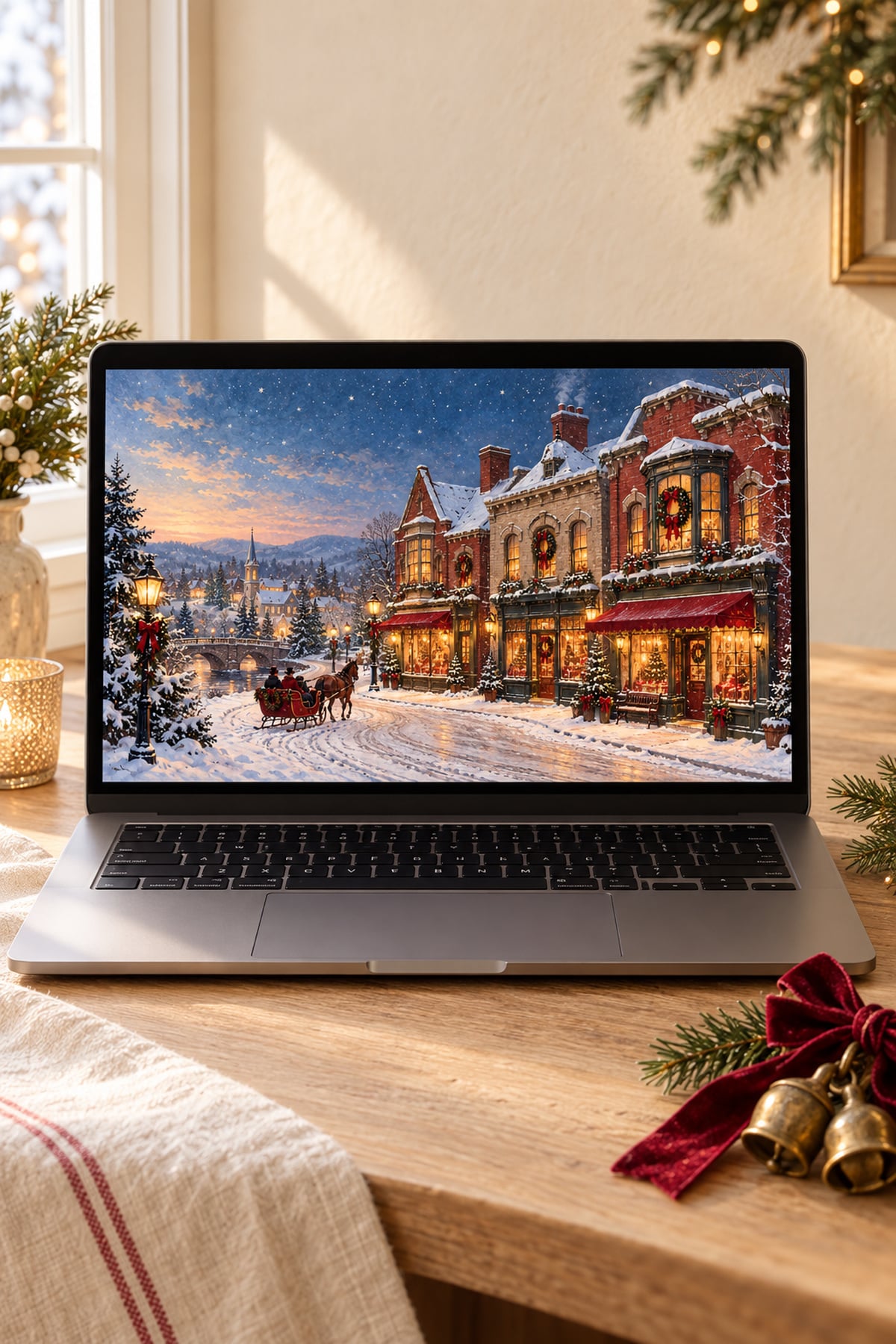
Hi beauties! If you love old-fashioned holiday cards, snowy little villages and classic red-and-green decorations, these free vintage Christmas wallpapers are a lovely way to bring that feeling to your desktop. A fresh background adds a little Christmas charm every time you open your laptop.
I love the look of worn brass, painted Santa illustrations and ornaments with a little nostalgic sparkle. This collection leans into those cosy details, with a mix of storybook scenes, retro patterns and quieter designs that leave room for your desktop icons.
Below, you'll find 30 landscape wallpapers, a download link beneath each one and simple steps for setting your favourite on a Mac or Windows computer. For more styles, you can also browse my free Christmas wallpaper collections.
30 Free Vintage Christmas Wallpapers for Desktop
These wallpapers are free for personal use and come as landscape JPG files at 2560 × 1440 px in a 16:9 ratio. They are made for desktop computers and laptops; screens with different proportions may crop part of the design.
Click Download Wallpaper beneath your favourite image to open the full-size file, then save it to your computer. Save the original JPG rather than a screenshot of this page for the clearest result.
1. Vintage Santa by the Fireplace
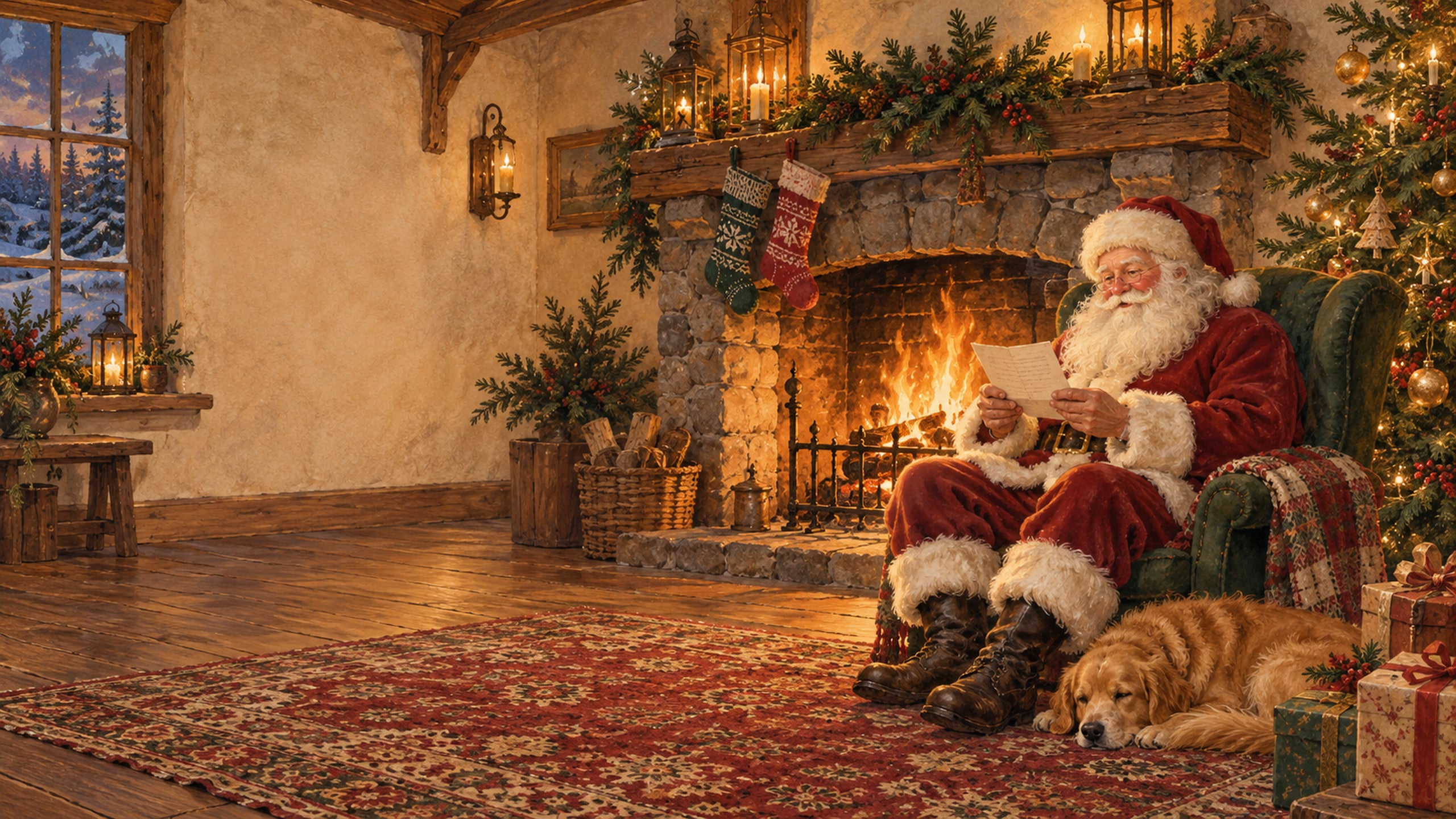
A rosy-cheeked Santa, knitted stockings and a softly glowing fireplace give this background the feel of an old Christmas storybook. The deep red and evergreen colours are lovely if you enjoy a traditional holiday palette.
2. Snowy Victorian Christmas Village
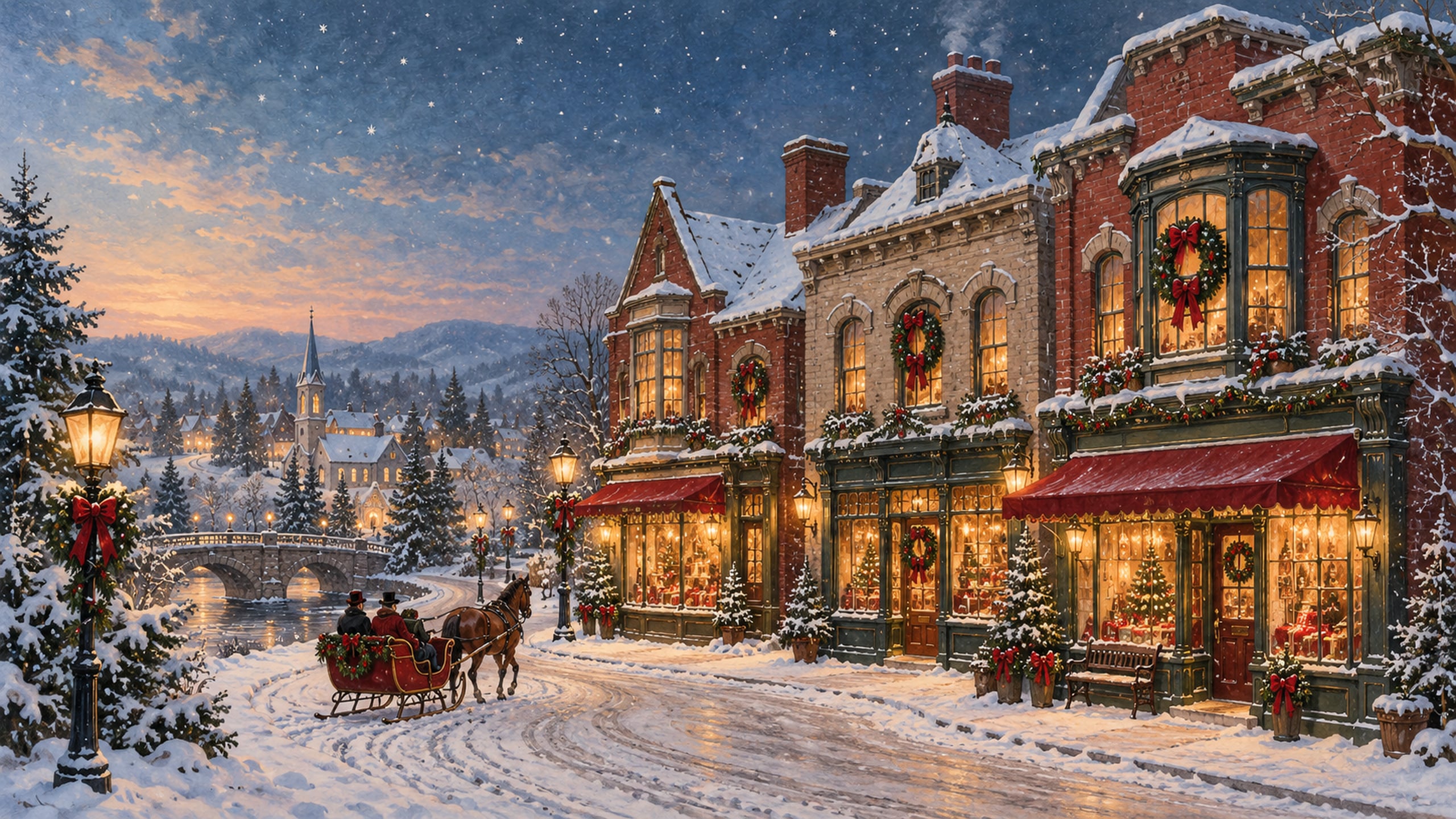
Snow-covered rooftops, wreath-trimmed shop windows and a little horse-drawn sleigh create a charming old-world scene. I love the warm window light against the soft blue evening sky.
3. 1950s Christmas Living Room
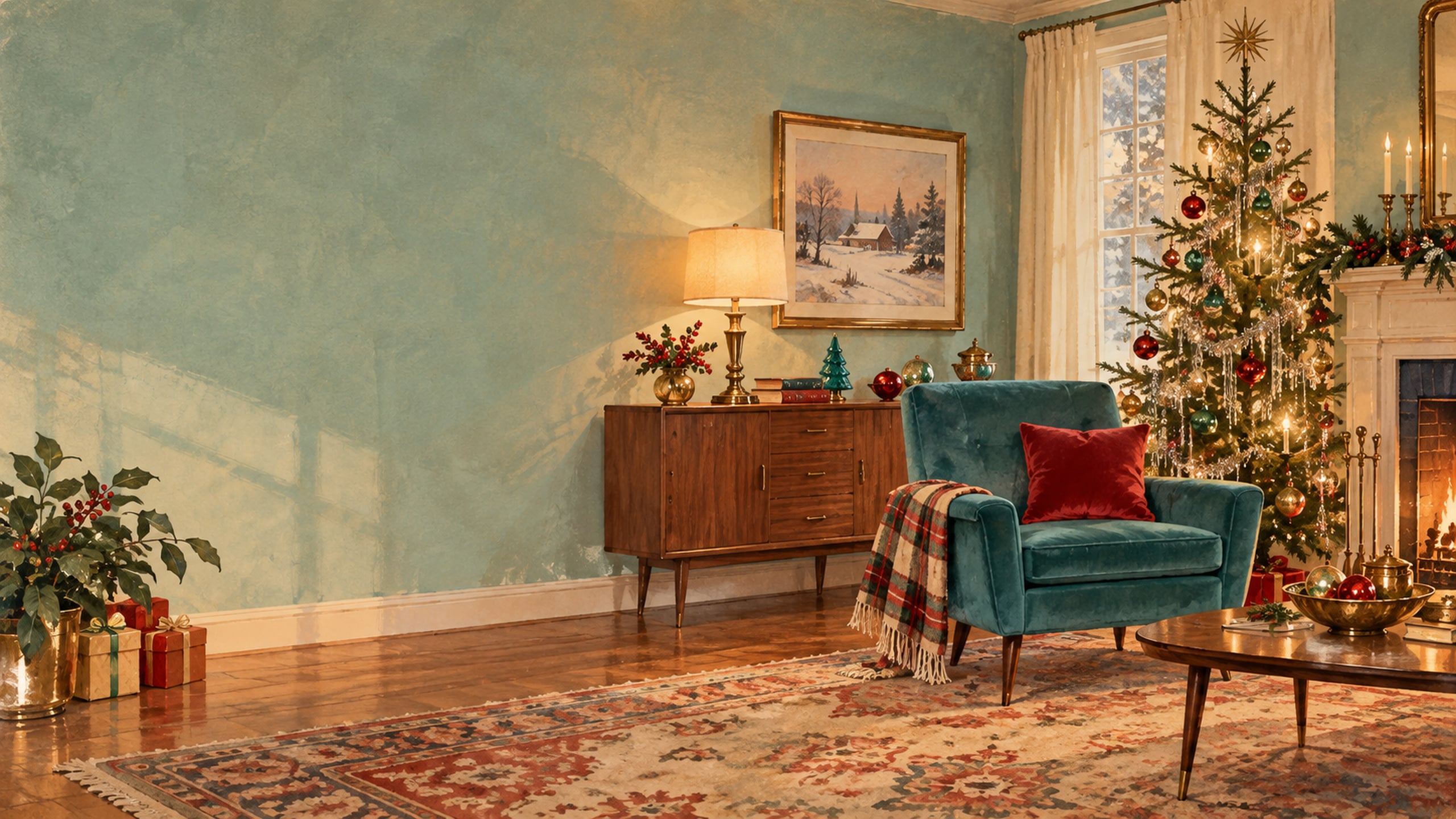
A tinsel-trimmed tree and simple mid-century furniture bring a cheerful retro mood to your screen. Small pops of teal and red make this one a fun choice if you prefer a little more colour.
4. Old-Fashioned Christmas Postcard
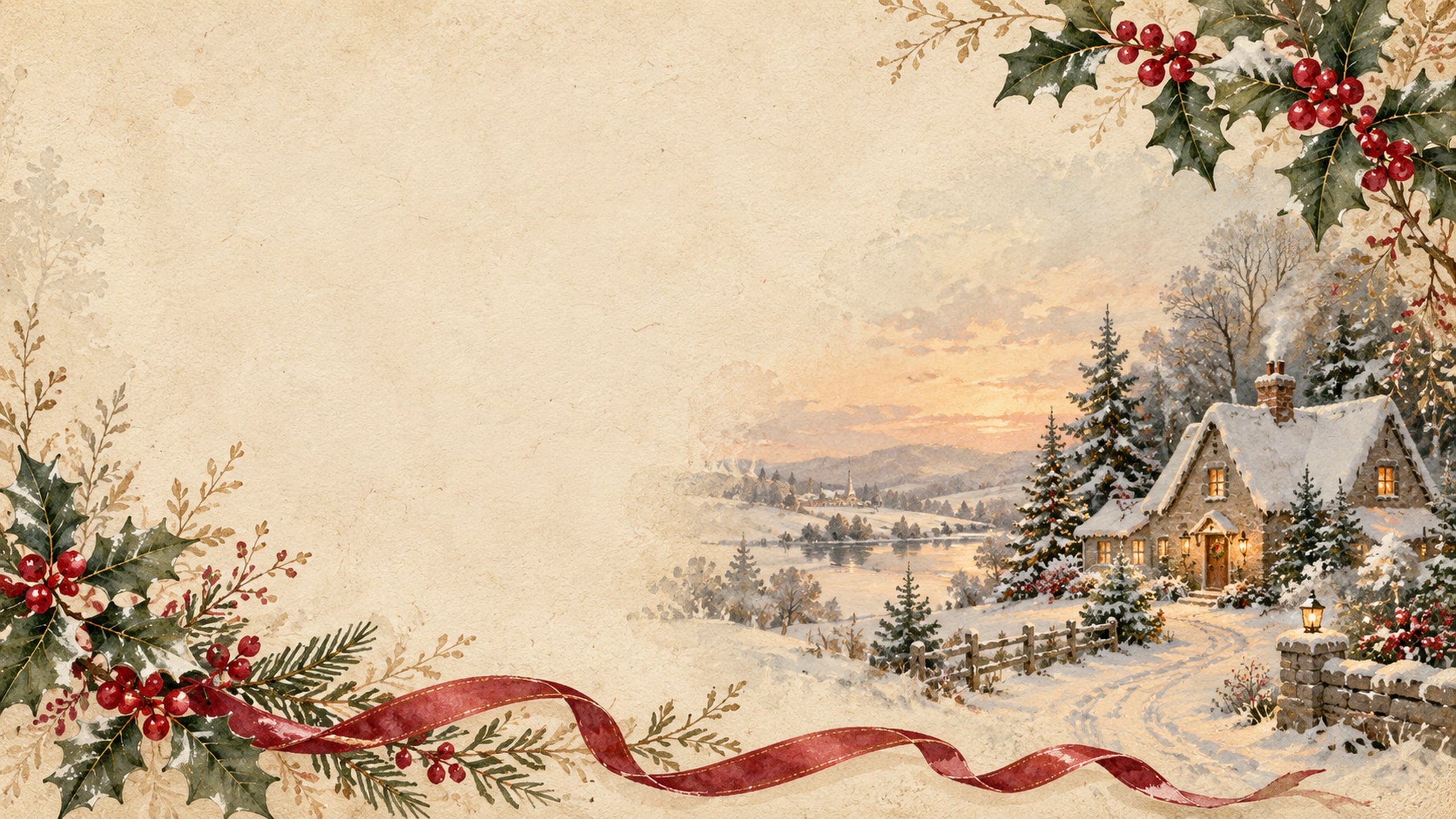
Cream paper, painted holly and a tiny snowy cottage give this design a Christmas-card feel. The open space keeps the composition gentle and easy to enjoy behind your desktop folders.
5. Antique Ornament Collection
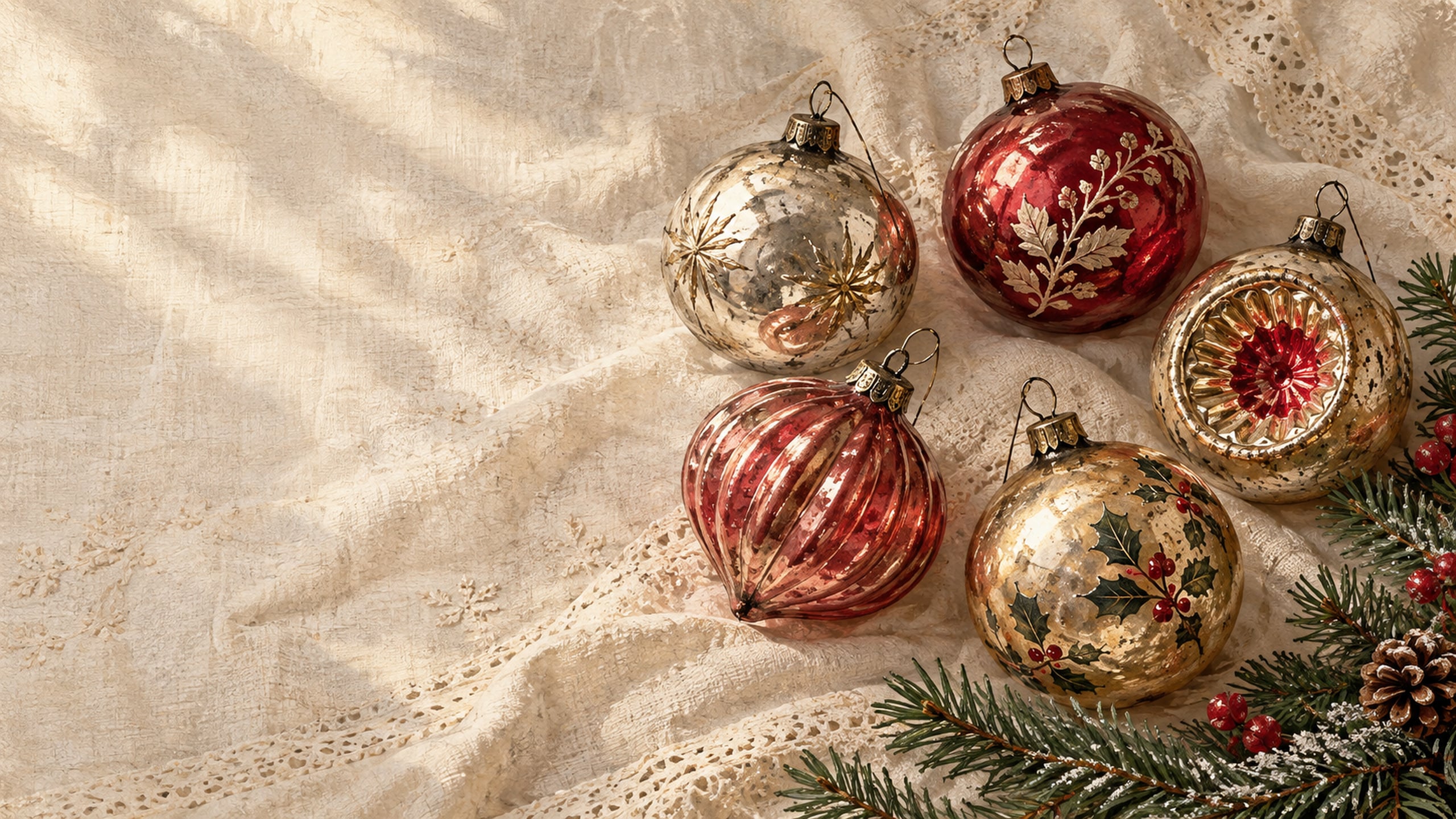
Reflector-style ornaments and mercury-glass textures add a little sparkle without making the screen feel too bright. The worn silver, warm gold and muted red tones look especially pretty with evergreen branches.
6. Retro Christmas Wrapping Paper
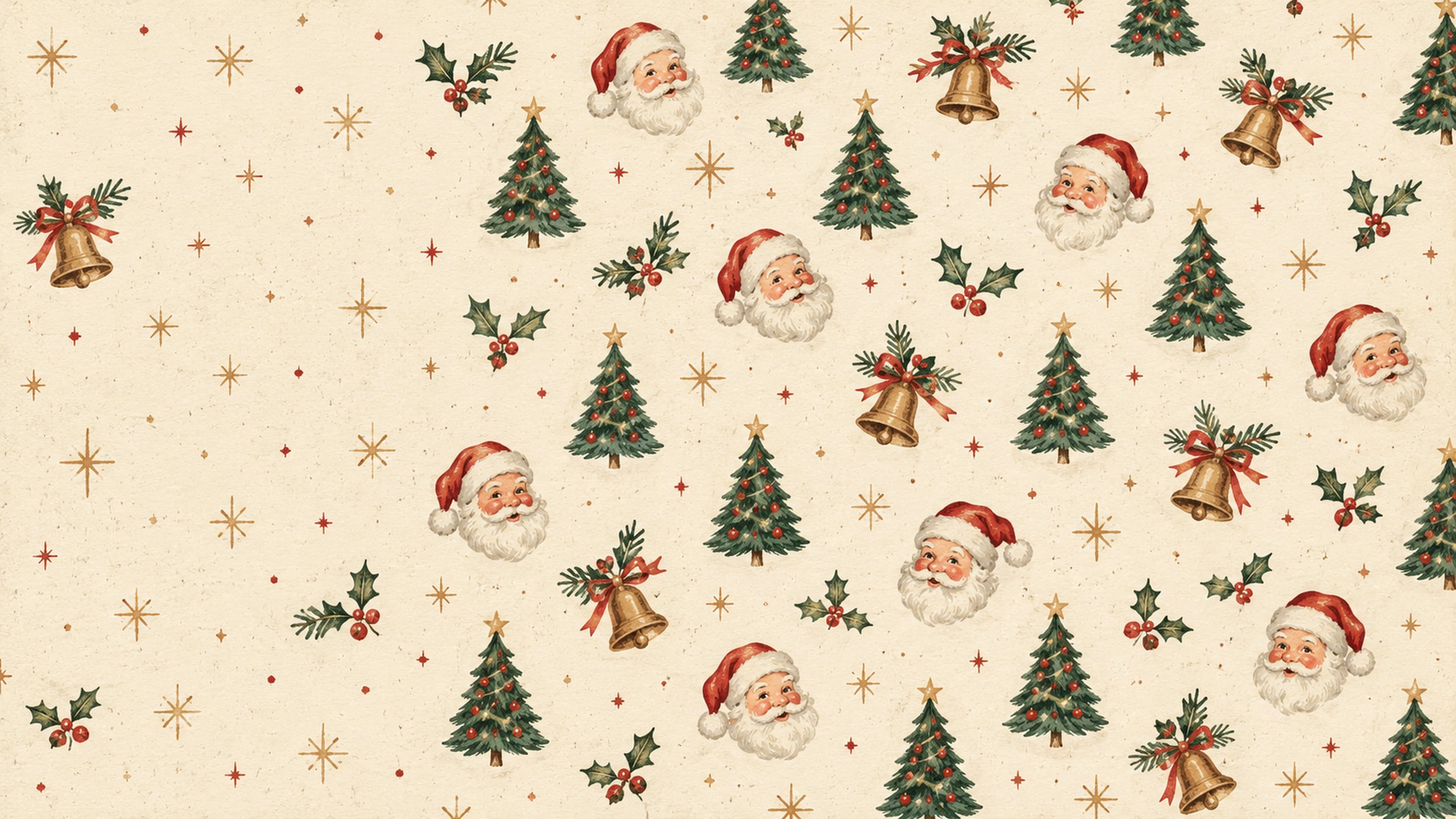
Little Santa faces, bells, and Christmas trees repeat across a warm cream background. This playful pattern feels like wrapping paper tucked away for the holidays, with plenty of nostalgic charm.
7. Classic Tartan Christmas
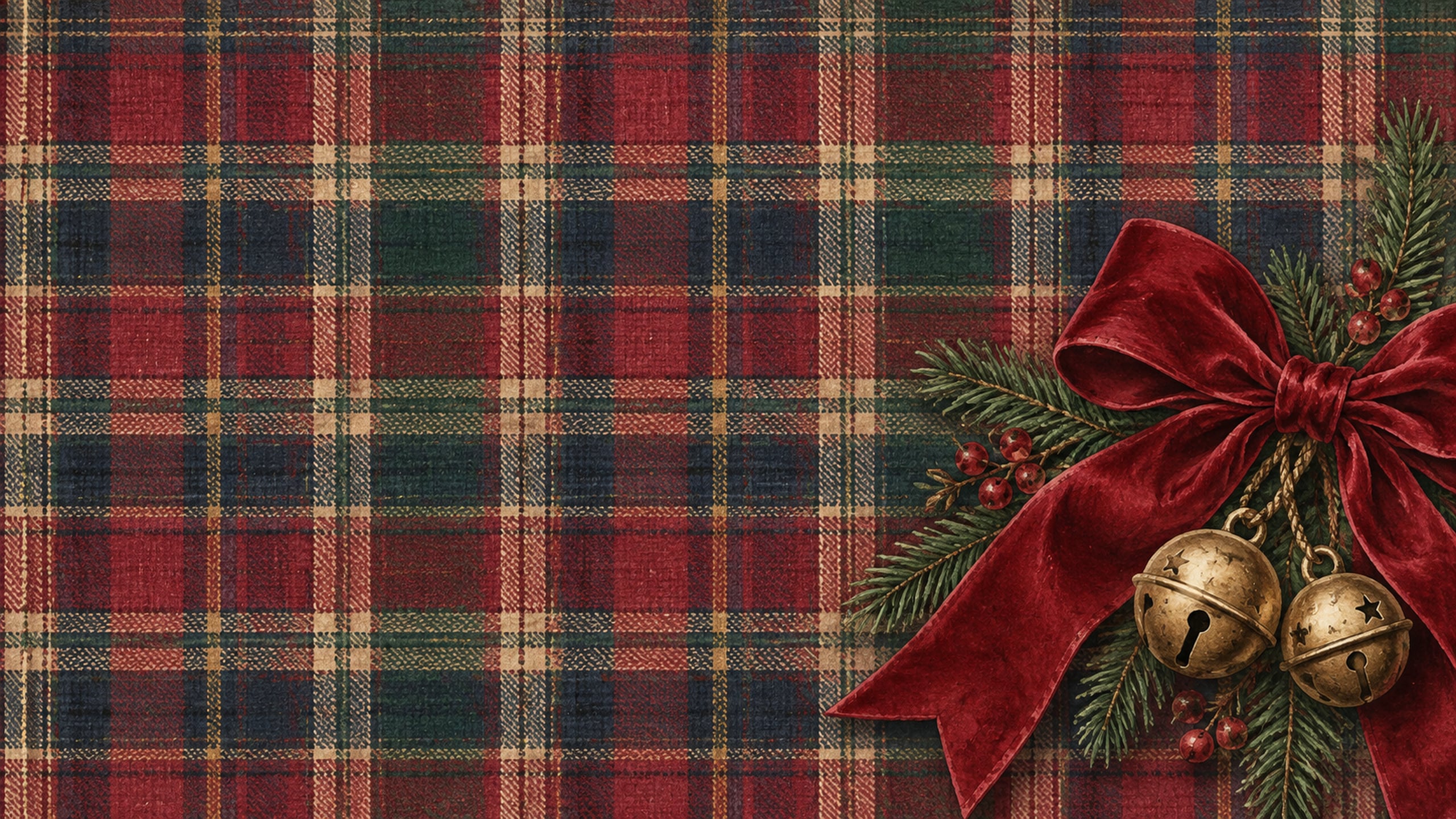
Red, green and navy tartan gives this wallpaper a cosy cabin feel. A velvet ribbon and small brass bells soften the pattern and add just enough Christmas detail.
8. Snowy Cottage at Dusk
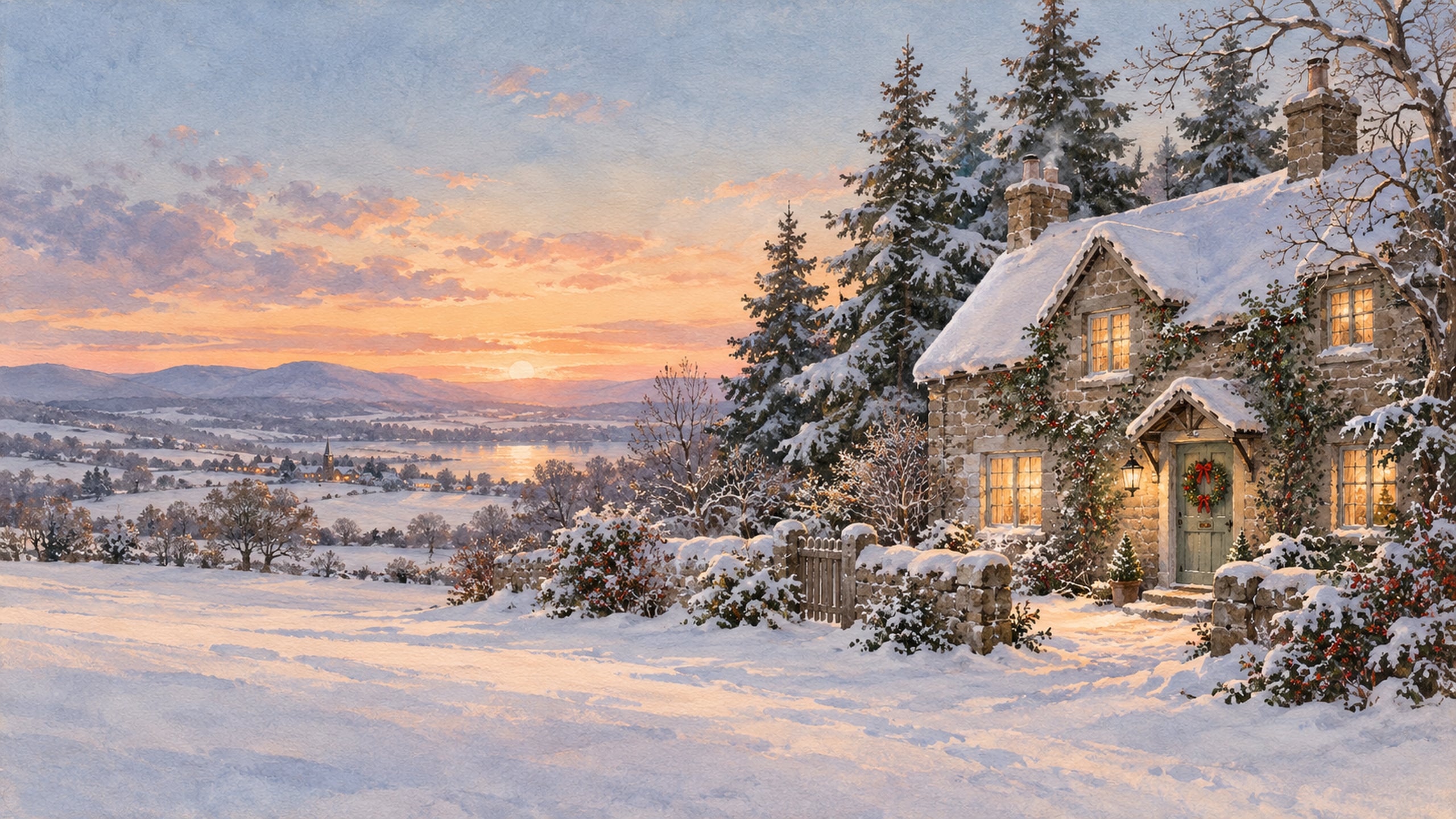
A little cottage surrounded by snow-covered pines makes this background feel quiet and inviting. The golden windows bring warmth to the scene, while the open snowy foreground gives your screen room to breathe.
9. Vintage Christmas Train
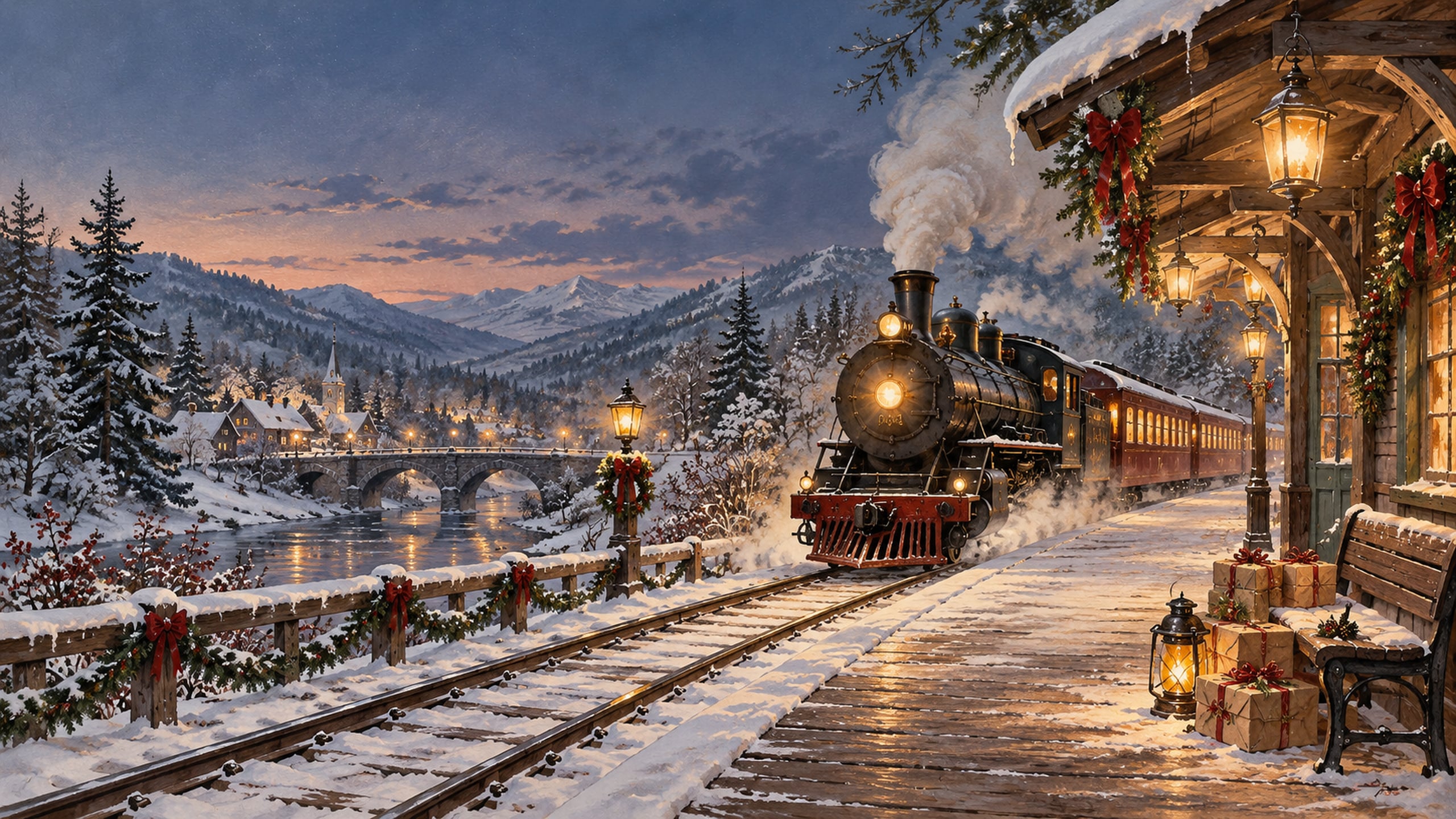
A steam train pulling into a snowy station adds a little holiday adventure to your desktop. Lantern light and wrapped parcels make the scene feel like the beginning of a Christmas story.
10. Retro Ceramic Christmas Tree
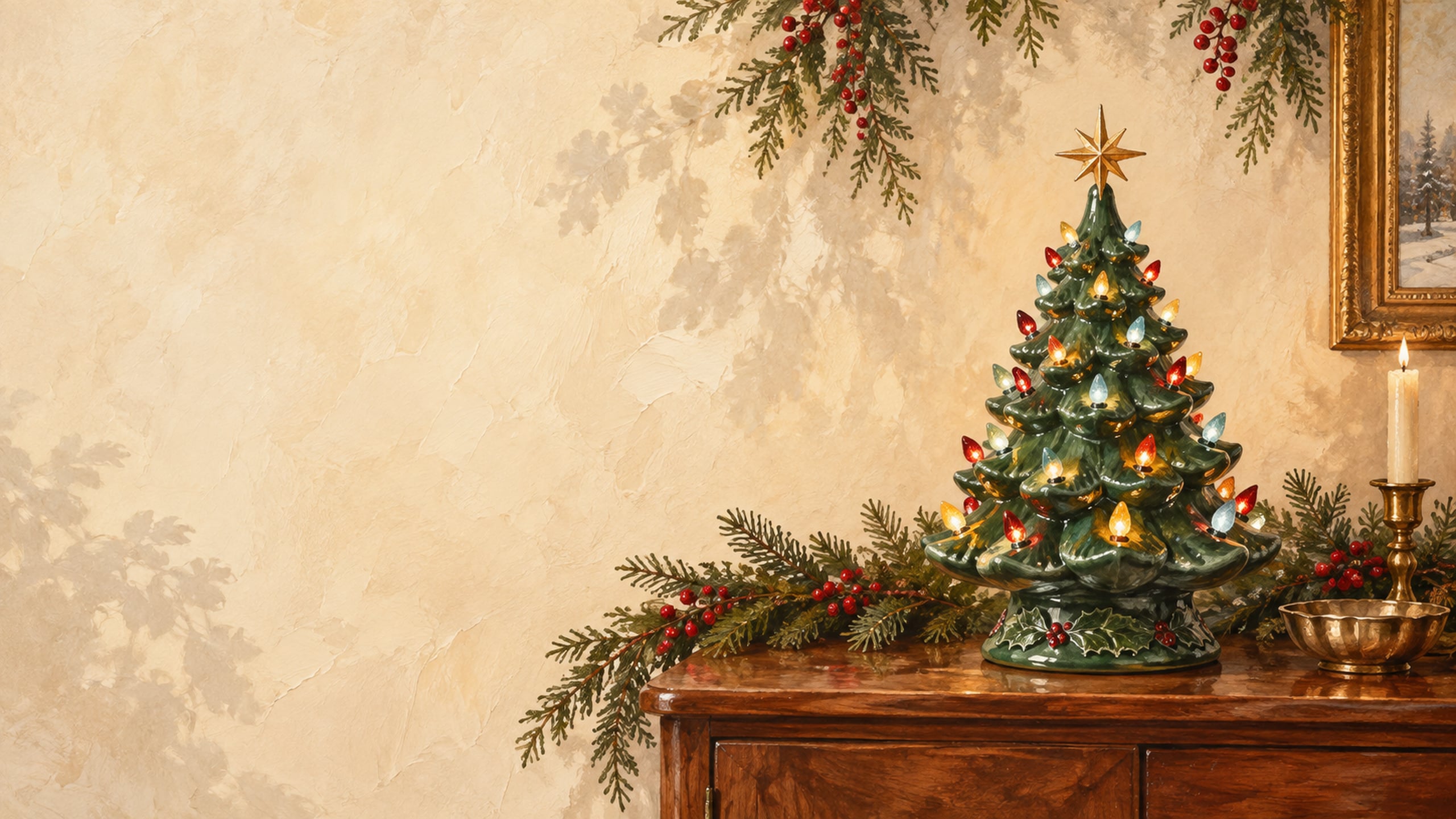
A green ceramic tree with tiny coloured lights is such a sweet nod to nostalgic Christmas decorating. A warm wood console and simple cream wall keep this wallpaper cosy and uncluttered.
11. Candlelit Christmas Window
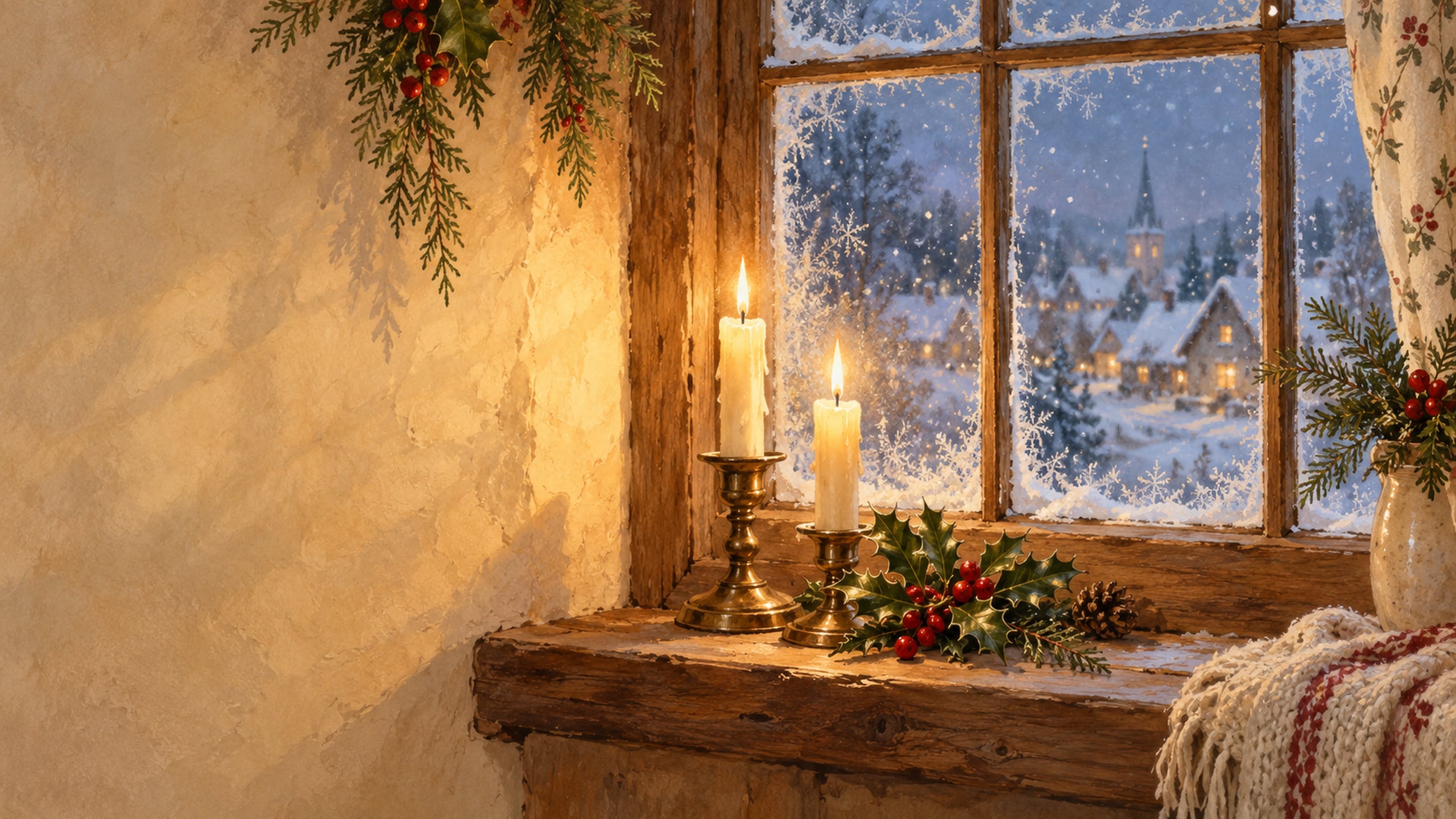
Frosted glass, holly sprigs and a warm candle glow give this design a peaceful evening mood. Soft snowfall outside adds a wintry touch without filling the whole screen with detail.
12. Vintage Christmas Toy Shop
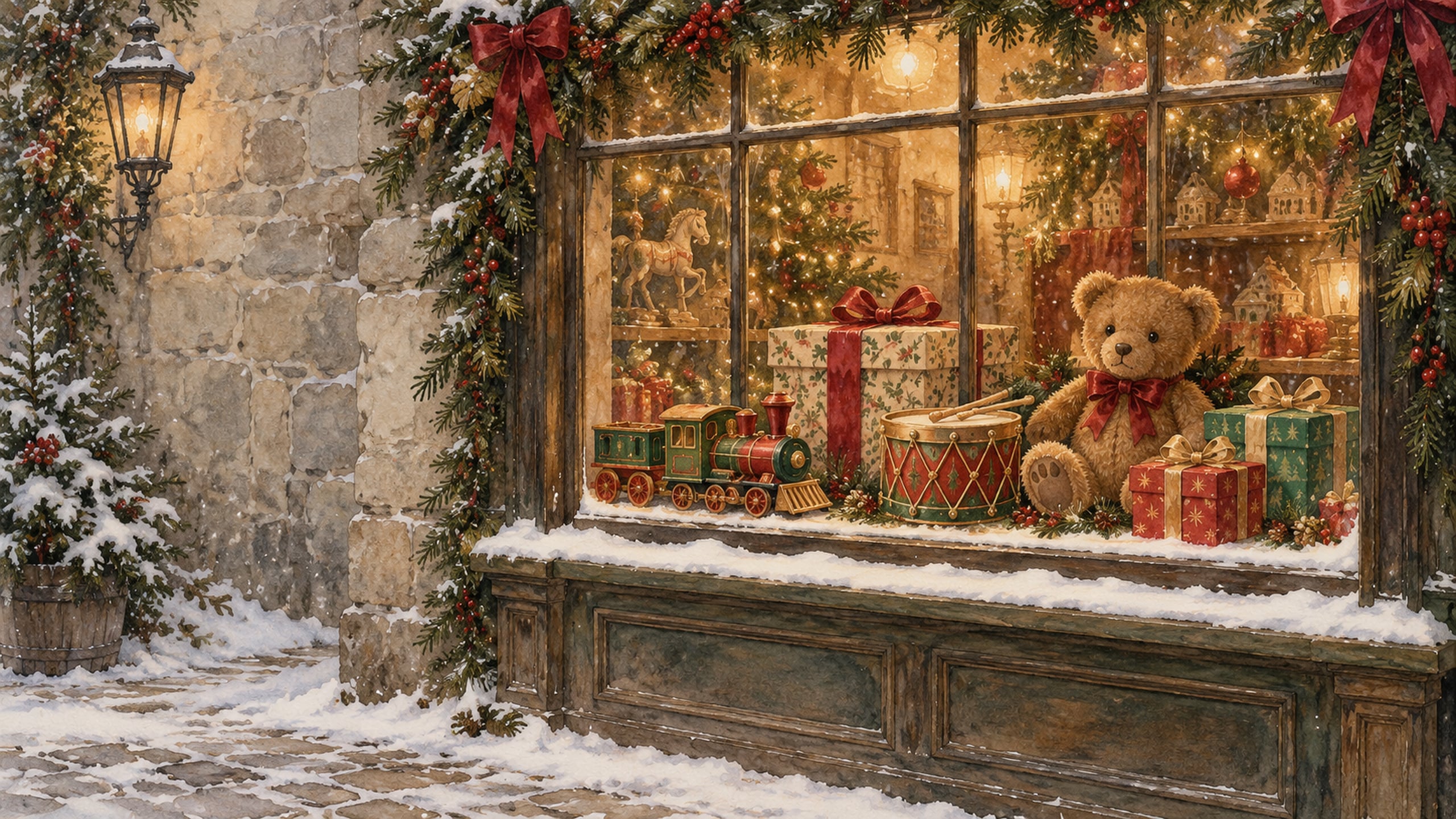
Wooden toys, a teddy bear, and ribbon-wrapped gifts fill this charming shop window. It is a lovely pick if you enjoy the playful side of an old-fashioned Christmas.
13. Horse-Drawn Sleigh in the Snow
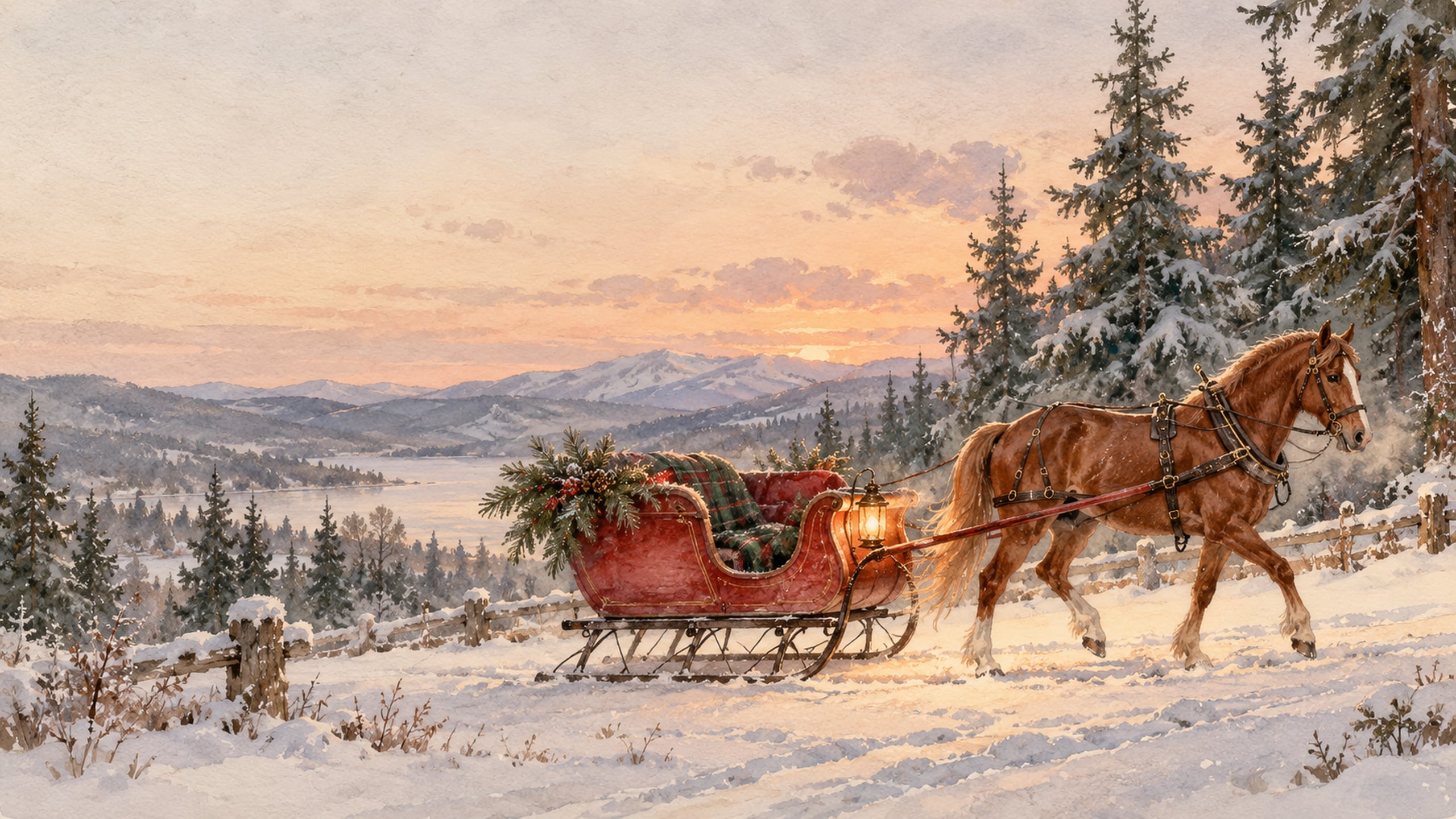
A red sleigh travelling through snowy evergreens brings a classic Christmas-card scene to your computer. The lantern glow and soft painted snow give this one a gentle, storybook finish.
14. Botanical Holly and Poinsettia
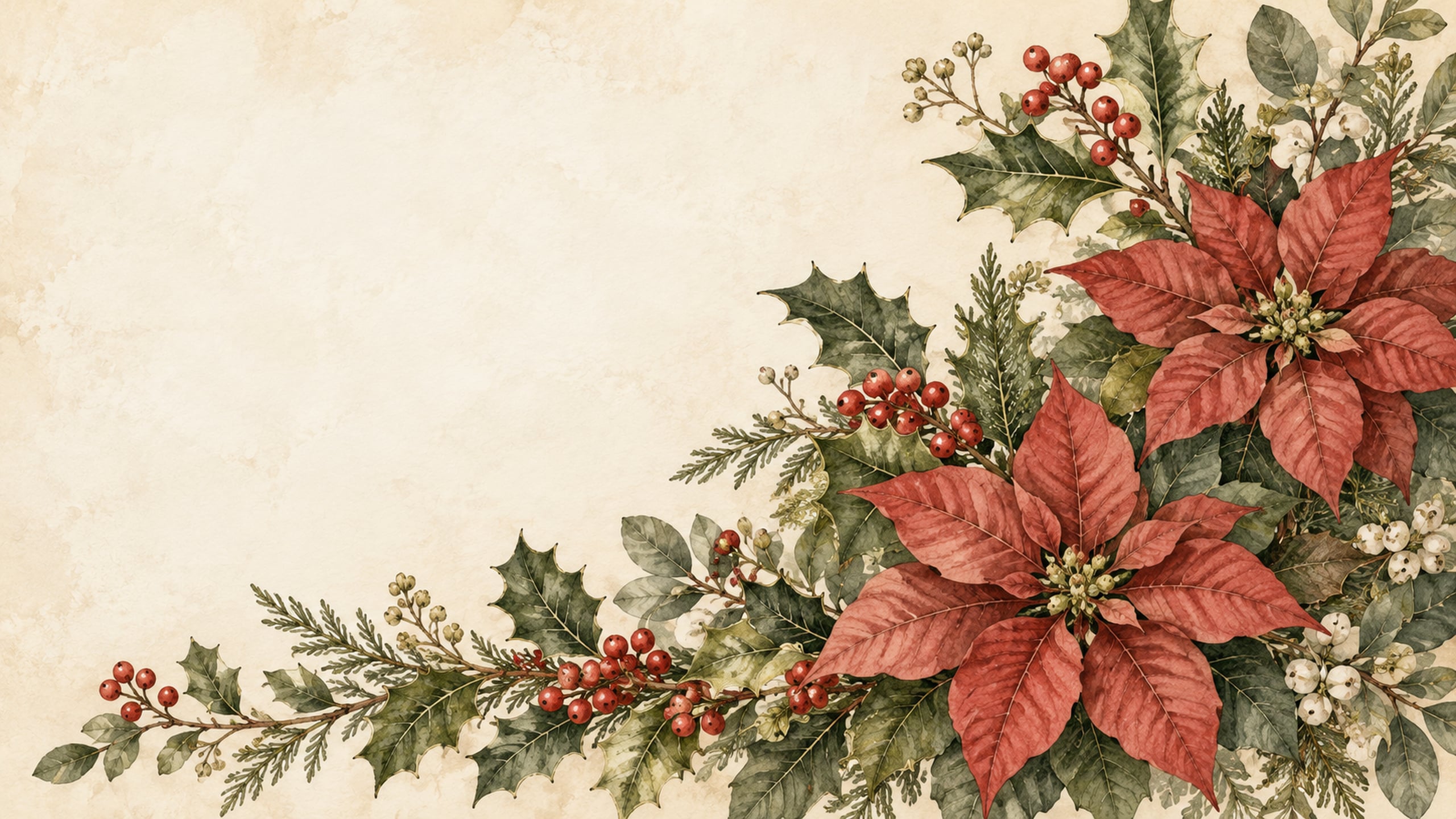
Painted holly leaves, red berries, and poinsettias sit against a warm paper background. This botanical design is a pretty choice when you want Christmas colour with a softer, more understated look.
15. Retro Gingerbread Kitchen
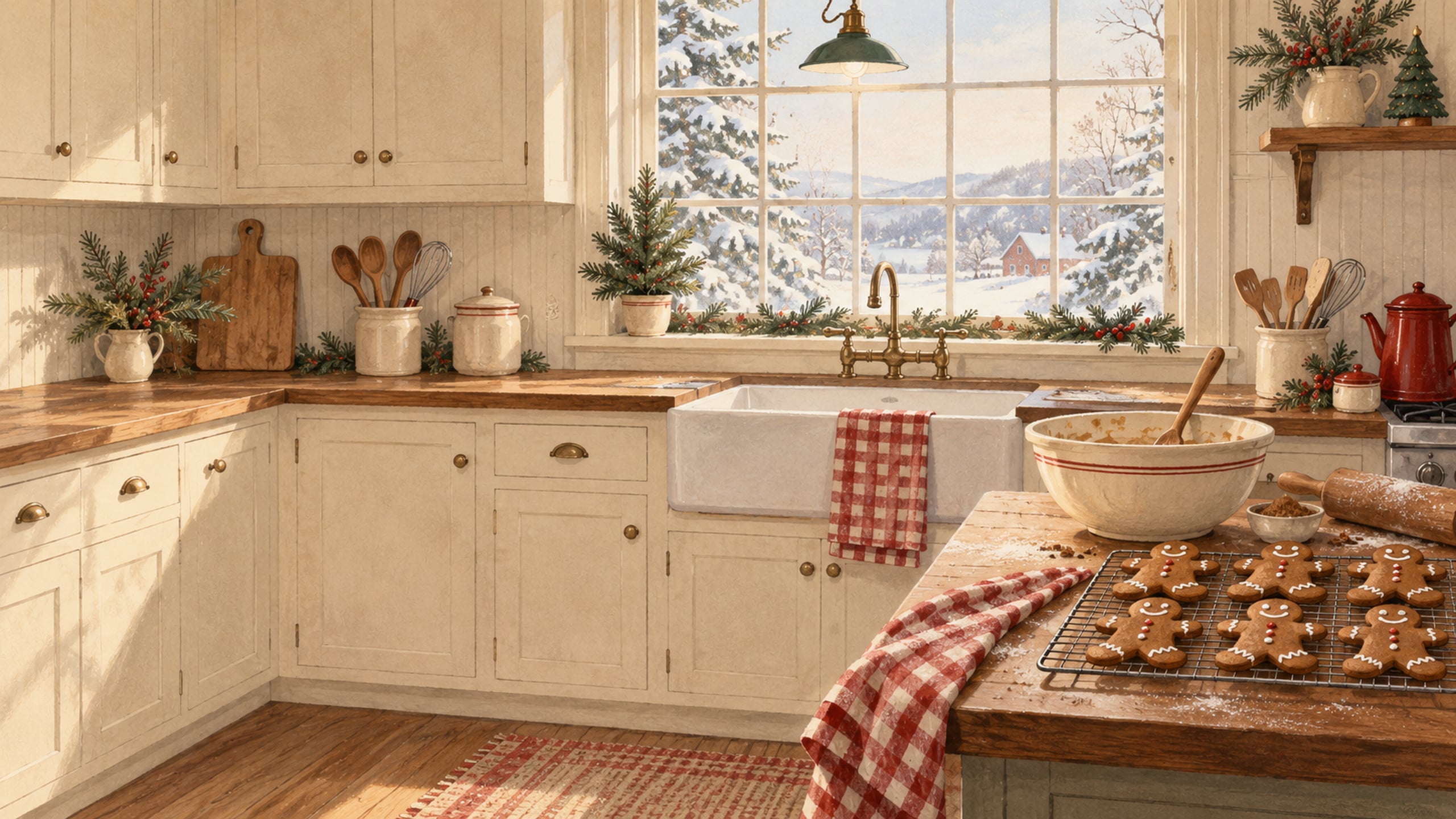
A red gingham towel, enamel mixing bowl, and gingerbread cookies make this kitchen scene feel wonderfully homey. The warm cream cabinetry keeps the retro details light and welcoming.
16. Vintage Christmas Ski Lodge
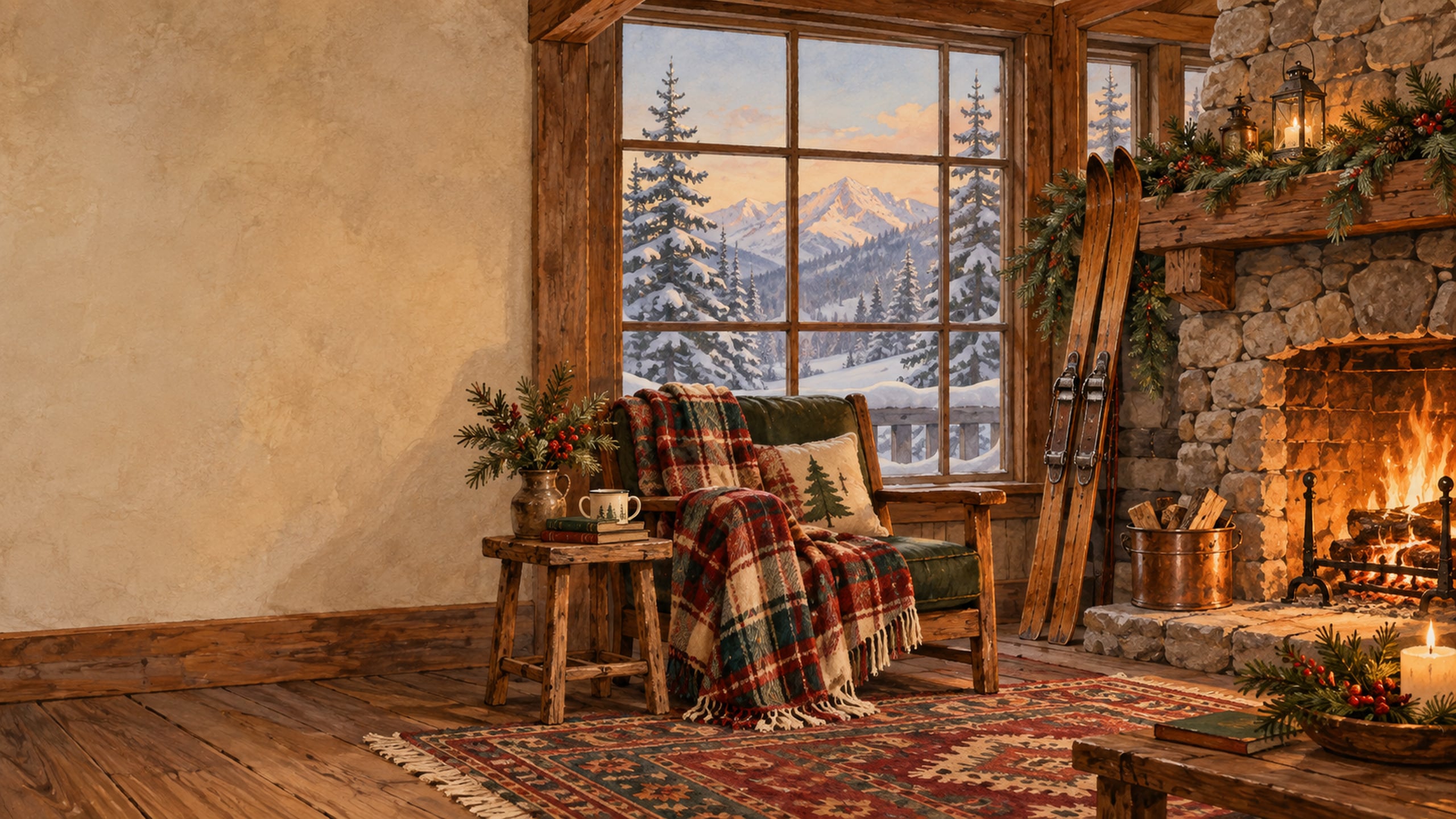
A stone fireplace, wooden skis, and a plaid blanket bring a little mountain-lodge warmth to your screen. This retro Christmas background is a cosy option for anyone who loves rustic winter scenes.
17. Christmas Church in the Snow
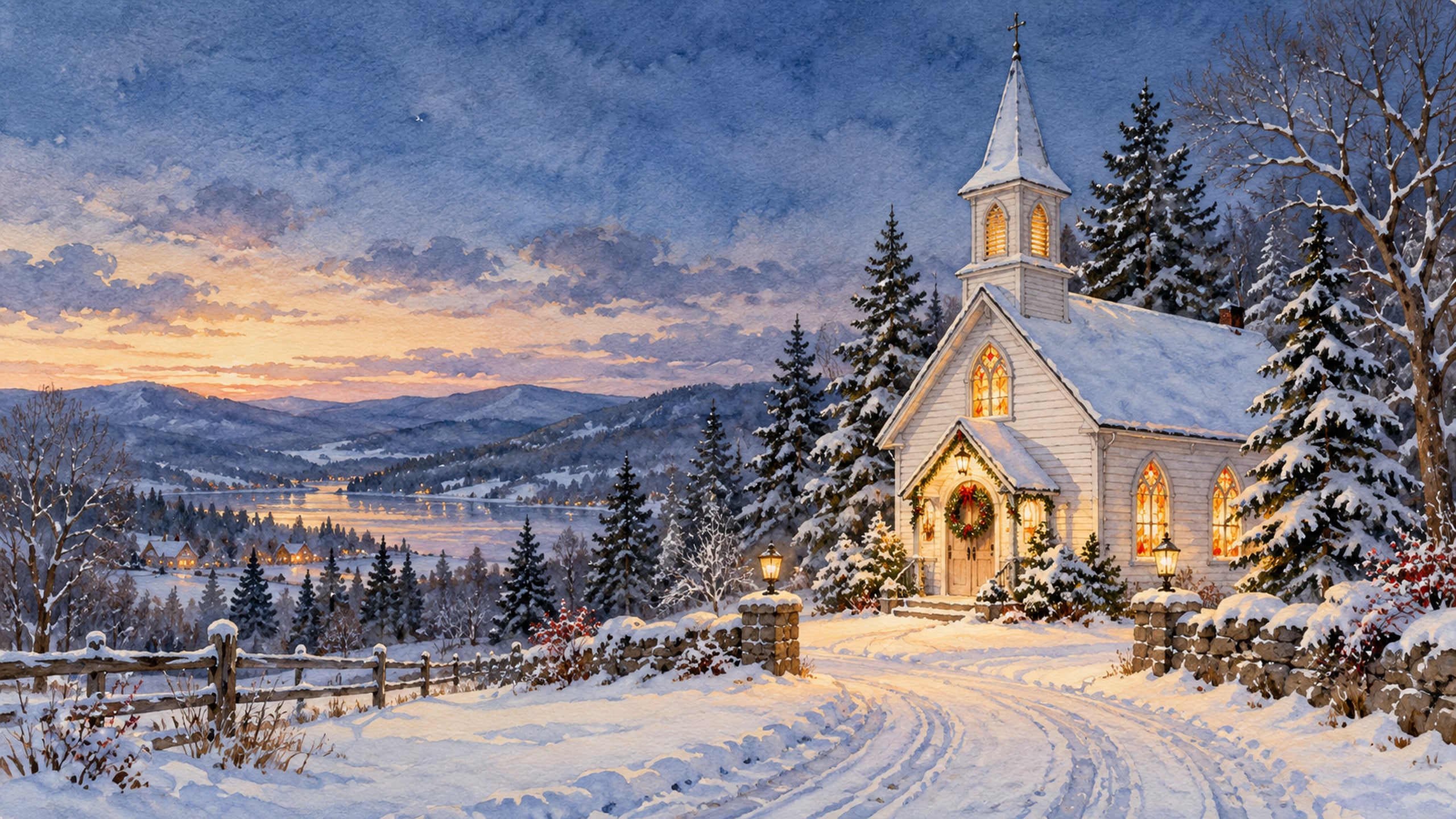
A small church with glowing windows stands among snowy evergreens beneath a dusky sky. The simple scene has the quiet charm of a traditional holiday card.
18. Classic Red Station Wagon and Christmas Tree
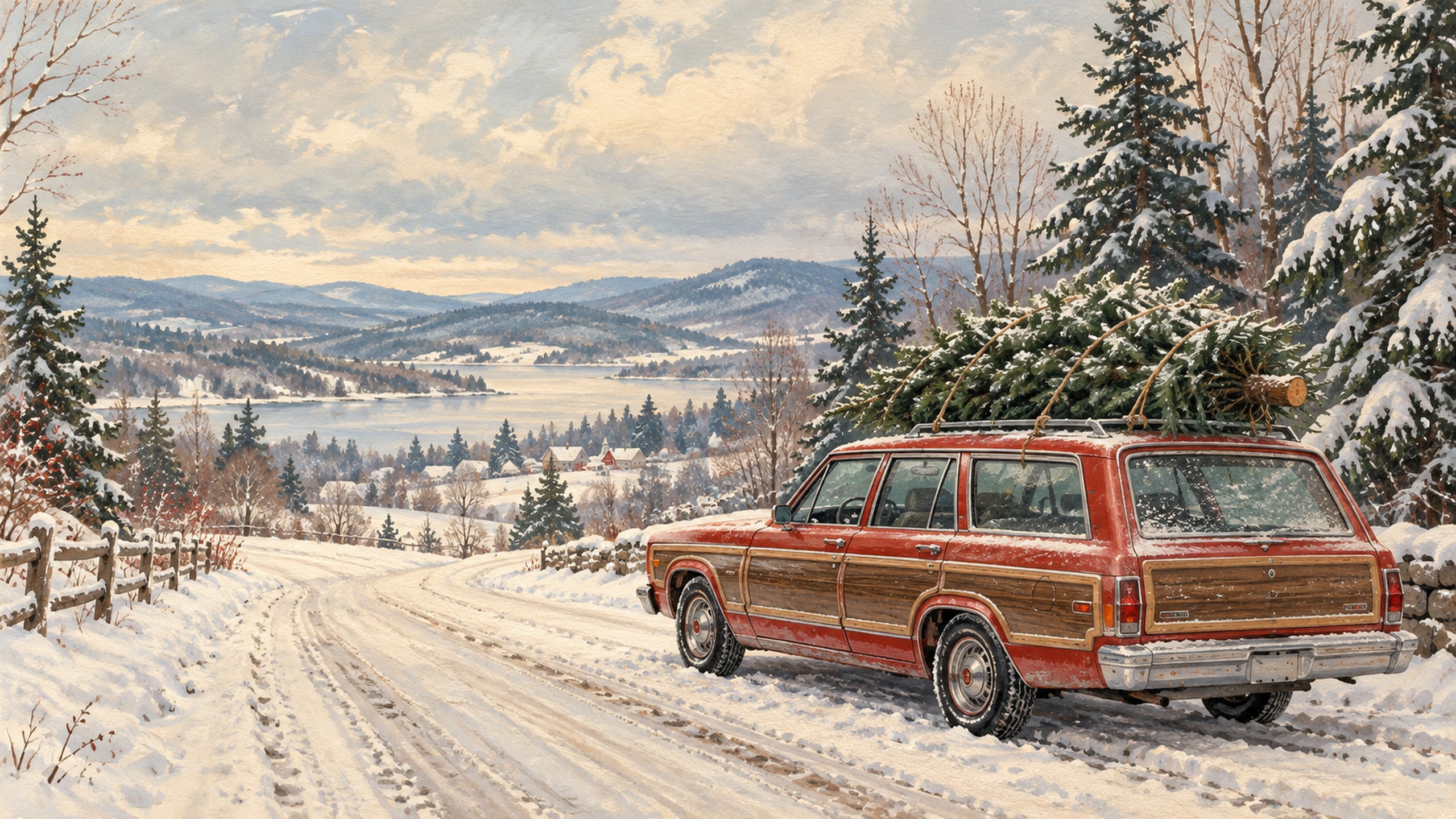
A red station wagon carrying a Christmas tree is a cheerful little holiday scene. Soft snow and a muted postcard palette keep the design nostalgic and easy on the eyes.
19. Mid-Century Teal and Red Ornaments

Teal, red, and cream ornaments mix with small starbursts for a cheerful mid-century look. This graphic design adds colour to your desktop while keeping the shapes clean and simple.
20. Sepia Christmas Tree Portrait
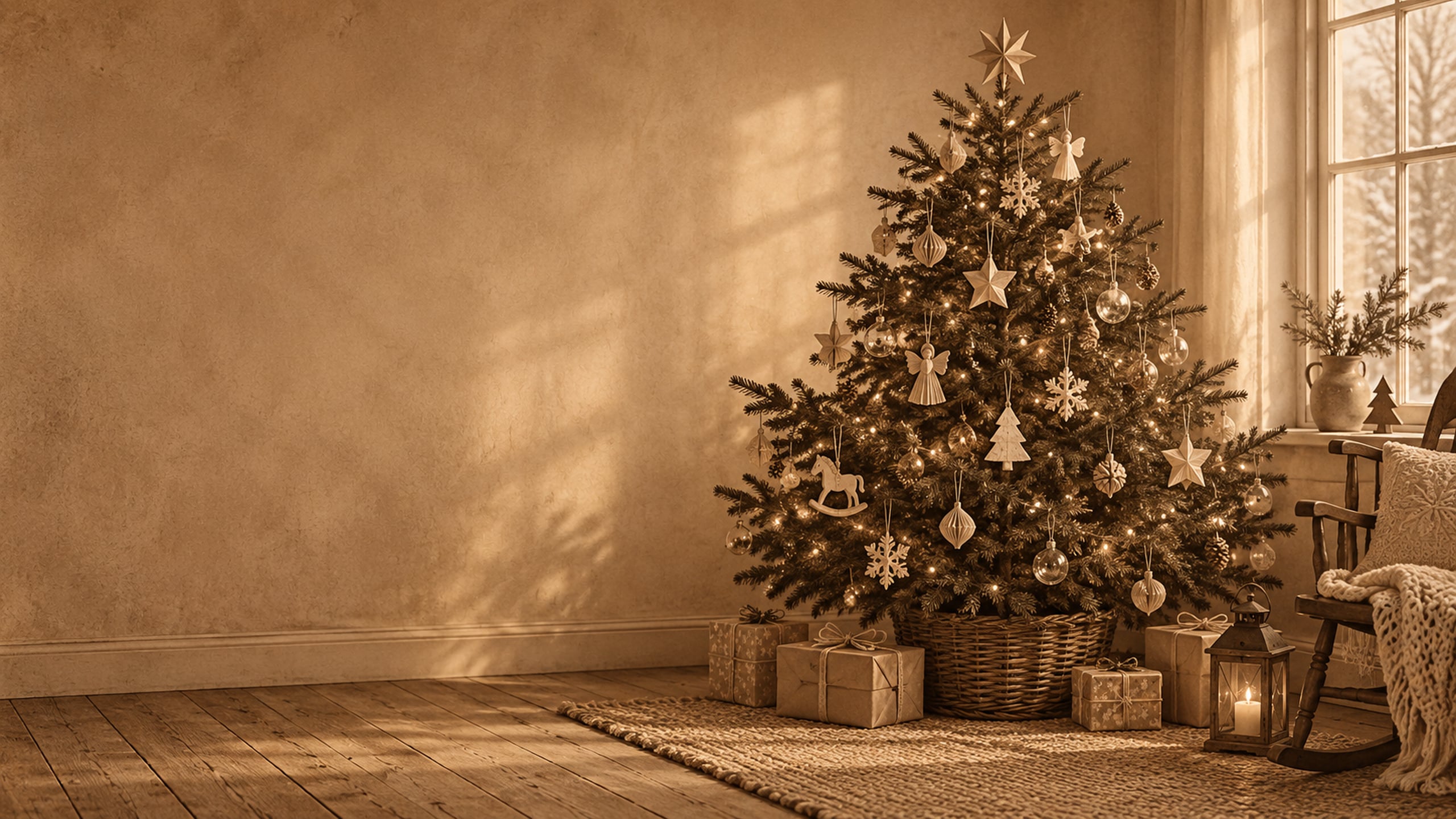
A softly toned sepia tree gives this wallpaper the feel of an old family photograph. Handmade-looking ornaments and gentle lights create a warm neutral option for your computer.
21. Rocking Horse by the Christmas Tree
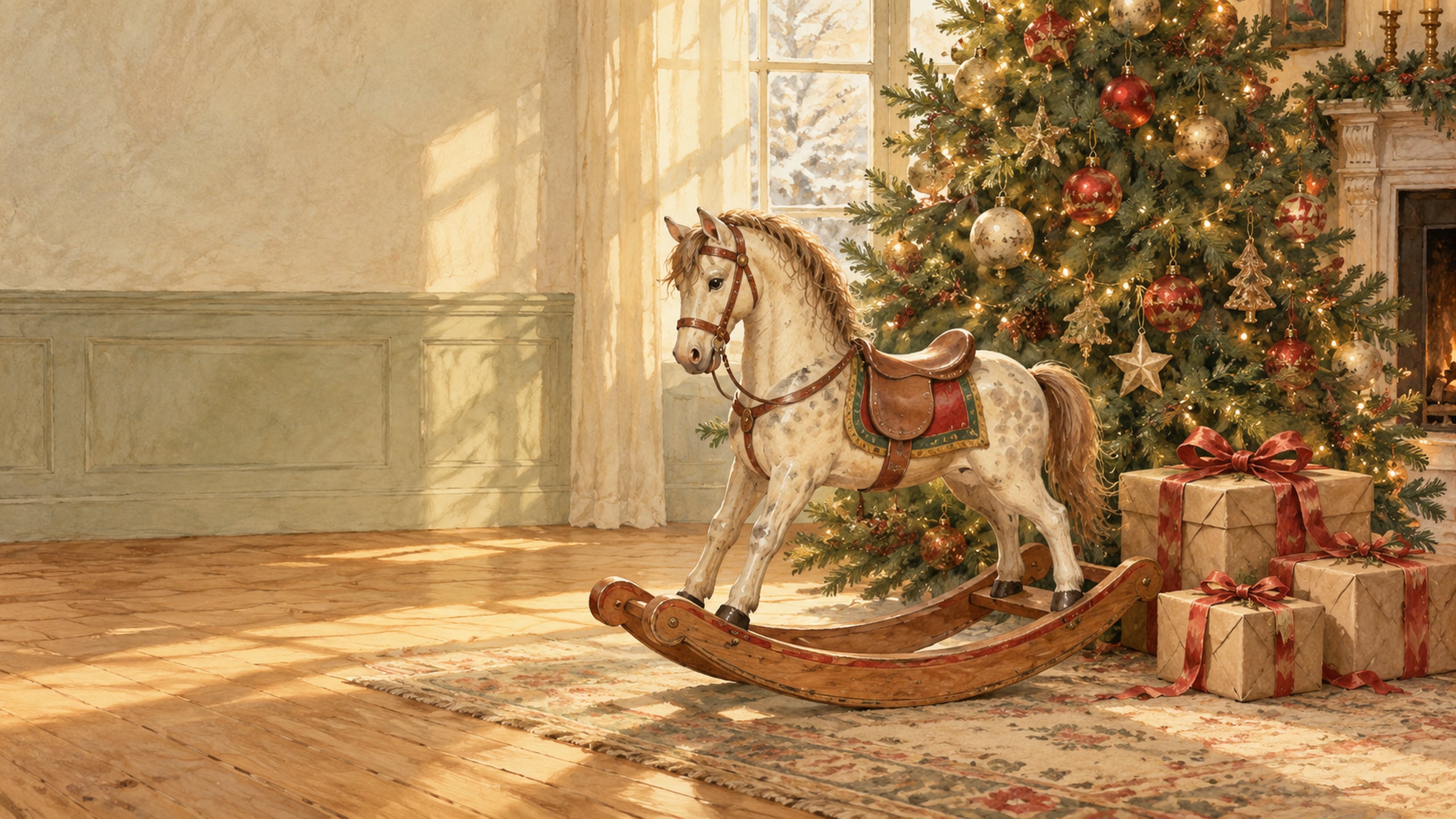
A wooden rocking horse beside a softly lit tree brings a sweet Christmas-morning feeling to the screen. Brown paper parcels and red ribbon keep the scene simple and traditional.
22. Vintage Christmas Market
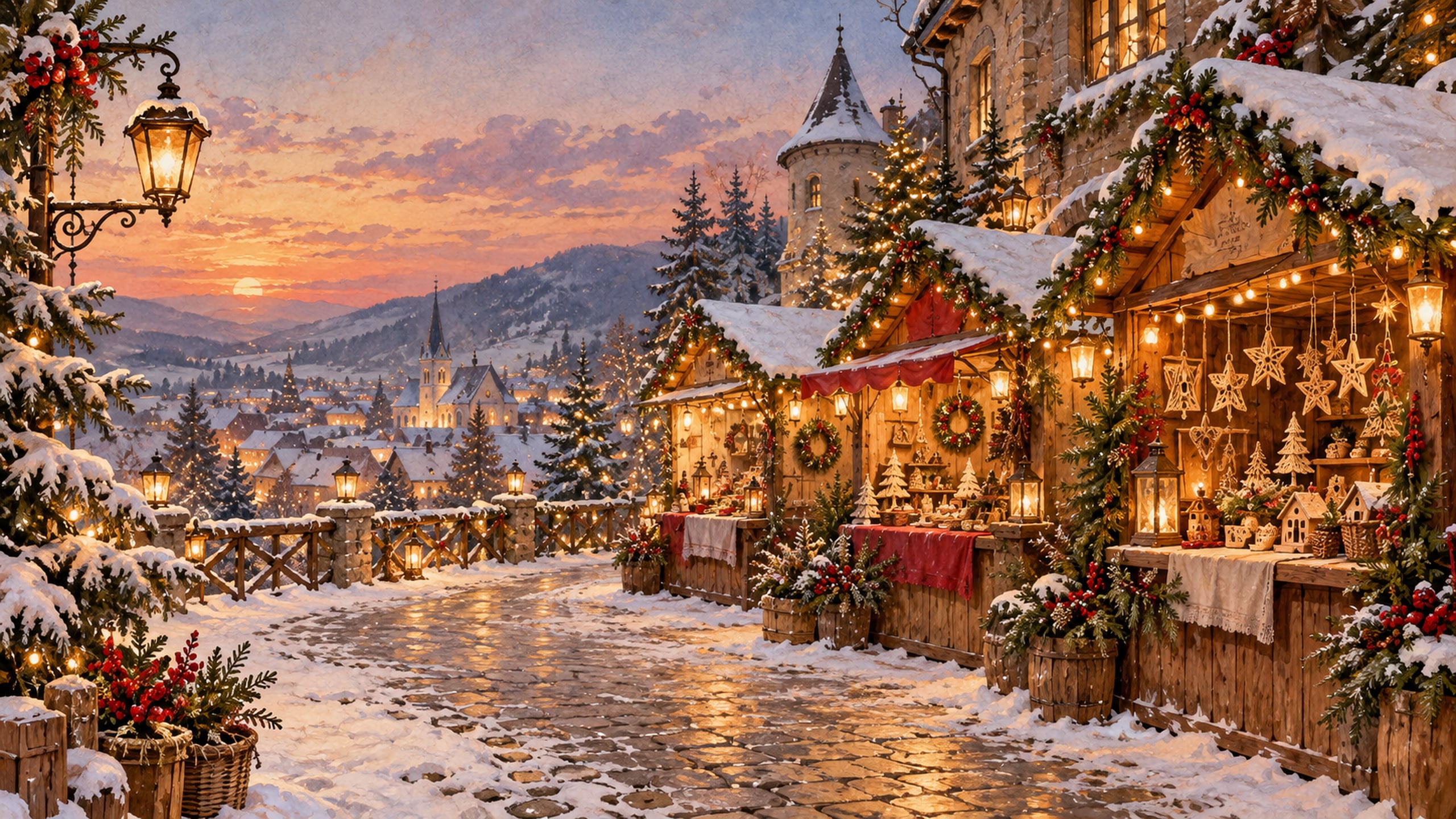
Wooden stalls, hanging lanterns, and a dusting of snow create an inviting Christmas market scene. Little evergreen details give the background a festive feel while the soft colours keep it calm.
23. Antique Bells and Velvet Bows
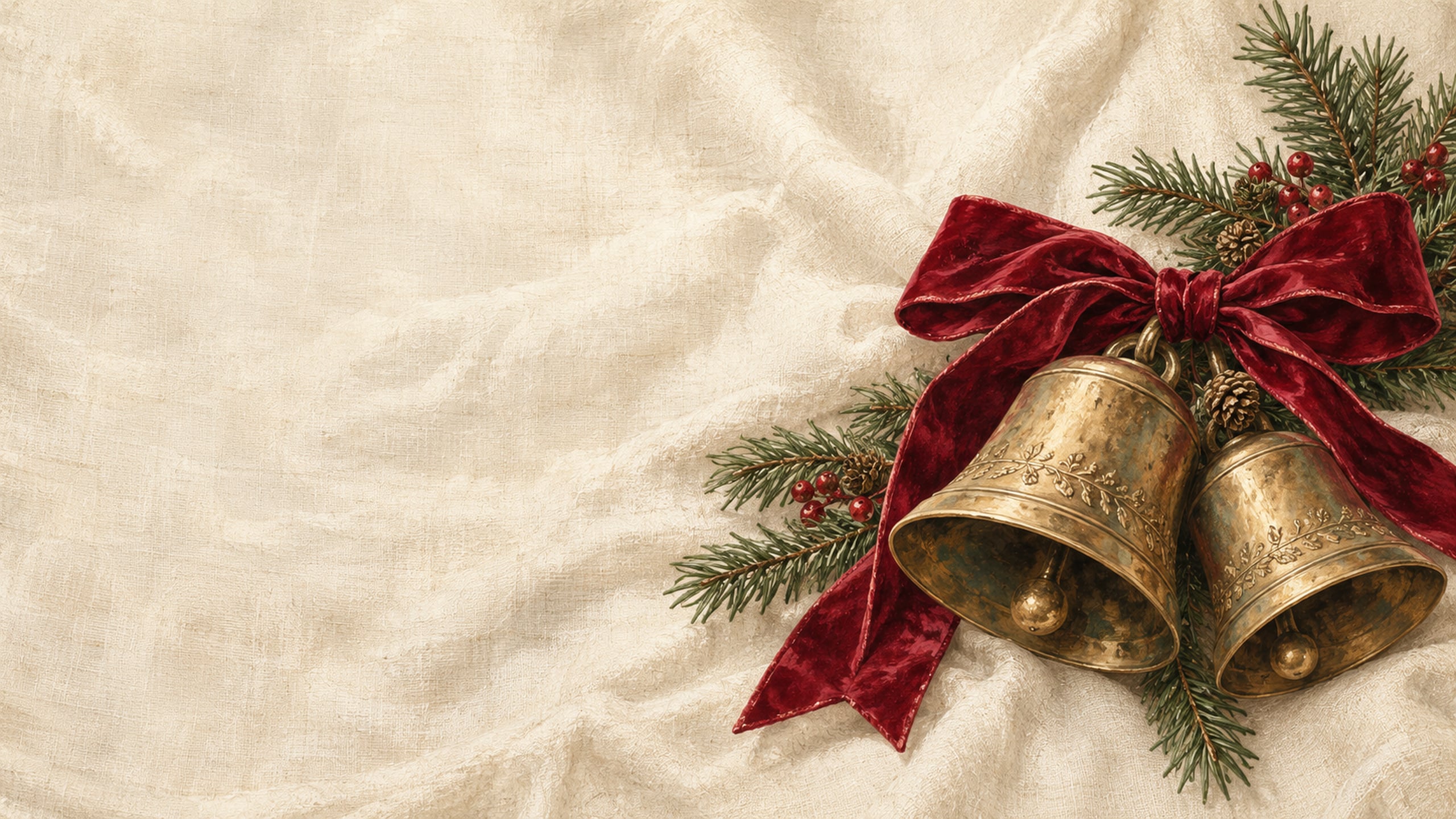
Aged brass bells, red velvet, and fir branches look beautiful against a soft cream background. I love this one for a screen that feels festive but still has plenty of quiet space.
24. Vintage Reindeer Illustration
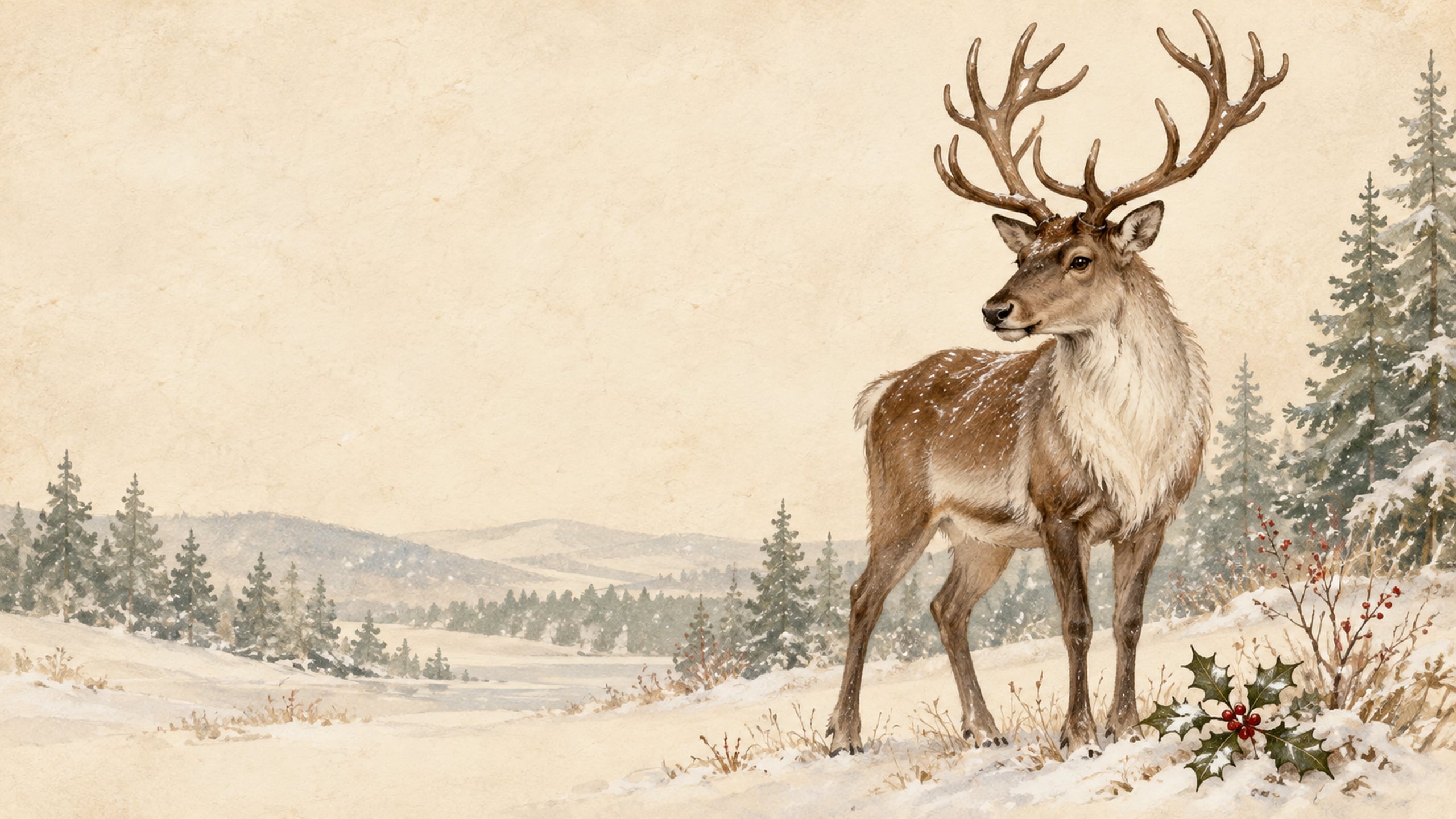
A softly illustrated reindeer stands among holly and falling snow. The gentle colours and storybook style make it a lovely choice if you enjoy woodland Christmas details.
25. Retro Christmas Paper Collage
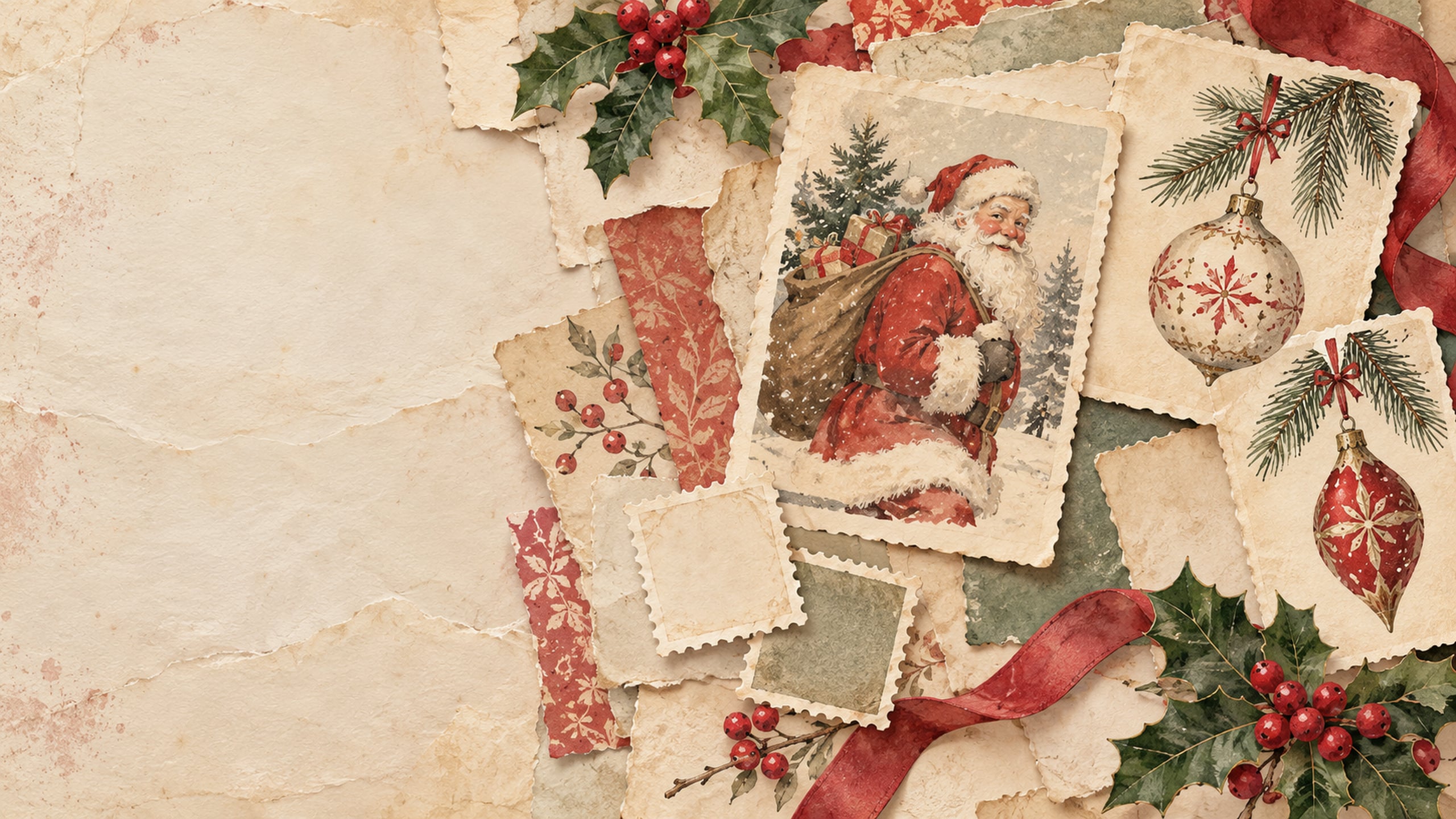
Postcard-style illustrations, ornament sketches, and paper layers come together in this nostalgic collage. The cream and faded-red palette keeps the mix of details feeling coordinated.
26. Old-Fashioned Gingerbread House
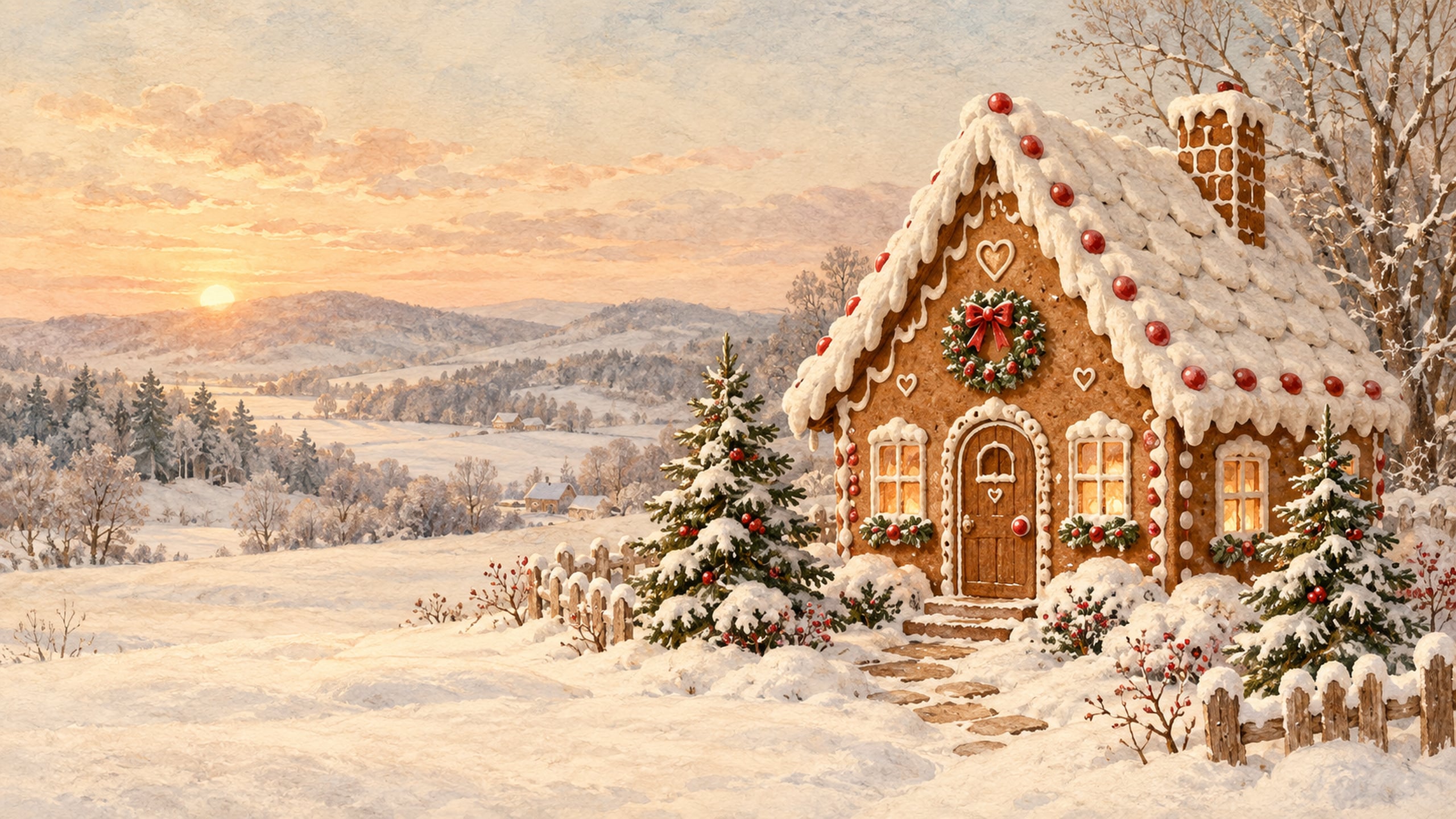
A little gingerbread house with snowy icing and muted candy colours gives this wallpaper a playful holiday feel. The painted texture makes it look right at home in an old-fashioned Christmas collection.
27. Vintage Nutcracker and Christmas Toys
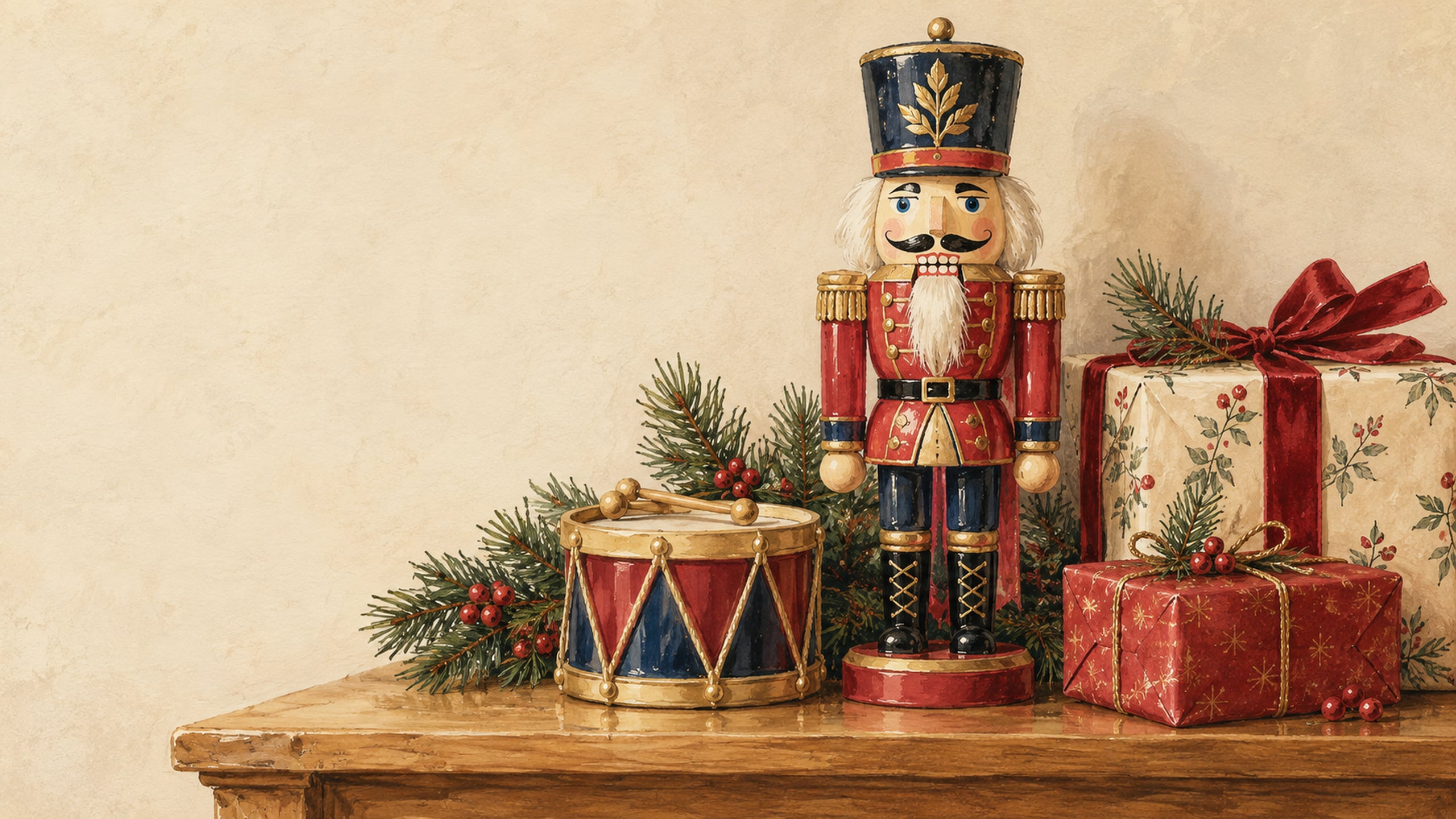
A painted wooden nutcracker, toy drum, and small parcels add a cheerful traditional touch. Warm wood and muted red accents give this design a cosy, collected look.
28. Dark Green and Gold Christmas

Small gold stars and delicate ribbon details sit against a deep forest-green background. This is a lovely option if you prefer a darker desktop with subtle Christmas accents.
29. Vintage Cardinal in the Snow
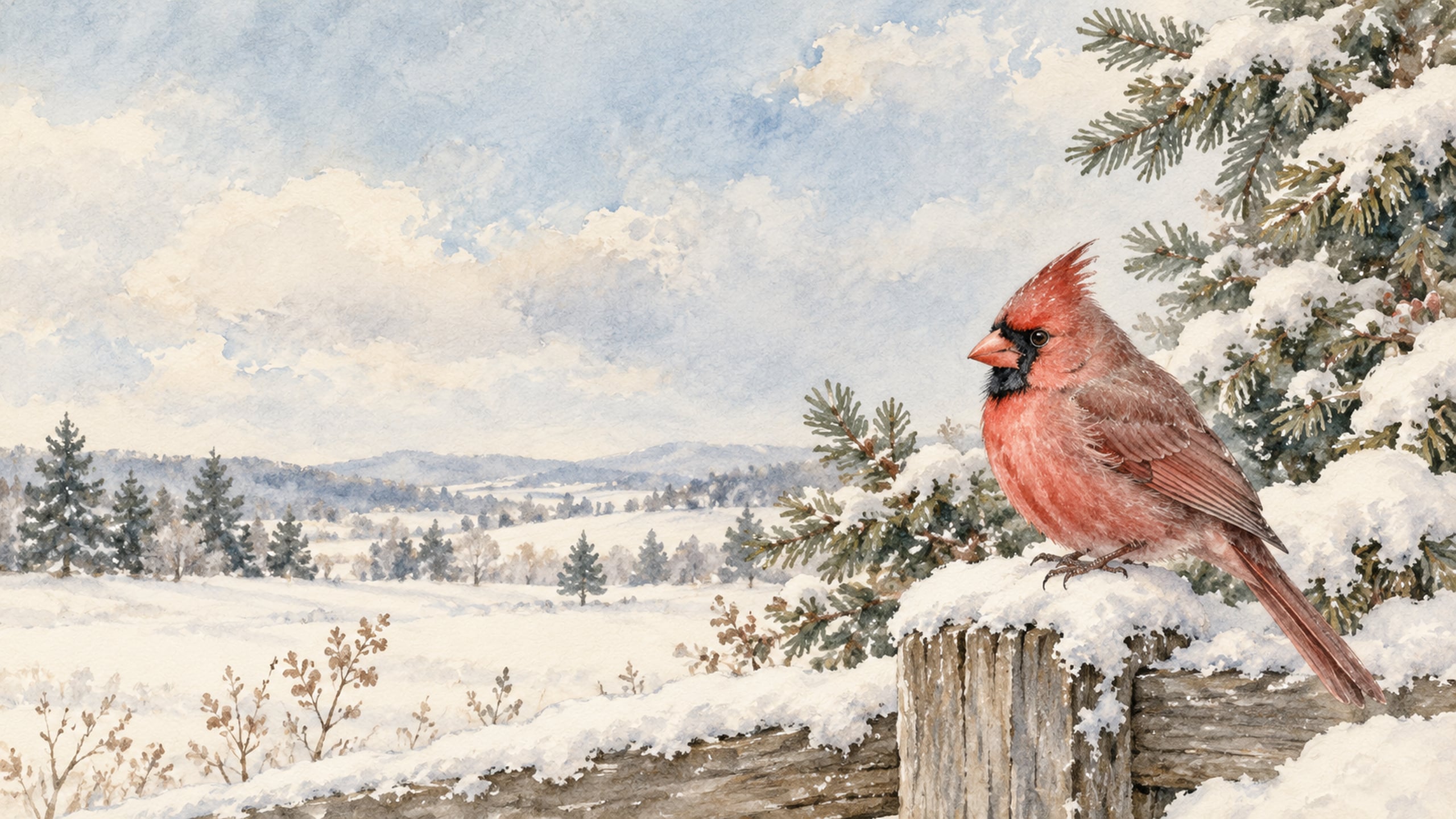
A bright red cardinal perched on a snowy rail adds a little colour to a quiet winter scene. This woodland background is easy to keep on your screen after Christmas too.
30. Merry Christmas Letterpress
A simple Merry Christmas greeting, holly border and warm paper texture give this design a classic printed-card look. Choose this one if you love seasonal lettering with a clean, quiet background.

How to Download and Set Your Wallpaper
Once you've found a design you love, save the full-size image before opening your computer's wallpaper settings. You can keep a few favourites in one folder so they are easy to find later.
Save the Full-Size JPG
- Click the Download Wallpaper link below the design you want.
- If the JPG opens in your browser, right-click it, or Control-click on a Mac, and choose Save Image As. Save it to a folder you can find again.
- Open the saved file to check that you downloaded the wallpaper itself, rather than a small page preview.
Set Your Wallpaper on Windows
- Open Settings, then choose Personalization and Background.
- Select Picture, then browse for your saved Christmas JPG.
- Choose Fill for a screen-filling background, or Fit if you want to keep the full artwork visible. Fill may crop the edges; Fit may leave borders.
If your options look a little different, Microsoft's desktop background guide explains the available settings.
Set Your Wallpaper on a Mac
- Open the Apple menu and choose System Settings.
- Choose Wallpaper, then use Add Photo to select your saved JPG. Labels can vary slightly with your macOS version.
- Select the image and check how it fits your screen. Adjust the picture fit if that option is available and important details are being cropped.
For help finding the controls, see Apple's wallpaper settings instructions.
Keep the Background Clear
If your wallpaper looks blurry, make sure you saved the full-size download rather than the image displayed in the post. A 2560 × 1440 image can still look softer on a higher-resolution display, especially if your computer enlarges it.
For a busy desktop, try Antique Bells and Velvet Bows, Botanical Holly and Poinsettia, or Dark Green and Gold Christmas. Their simpler areas give folder names a little more breathing room.
A Small Christmas Touch for Your Desk
This post may contain affiliate links. As an Amazon Associate, I earn from qualifying purchases at no extra cost to you.
If you'd like a festive detail beside your screen, a small freestanding brass-finish bell decoration [[AFFILIATE LINK: small freestanding brass-finish Christmas bell decoration]] would pair nicely with these muted holiday colours. The wallpaper downloads are free, and you can enjoy them with the desk setup you already have.
What Makes a Christmas Wallpaper Feel Vintage
For this collection, the vintage Christmas aesthetic comes from muted red and green, warm cream backgrounds, painted illustrations and gentle paper textures. You'll see details inspired by traditional holiday cards, old-fashioned toys and retro decorations.
The look can be cheerful, like a teal-and-red ornament pattern, or quiet, like a snowy cottage at dusk. "Vintage" describes the style here; these are vintage-inspired digital designs rather than authenticated antique images.
More Free Christmas and Winter Wallpapers
If you're choosing backgrounds for more than one device, or you simply love changing your screen throughout the season, these collections give you a few different directions to try.
- Christmas aesthetic desktop wallpapers for a broader mix of festive styles.
- cute Christmas computer backgrounds for playful seasonal designs.
- pastel Christmas wallpapers for soft pink, mint and cream colours.
- December 2026 desktop calendar backgrounds if you'd like a calendar on your screen.
- aesthetic winter desktop wallpapers for snowy scenes you can enjoy after Christmas.
You can find more seasonal designs in my free desktop wallpaper collection.
Vintage Christmas Wallpaper FAQs
You can crop a landscape image to fit a phone, but much of the scene may disappear. For a layout already suited to a phone screen, browse my Christmas iPhone wallpaper collection instead; these vintage designs are offered in desktop format.
You can use them, but a 16:9 image will not match an ultrawide screen exactly. A fill setting may crop the top and bottom, while a fit setting can leave borders. Try the simpler patterns if you want a less noticeable crop.
No extra wallpaper app is needed. Once the JPG is saved, use your computer's built-in background settings to select it.
That depends on your organisation's settings and policies. Some managed computers restrict personal backgrounds, so check before changing the wallpaper or downloading files.
These downloads are for personal screen backgrounds only. Please do not sell the files, redistribute the collection or include the designs in products, templates or commercial downloads. If you want to share the collection, link to this post so others can download their own copies.
No credit is needed when you use a wallpaper as your personal computer background. If a friend asks where you found it, I'd love for you to share the post link.
A Little Christmas Charm for Your Desktop
A snowy village, a painted Santa or a simple brass-bell design can add such a sweet seasonal touch to the screen you use every day. I hope you found a background that brings a little of your favourite Christmas style to your computer.
Choose your favourite from these free vintage Christmas wallpapers and use its Download Wallpaper link to save the full-size JPG. Once it's set as your background, you're ready to enjoy a little old-fashioned holiday charm.
Until next time,



As Seen on TikTok
Come behind the scenes of our farmhouse build, decor projects, and cozy everyday life. Tap a video to watch, then follow @nikkisplate on TikTok for more.
Watch this video on TikTok
Watch this video on TikTok
Watch this video on TikTok


Leave a Reply