
Give your computer a festive refresh with 30 free Christmas wallpapers. Browse cozy trees, snowy scenes, pink candy canes, a watercolor village, and a puppy in a Santa hat, then follow the download and setup steps.
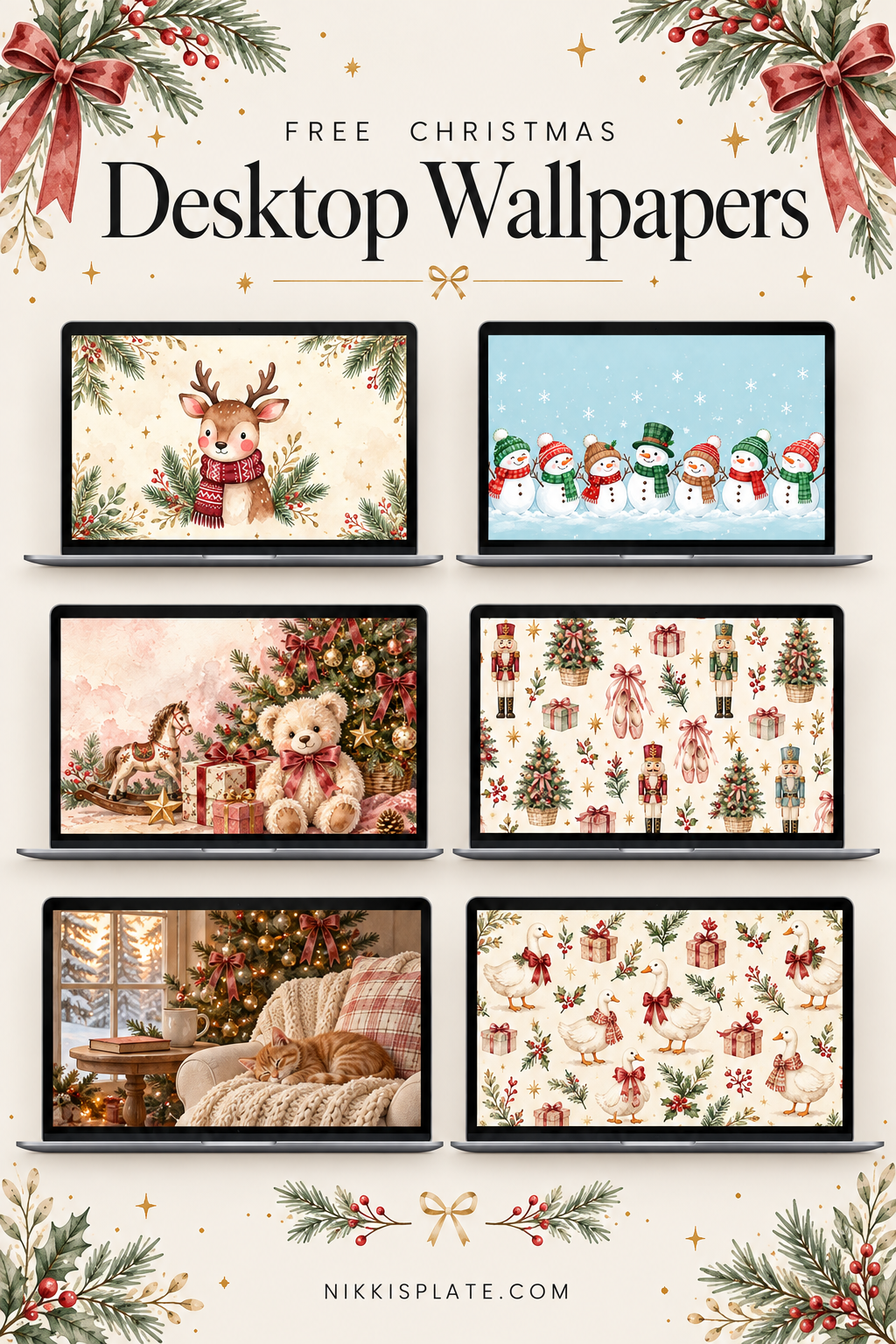
Hi beauties! Looking for cute Christmas desktop wallpapers? These 30 free backgrounds bring a little holiday cheer to your laptop or computer, with cozy Christmas trees, snowy scenes, pink candy canes, and even a puppy in a Santa hat.
I work from home on my laptop, so giving my screen a seasonal refresh is such a fun little part of decorating for Christmas. There are soft watercolor designs, bright holiday photos, and quieter backgrounds with room for desktop folders.
Browse the designs below and use the download link beneath your favorite to save the full-size image. These are landscape backgrounds for computers; if you're decorating your phone too, try my cute Christmas iPhone wallpapers for a portrait layout.
For a snowy look, download these winter wallpapers for your computer or download my December 2026 calendar wallpapers for desktop and keep the month in view.
How to Download Your Christmas Wallpaper
- Choose a design from the collection below.
- Click its Download Wallpaper link to open the full-size image.
- Right-click the opened image and choose Save Image As, then save it to a folder you can find easily. On a trackpad, use a two-finger click or Control-click if needed.
- Open your computer's wallpaper settings and select the saved file. You'll find Mac and Windows instructions after the collection.
The downloads are 1920 × 1080 pixels in a landscape 16:9 shape. Save the linked image rather than taking a screenshot of this page so you get the full-size file. You don't need a design app to use it.
Please enjoy these wallpapers on your own devices. If a friend would love one, share this post so they can choose their favorite too.
25 Cute Christmas Desktop Wallpapers
Not sure where to start? Try the puppy in design 19, the watercolor village in design 14, or the pink candy canes in design 3. For lots of desktop folders, design 23 leaves a generous open area on the right.
1. Watercolor Gingerbread Christmas Village

Snowy gingerbread houses and candy cane details turn this watercolor Christmas wallpaper into a sweet little storybook village. Glowing windows and a soft pink sky add warmth to the wintry scene.
2. Snowy Watercolor Forest with Fairy Lights

Layers of watercolor evergreens fade into a pale, snowy sky, with little strands of lights winding through the forest. Try this one if you want a soft winter background with less contrast behind the upper part of your desktop.
3. Pink Candy Cane Merry Christmas Wallpaper

Red-and-white candy canes, tiny white snowflakes, and a pink background give this design a playful holiday feel. The white Merry Christmas lettering sits near the center, so keep your folders toward the edges if you want the message to stay visible.
4. Vintage Scandinavian Christmas Pattern
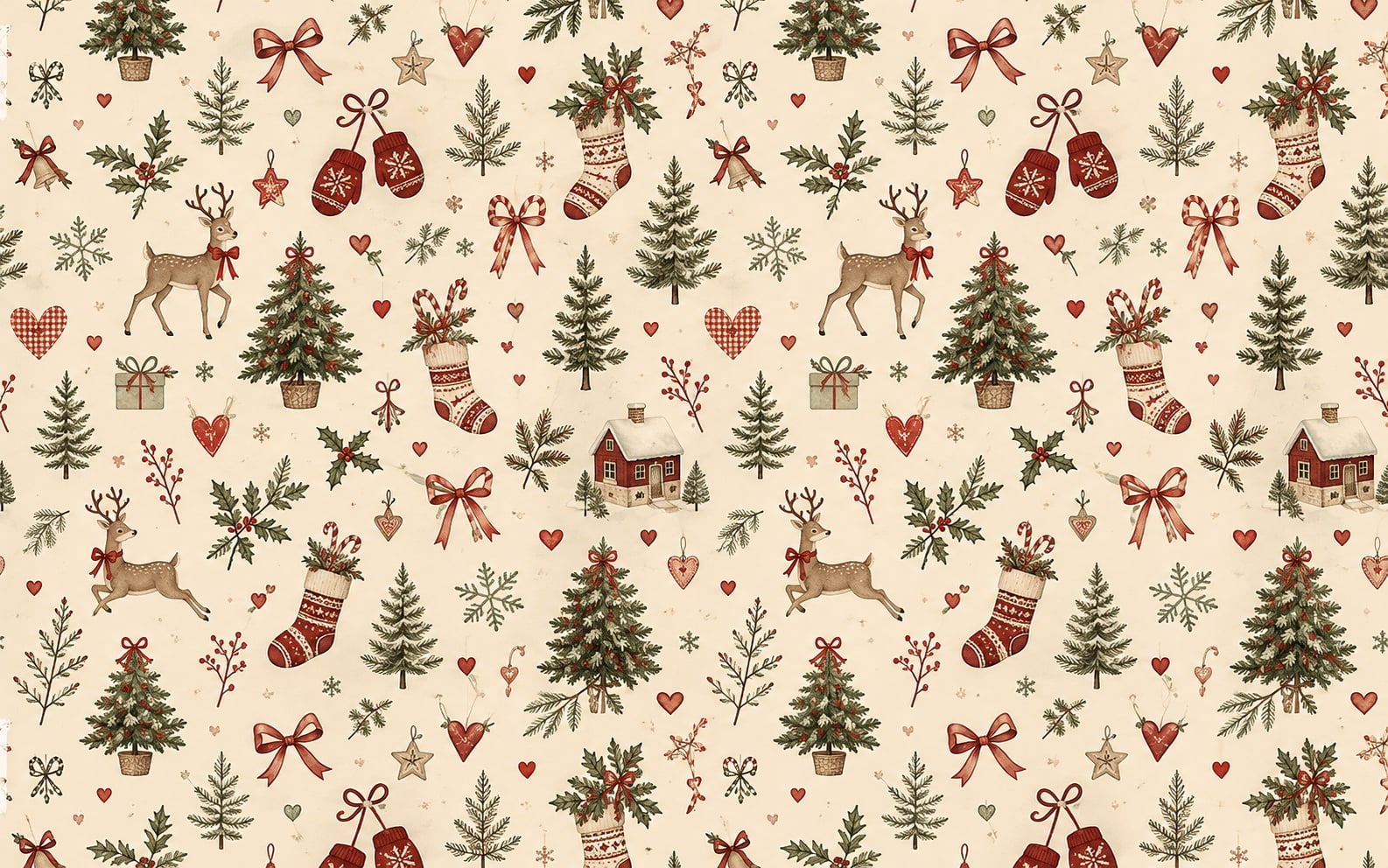
Little reindeer, knitted stockings, and evergreen trees give this Scandinavian Christmas wallpaper a nostalgic folk-art feel. Its muted red and green palette is a lovely pick for a simple, traditional holiday screen.
5. Holly Jolly Glass Ornament

A ribbed glass ornament catches the light between evergreen branches, with Holly Jolly lettering tucked into the lower-left corner. This one is a lovely choice for a darker green Christmas desktop with a small festive message.
6. Snowy Christmas Farmhouse with a Vintage Red Car

A vintage red car carrying a Christmas tree sits outside a farmhouse dressed in glowing lights and evergreen garlands. The snowy setting and golden sunset give this Christmas desktop background a cozy country feel.
7. Red Glitter Ornament and Golden Lights

A red glitter ornament takes center stage against soft circles of golden light. The tree sits on the left, so try placing your folders on the more softly blurred right side to keep the main ornament visible.
8. Mini Christmas Tree on a Blush Background

A little frosted tree and gold script give this blush background a sweet tabletop Christmas feel. Choose it for a softer holiday palette with a clear Merry Christmas greeting.
9. Pinecones and a Wonderful Time of Year Quote

Pinecones and evergreen needles frame a familiar holiday saying against a soft green background. The natural textures make it a nice pick for a simple, woodland-inspired Christmas desktop.
10. Pastel Wrapped Christmas Gifts

Blue, gray, and peach presents fill this flat lay with pretty wrapping details and silver ornaments. It is a colorful option for anyone who loves the gift-wrapping part of Christmas as much as the decorating.
11. Frosted Pine Merry and Bright Wallpaper

Frosted pine needles, pale blue lettering, and small warm lights create a cool, snowy look. Keep the left side clear if you want the full merry-and-bright message to show.
12. Pink Christmas Ornament and Ribbon Pattern
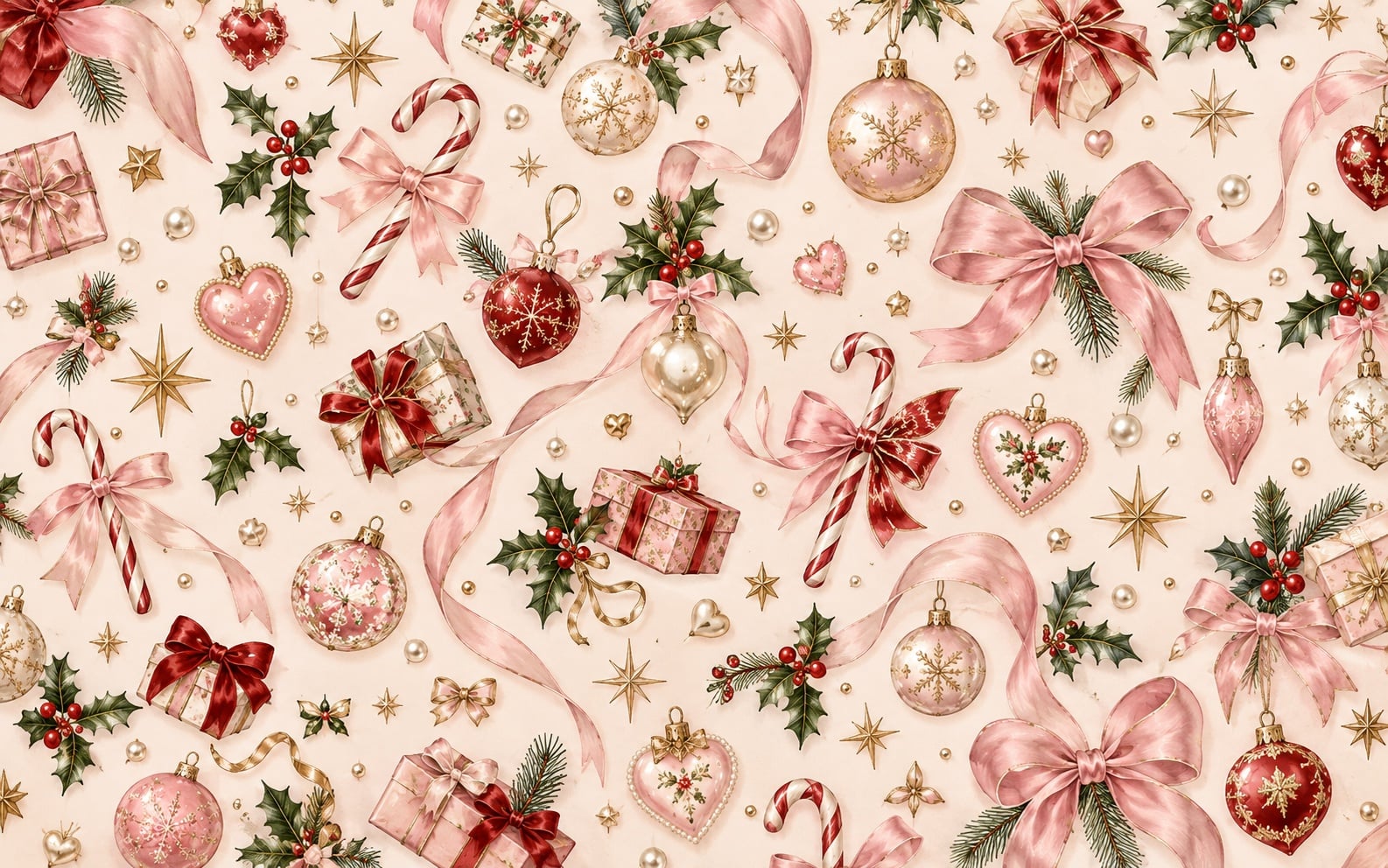
Pink bows, ornate baubles, and candy canes fill this Christmas wallpaper with pretty vintage-inspired details. The cream background and touches of gold give it the feel of beautiful holiday wrapping paper.
13. Christmas Tree in a Town Square

A towering decorated tree, colorful buildings, and little red market stalls bring a lively Christmas-in-town feel. Pick this one when you want a detailed seasonal scene rather than a simple background.
14. Watercolor Christmas Village and Red Truck

Snowy watercolor houses, a red truck, and a little snowman make this one especially cute. The white space above the village helps the illustration feel light, even with all those lovely little details.
15. Pastel Bottlebrush Trees and Tiny Houses

Pink, mint, and frosted bottlebrush trees sit among tiny houses and simple wood trees. It is a pretty choice for a soft Christmas aesthetic with a little miniature-village charm.
16. Christmas Cocoa and Gingerbread Flat Lay

A mug of cocoa, iced gingerbread cookies, and burgundy velvet ribbon bring a warm holiday feel to this Christmas desktop wallpaper. The open linen background gives your folders room without covering the festive details.
17. Christmas Is Coming Ornament Wallpaper

Red and gold ornaments sit among green branches beside a Christmas is coming message. Save this one for the weeks leading up to the holiday, with your folders placed away from the lettering on the right.
18. Red Ornaments with Christmas Sparkle

Red ornaments and a gold-edged ribbon fill the right side, while warm sparkles drift across the lighter left side. It is a festive choice if you like classic Christmas colors with a little extra shimmer.
19. Cute Christmas Puppy in a Santa Hat

A puppy in a Santa hat is hard to resist! This light, cozy background keeps the puppy near the center, so place desktop icons along the edges to leave that sweet face uncovered.
20. White Ornaments and a Cozy Fireplace

White baubles, wooden ornaments, and pearl-like garlands decorate a tree beside a bright fireplace. This background has a gentle farmhouse feel, with a softly blurred area on the right for desktop folders.
21. Snowy Christmas Village Street at Dusk

A snow-covered street winds past glowing shop windows, garlands, and lanterns in this cozy Christmas village wallpaper. Warm golden lights against the blue evening sky make it a lovely choice for a wintry desktop.
22. A Simple Christmas Tree Decorating Moment
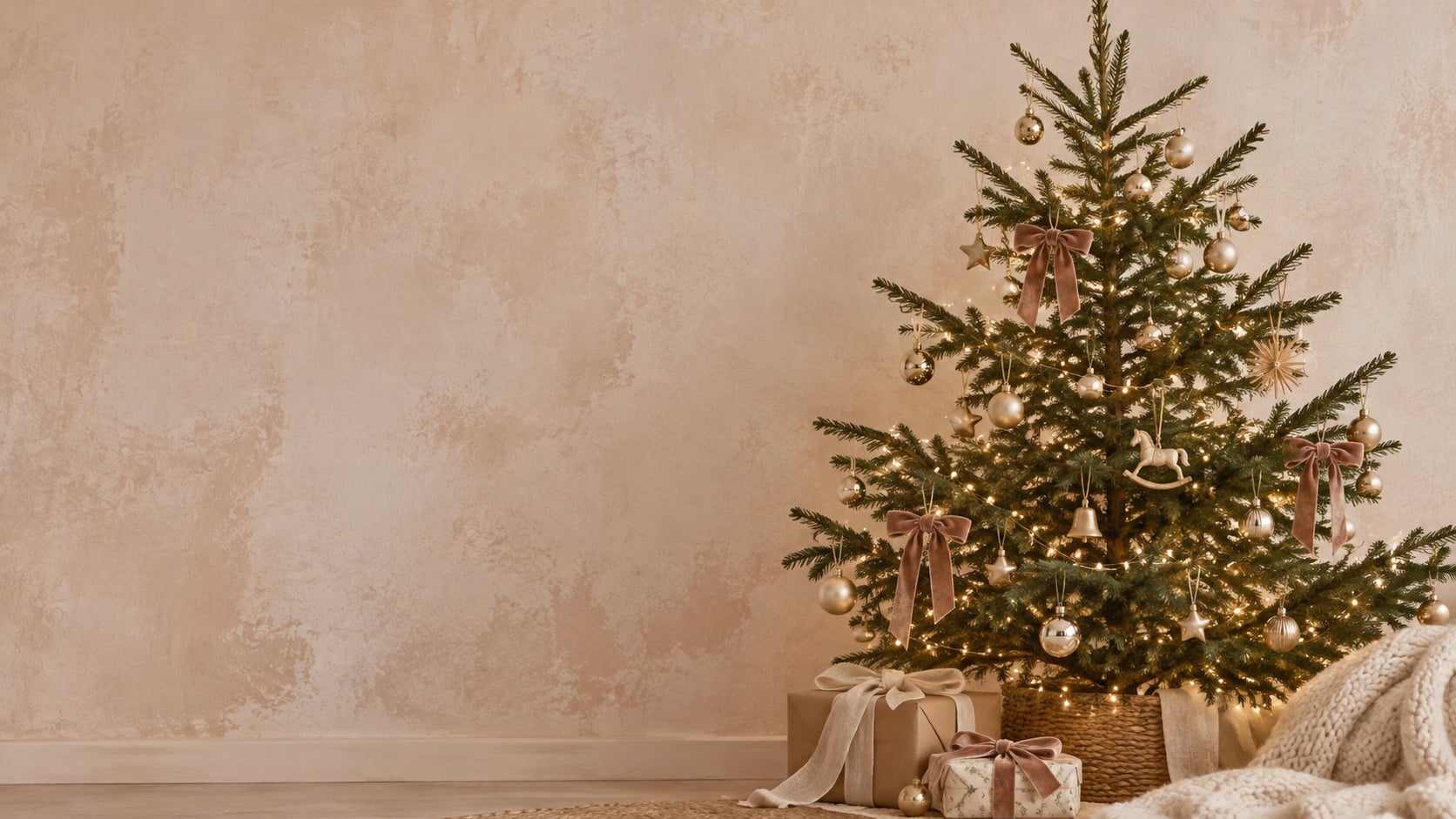
This cozy Christmas desktop background features a beautifully decorated tree with twinkling lights, soft velvet bows, and elegant gold ornaments. The warm neutral tones and minimalist styling create a dreamy, festive wallpaper perfect for a cozy holiday aesthetic.
23. Cute Watercolor Christmas Reindeer Desktop Background
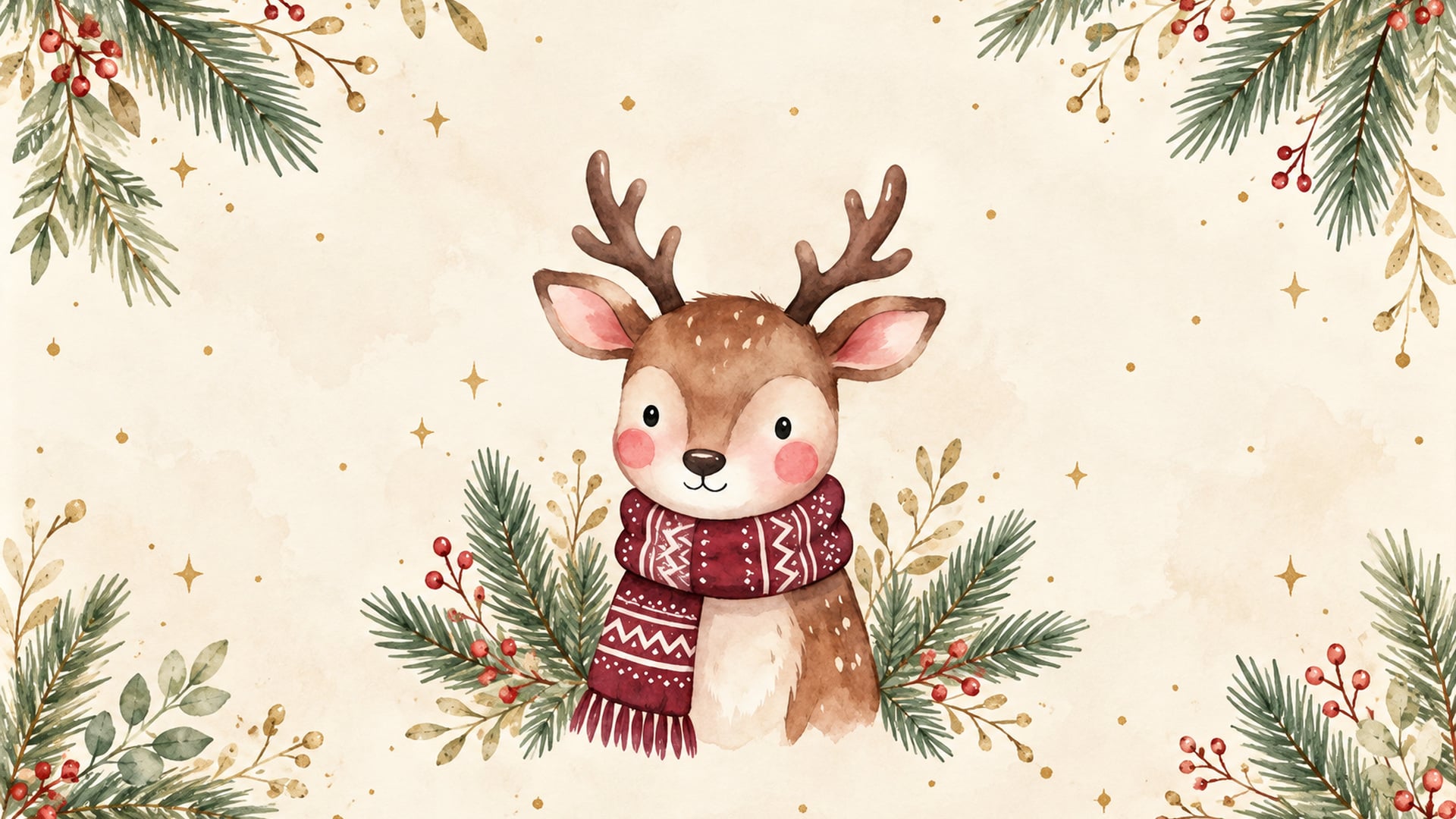
This adorable Christmas desktop wallpaper features a sweet watercolor reindeer wearing a cozy burgundy scarf, surrounded by festive greenery, red berries, and delicate gold accents. The soft cream background and whimsical details make it the perfect choice for a cute, cozy Christmas aesthetic!
24. Kraft Christmas Gift Beneath the Tree

Tree-print wrapping paper, twine, and a woven tree basket give this scene a cozy, natural look. The bright window and pale floor on the left leave a lighter area beside the gift.
25. Cute Watercolor Snowman Christmas Desktop Background

Add a little winter magic to your computer with this adorable Christmas desktop wallpaper featuring cheerful watercolor snowmen in cozy knit hats and scarves. The soft pastel blue background, falling snowflakes, and festive red and green details create a sweet, whimsical Christmas aesthetic!
26. Watercolor Teddy Bear Christmas Desktop Background
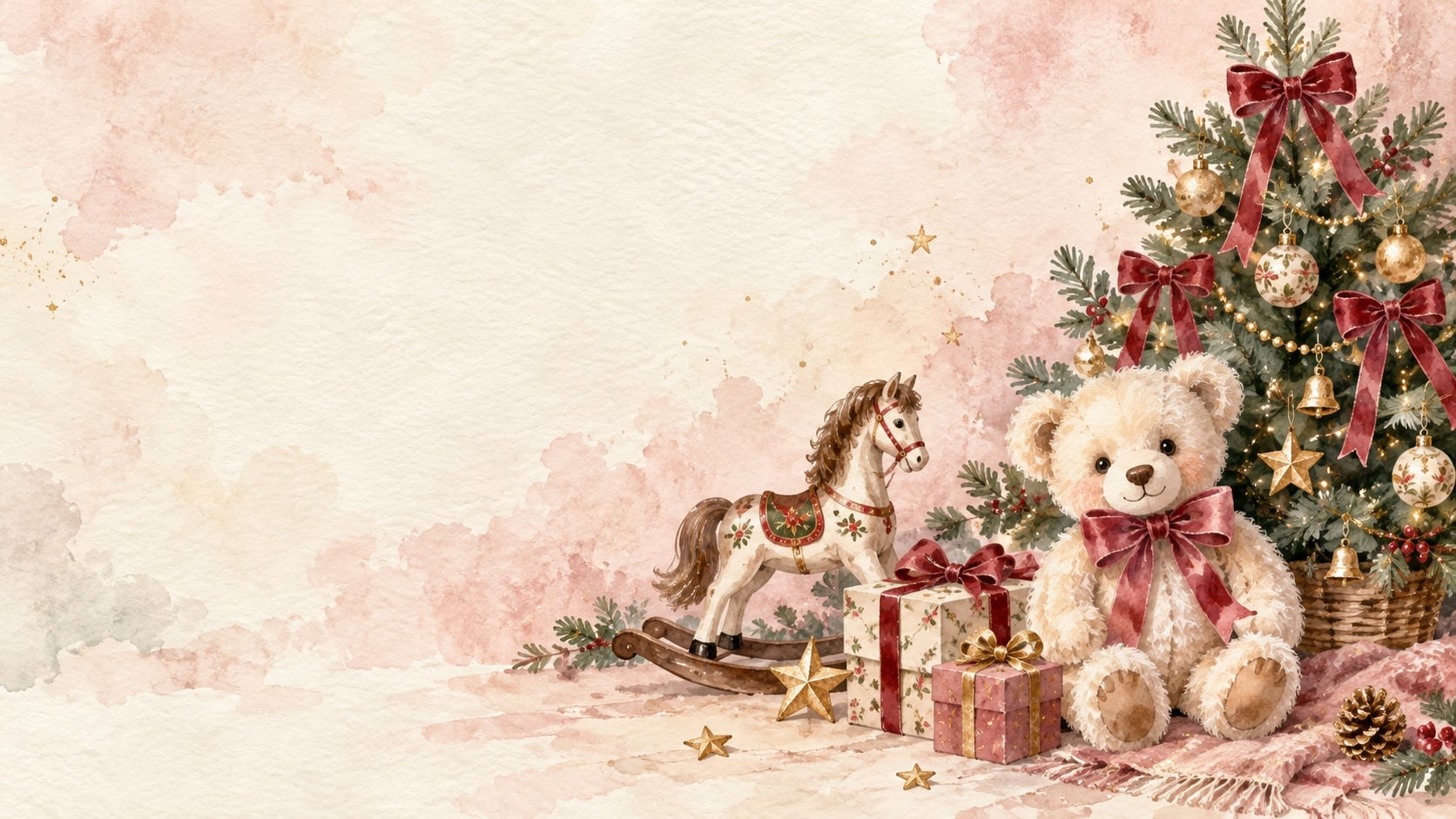
Bring a soft and whimsical touch to your screen with this sweet Christmas desktop wallpaper featuring a vintage cream teddy bear, a decorated Christmas tree, wrapped presents, and a charming wooden rocking horse. The blush pink accents, muted greenery, and airy watercolor background create a cozy, elegant Christmas aesthetic that feels both playful and timeless.
27. Vintage Watercolor Nutcracker Christmas Desktop Background
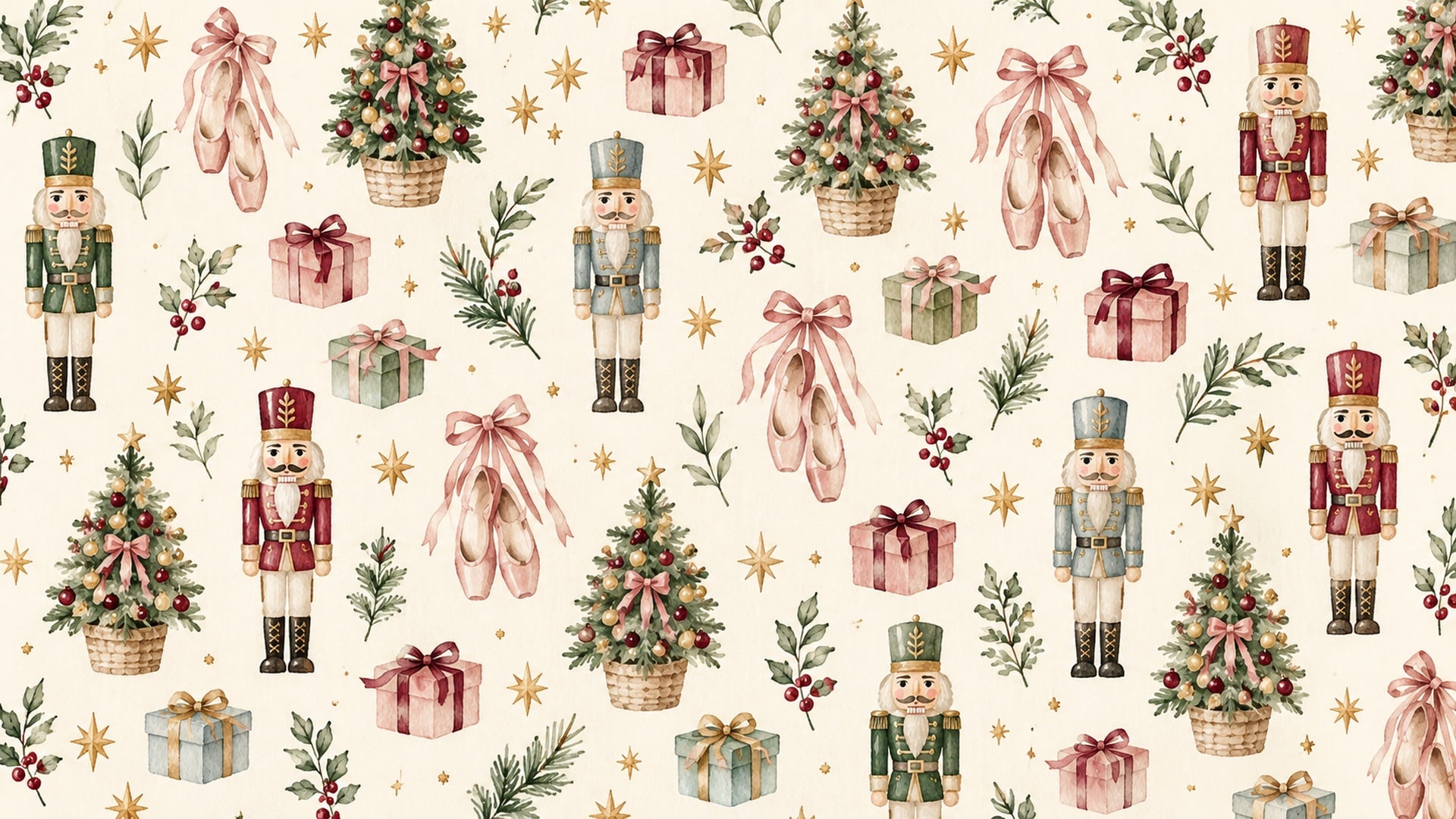
Add a touch of whimsical holiday charm to your screen with this adorable Christmas desktop wallpaper featuring pastel nutcrackers, pink ballet slippers, miniature Christmas trees, and beautifully wrapped presents. The soft watercolor illustrations, delicate gold stars, and warm ivory background create a timeless, vintage-inspired Christmas aesthetic.
28. Cozy Christmas Reading Nook with a Sleeping Kitten
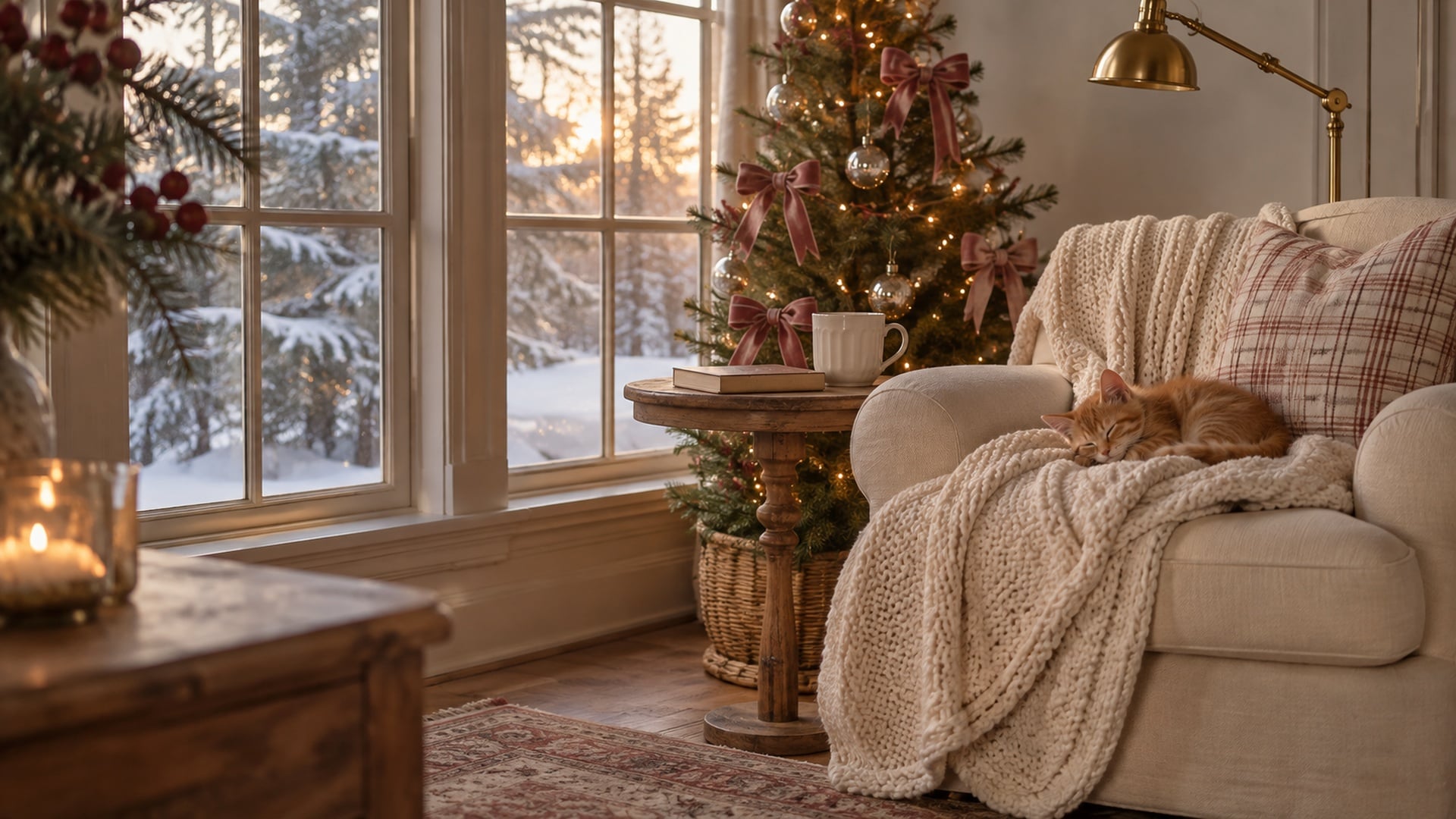
A sleeping kitten, chunky knit blanket, and softly glowing Christmas tree make this reading nook feel extra inviting. Dusty pink bows and a snowy window view give this cute Christmas desktop wallpaper a peaceful winter feel.
29. Vintage Watercolor Christmas Geese Desktop Background
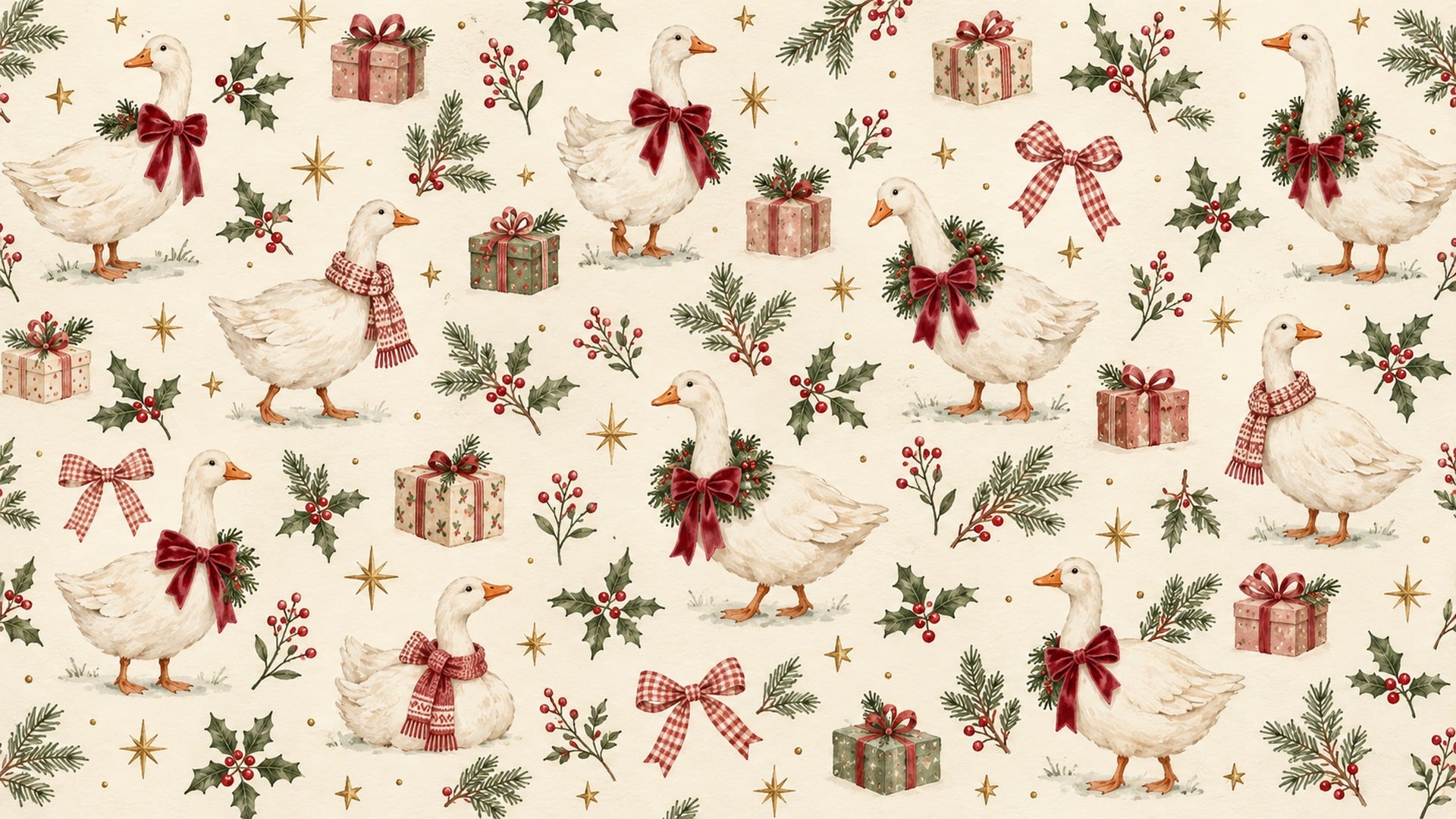
Add a touch of nostalgic holiday charm to your screen with this adorable Christmas desktop wallpaper featuring sweet white geese dressed in festive velvet bows, cozy scarves, and evergreen wreaths. The soft watercolor illustrations, delicate gold stars, and warm ivory background create a whimsical, vintage-inspired Christmas aesthetic.
30. Blush Watercolor Christmas Bows and Ornaments
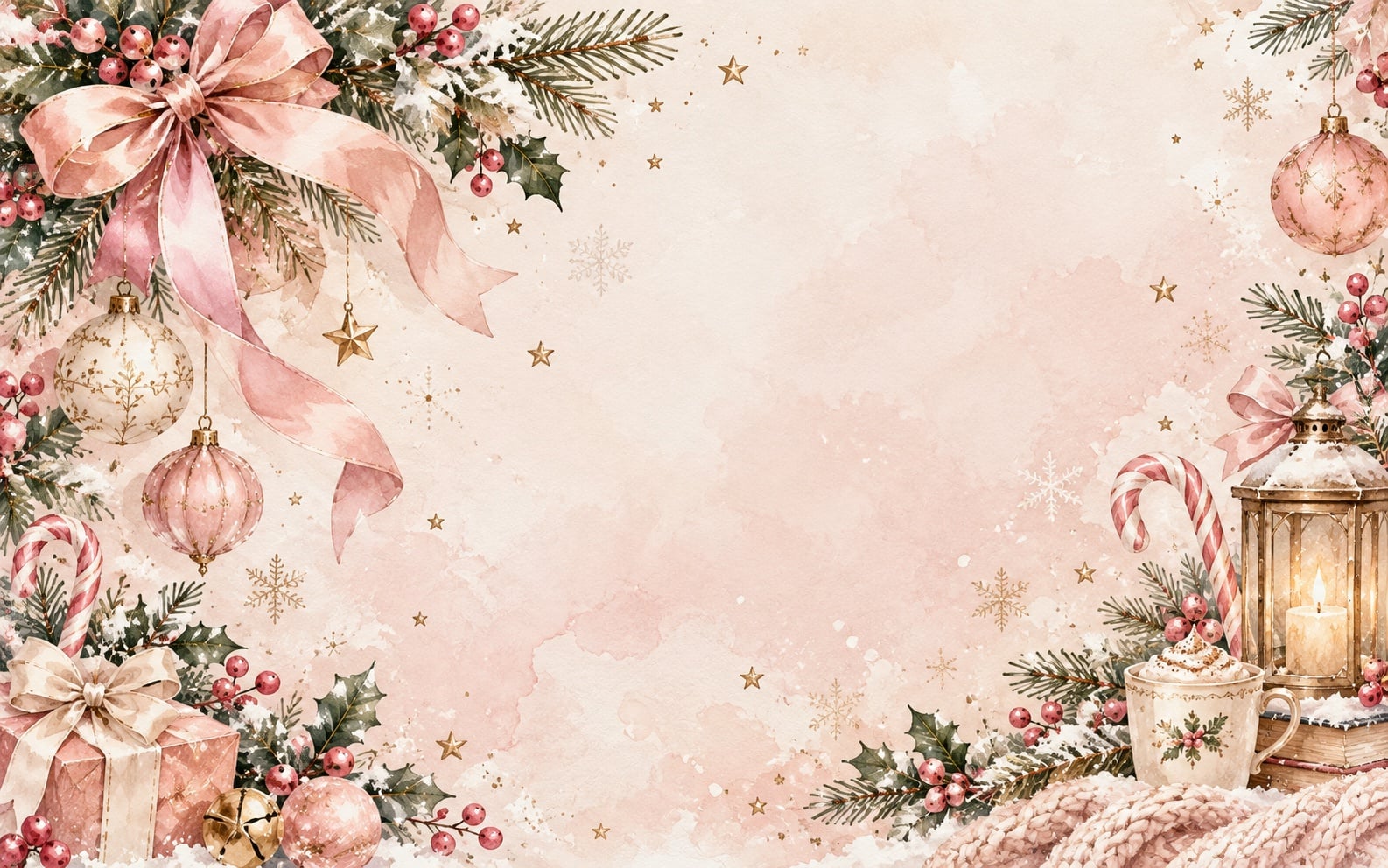
Pink ribbon bows, delicate ornaments, and snowy greenery frame this pretty watercolor Christmas wallpaper. The soft blush center leaves plenty of open space for your desktop folders.
If you prefer traditional holiday details, these nostalgic Christmas desktop backgrounds bring a softer, old-fashioned look to your screen.
How to Set Your Christmas Desktop Background
On a Mac
- Save your chosen wallpaper image to your computer.
- Open the Apple menu, choose System Settings, and select Wallpaper.
- Choose the option to add a photo or image, then select your saved wallpaper.
- Check the preview and adjust the image position or display options if they are available.
The wording can vary with your macOS version. Apple's guide to customizing your Mac wallpaper explains the current options.
On Windows
- Save the wallpaper image to your computer.
- Open Settings, choose Personalization, then Background.
- Select Picture and browse for your saved wallpaper image.
- Try Fill to cover the screen or Fit to show the whole design. Fill can crop the edges; Fit may leave space around the image if your screen has a different shape.
If you want to compare the available display options, Microsoft's desktop background guide explains how Fill, Fit, and the other settings work.
Looking for a matching phone background? Browse my 60 free winter iPhone wallpapers, including snowy and cozy designs.
Tips for a Clear Wallpaper and Easy to Read Icons
- Download the original file. A screenshot or a small preview may look softer when enlarged.
- Check your screen size. These 1920 × 1080 images may look softer when stretched across a higher-resolution display. Enlarging the file does not add detail.
- Keep important details visible. Choose Fit if a puppy's face, a holiday message, or another favorite detail gets cropped out.
- Move folders to a quieter area. Design 1 has soft space on the left, while design 23 has an open wall on the right. Try a few options to see which makes your icons easiest to read.
A Little Christmas Touch for Your Workspace
This section contains affiliate links. If you buy through them, I may earn a commission. As an Amazon Associate I earn from qualifying purchases.
If you're refreshing the rest of your desk too, a [Amazon affiliate link: blush desk mat] can bring in a soft pop of color. A [Amazon affiliate link: adjustable laptop stand] is another optional addition if you use a separate keyboard and want to change your screen position. You can download and enjoy every wallpaper without buying anything.
More Free Christmas and Winter Wallpapers
Want a different holiday mood? Browse my Christmas aesthetic wallpaper collection for more desktop designs, or try these pastel Christmas backgrounds for a softer palette. My vintage Christmas wallpapers have a nostalgic feel with old-fashioned holiday scenes.
For a background with the month in view, take a look at my December 2026 desktop calendar wallpapers. When you're ready for a snowy screen beyond Christmas, these winter desktop wallpapers keep the seasonal feeling going.
For your other screens, try my pink Christmas iPhone wallpapers or winter iPhone backgrounds. You can also browse the Christmas wallpaper collections to find a style for each device.
Cute Christmas Desktop Wallpaper FAQs
Yes! You can open and save the individual backgrounds from the links beneath the designs. Keep the files for personal use on your own devices and share the post when someone asks where you found them.
Each linked wallpaper in this collection is 1920 × 1080 pixels, with a landscape 16:9 shape. If your display has a different shape, use your wallpaper settings to adjust how the image fits.
You can try a crop, but a wide desktop design will lose much of its image on a tall phone screen. My Christmas iPhone wallpaper collection gives you designs made for a portrait layout.
Make sure you saved the full-size linked image rather than a screenshot or preview. If your screen has more pixels than the image, the computer may enlarge it, which can make fine details look softer.
A screen-filling setting can crop an image when its shape differs from your display. Try Fit or the closest available option to keep more of the artwork visible.
Absolutely! Save a few favorites in a Christmas wallpaper folder and switch them whenever you feel like a little change.
Final Thoughts on Christmas Wallpaper Aesthetic Designs
I hope you found a cute Christmas desktop wallpaper that makes you smile when you open your laptop. Save a few favorites now, then switch between cozy trees, snowy scenes, and something a little playful as the season goes on.
Which design would you choose first? Tell me the number in the comments, and save this post to Pinterest so you can find the collection again next Christmas!
Until next time,



As Seen on TikTok
Come behind the scenes of our farmhouse build, decor projects, and cozy everyday life. Tap a video to watch, then follow @nikkisplate on TikTok for more.
Watch this video on TikTok
Watch this video on TikTok
Watch this video on TikTok


Leave a Reply