
Give your computer a cozy seasonal refresh with 35 free aesthetic winter desktop wallpapers. Browse snowy landscapes, cottage scenes, soft neutrals, and simple organizers, then download your favourite full-size background and follow the easy Mac or Windows setup steps.
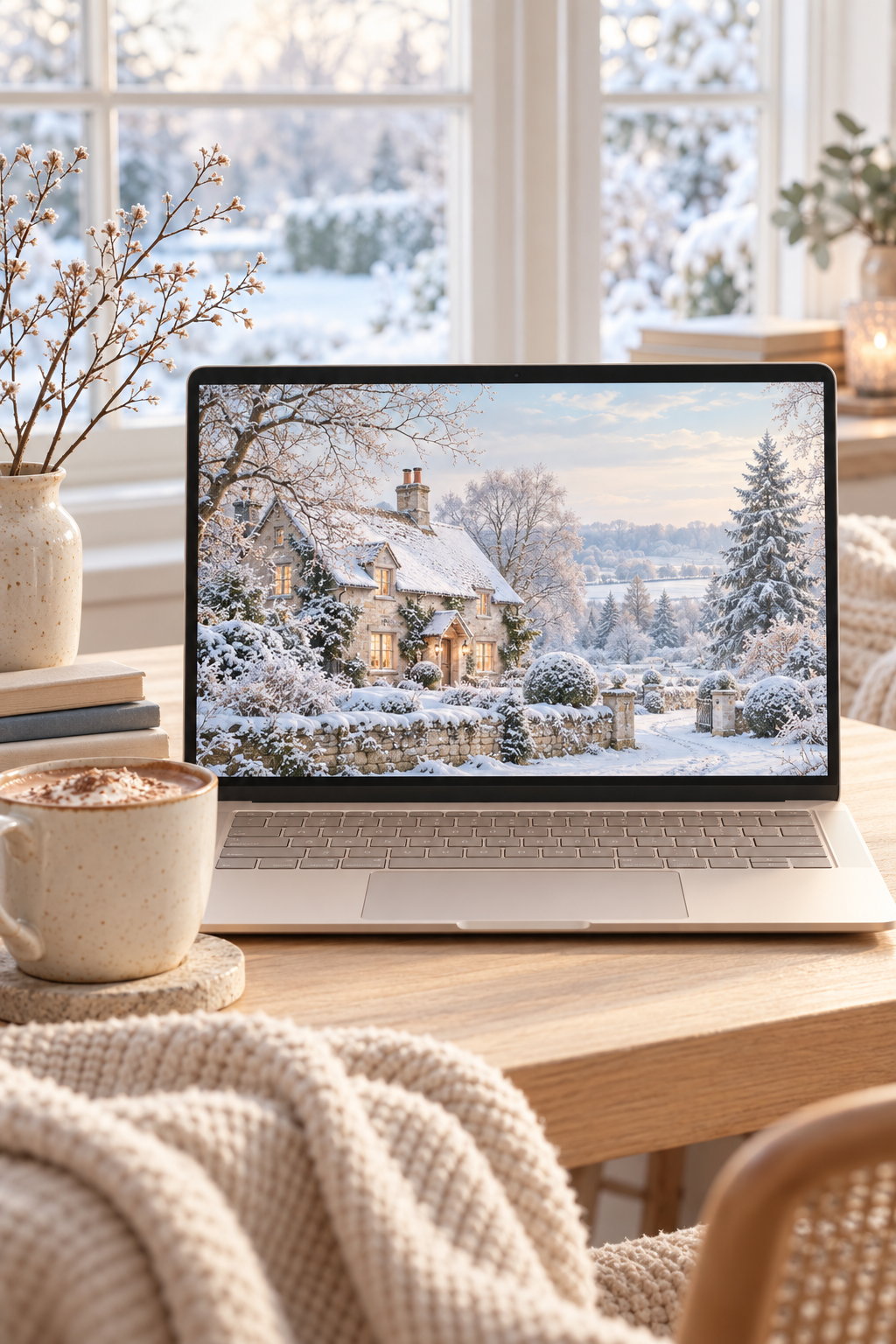
Hi beauties! These free aesthetic winter desktop wallpapers are a sweet way to bring snowy scenery, cozy cottages and soft seasonal colours to your computer. A fresh background adds a little winter charm to the screen you look at every day.
I love the look of a quiet cottage under fresh snow or a pale pink sunrise over a frozen lake. If you prefer something simpler, a neutral snowflake design or soft knit texture can make your desktop feel just as cozy.
Below, you'll find 35 winter backgrounds grouped by style, including three simple quote designs and two desktop organizers. Choose your favourite, follow the download steps and use the Mac or Windows instructions to set it up. For your phone, browse my free winter iPhone wallpapers too.
Free Aesthetic Winter Desktop Wallpapers in This Collection
This collection includes 35 horizontal winter wallpaper designs: 30 scenic, illustrated and textured backgrounds, three quote wallpapers and two organizers. The full-size JPG downloads measure 2560 x 1440 pixels in a 16:9 format, giving you a wide layout for a computer or laptop screen.
There are no calendars or year-specific dates, so you can return to the designs each winter. The snowy scenes and cozy details work throughout the season, including January and February. For a festive December look, visit my Christmas desktop wallpaper collection.
These files are free for personal use on your own devices. Please do not sell them, share the original download files or upload them to another website. If you would like to share the collection, send someone the link to this post.
How to Download Your Winter Wallpapers
1. Choose a design
Browse the styles below and pick the winter wallpaper that fits your mood. You can save a few favourites and switch between them as the season goes on.
2. Open the full-size download
Click Download Wallpaper beneath the preview you like. Depending on your browser, the JPG will open in a new tab or download directly to your computer.
3. Save the JPG
If the full-size image opens in a tab, right-click it and choose the option to save the image. Keep it in Downloads, Pictures or another folder you can find easily. Save the linked file rather than the smaller preview in the post.
4. Set your background
Use the Mac or Windows steps below to select the saved image. If the scene looks cropped, try a different fit setting before choosing another wallpaper.
Snowy Winter Landscape Desktop Wallpapers
Snowy lanes, quiet lakes and frosted trees make these backgrounds feel peaceful and open. Start here if you want the winter scenery to do most of the decorating.
1. Snowy Country Lane
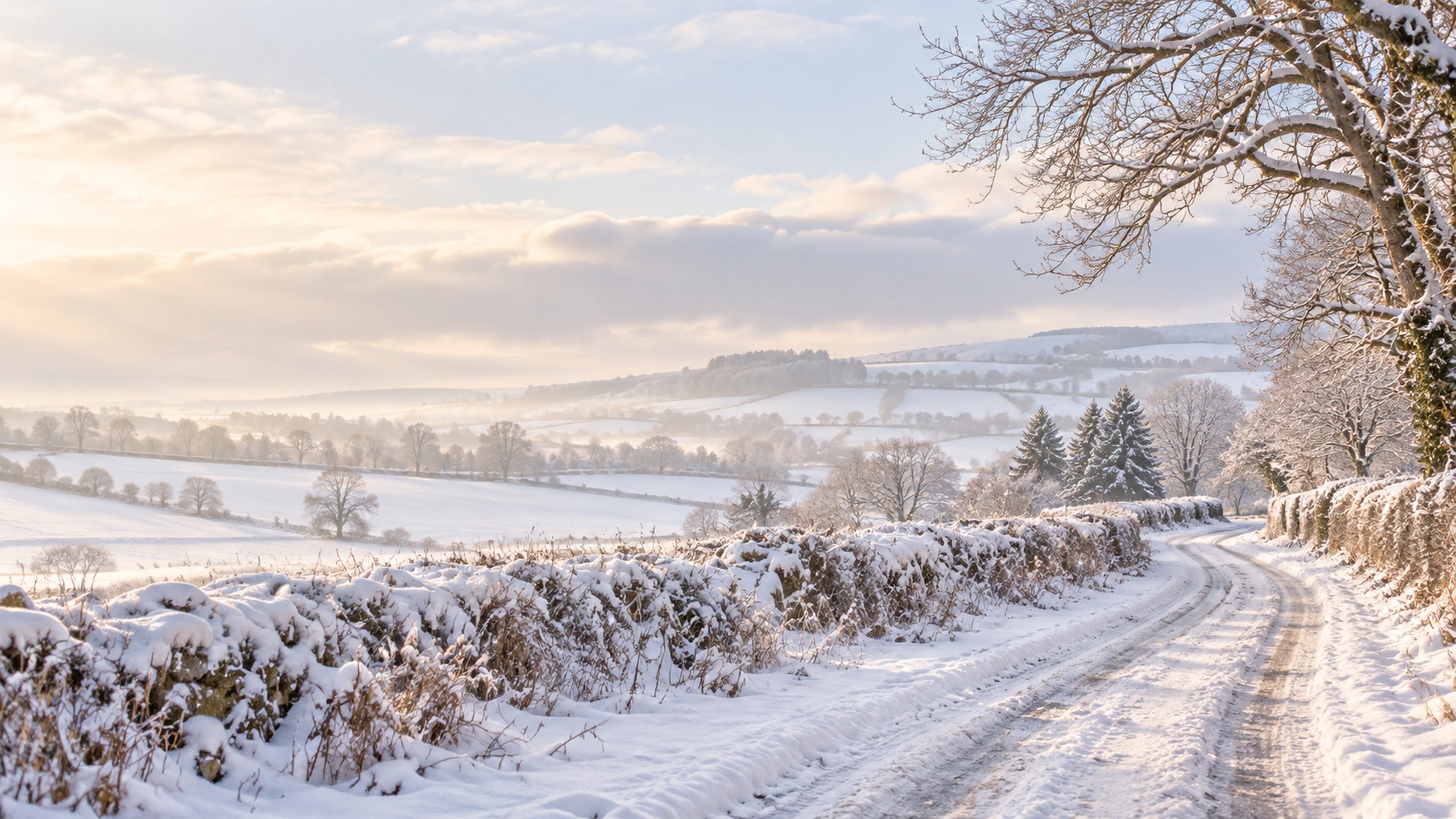
A winding lane, bare branches and soft morning light make this a peaceful choice for everyday use. The pale snow also gives desktop icons a simple backdrop.
2. Frosted Evergreen Forest
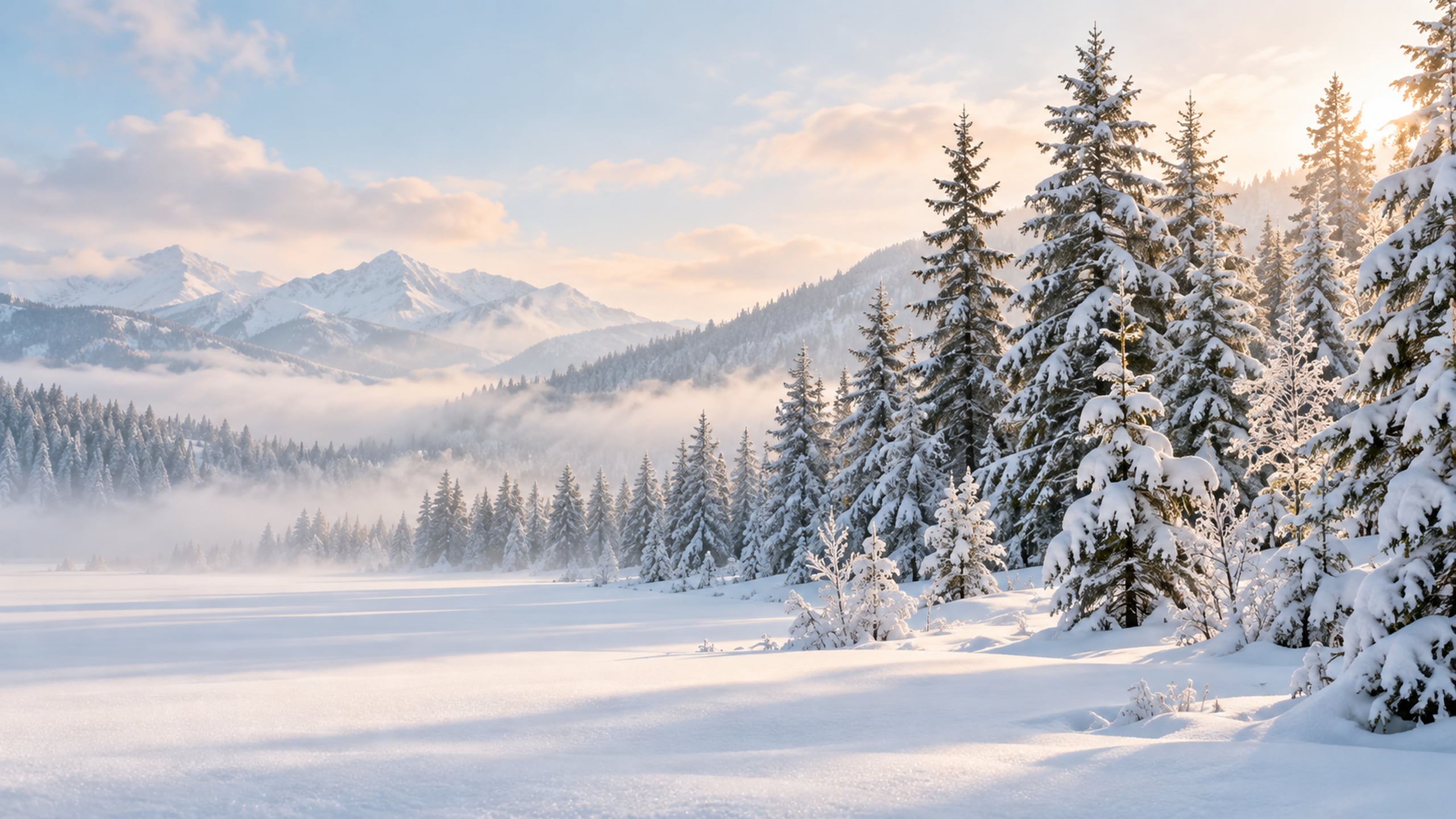
Snow-dusted evergreens bring a little woodland calm to your screen. Choose this design if you love a classic winter landscape with gentle green tones.
3. Frozen Lake at Sunrise
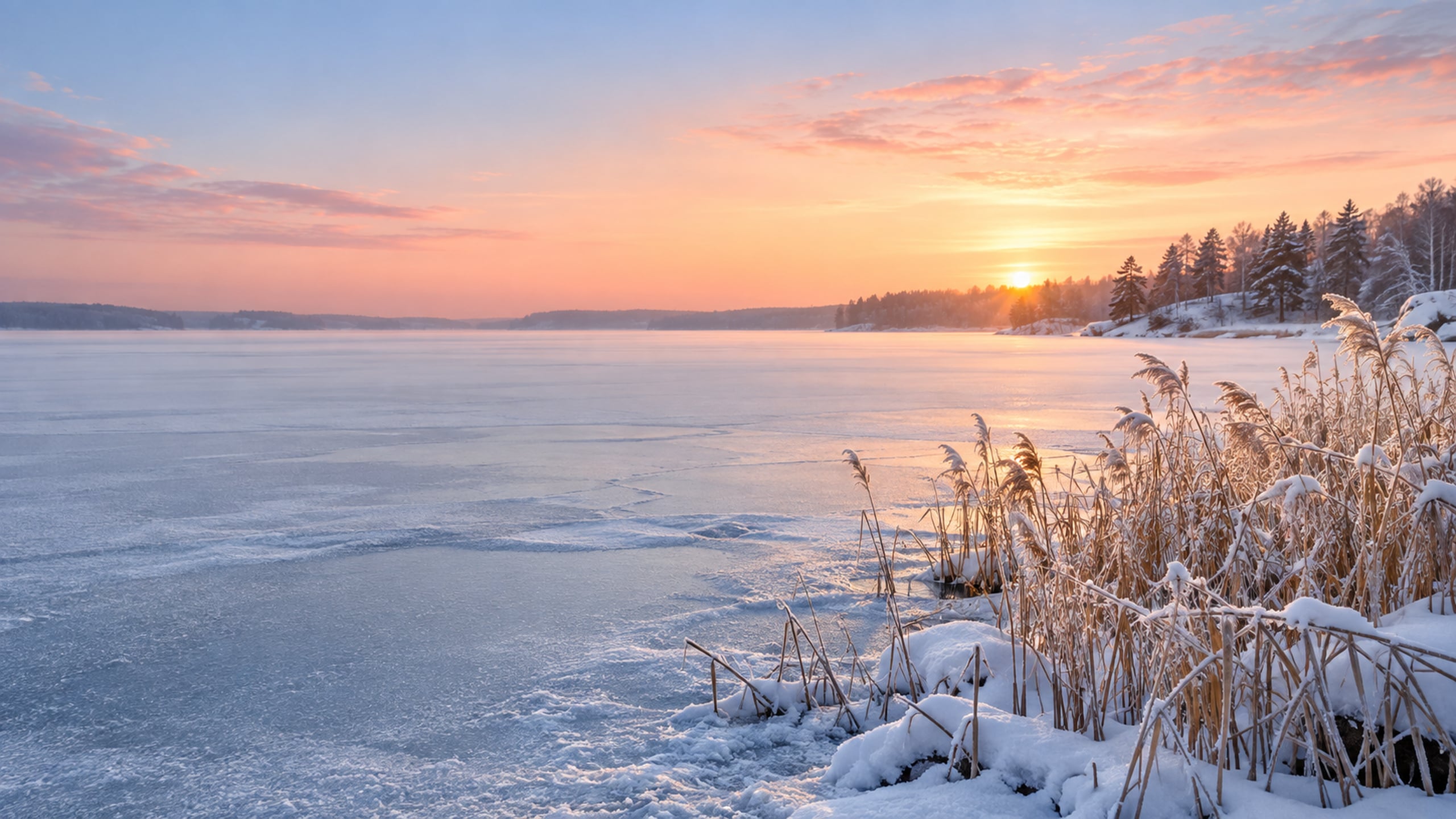
This quiet lake scene pairs a pale pink sunrise with a snowy shoreline. It is a lovely option when you want a winter background that feels light and spacious.
4. Snowy Mountain Valley
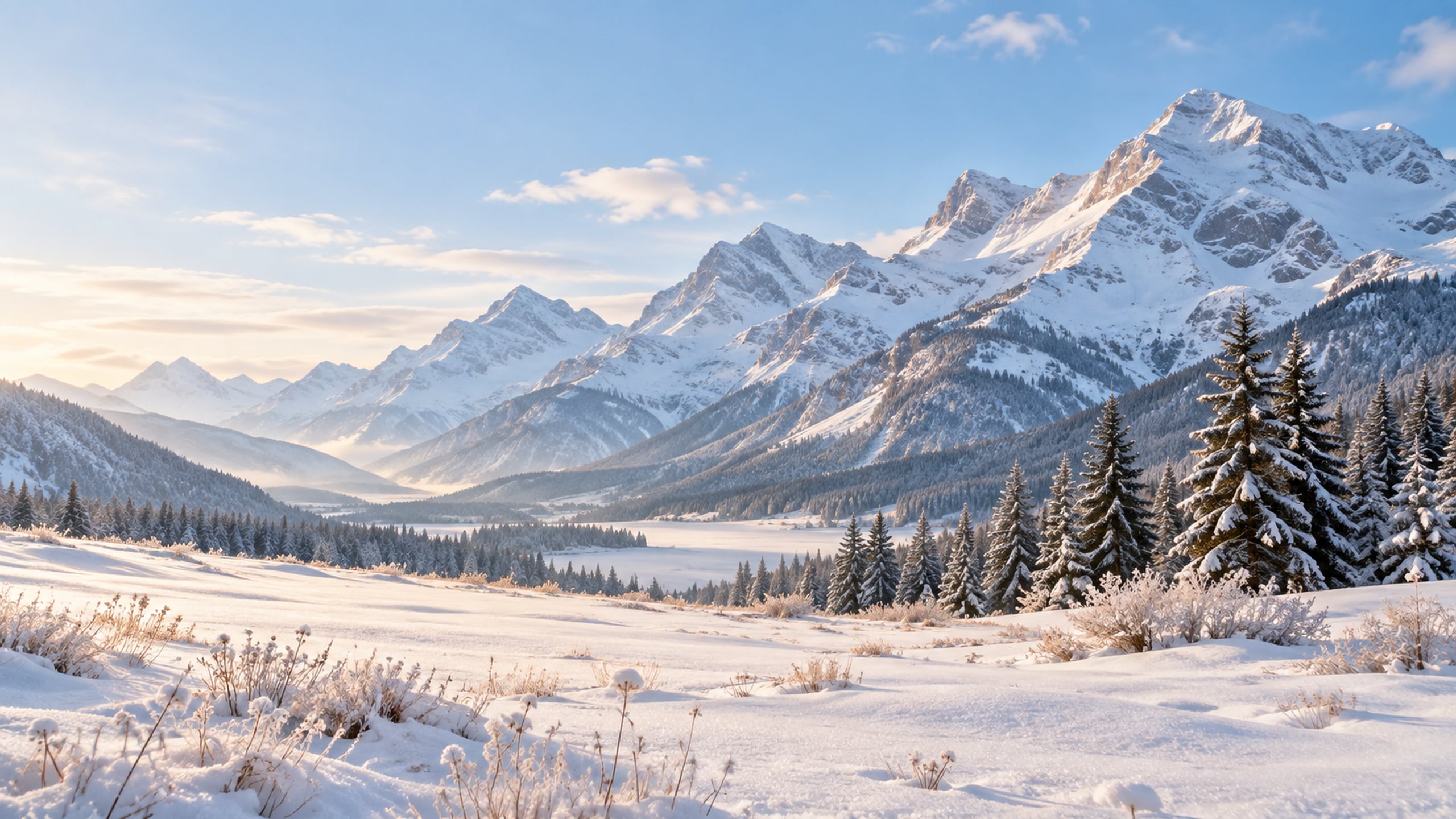
Layered mountains and a soft blue sky give this wallpaper an airy, open feel. The snowy foreground keeps the view from becoming too busy behind folders.
5. Birch Trees in Fresh Snow
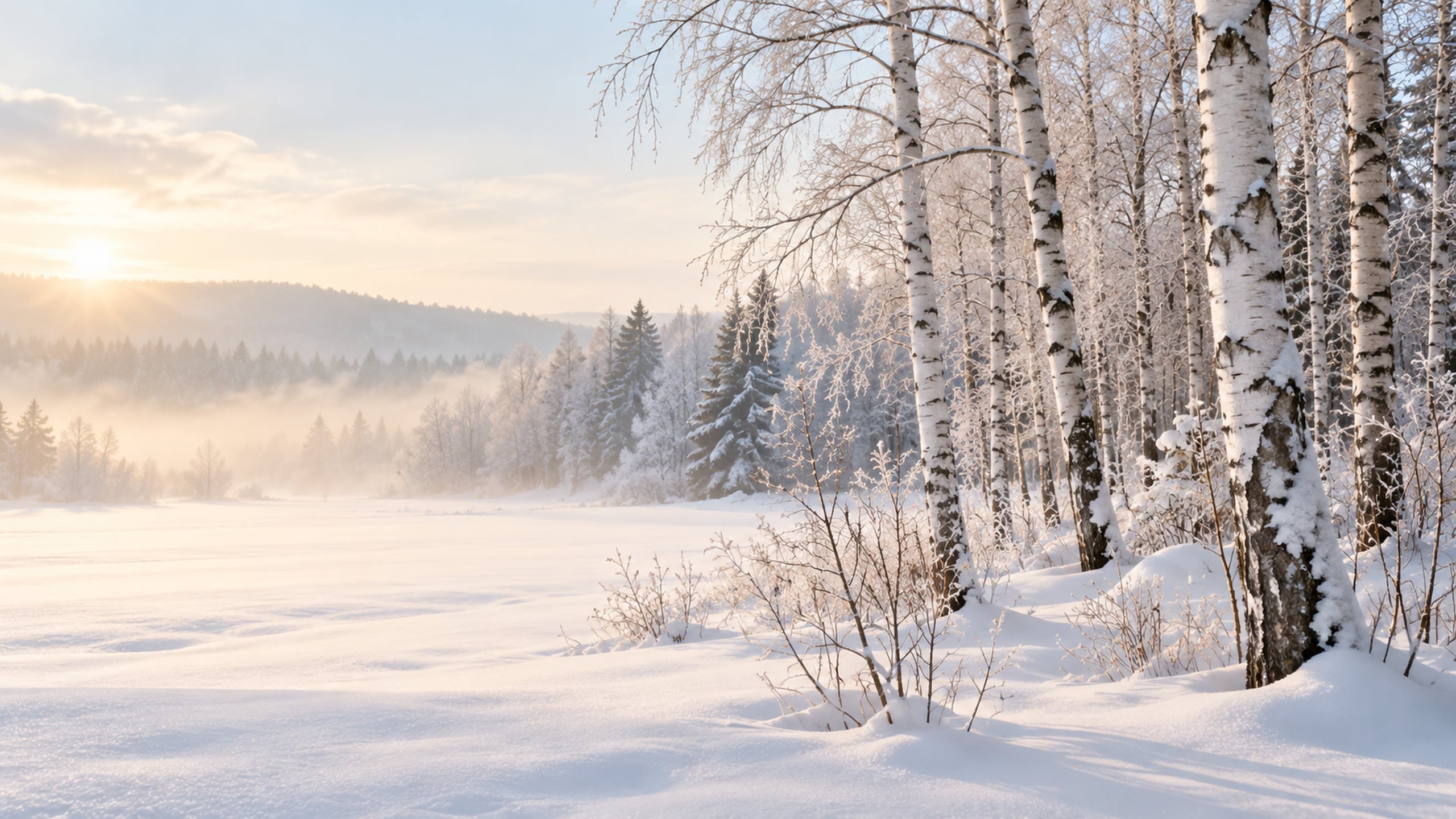
Slim birch trunks add just enough detail to a mostly white scene. I love the look of this one with a clean desktop and a few neatly grouped folders.
Cozy Winter Cottage and Cabin Wallpapers
These cozy winter desktop wallpapers bring in warm windows, soft knitting and quiet places to settle in. They have that comfortable winter-at-home feeling without relying on Christmas decorations.
6. Snowy Cottage with Glowing Windows
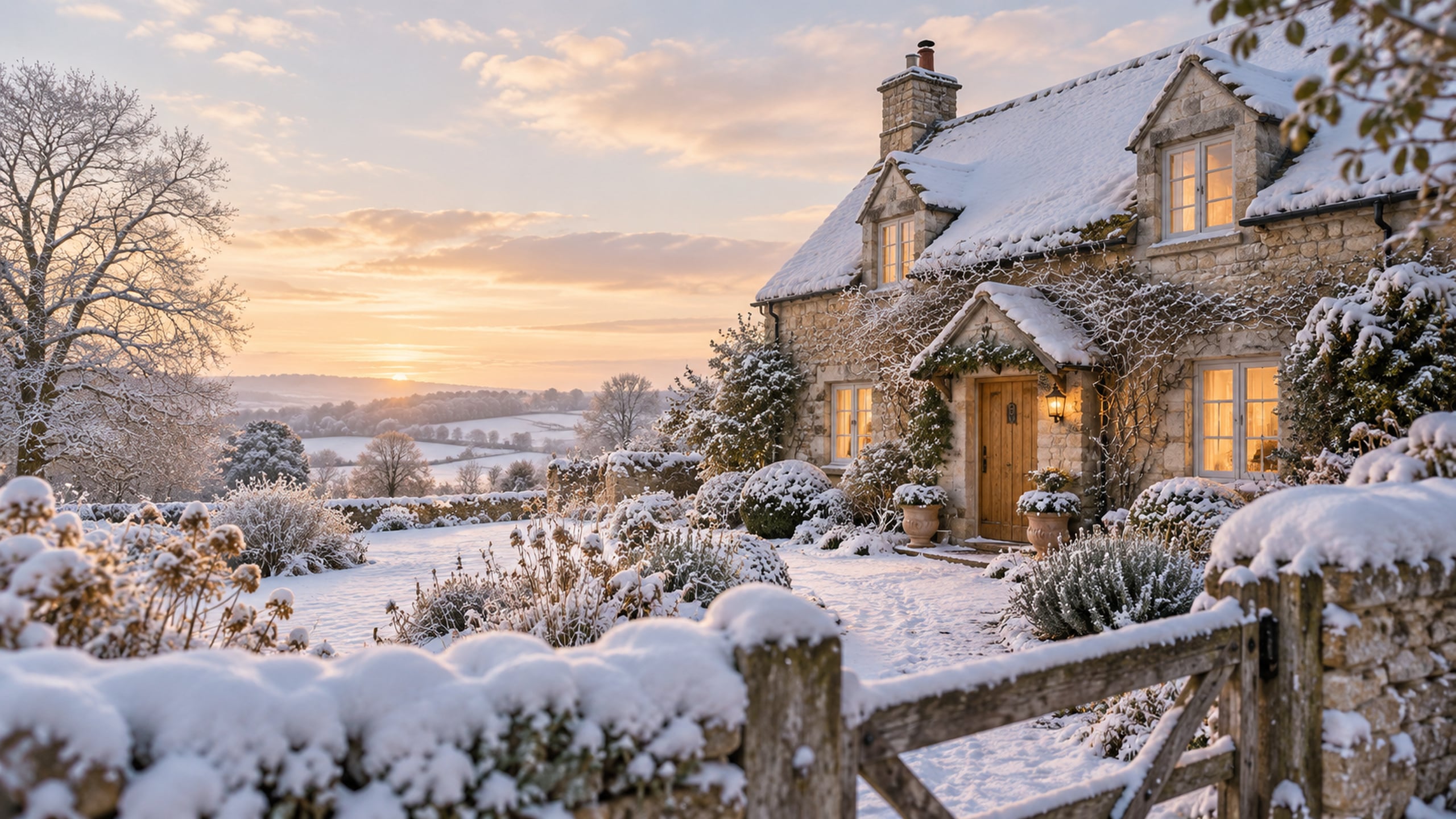
A little cottage with warm windows makes this winter desktop wallpaper feel especially welcoming. The snowy garden keeps the scene seasonal without adding holiday decorations.
7. Hot Cocoa by a Winter Window
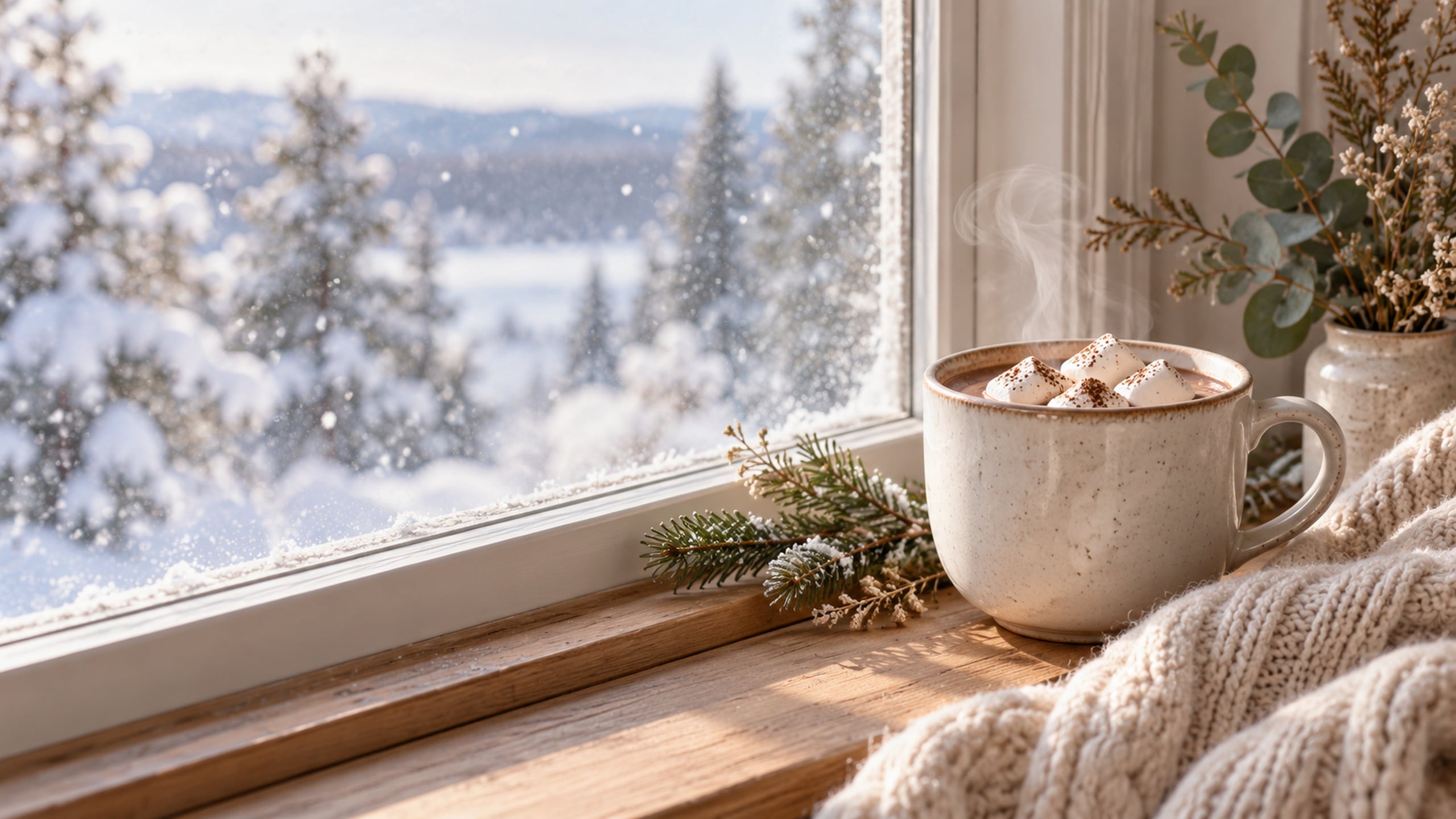
This background brings together a ceramic mug, soft knit texture and a snowy view. It is a cozy choice for a laptop you use at the kitchen table or in a home office.
8. Winter Reading Nook
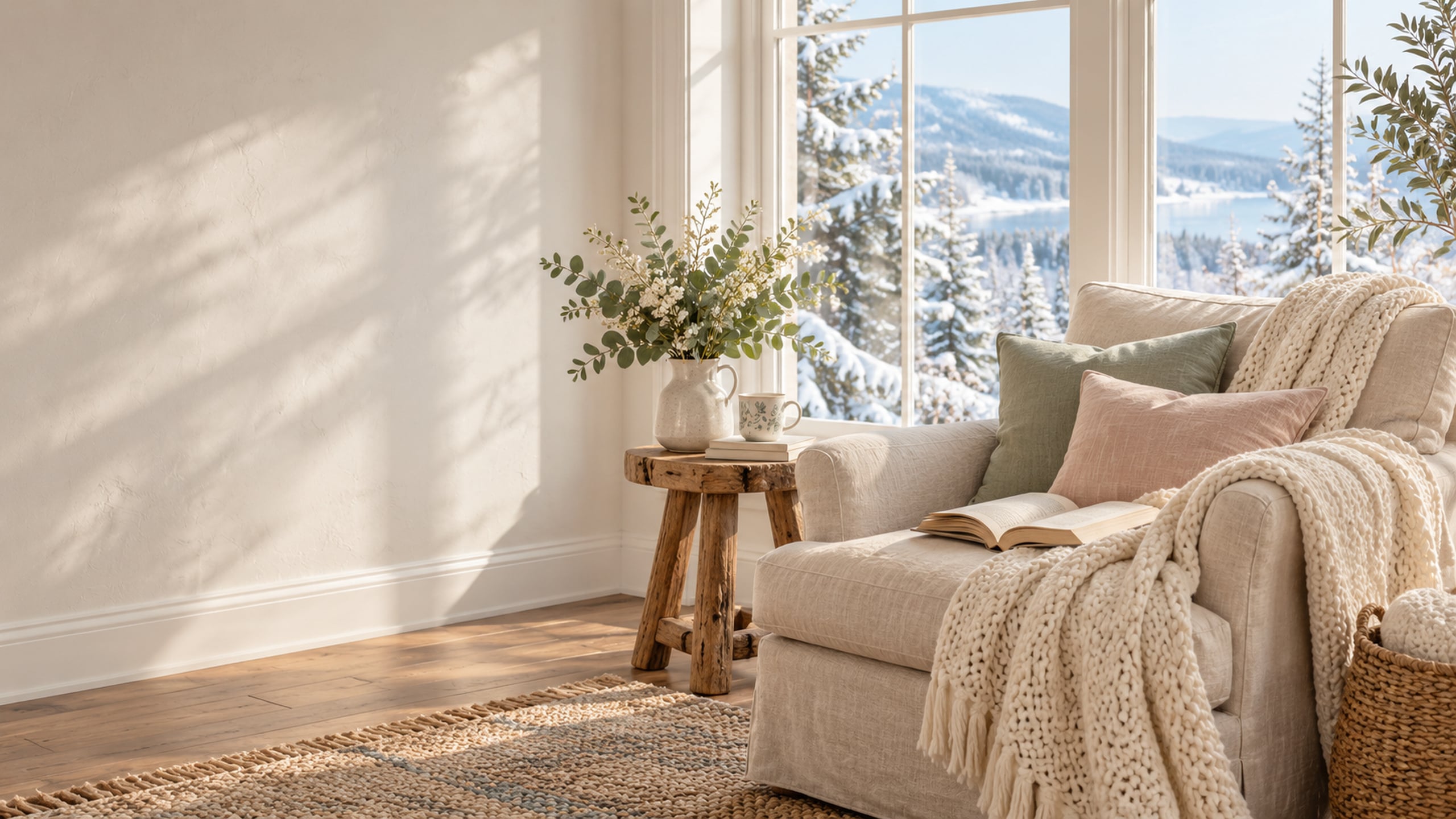
An open book and a comfortable chair give this scene an easy, lived-in feel. Warm neutrals make it a nice alternative to a cooler snowy landscape.
9. Candlelit Cabin in the Snow
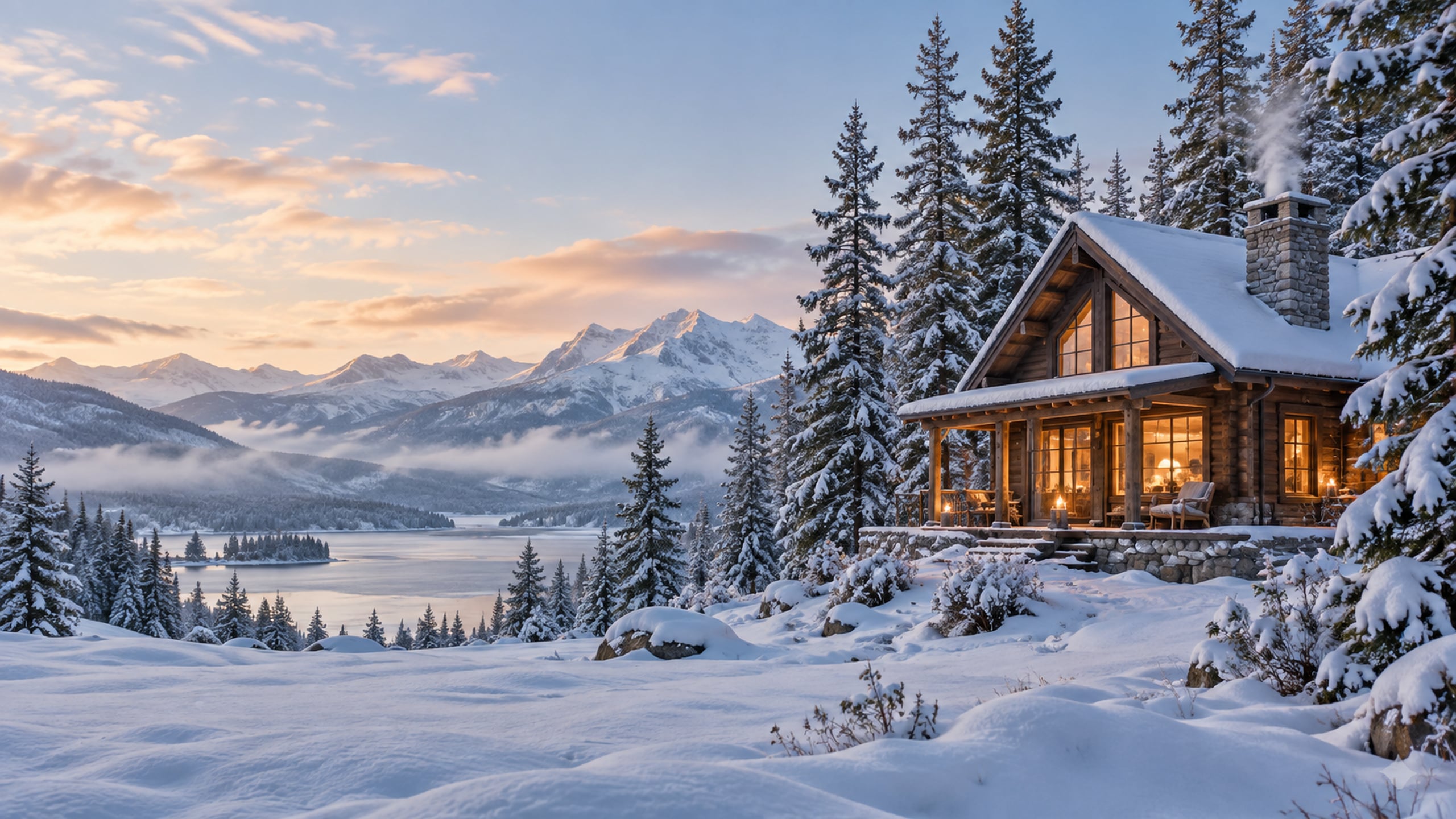
A small wooden cabin and soft amber light create a gentle evening mood. This one suits anyone who wants a cozy winter laptop wallpaper without a bold colour palette.
10. Snowy Farmhouse Porch
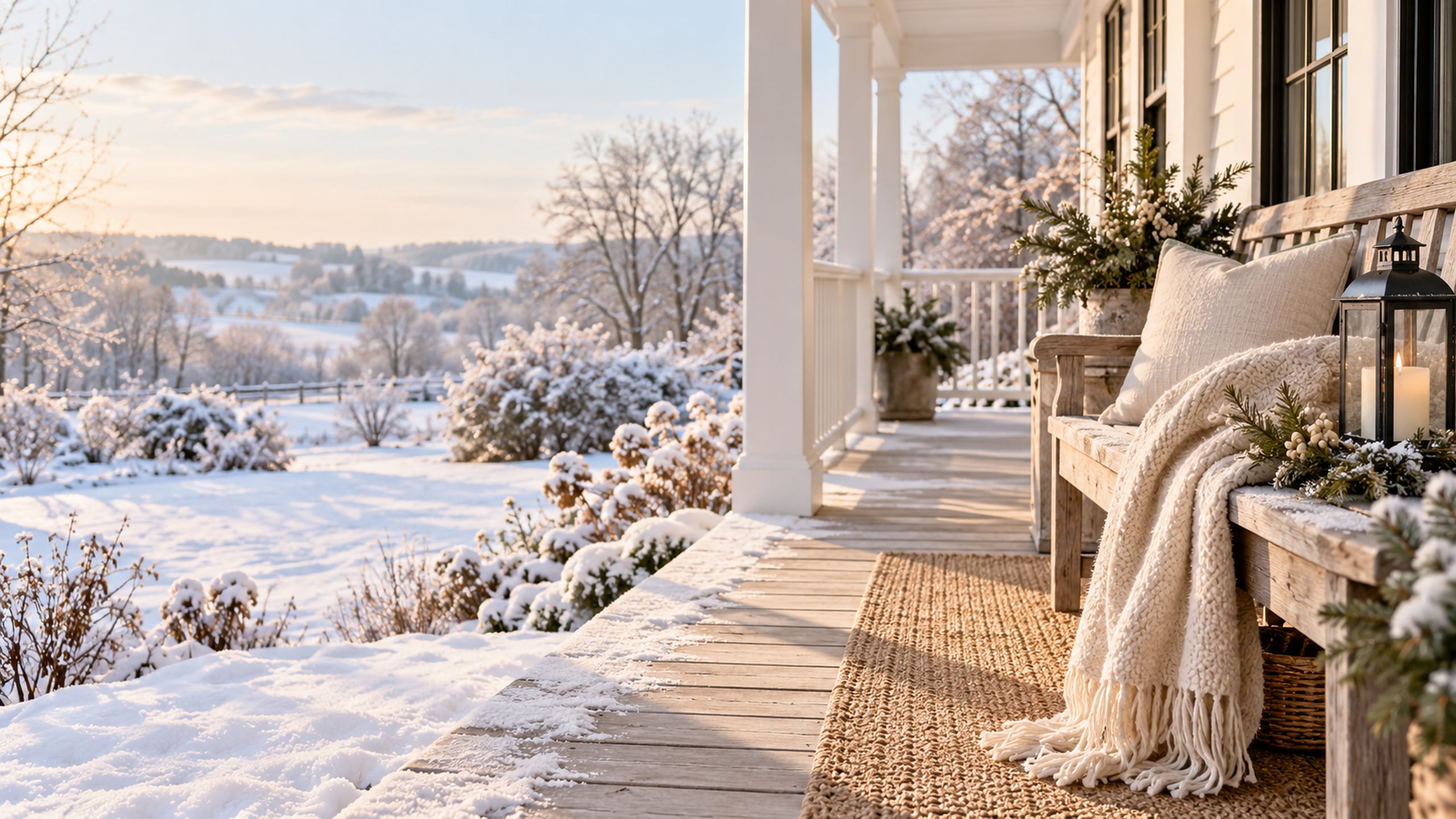
A wooden bench, simple lantern and snowy garden bring a farmhouse touch to your desktop. The styling stays quiet enough to enjoy after the Christmas decorations come down.
Neutral and Minimalist Winter Desktop Wallpapers
Cream, oatmeal and soft grey keep this group gentle and uncluttered. These are good choices when you want a seasonal background that stays quiet behind your folders.
11. Minimal Snowy Meadow
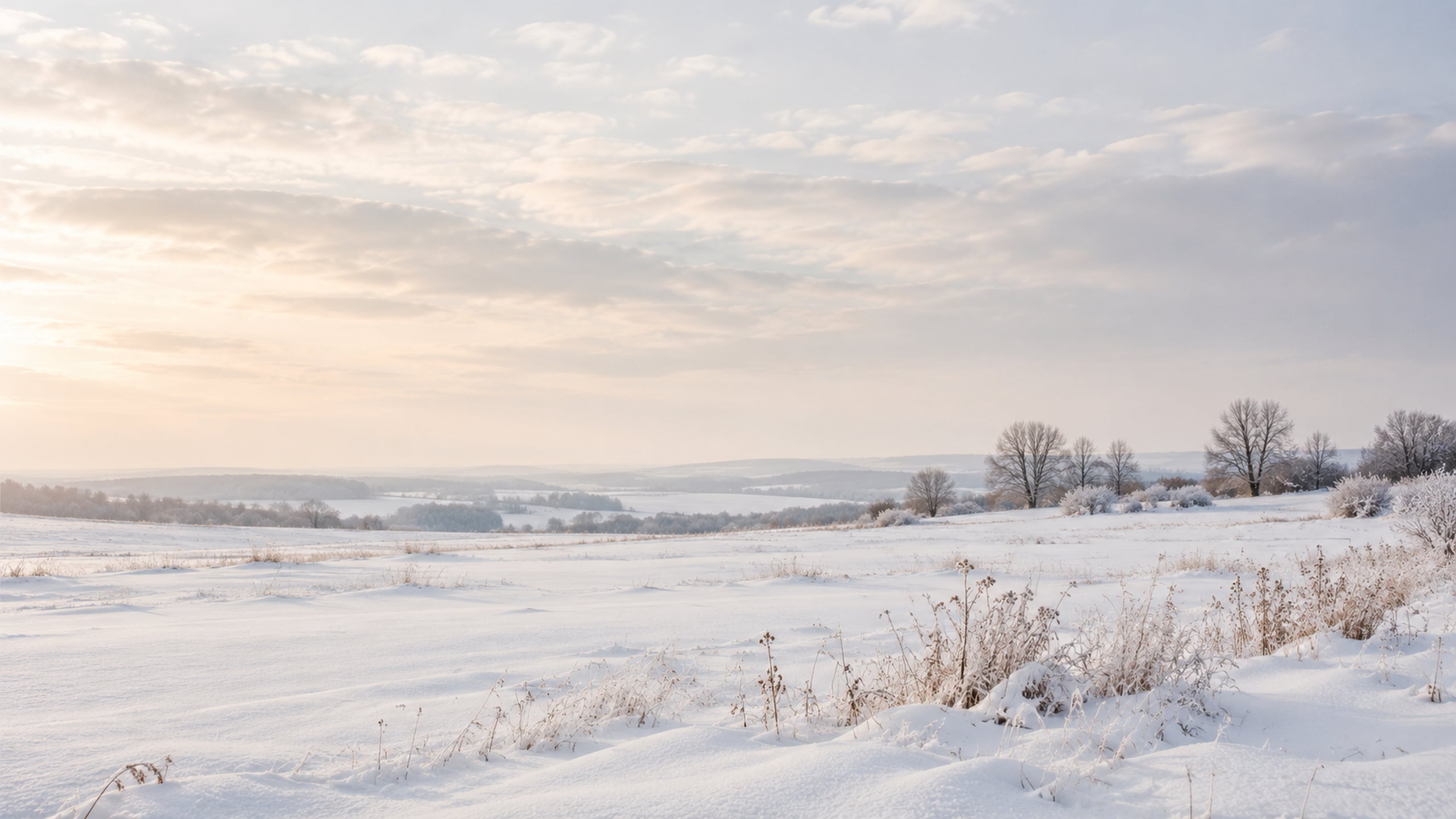
A wide meadow and a soft grey sky keep this design beautifully simple. Try it if you have lots of desktop icons and want the background to stay understated.
12. Frosted Dried Hydrangeas
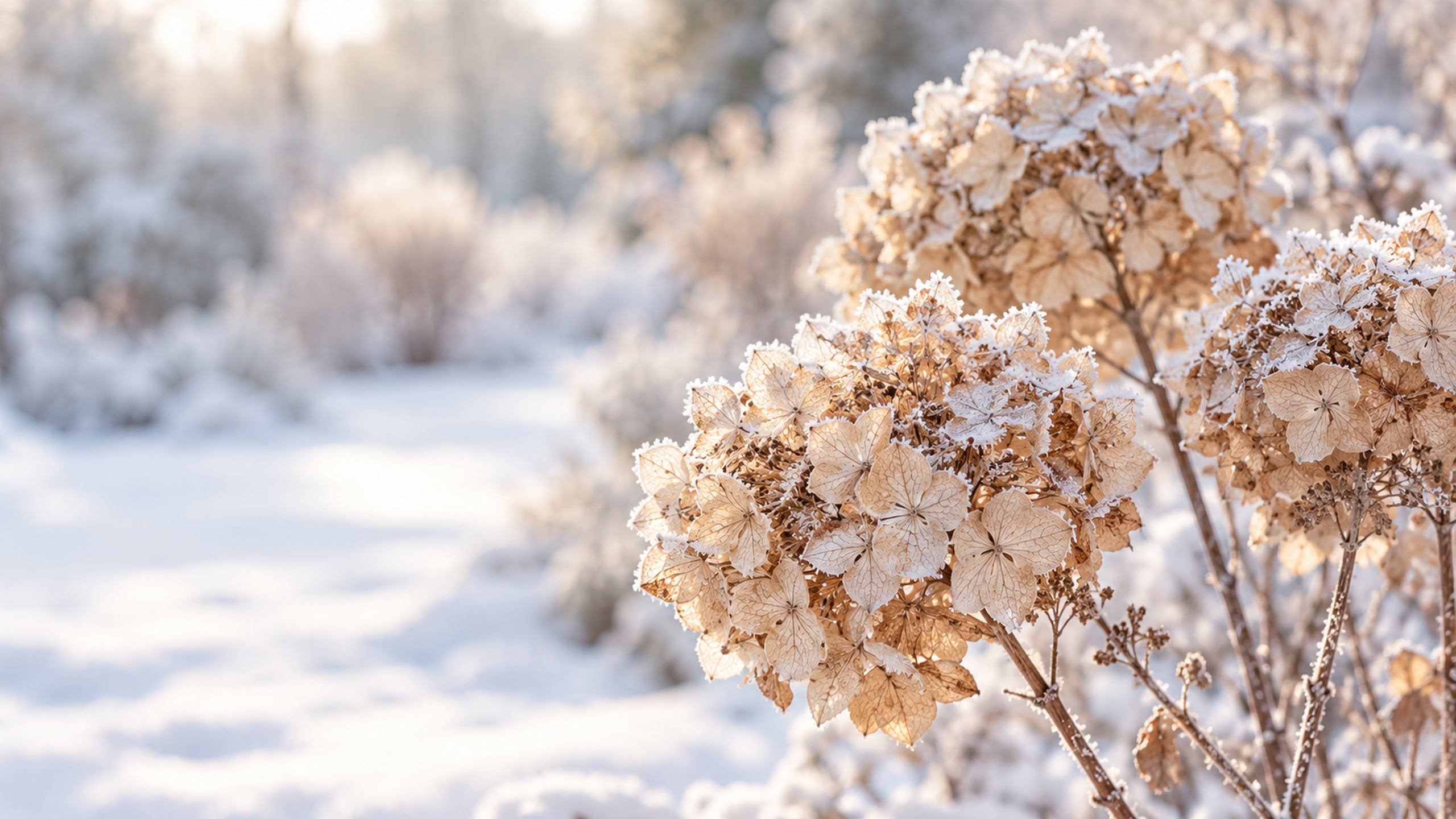
Delicate hydrangea heads add a little texture to this neutral winter wallpaper. The cream and taupe tones work well with an understated cottage or farmhouse aesthetic.
13. Quiet Winter Shoreline
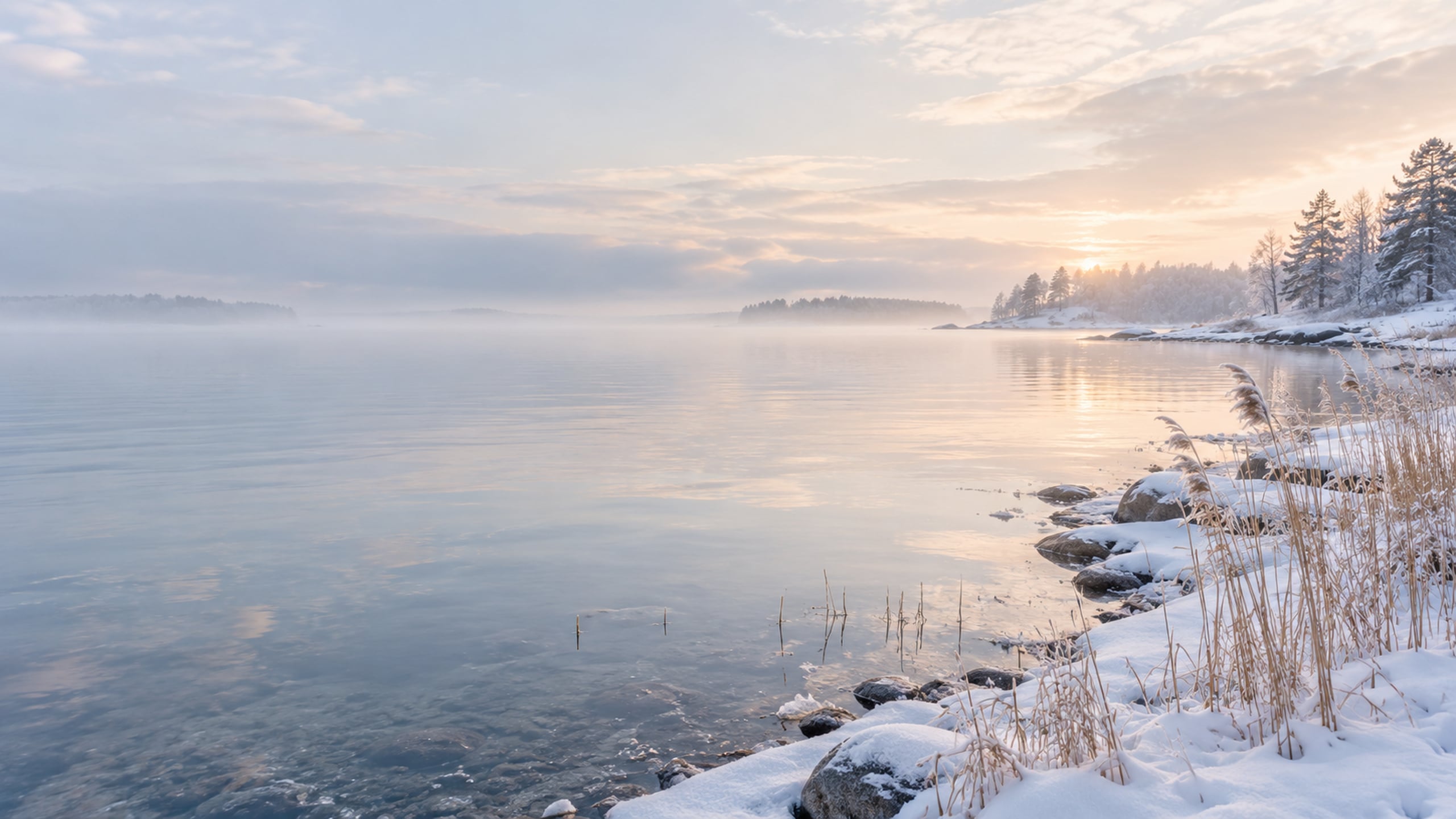
Muted grasses and a still shoreline create a calm, slightly rustic scene. Choose this one when you want winter scenery with a softer contrast than a forest background.
14. Cream Knit Winter Texture
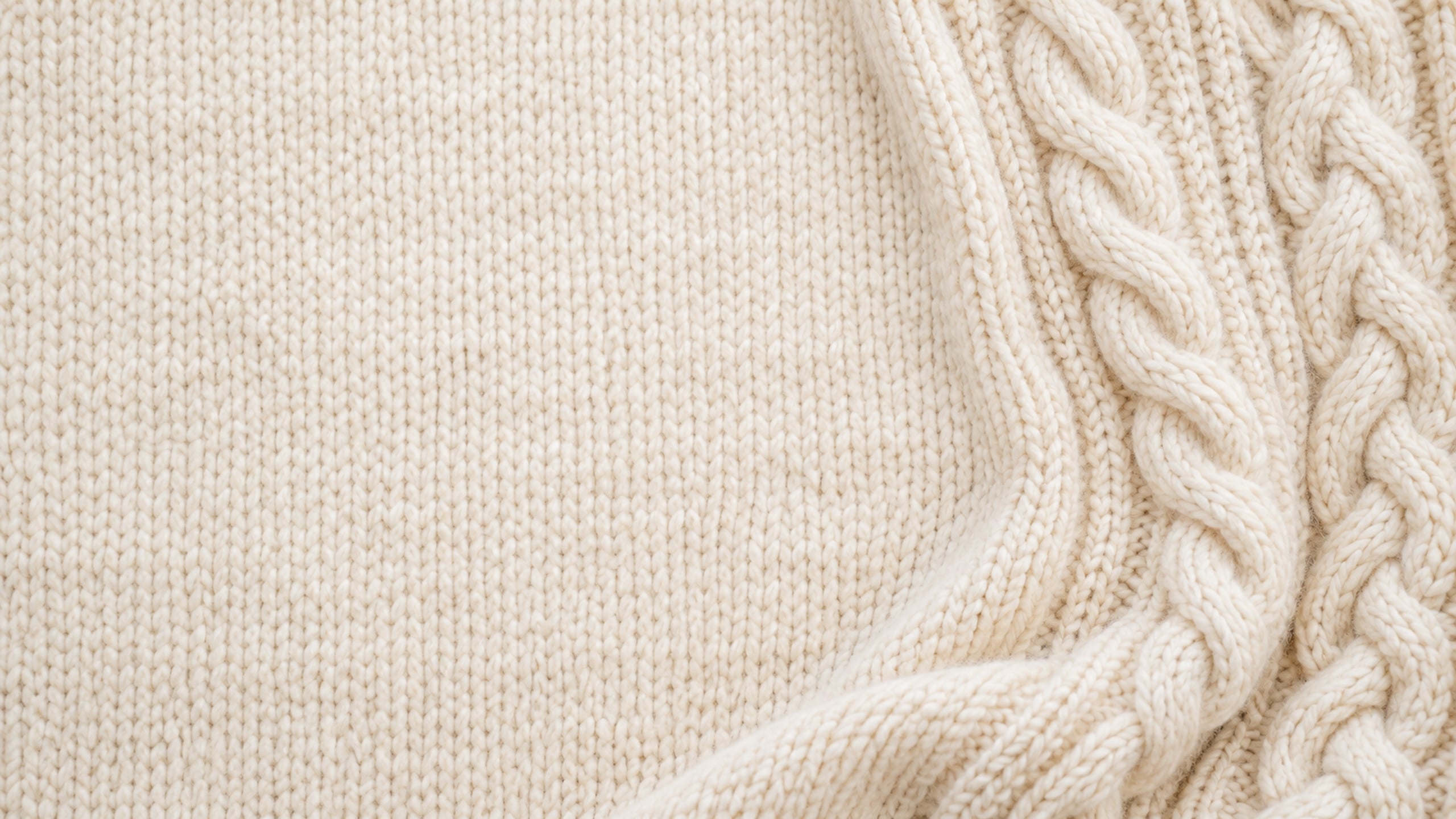
A close-up of cream knitting gives your screen a warm, simple backdrop. It is a lovely option if you prefer texture over a landscape or illustration.
15. Snowflakes on Warm Ivory

Small watercolour snowflakes bring in the season without filling the whole screen. The spacious ivory background helps the design feel light and easy to use.
Cute and Cottagecore Winter Desktop Wallpapers
A little woodland charm makes these winter backgrounds feel sweet and nostalgic. Think painted cottages, a snowy bakery and soft illustrations with plenty of breathing room.
16. Woodland Fox in a Snowy Clearing
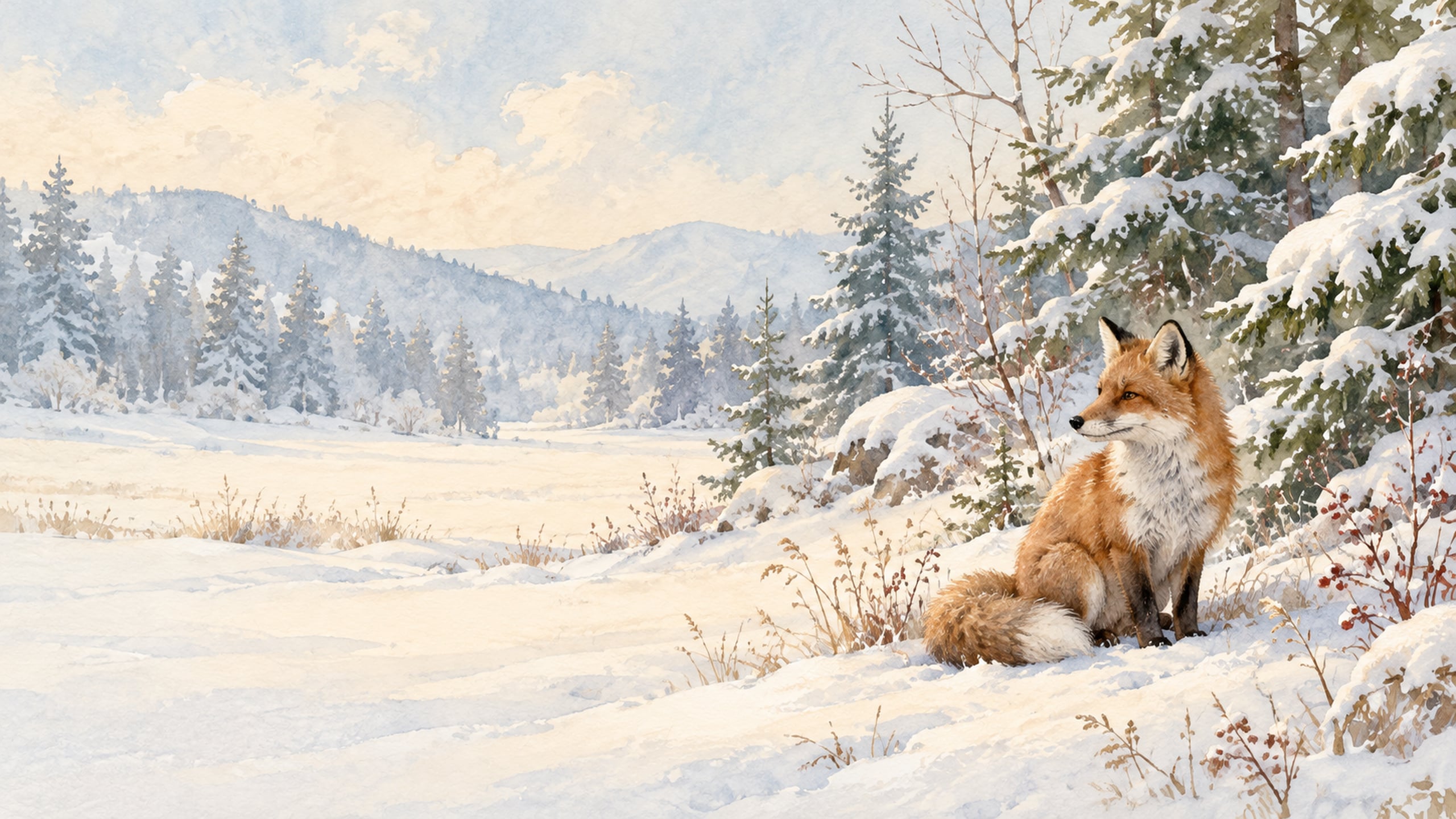
A little fox adds a sweet woodland detail to this winter background. Soft painted textures keep it gentle and cozy rather than bright or cartoonish.
17. Winter Village Bakery
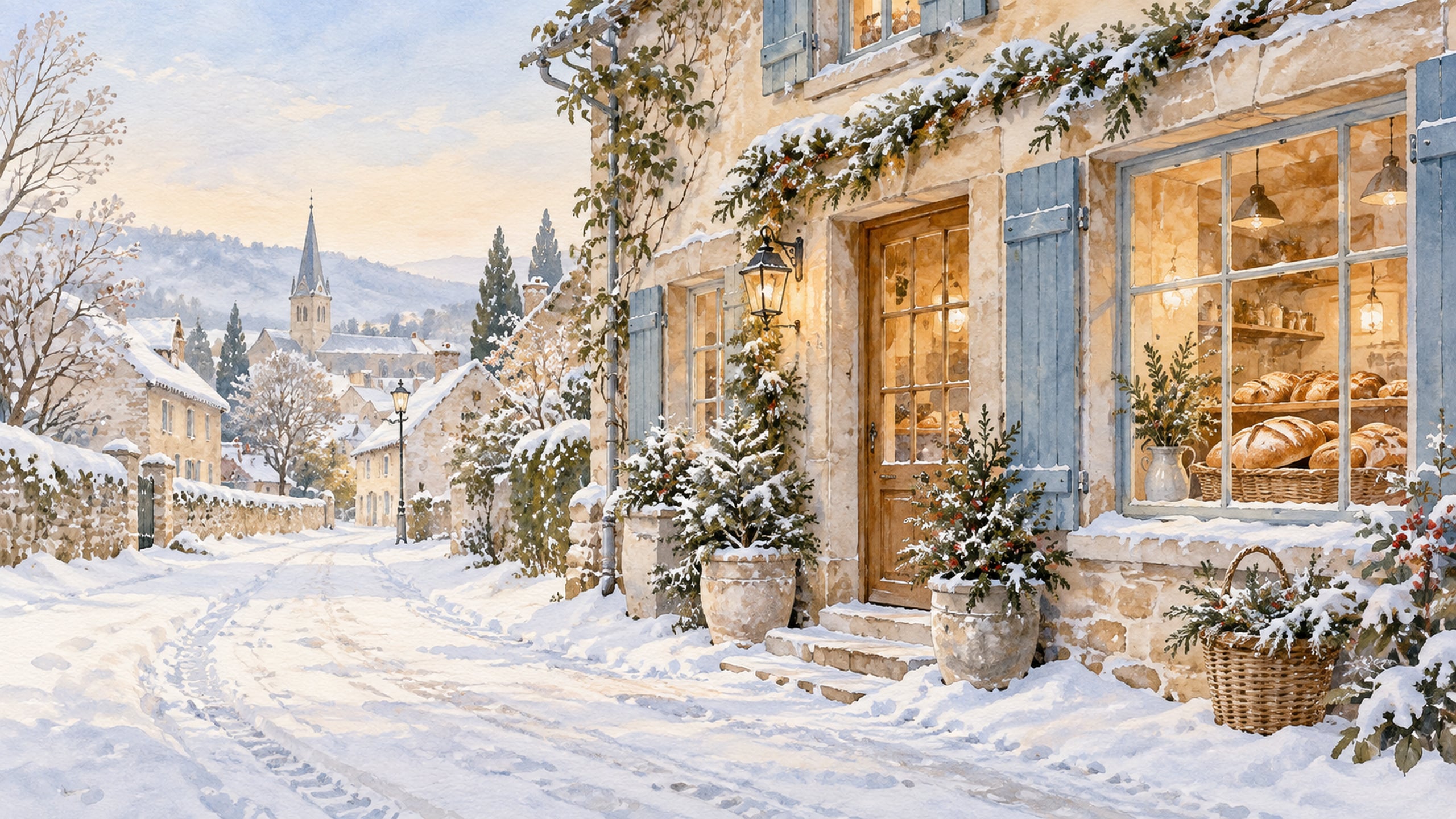
This snowy bakery scene has the charm of a tiny village on a quiet winter morning. Warm window light and a simple cottage storefront make it feel welcoming.
18. Watercolour Snowmen in Scarves
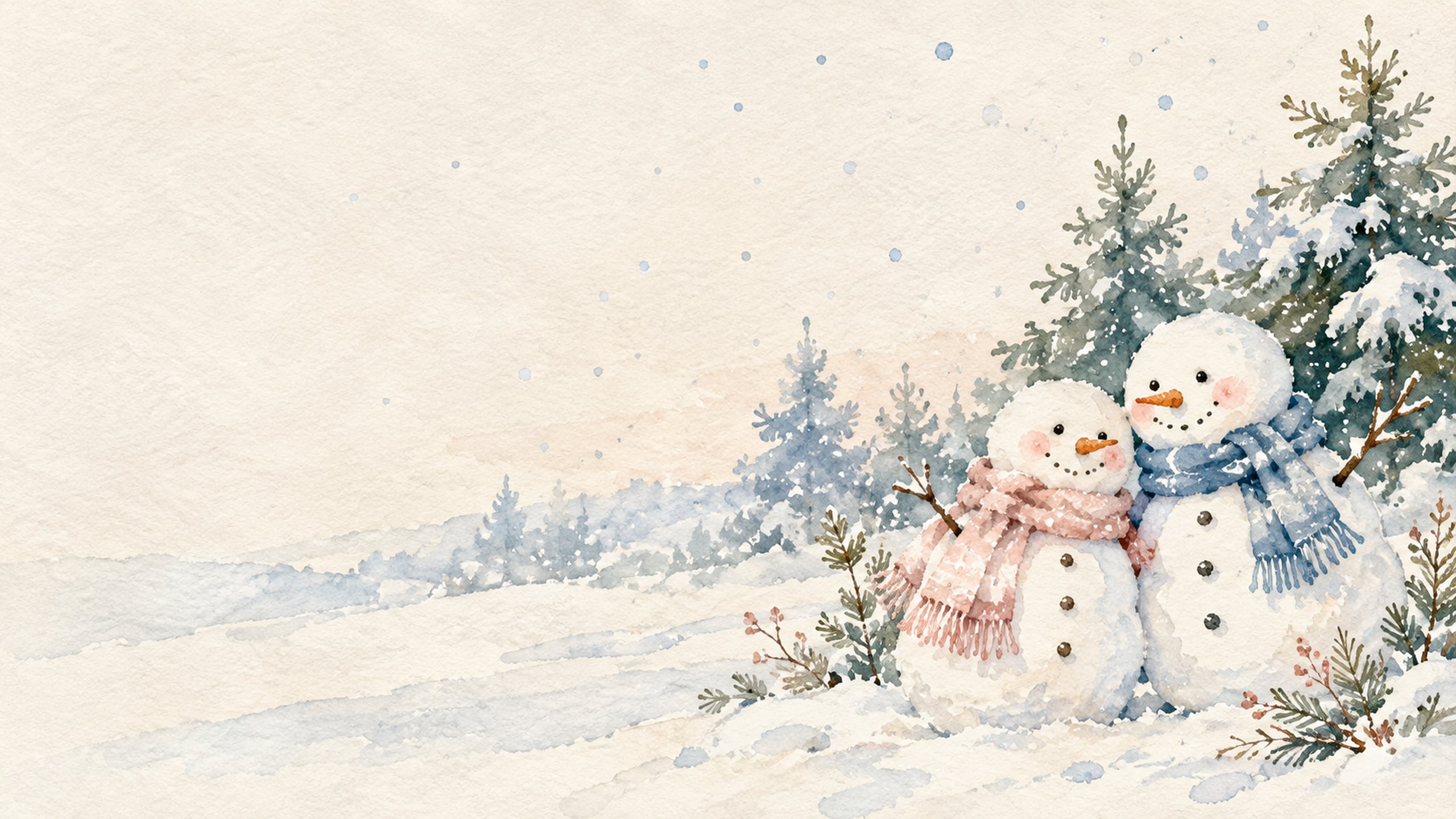
Two small snowmen with soft scarves make this a cheerful winter wallpaper. The open background gives the illustration room to breathe behind your apps and folders.
19. Snowy Cottage Garden Gate
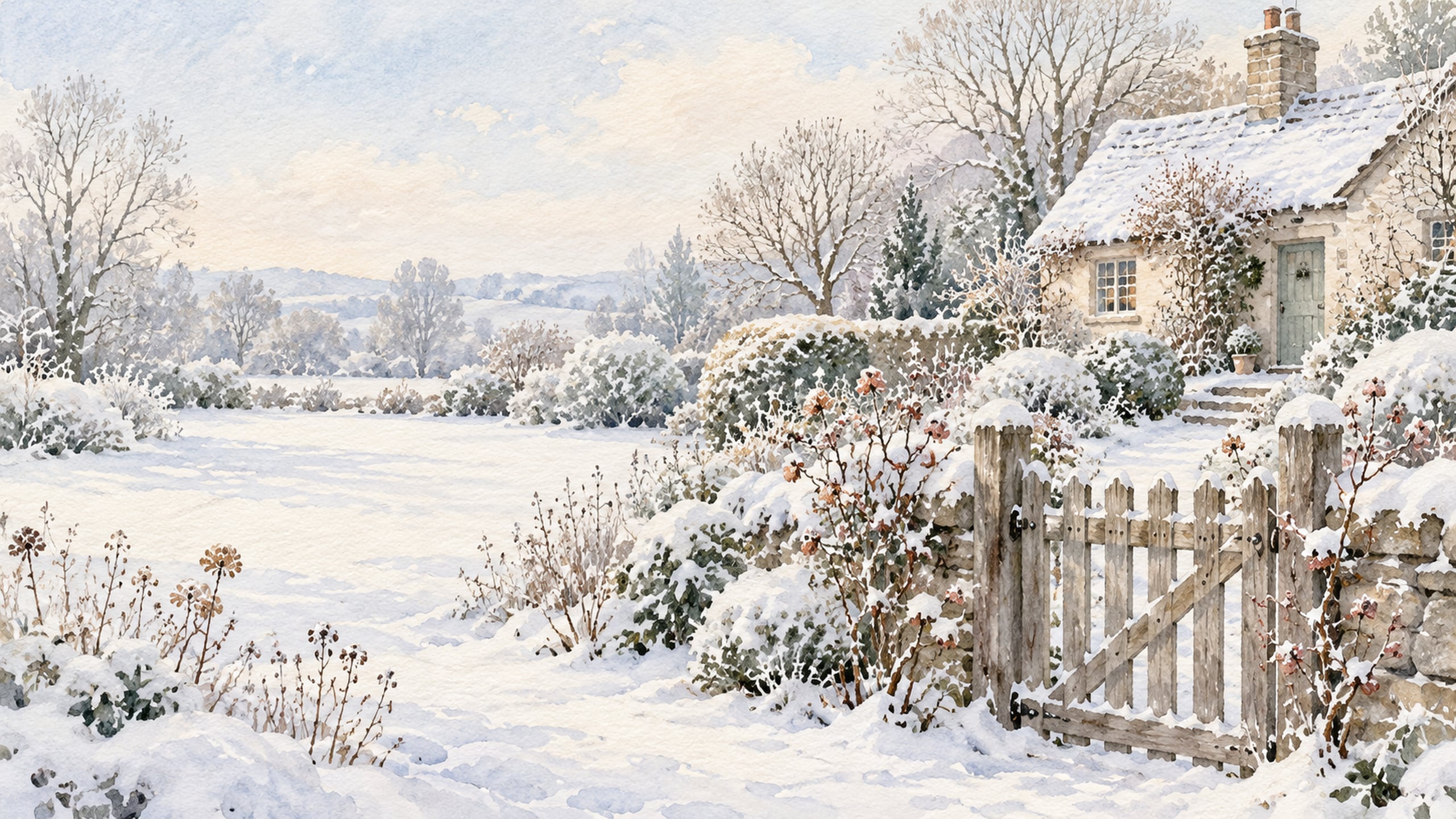
A garden gate and snow-covered path bring a little storybook countryside to your screen. The design feels especially pretty with a soft, neutral workspace.
20. Mittens and Snowflake Pattern

Tiny mittens and snowflakes give this background a playful winter feel. The muted colours make it an easy choice if you like cute wallpaper with a softer finish.
Blush and Pale Blue Winter Desktop Wallpapers
This group brings a softer colour palette into the season with blush, dusty rose and pale blue. The gentle colours feel wintry while staying feminine and light.
If you enjoy these colours, you can also explore my blue aesthetic desktop backgrounds and blush pink desktop wallpapers for more soft options.
21. Blush Winter Sunrise
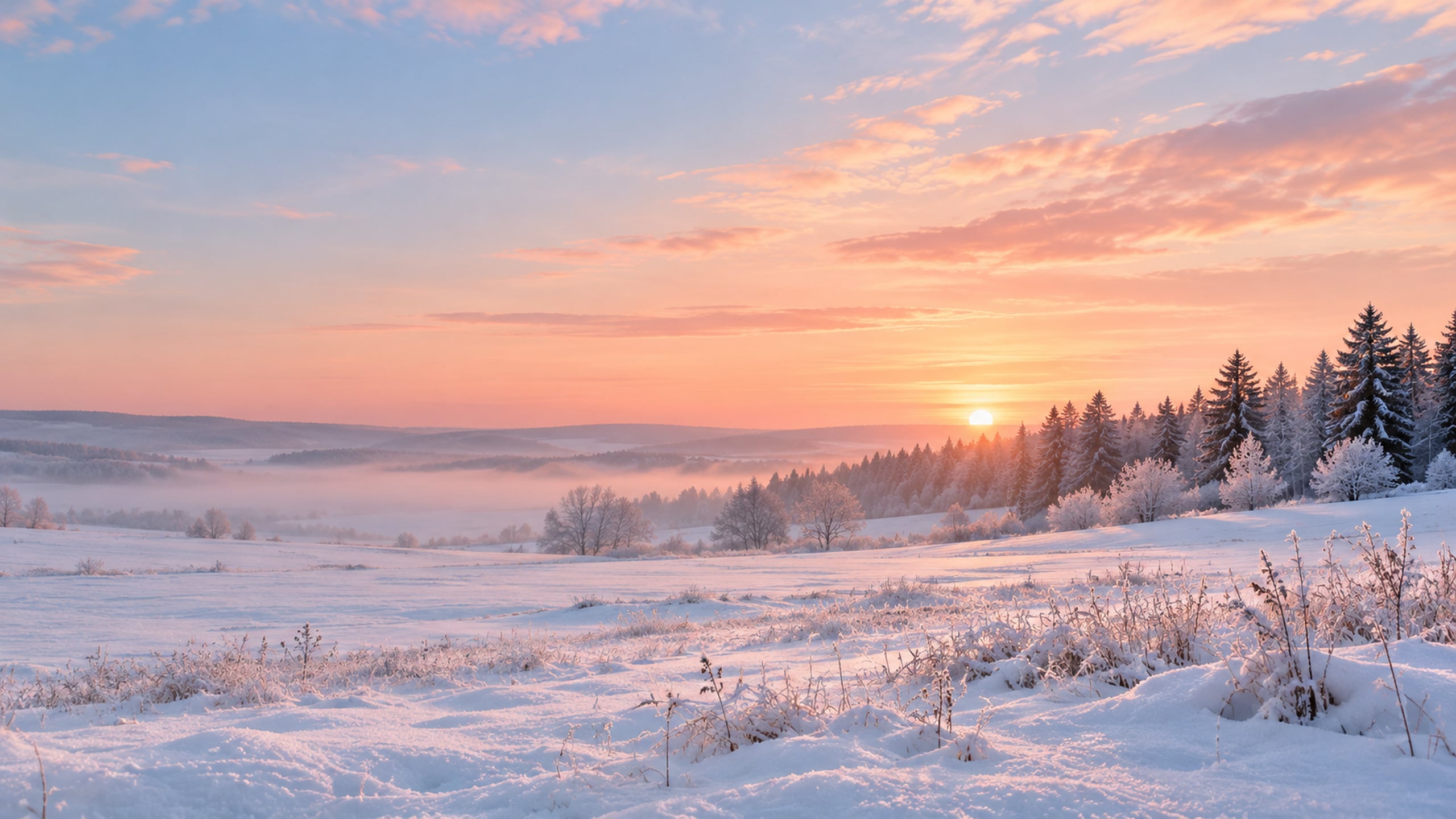
A pale pink sky over fresh snow gives this scene a gentle glow. It is a soft winter wallpaper for anyone who prefers pastels to traditional red and green.
22. Pale Blue Cottage in the Snow
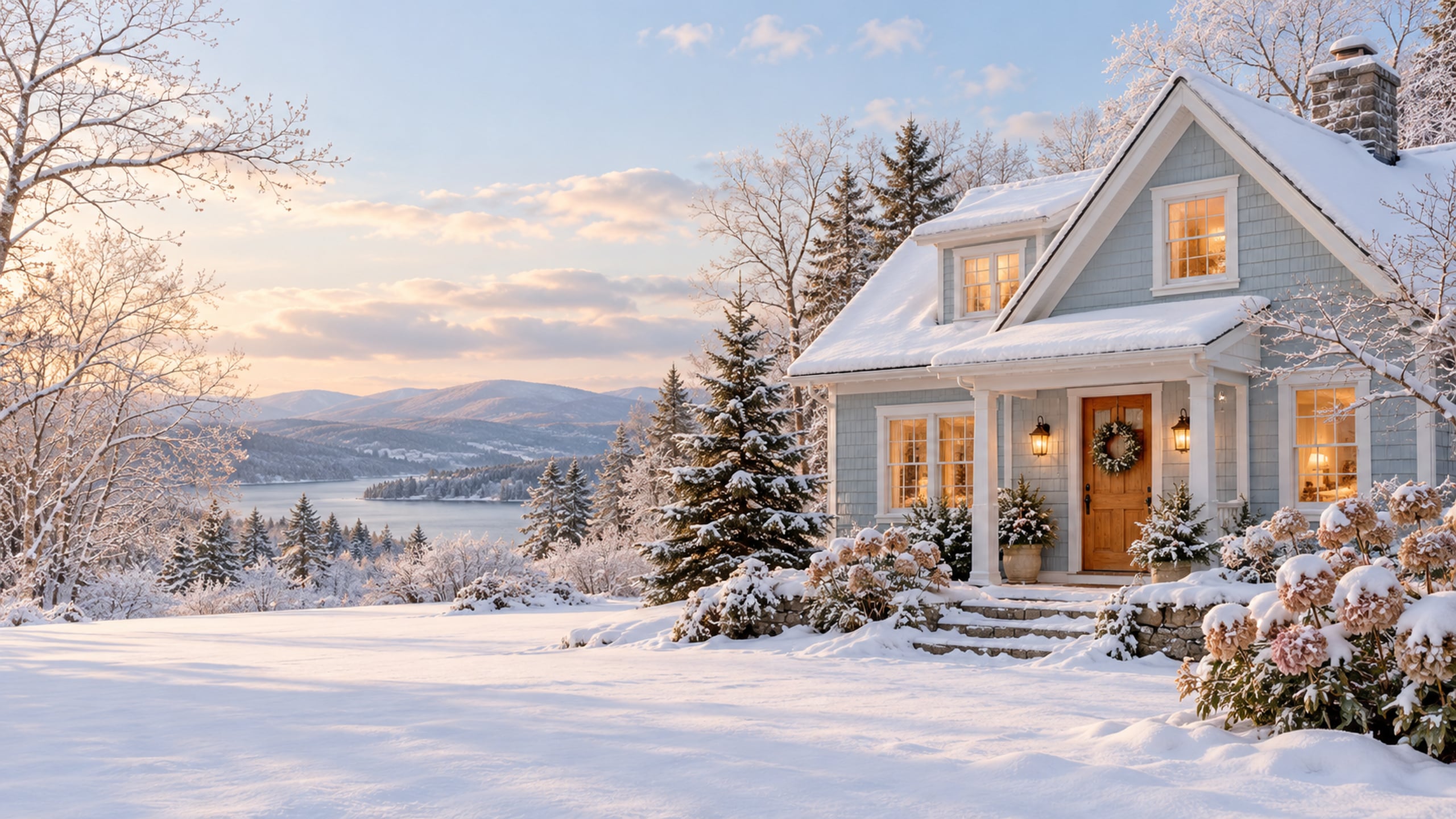
A powder-blue cottage brings a little colour to a quiet snowy setting. Cream trim and warm windows keep the look cozy and easy to pair with neutral desk accessories.
23. Dusty Rose Winter Berries

Muted berry branches add a delicate botanical detail to this background. A lightly blurred snowy setting keeps the dusty rose tones from feeling too bold.
24. Blush Bows and Winter Botanicals

Watercolour ribbon bows and simple winter stems make this design feel feminine and light. The details sit around the edges so the middle of your desktop stays open.
25. Pastel Winter Lake
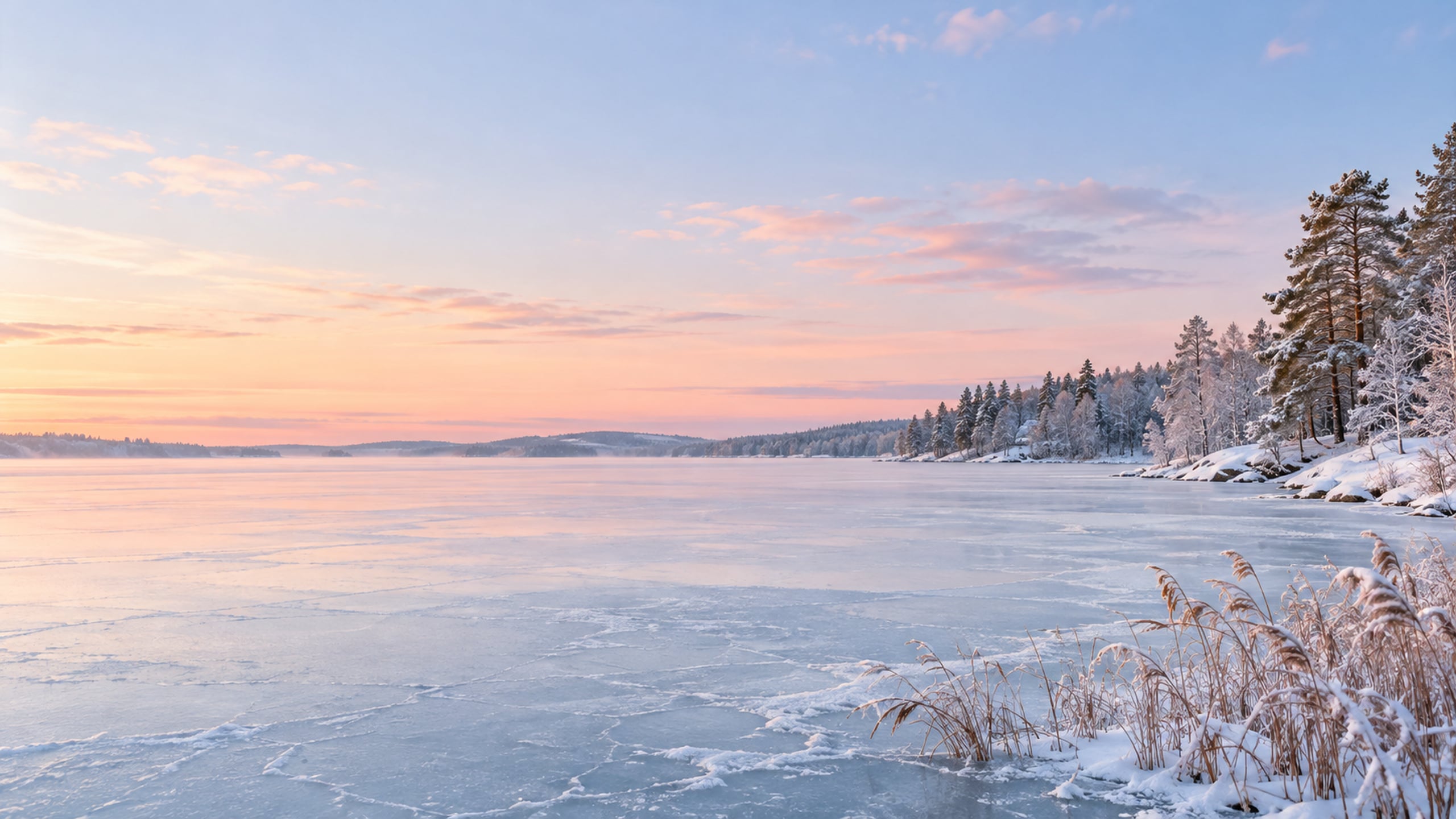
Pale blue ice and a blush sky give this lake scene a dreamy finish. Choose it when you want a winter computer background that feels spacious and calm.
Moody Winter Desktop Wallpapers
For a quieter evening look, these designs combine deep blue, muted pine green and warm amber light. Each one keeps the scene simple enough to enjoy behind desktop icons.
26. Snowy Pine Forest at Dusk
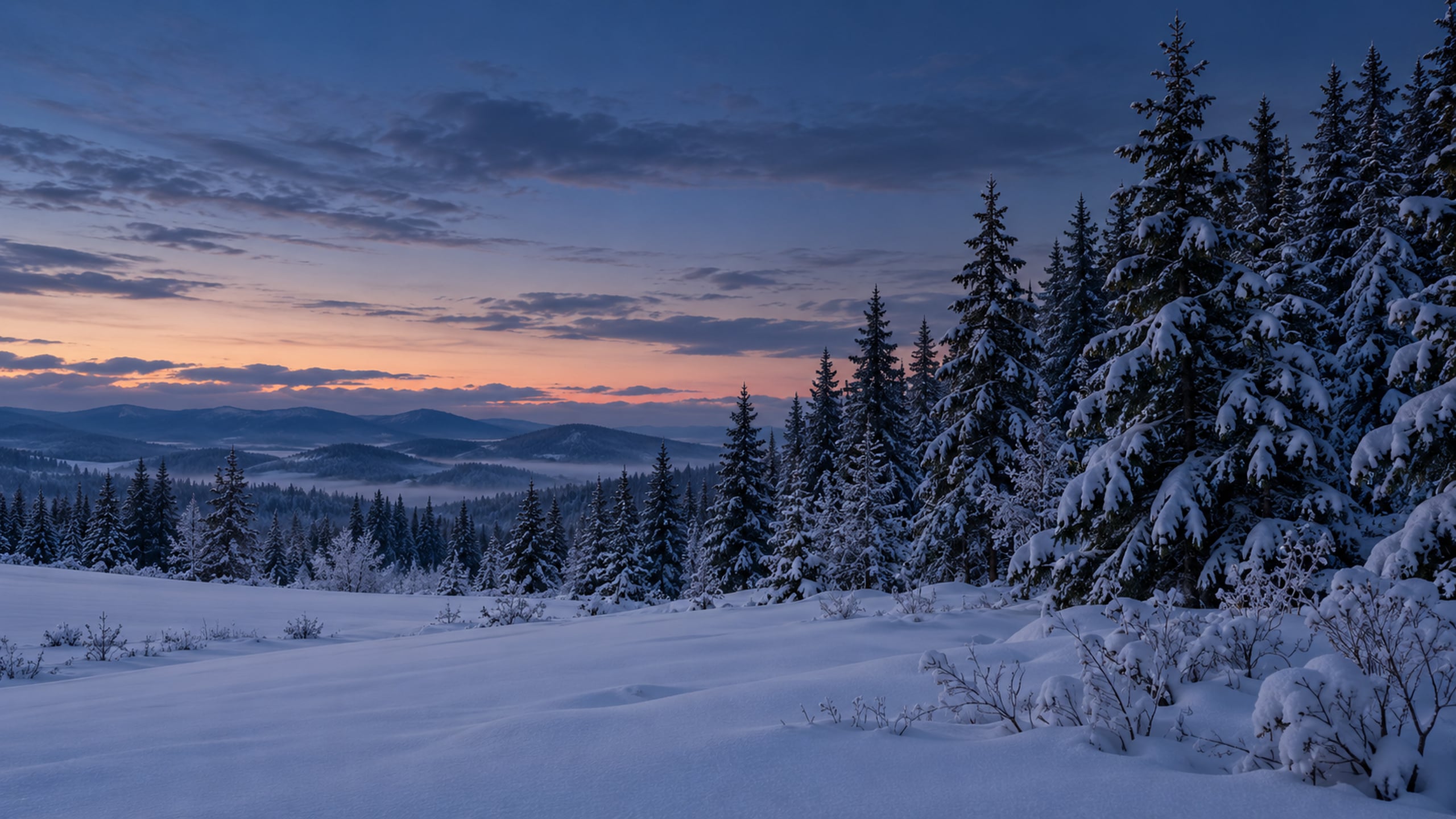
Deep pine green and muted blue create a quieter evening look. This design is a good fit if you like a darker winter aesthetic with just a little snowy contrast.
27. Amber Windows on a Winter Evening
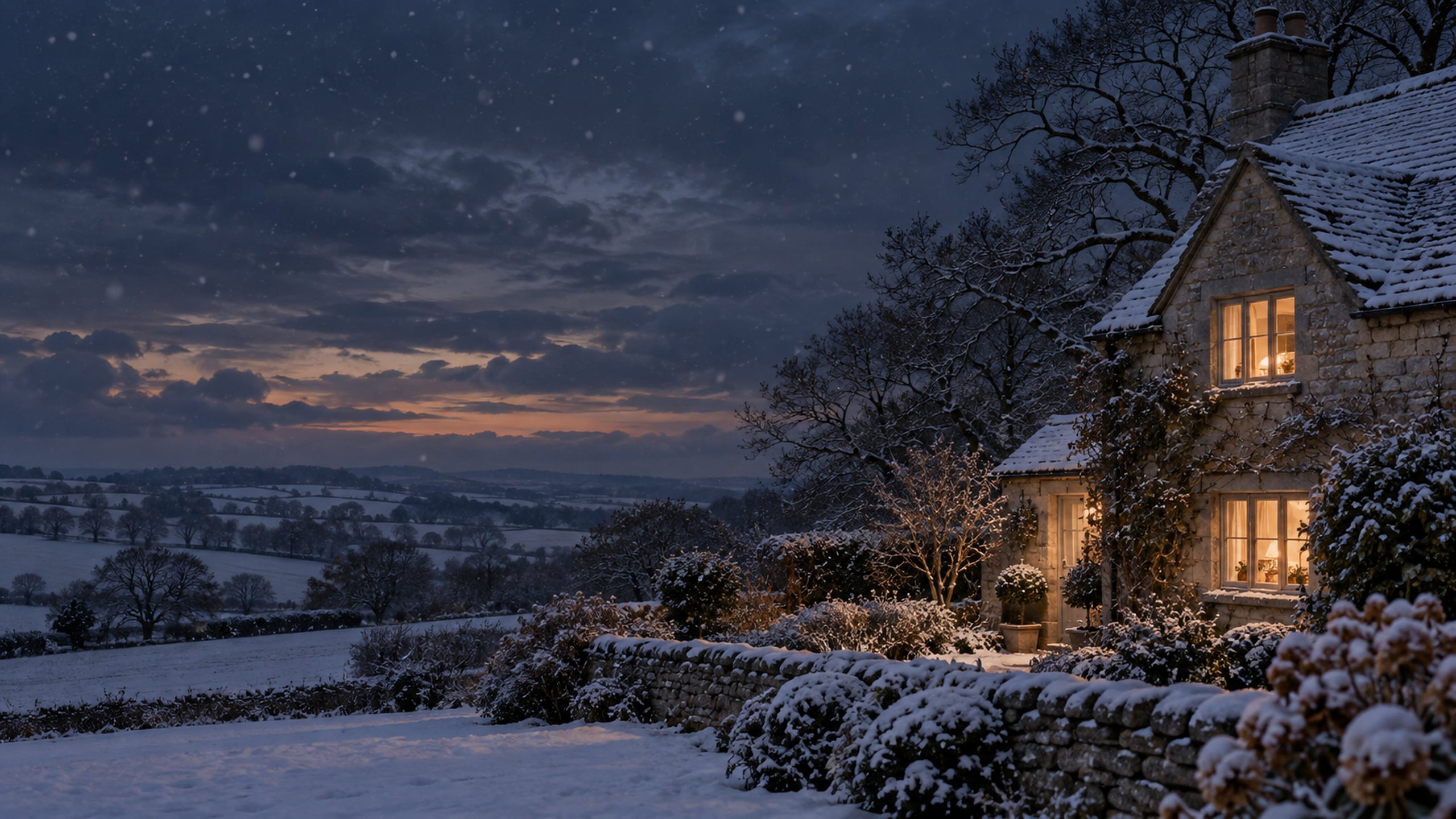
Warm cottage windows stand out against a soft charcoal sky. The simple scene brings a little evening coziness to your desktop without feeling overly dramatic.
28. Snowfall Beyond a Candlelit Window
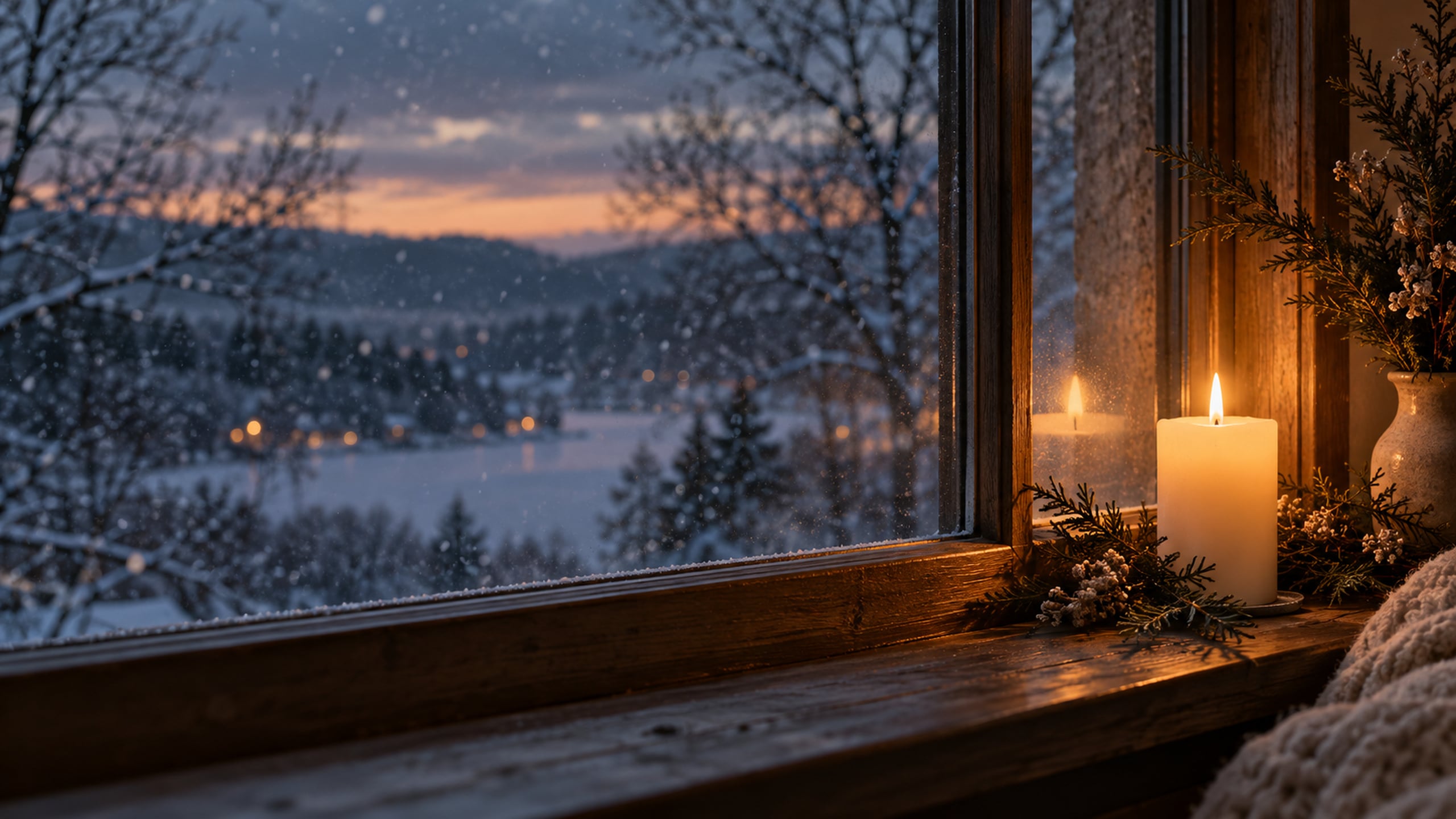
A softly glowing candle and snow beyond the glass make this background feel restful. It is a lovely pick for a cozy winter wallpaper with a darker palette.
29. Moonlit Snowy Meadow
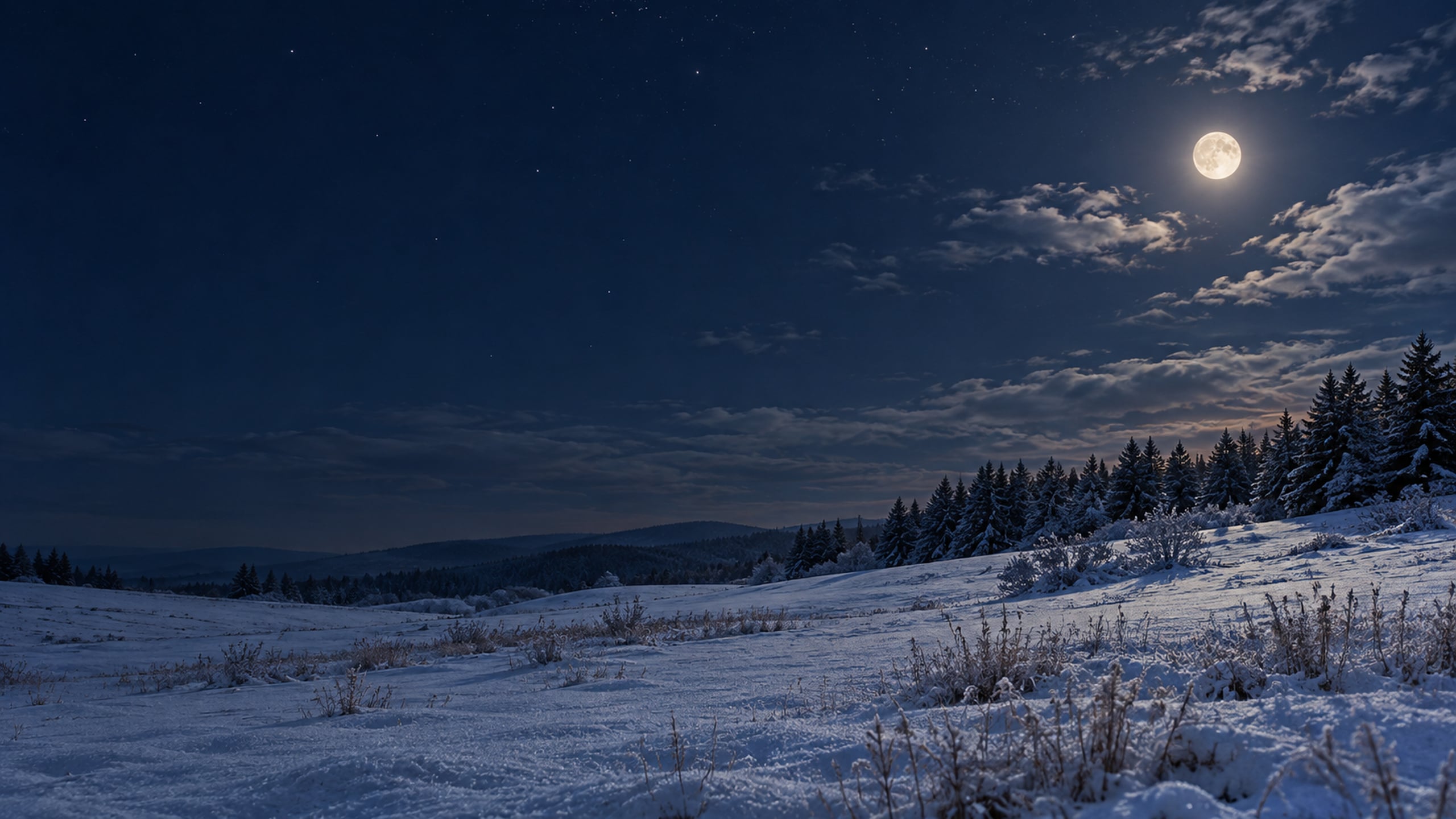
A small moon above a snowy field gives this design a peaceful nighttime feel. The open sky works well if you want a simple background with deeper colours.
30. Old Barn After a Snowfall
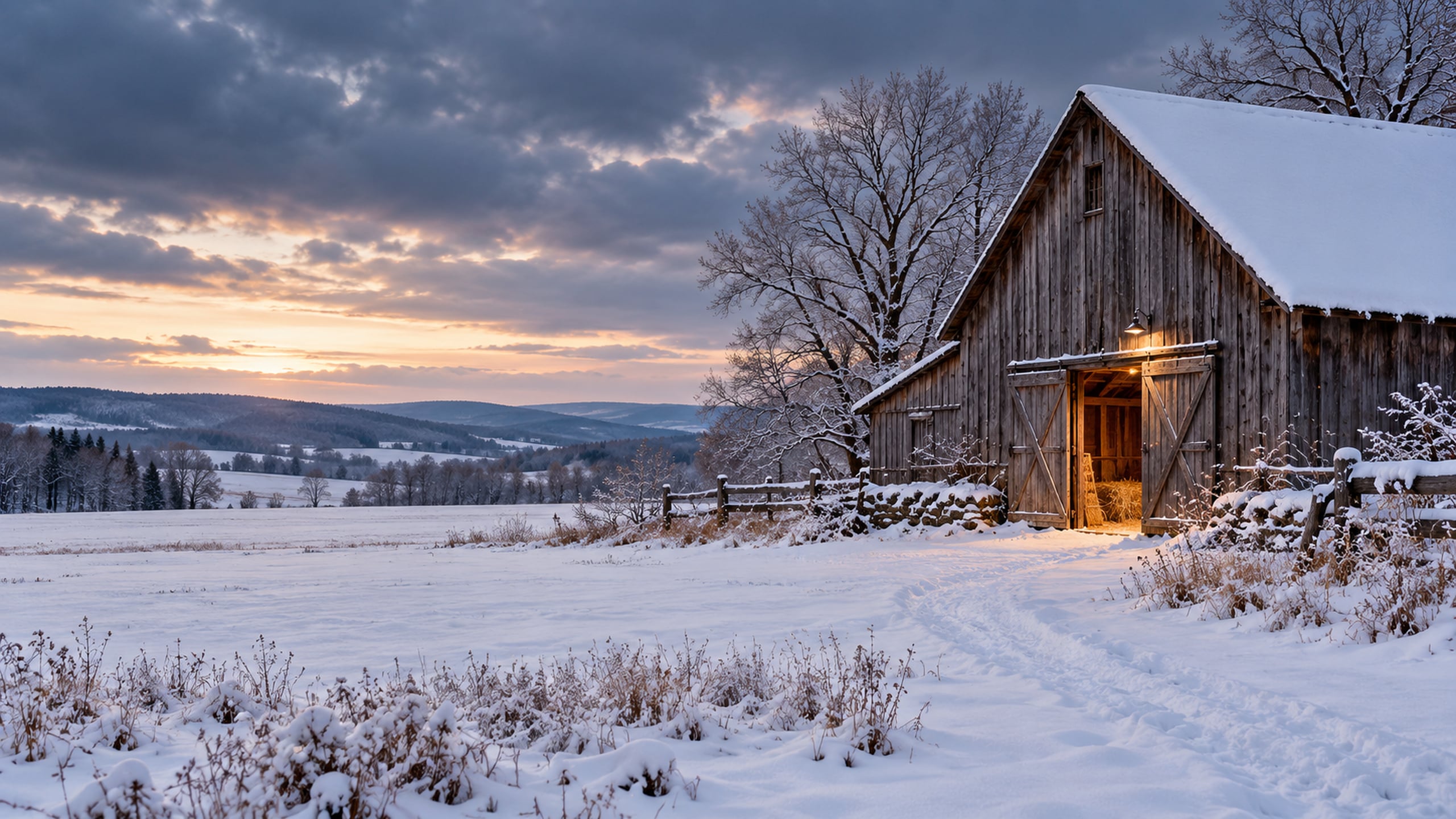
Weathered wood and fresh snow give this wallpaper a rustic, slightly moodier finish. It is a cozy choice if you love countryside scenes with a little character.
Simple Winter Quote Desktop Wallpapers
A few words can make a background feel a little more personal. These three designs pair short phrases with calm layouts and soft seasonal details.
31. Hello Winter

A short seasonal greeting keeps this wallpaper simple and sweet. The light background leaves plenty of room for everyday desktop icons.
32. Make Room for Cozy

This little reminder pairs beautifully with a warm, neutral desktop. Choose it if you love a soft winter look with a few encouraging words.
33. Find Beauty in the Quiet

A quiet winter scene and a simple phrase give this background a gentle mood. I love the look of it with soft blue accents and a tidy desktop.
Bonus Winter Desktop Organizer Wallpapers
The final two wallpapers are included in the total of 35. Their labelled areas give you a place to group icons, so your desktop can feel a little more organized as well as seasonal.
The labelled areas are part of the image; they do not automatically sort files or work as clickable folders. Drag your desktop icons into the matching areas yourself. For classroom layouts, take a look at my teacher desktop organizer backgrounds.
34. Soft Blue Winter Desktop Organizer
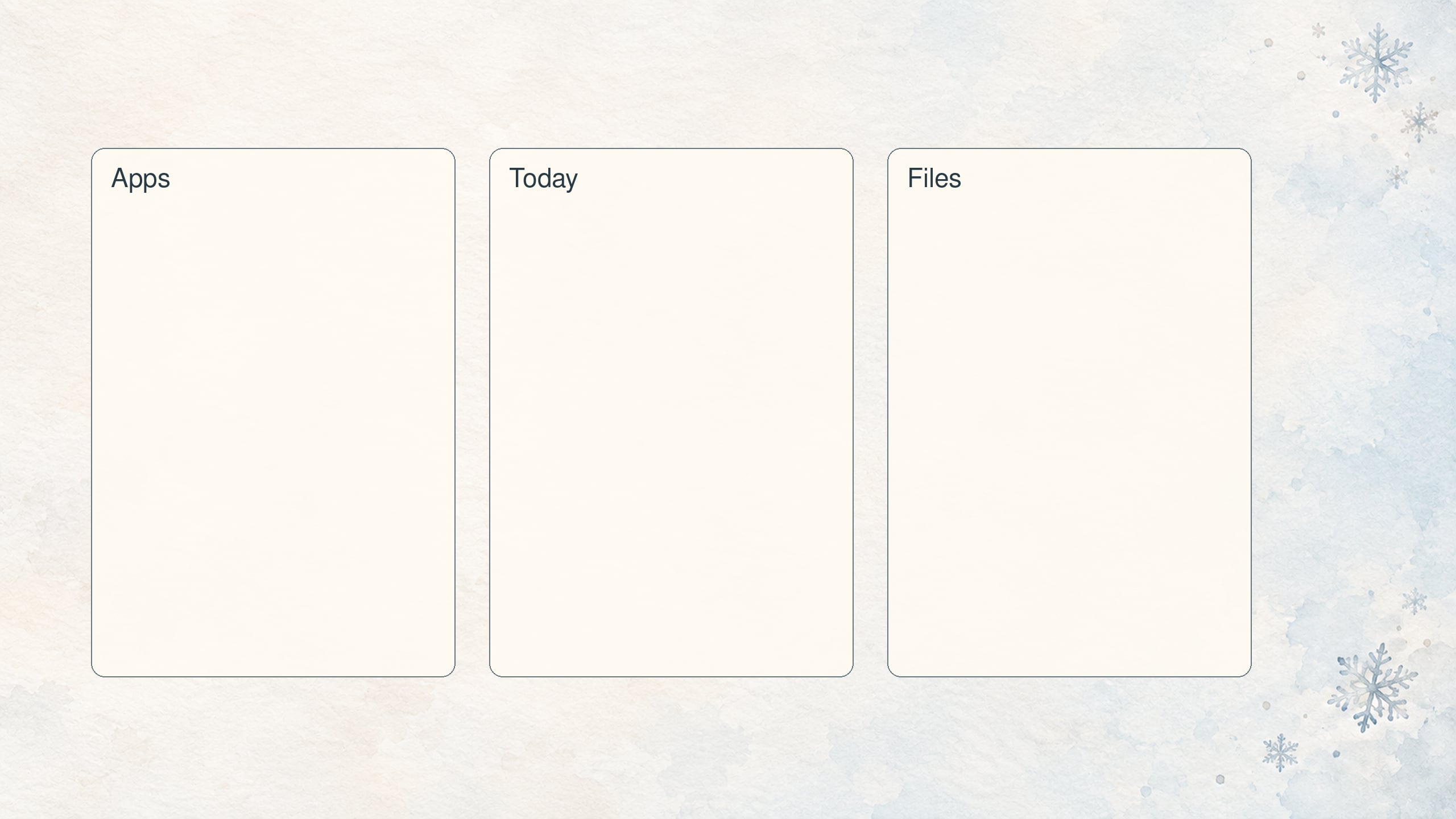
This pale blue organizer gives apps, current projects and saved files their own space. Move your icons into the labelled areas to make your desktop easier to scan.
35. Cozy Cottage Winter Desktop Organizer
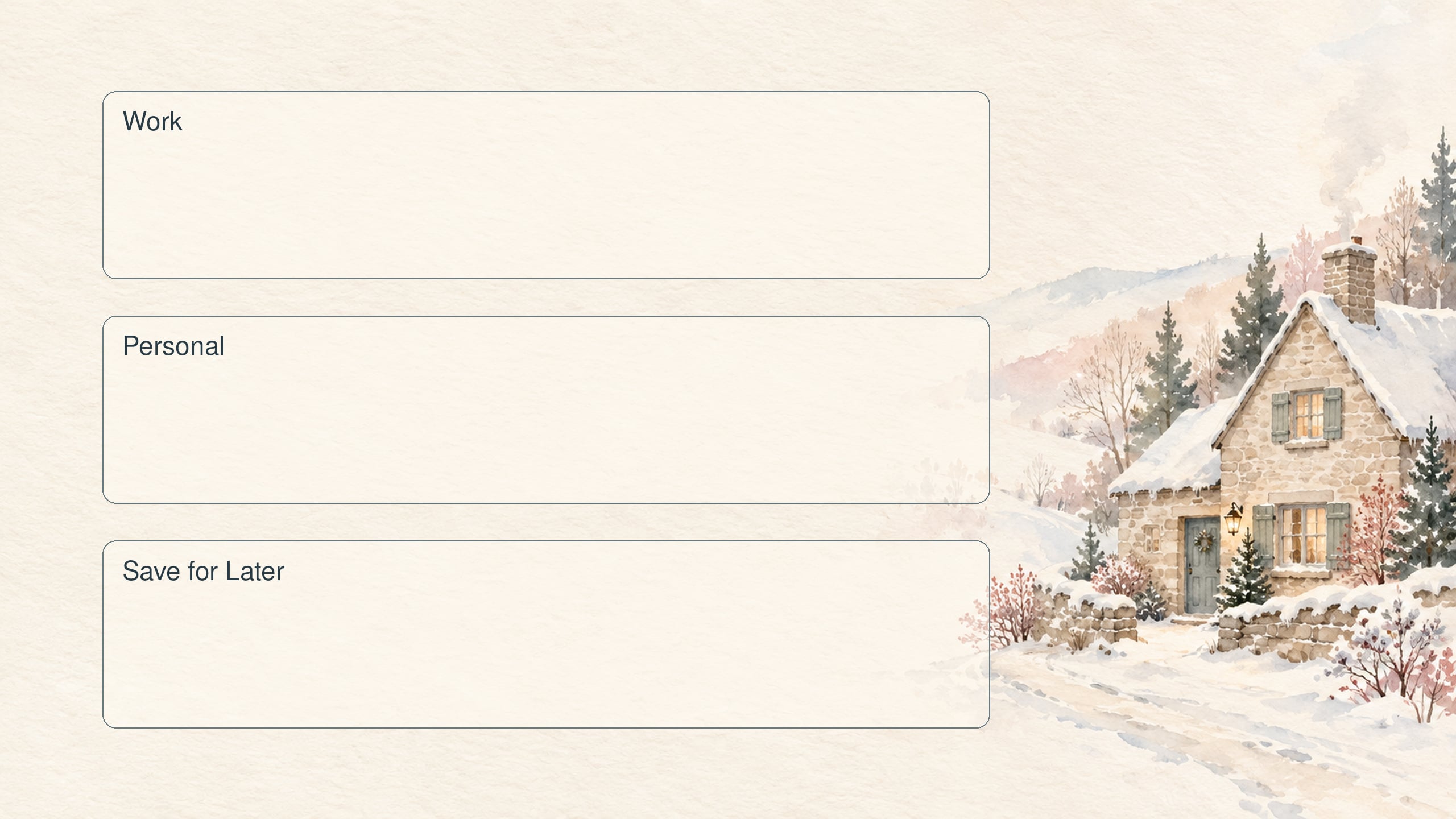
A small snowy cottage keeps this organizer practical and pretty. The labelled spaces help you group files while keeping a little winter charm on your screen.
H2 How to Set Your Winter Desktop Wallpaper
On a Mac or MacBook
- Open System Settings and select Wallpaper.
- Scroll to Your Photos, choose Add Photo, then choose Choose File.
- Select the saved winter wallpaper JPG and click Open.
You can also Control-click the saved image in Finder and choose Set Desktop Picture. Apple has a helpful guide to adding your own wallpaper on a Mac if your settings look slightly different.
On a Windows computer
- Open Settings and choose Personalization, then Background.
- Under Personalize your background, choose Picture.
- Select Browse, find your downloaded JPG and choose it as your background.
You can also right-click the saved file and choose Set as desktop background. For fitting and slideshow options, see Microsoft's desktop background instructions.
If the wallpaper looks cropped or stretched
These wallpapers have a 16:9 shape. A screen with a different shape, including many MacBooks, may crop some of the edges when the image fills the display. On Windows, Fill covers the screen with possible cropping, while Fit preserves the whole image and may leave borders. Use the equivalent sizing options on your Mac to find the view you prefer.
Avoid stretching the image if it makes cottages or trees look distorted. With a quote or organizer wallpaper, try Fit if a label disappears near the edge. A 2560 x 1440 file can also look softer when enlarged on a higher-resolution screen, especially a 4K display. Choose the full-size download and check it on your own monitor.
Tips for a Cozy Winter Desktop
Pick a background with quiet space where you usually keep icons. Snowy fields and soft skies work well for a busy desktop, while a detailed cottage scene can be lovely if you keep most files inside a few folders.
If you want your screen to feel calmer, move finished projects into a clearly named archive folder and keep only the shortcuts you use regularly. With an organizer wallpaper, turn off automatic icon arrangement if it stops you from moving files into the labelled areas.
To carry the soft winter colours onto your desk, try a wipe-clean desk mat in cream or muted pale blue beneath your keyboard. A washable cotton or linen-look desk basket for notebooks and cables can help keep small essentials together.
More Free Wallpapers to Explore
- Winter iPhone wallpapers for a seasonal phone background.
- Pastel Christmas wallpapers for a soft festive look in December.
- Homesteading desktop backgrounds for more cottage and countryside inspiration.
- Aesthetic fall desktop wallpapers to save for your next autumn refresh.
- All free tech wallpapers to browse seasonal designs and desktop calendars.
Winter Desktop Wallpaper FAQs
Yes, you can choose a background for each screen through your computer settings. Using a separate image on each monitor usually preserves the scene better than stretching one 16:9 wallpaper across a wide setup. Available options depend on your operating system and display arrangement.
You can use them, but an ultrawide screen has a different shape from these 16:9 files. A setting that fills the display will crop the image, while a fit setting may leave space at the sides. Try a simple landscape if you want the crop to feel less noticeable.
Yes, although the image may crop differently in landscape and portrait mode. These designs are intended for wide computer screens, so a simple background will usually adapt more easily than a quote or organizer layout.
Yes, once you save the JPG to your computer and select it as your background, the image is stored locally. You do not need to keep this page open. Keep the downloaded file in a folder you can find if you want to select it again later.
Yes, Windows has a Slideshow background option, and Mac wallpaper settings offer options for shuffling image sets. Save your favourite downloads in one folder and select that folder in your wallpaper settings. The names and available timing options vary by operating system version.
That depends on your workplace settings and policies. Some work computers allow a personal background, while others have wallpaper changes disabled. Check with your workplace before changing a managed computer, and follow its file-download rules.
A wallpaper is the background behind your desktop icons and windows. A screensaver is a separate display that can appear when the computer is idle. These downloads are still JPG backgrounds, so the wallpaper steps are the right place to start.
Final Thoughts
A fresh winter background is a small change that can make your workspace feel a little softer and more inviting. Whether you choose a snowy cottage, a quiet lake or a simple organizer, there is plenty of room to find a look that suits your everyday screen.
Choose one of these free aesthetic winter desktop wallpapers and download the full-size file to try it on your computer. You can always come back for another design when you feel like switching from a bright snowy morning to a cozy winter evening.
Until next time,



As Seen on TikTok
Come behind the scenes of our farmhouse build, decor projects, and cozy everyday life. Tap a video to watch, then follow @nikkisplate on TikTok for more.
Watch this video on TikTok
Watch this video on TikTok
Watch this video on TikTok



Leave a Reply