
Give your phone a pretty holiday refresh with 30 free pink Christmas iPhone wallpapers. Browse bows, gingerbread houses, blush trees, and cosy winter scenes, then download your favourite design and follow the simple steps to set your Lock Screen or Home Screen.
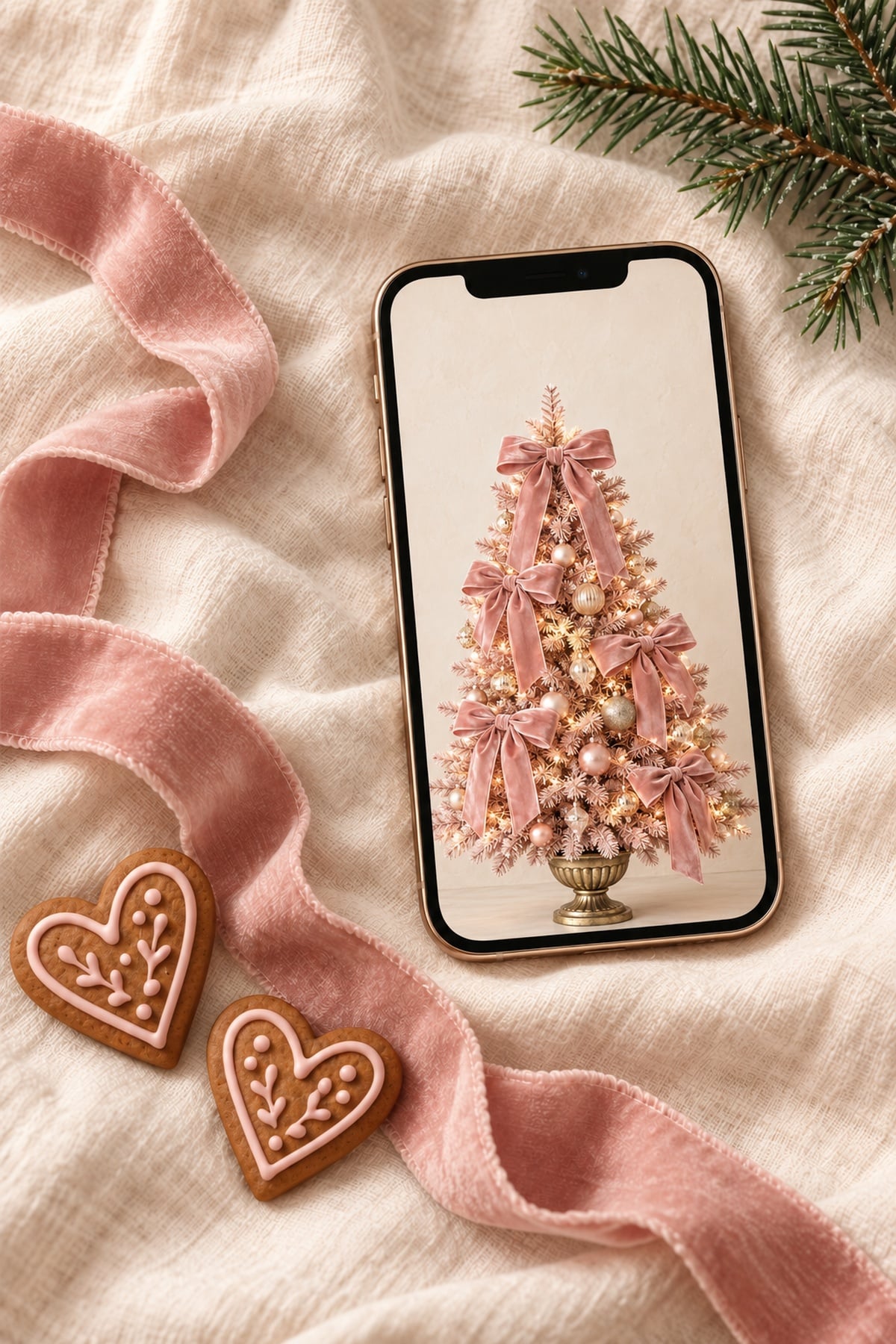
Hi beauties! If you're looking for a pink Christmas iPhone wallpaper, this collection is full of soft bows, gingerbread details, and pretty holiday scenes. I love how a small change to your phone background can bring a little Christmas colour to your everyday routine.
These 30 free wallpapers include delicate blush designs, cosy cottage scenes and a few brighter pink options. Save your favourite for your Lock Screen, choose a simpler background for your Home Screen, or download a few to switch throughout the season.
Below, you'll find each design with its own download button, followed by easy saving instructions and tips for adjusting the fit. If you've browsed my cute Christmas iPhone backgrounds, this collection focuses entirely on a pink holiday aesthetic. You can also explore more free Christmas wallpapers for your other screens.
30 Free Pink Christmas iPhone Wallpapers
Browse the designs below and tap Download Wallpaper under the one you love. The button opens the full-size JPG, which you can save to your phone. Open that file before saving so you get the complete image.
These wallpapers are free for personal use on your own devices. Please share a link to this post if a friend wants one, and keep the downloadable files for personal use rather than selling or reposting them.
1. Pink Velvet Bow Christmas Tree
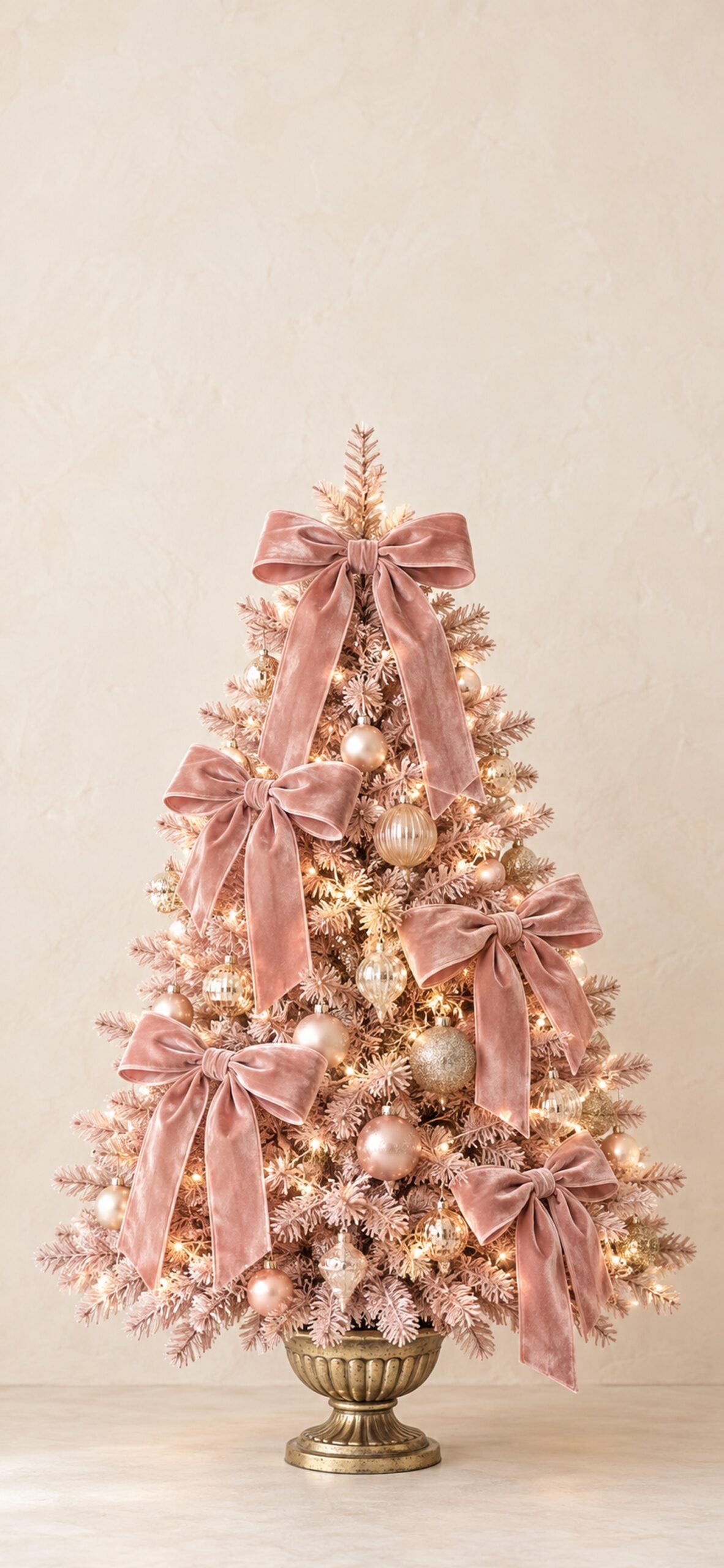
Oversized velvet bows and warm white lights give this blush Christmas tree a soft, dressed-up look. I love this one for a festive Lock Screen with a little texture.
2. Pink Gingerbread House Village
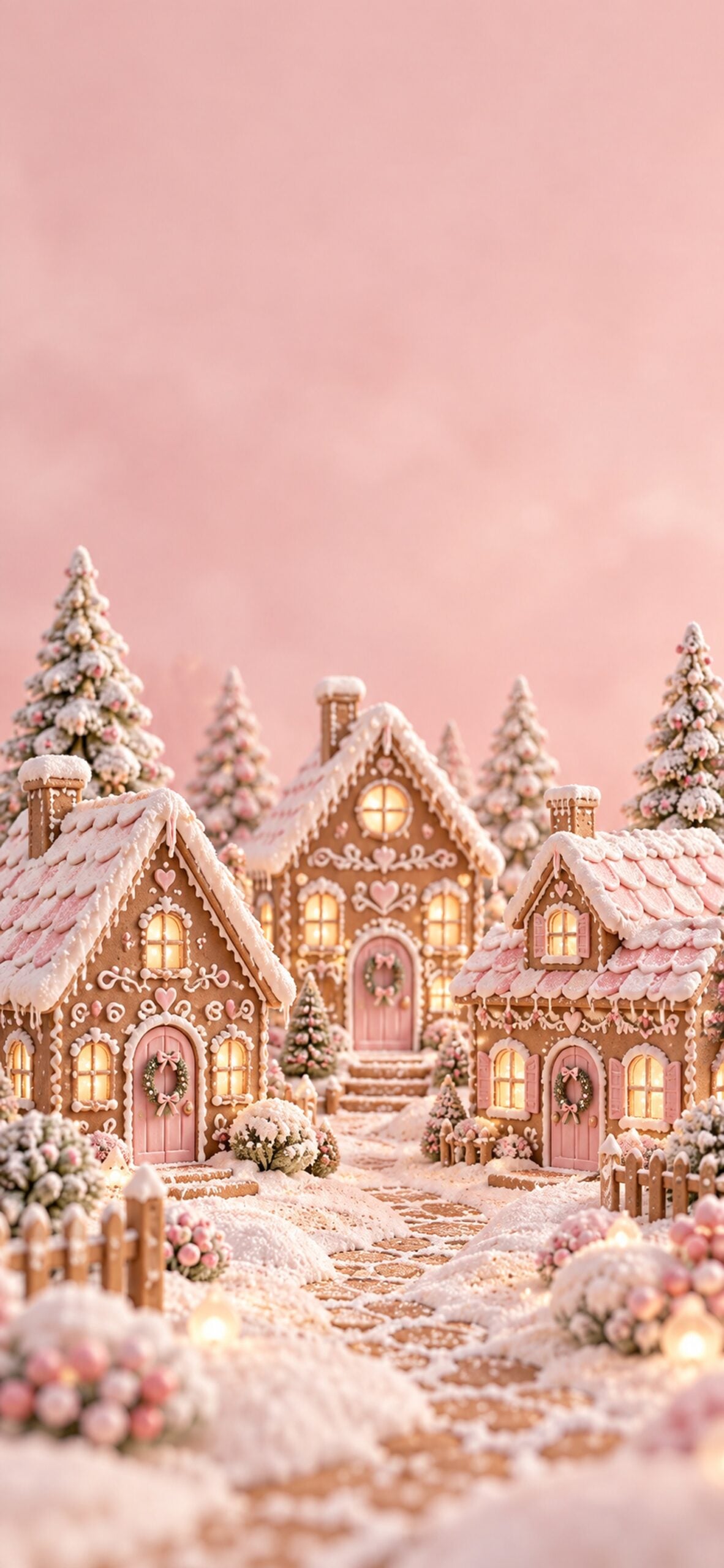
Pastel gingerbread cottages, snowy icing and pink candy details make this background feel like a tiny Christmas bakery. Choose it if you love sweet holiday scenes with plenty to look at.
3. Pink Candy Cane Hearts
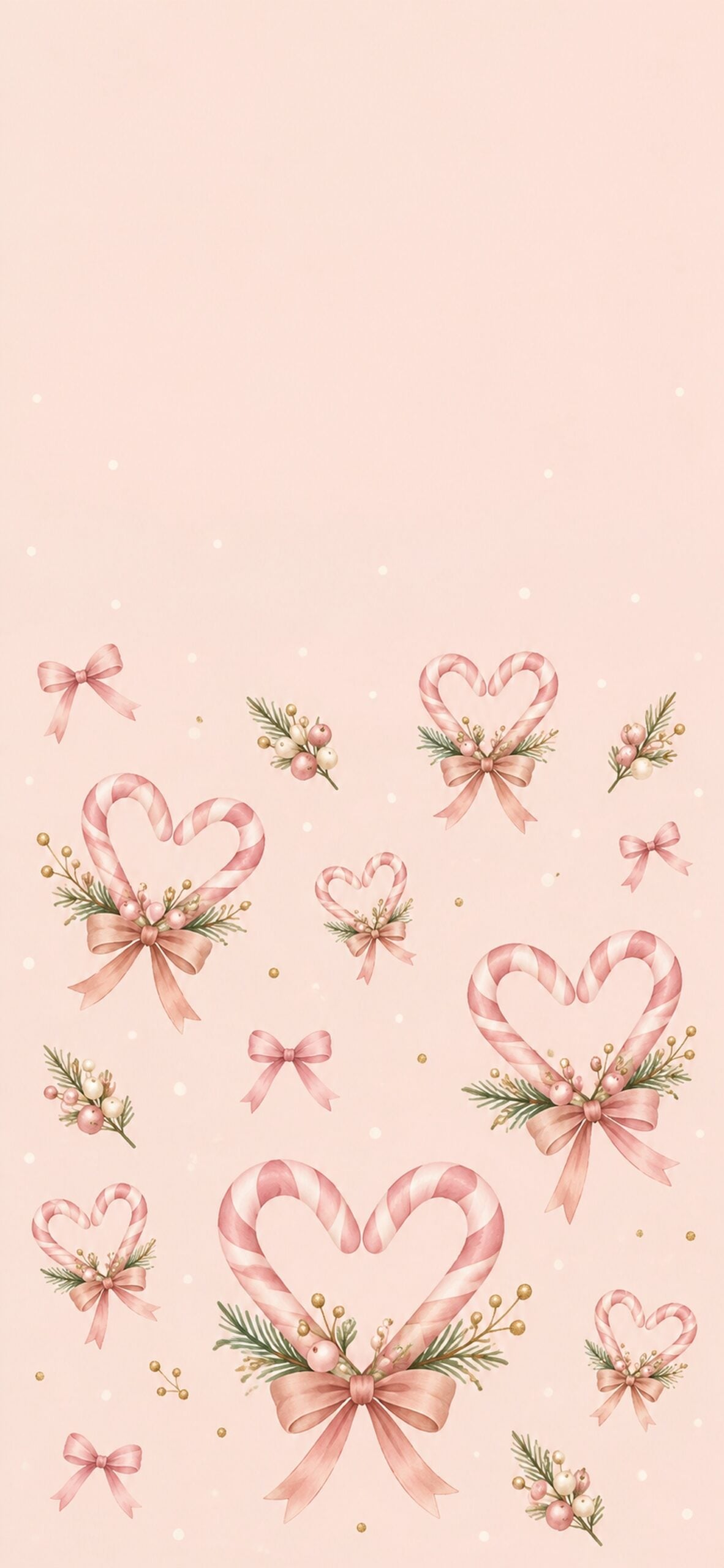
Pairs of pink-and-white candy canes form little hearts across a blush background. The simple pattern adds a playful Christmas touch without a large scene behind your apps.
4. Coquette Christmas Ribbon Pattern
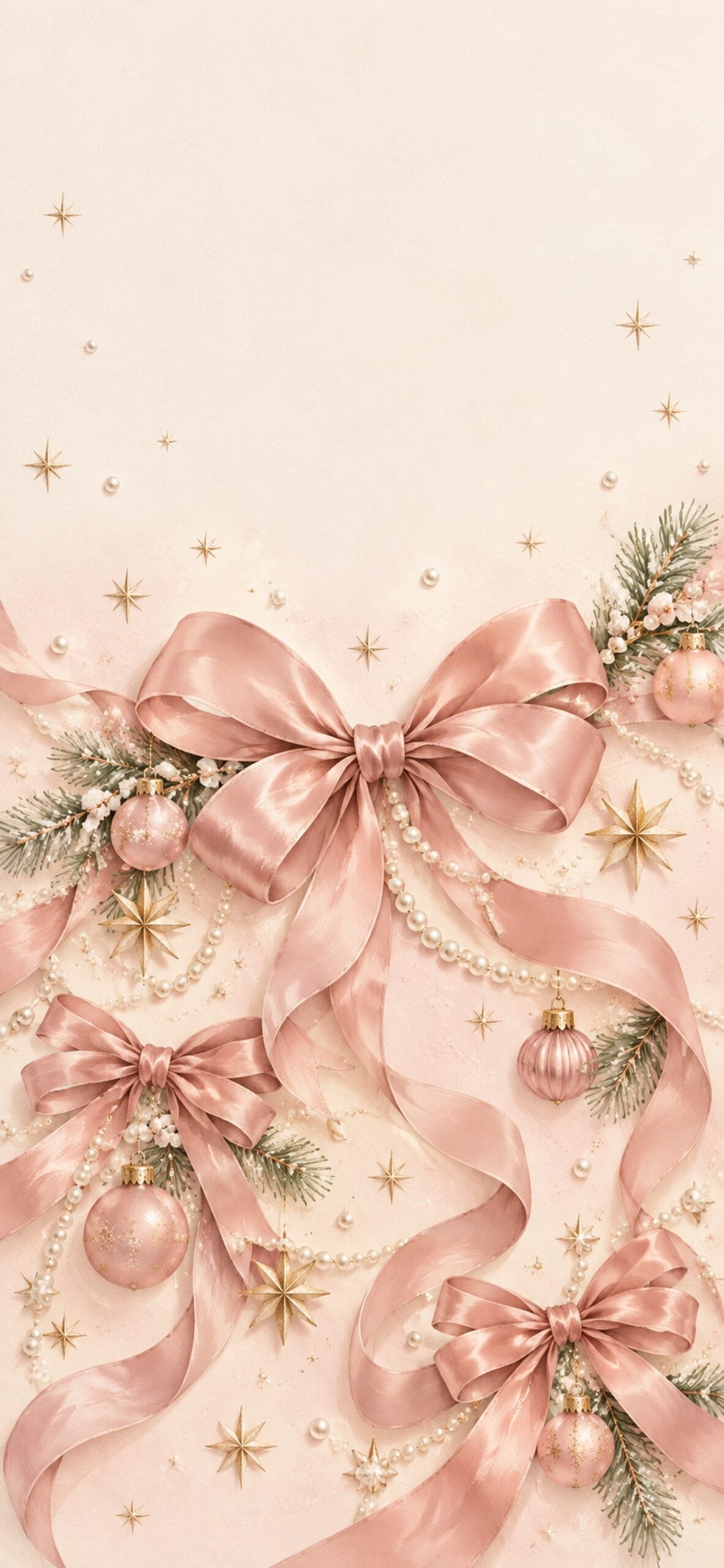
Satin bows, tiny stars and pearl-like accents give this coquette Christmas wallpaper a delicate feel. It is a lovely option if your holiday style leans romantic and understated.
5. Blush Pink Nutcracker
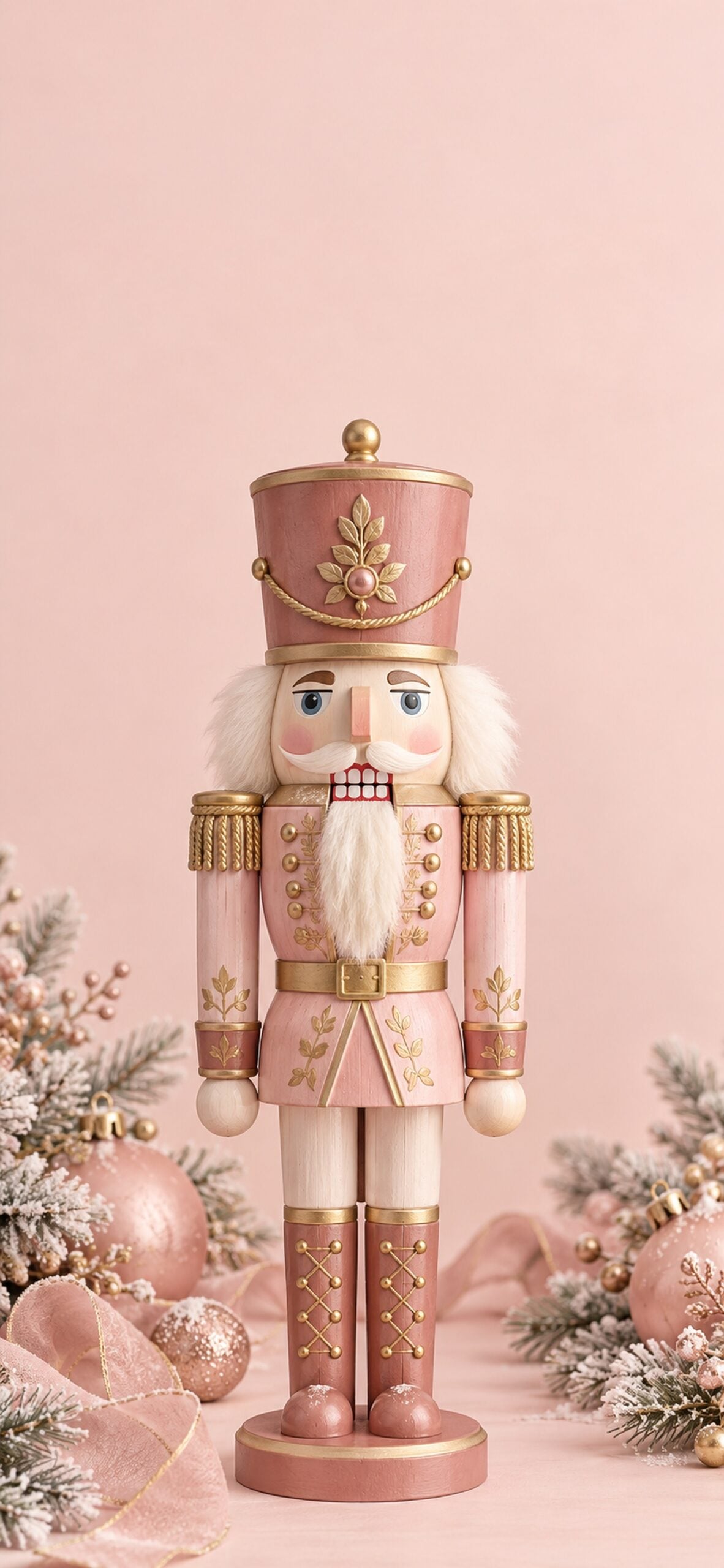
A pink-and-gold nutcracker brings a traditional Christmas detail into the softer colour palette. The single figure makes an easy focal point for your Lock Screen.
6. Snowy Blush Christmas Village

Snow-covered cottages and glowing windows sit beneath a soft pink winter sky. This is a cosy choice if you prefer a scenic Christmas background over a repeating pattern.
7. Pink Santa Beside the Tree
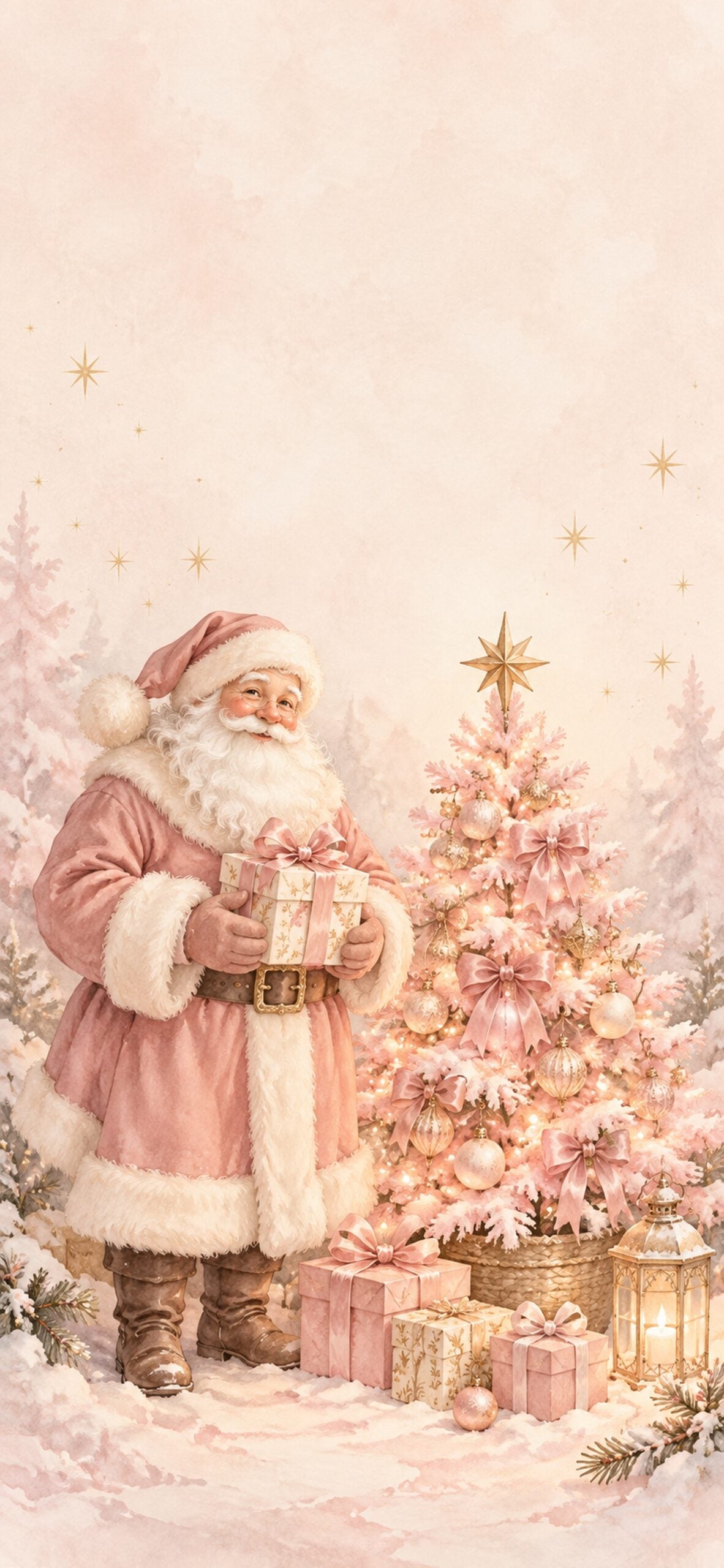
Santa's dusty rose suit gives this familiar Christmas scene a sweet pink twist. A small decorated tree and warm lights keep it cheerful without making the background too busy.
8. Champagne Pink Christmas Ornaments
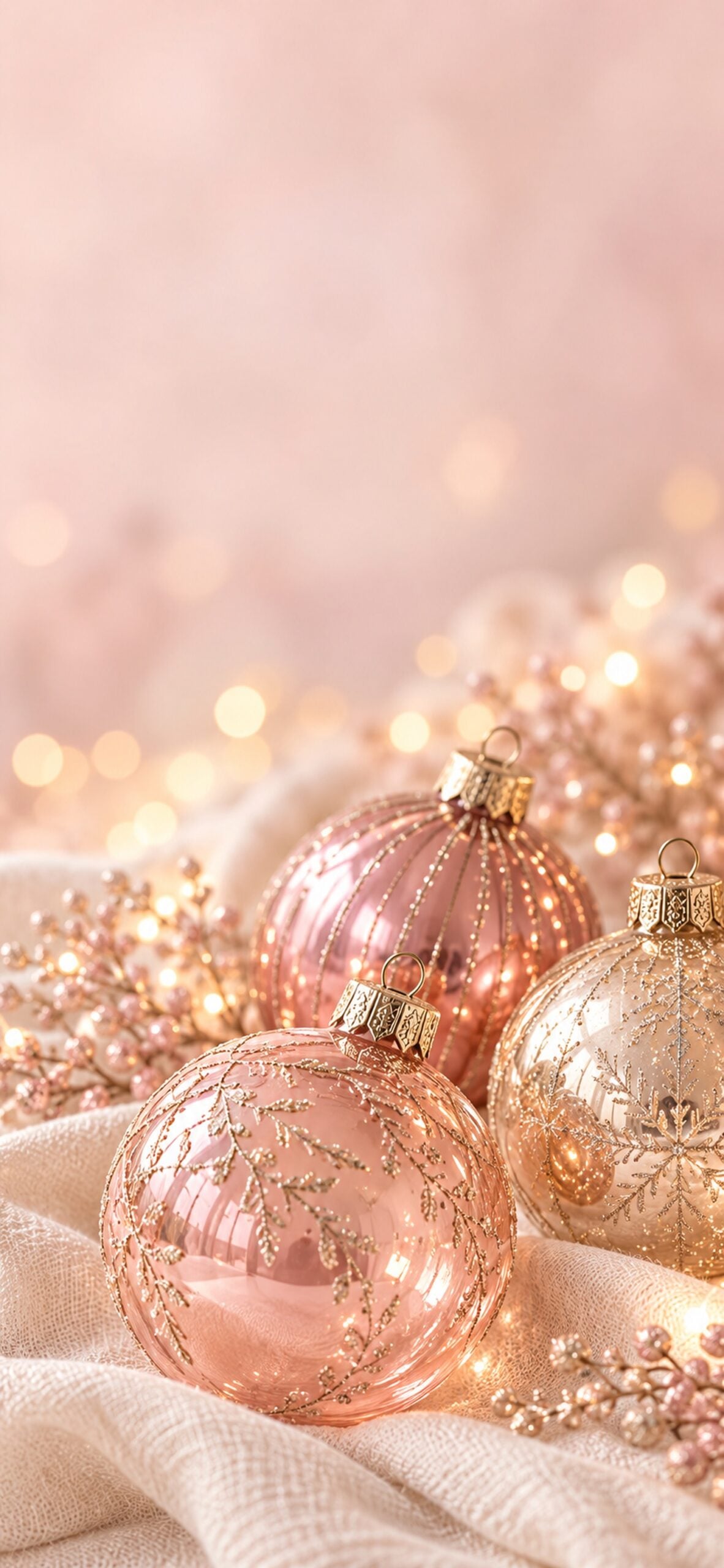
Glossy blush ornaments and champagne tones make this wallpaper feel polished and simple. The close-up detail works beautifully when you want a festive screen without characters or lettering.
9. Gingerbread and Pink Hot Cocoa
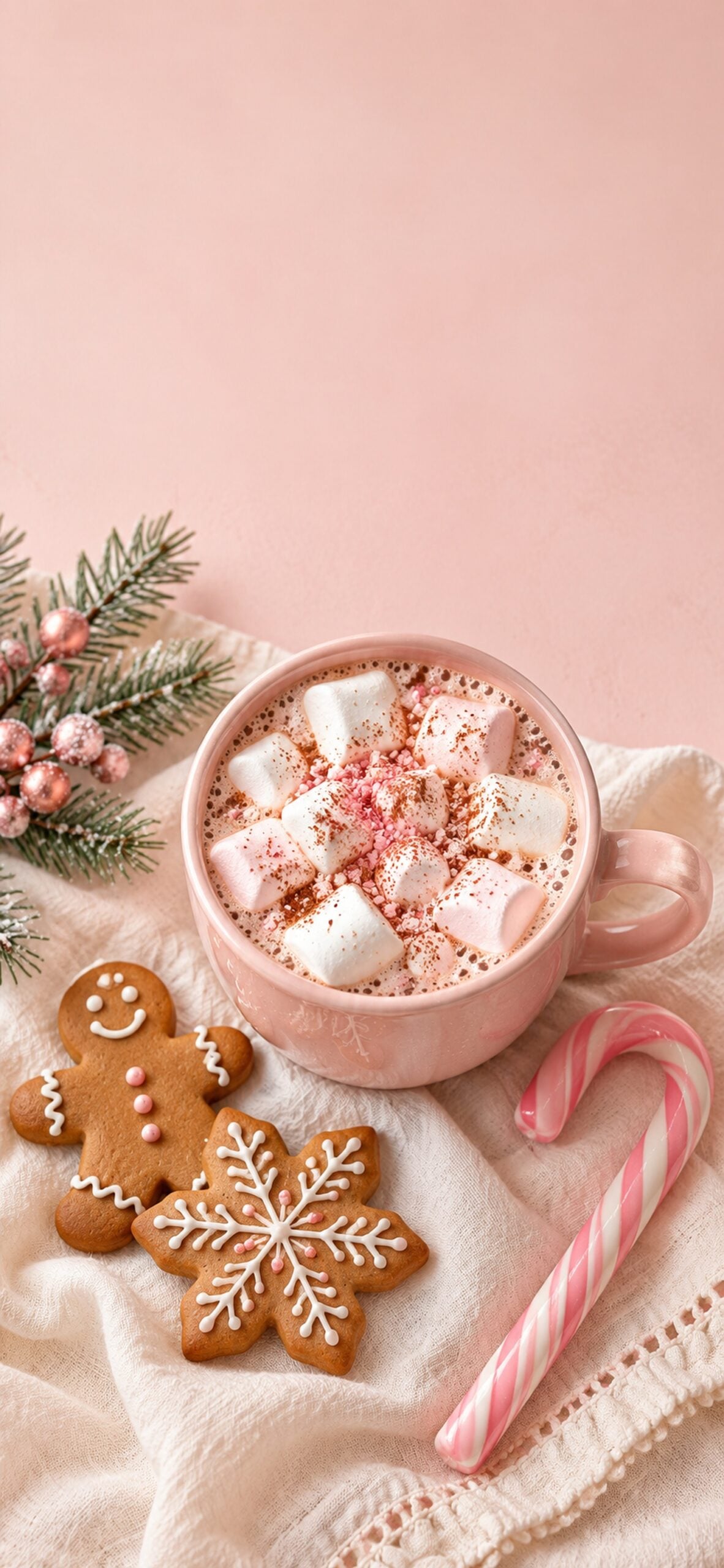
A pink mug of cocoa, marshmallows and gingerbread cookies brings a cosy kitchen moment to your phone. Save this one if your favourite part of Christmas is the baking.
10. Minimal Pink Christmas Tree
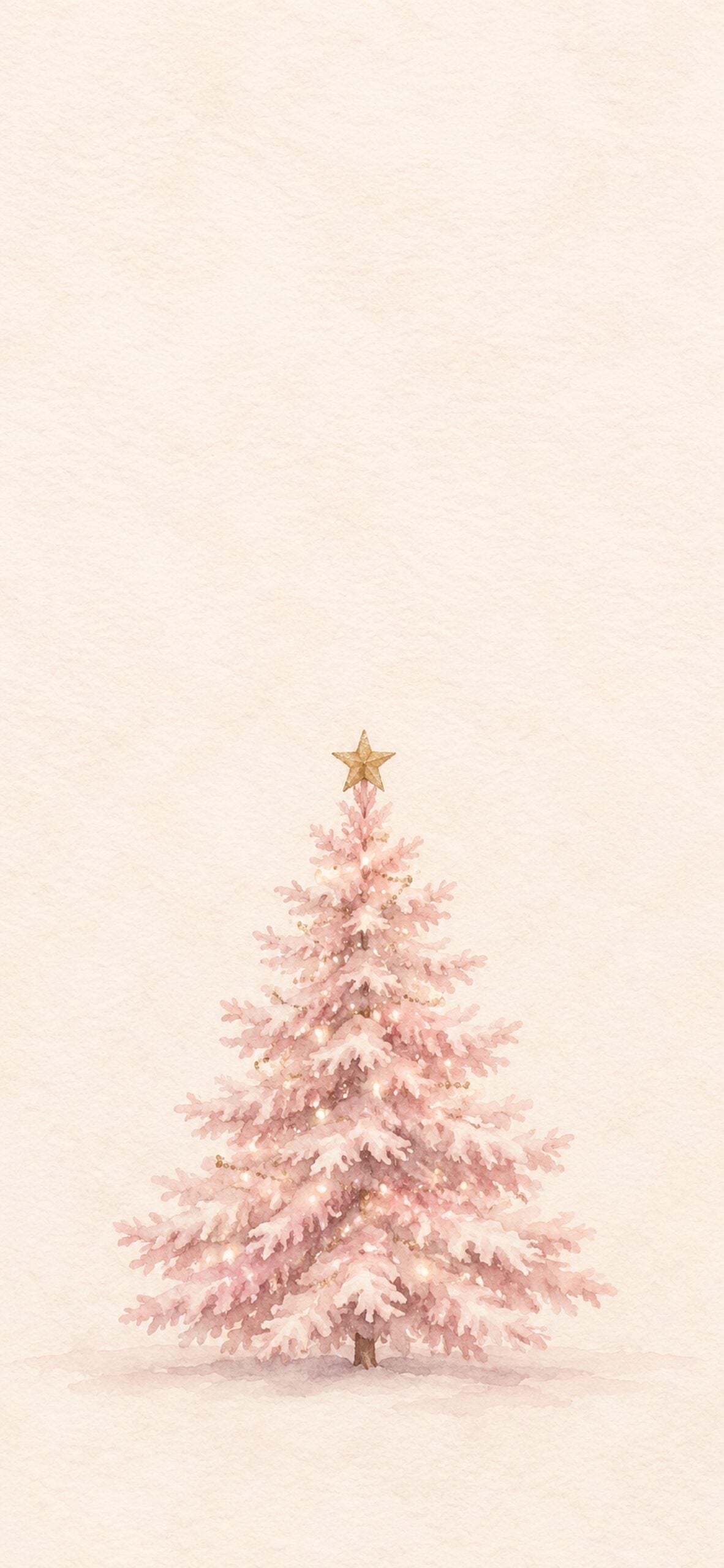
A single little pink tree keeps this background calm and uncluttered. Try it behind your apps if you want a seasonal detail with plenty of open space.
11. Cute Pink Reindeer
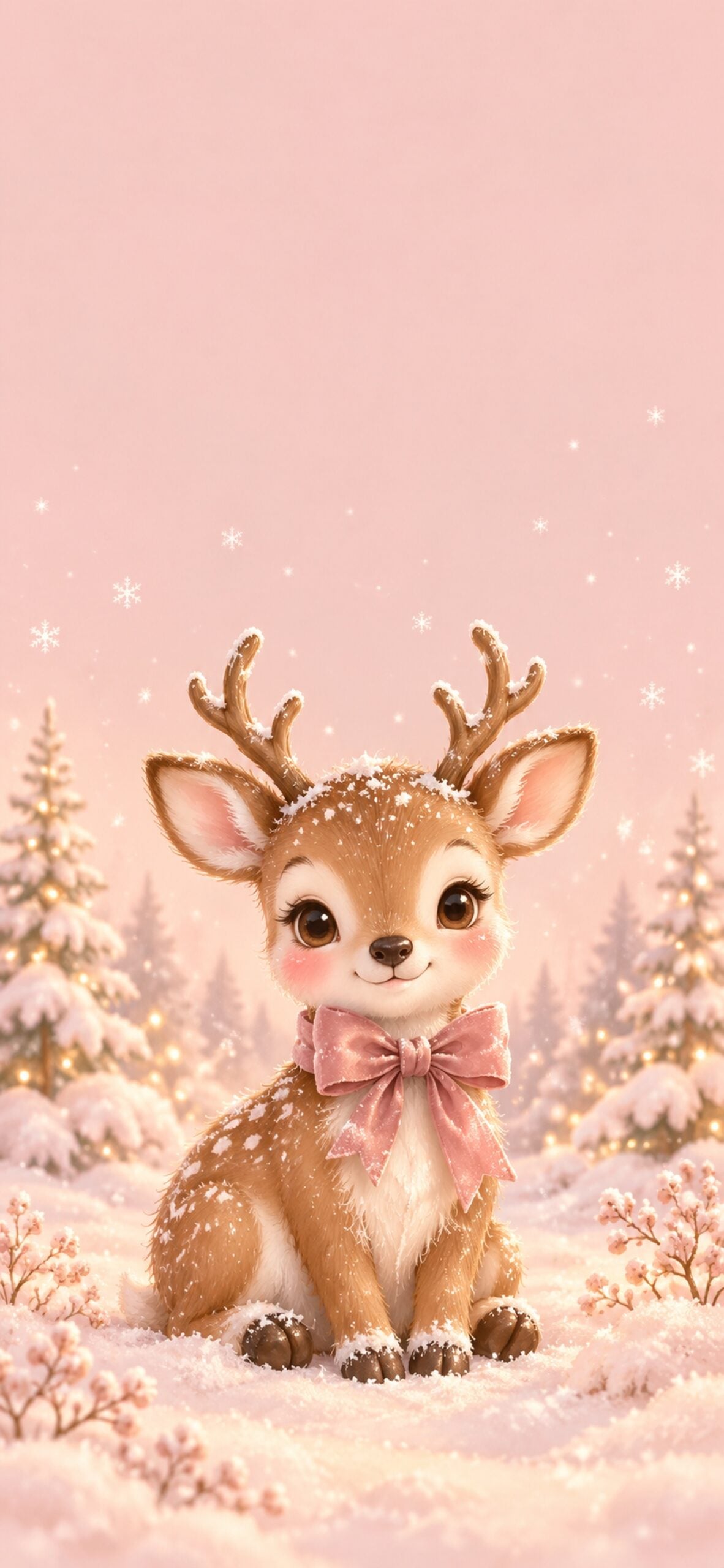
Rosy cheeks, a pink bow, and a few snowflakes give this little reindeer a gentle storybook look. It is a sweet choice for a cute pink Christmas wallpaper.
12. Pastel Pink Snow Globe
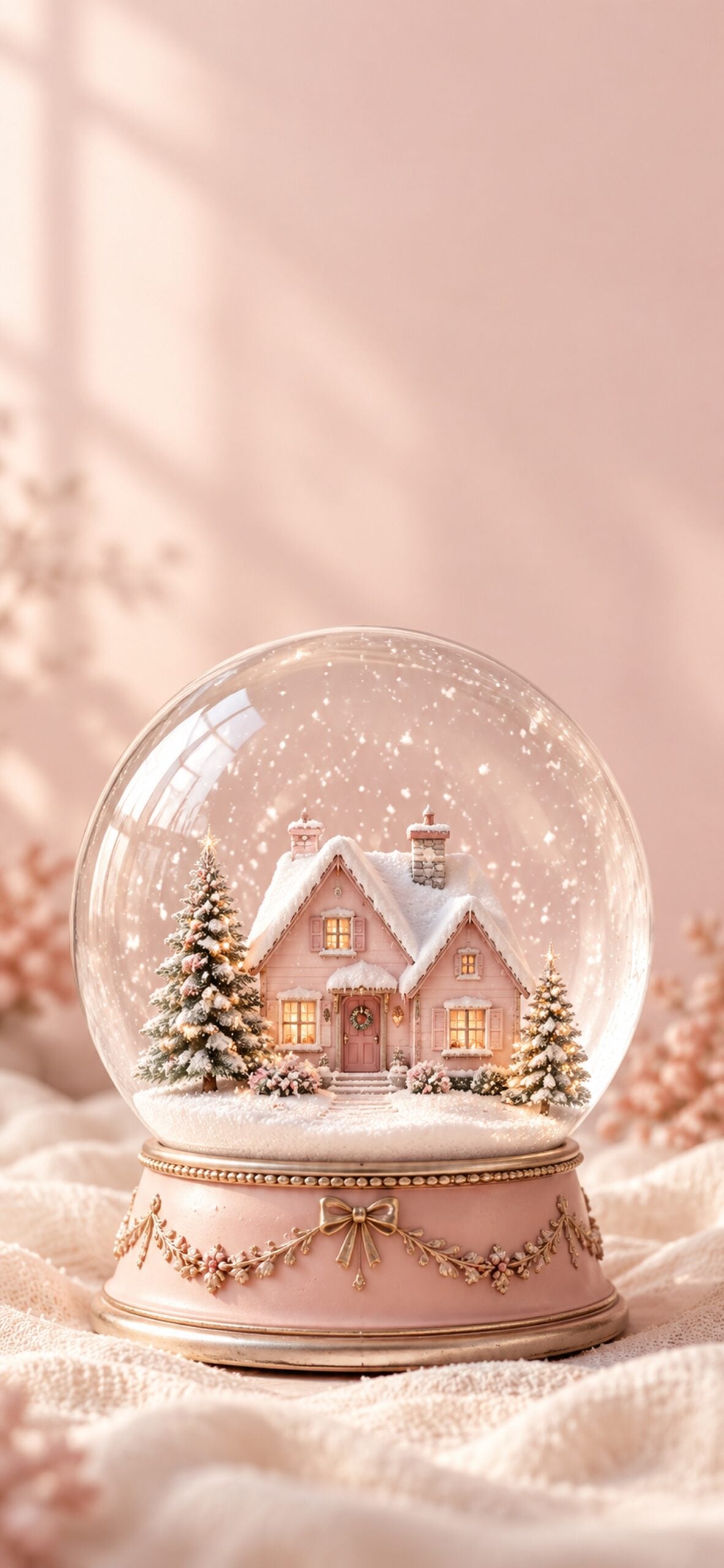
A miniature snowy village sits inside a glass globe with a blush base. The rounded shape and soft snowfall make this a pretty focal point for a Christmas Lock Screen.
13. Pink Nutcracker Ballet Details
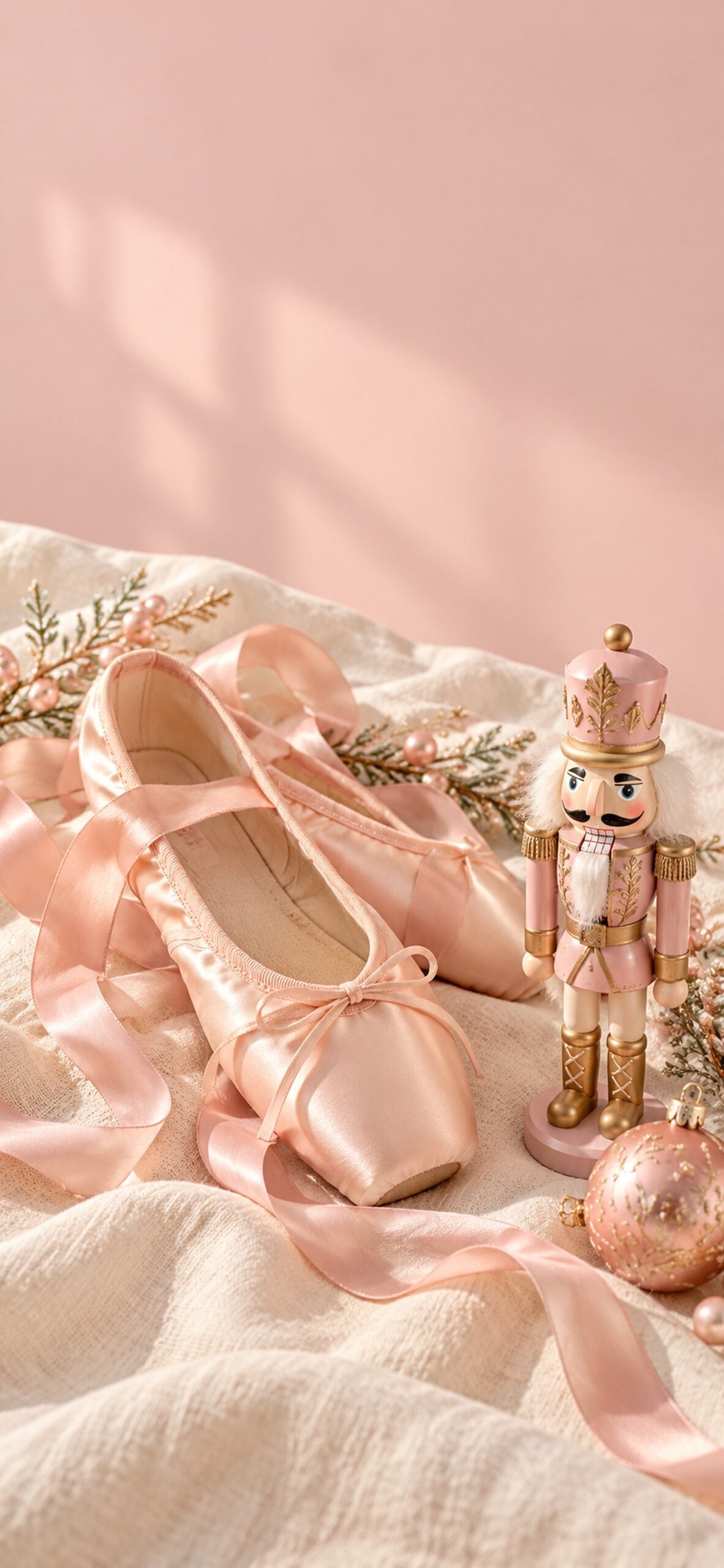
Ballet slippers, satin ribbons and a small nutcracker create a softer take on a classic Christmas theme. I love the mix of pale pink fabric and traditional holiday detail here.
14. Pink Bows and Holly
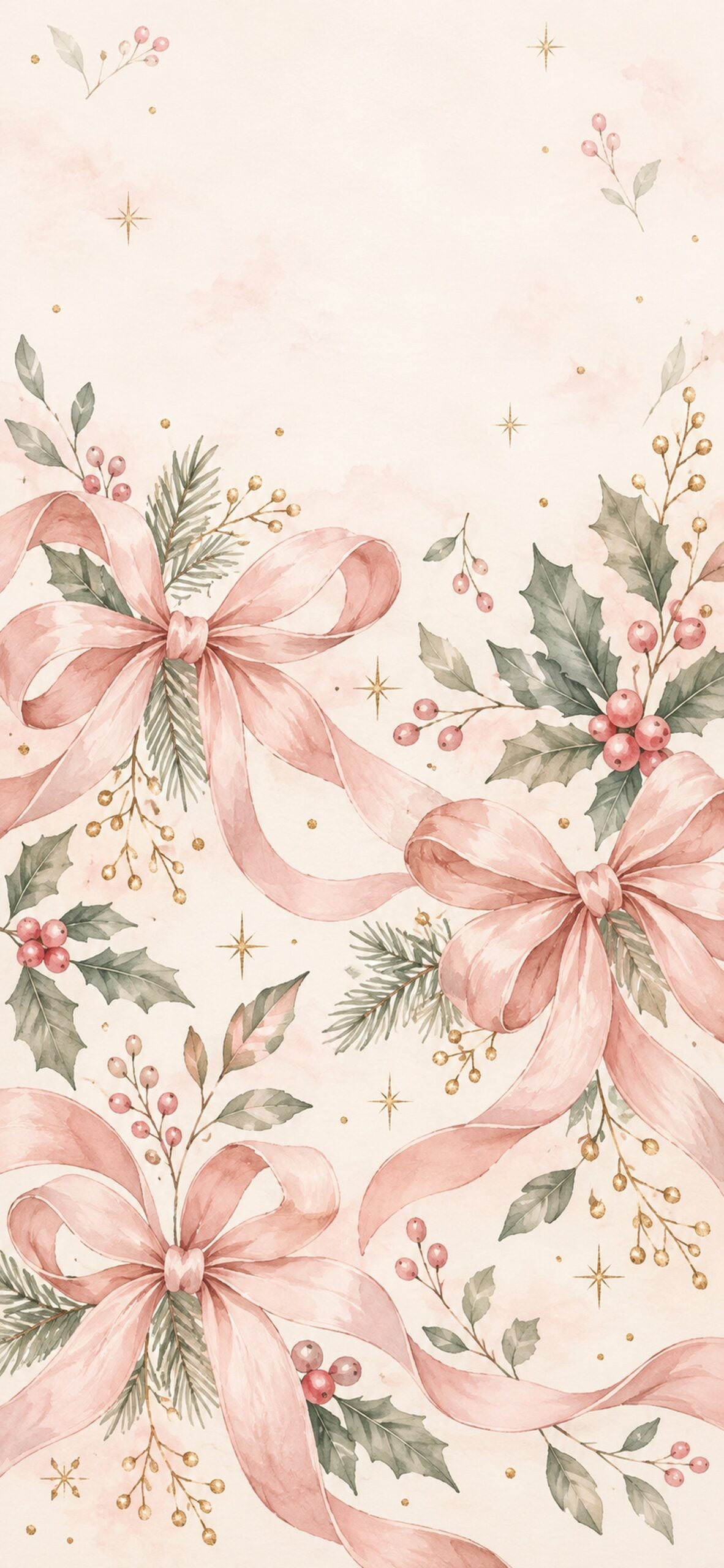
Blush bows soften the green holly leaves and little berry clusters. Choose this pattern for a pink holiday background that still has a touch of traditional Christmas greenery.
15. Pink Gingham Christmas
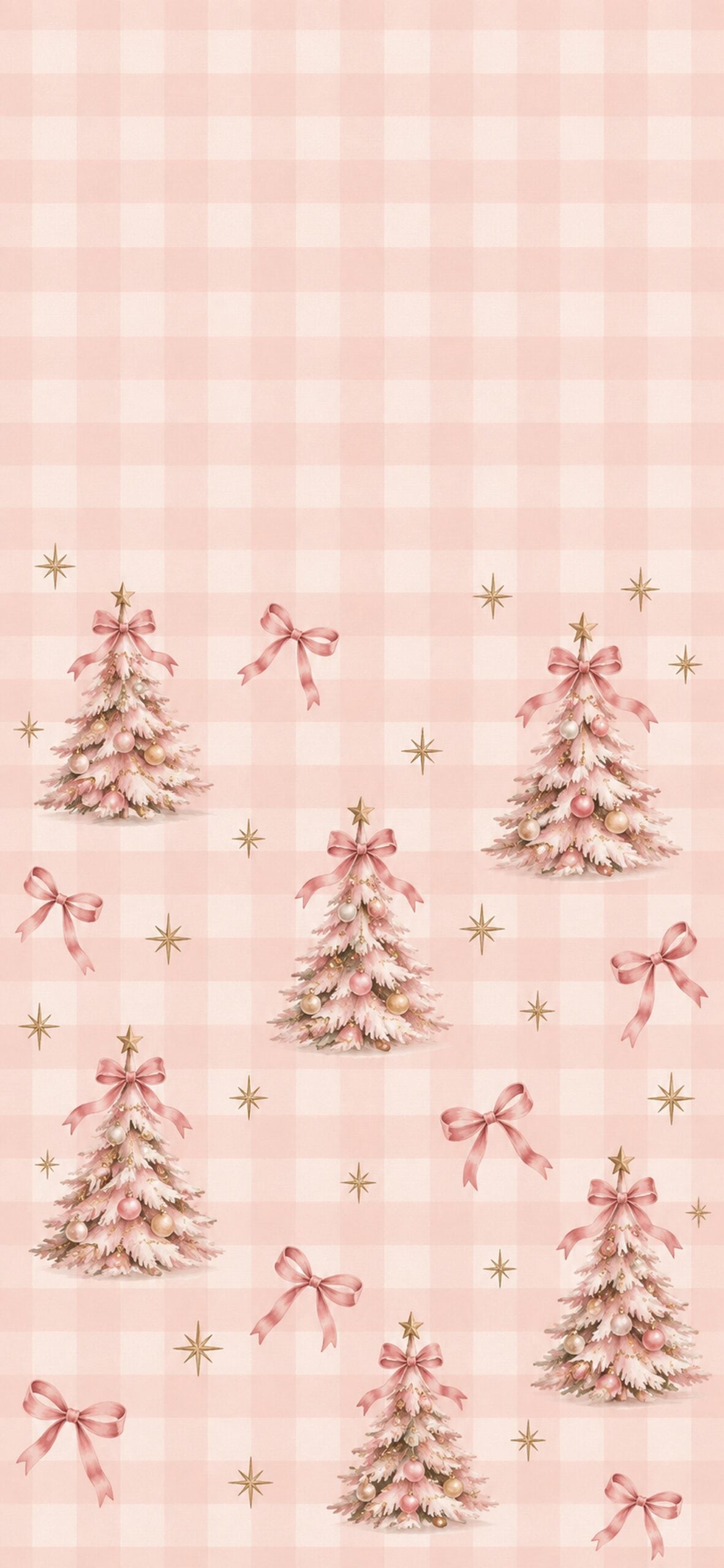
Pink gingham, miniature trees and tiny bows give this design a cheerful cottage feel. The checked background is a lovely match for a playful, preppy Christmas screen.
16. Pink Candyland Christmas
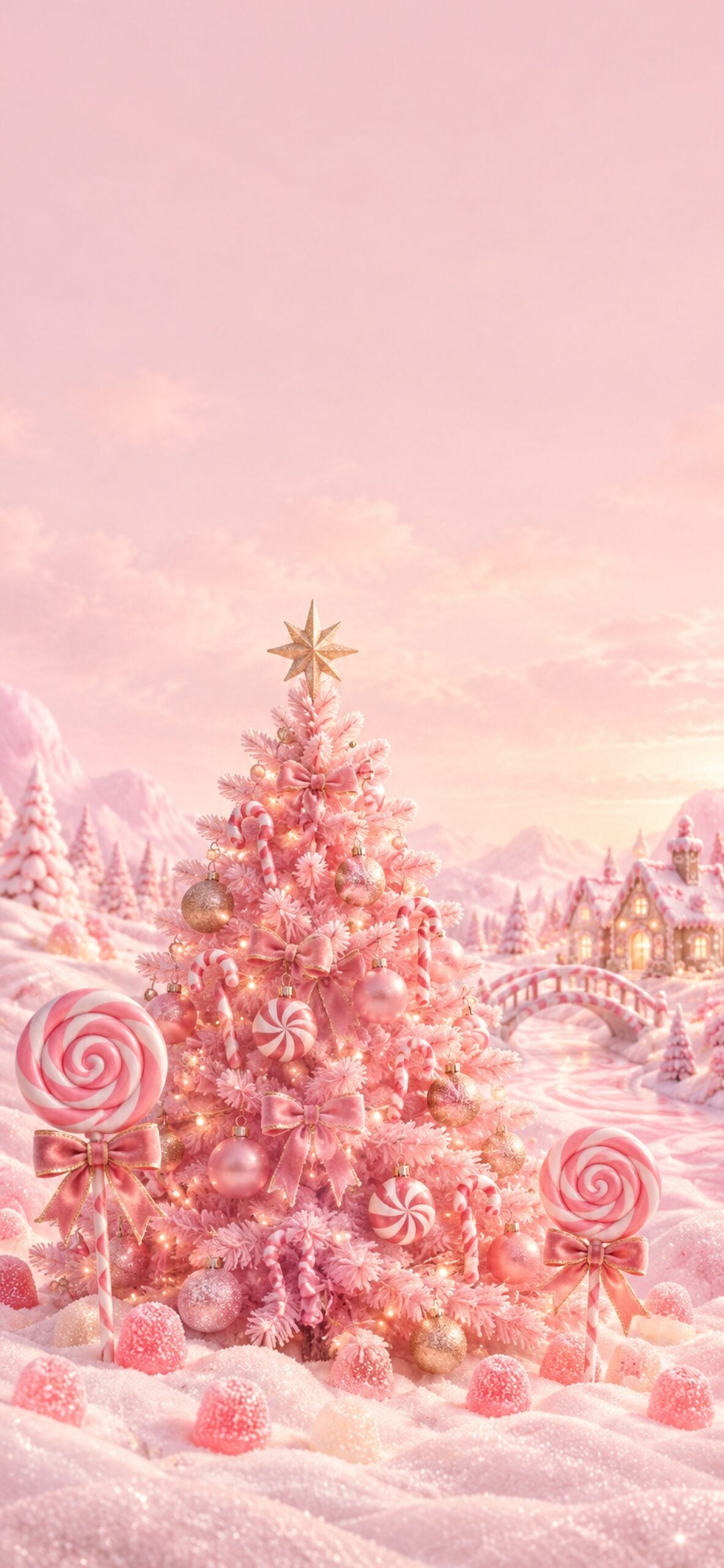
A whimsical pink tree is surrounded by peppermint sweets, lollipops and gumdrops. This is one of the brighter choices if you want your phone to feel like a little Christmas candy shop.
17. Pinkmas Bow Lettering
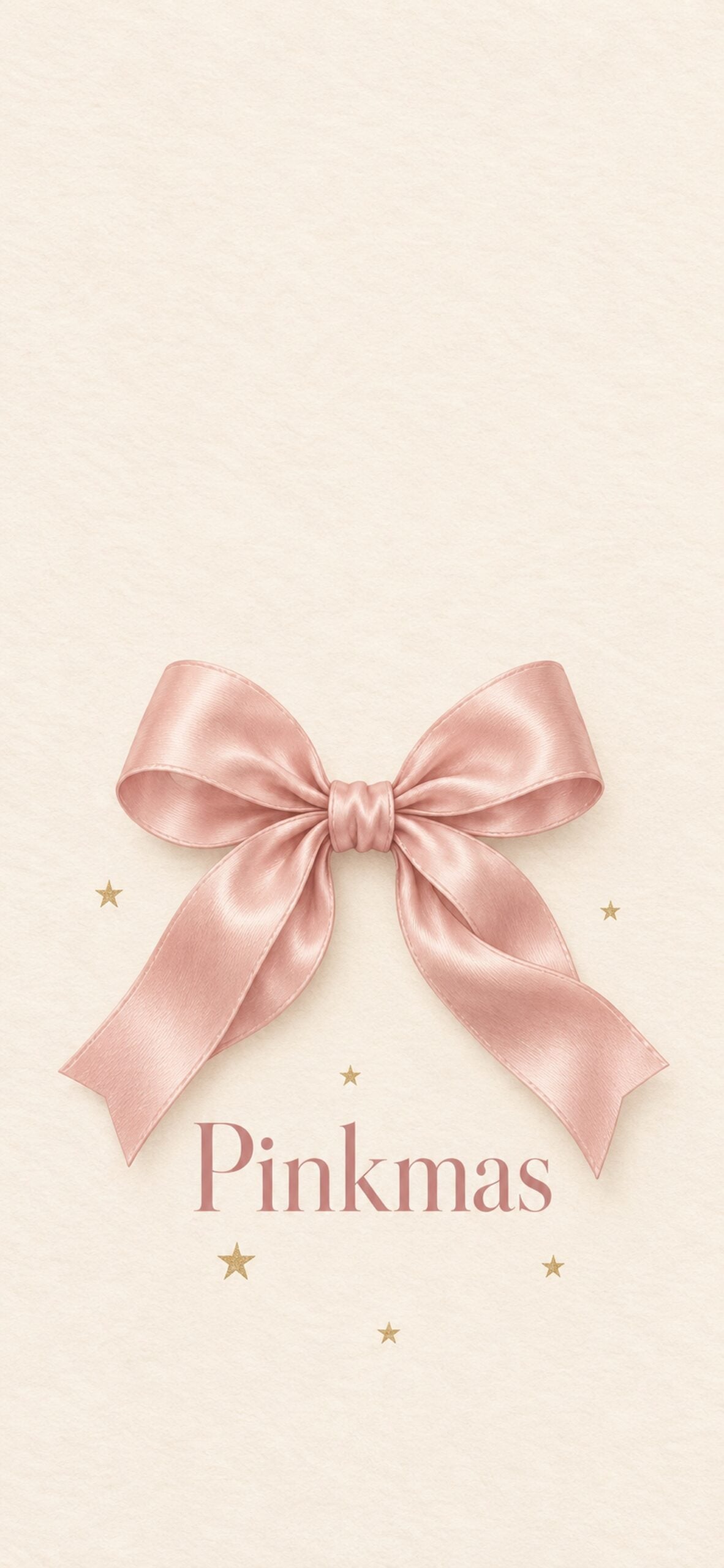
Simple "Pinkmas" lettering and a ribbon bow make this design feel like a little holiday greeting. Keep the lettering visible below your clock when you adjust the crop.
18. Pink Disco Ball Ornaments
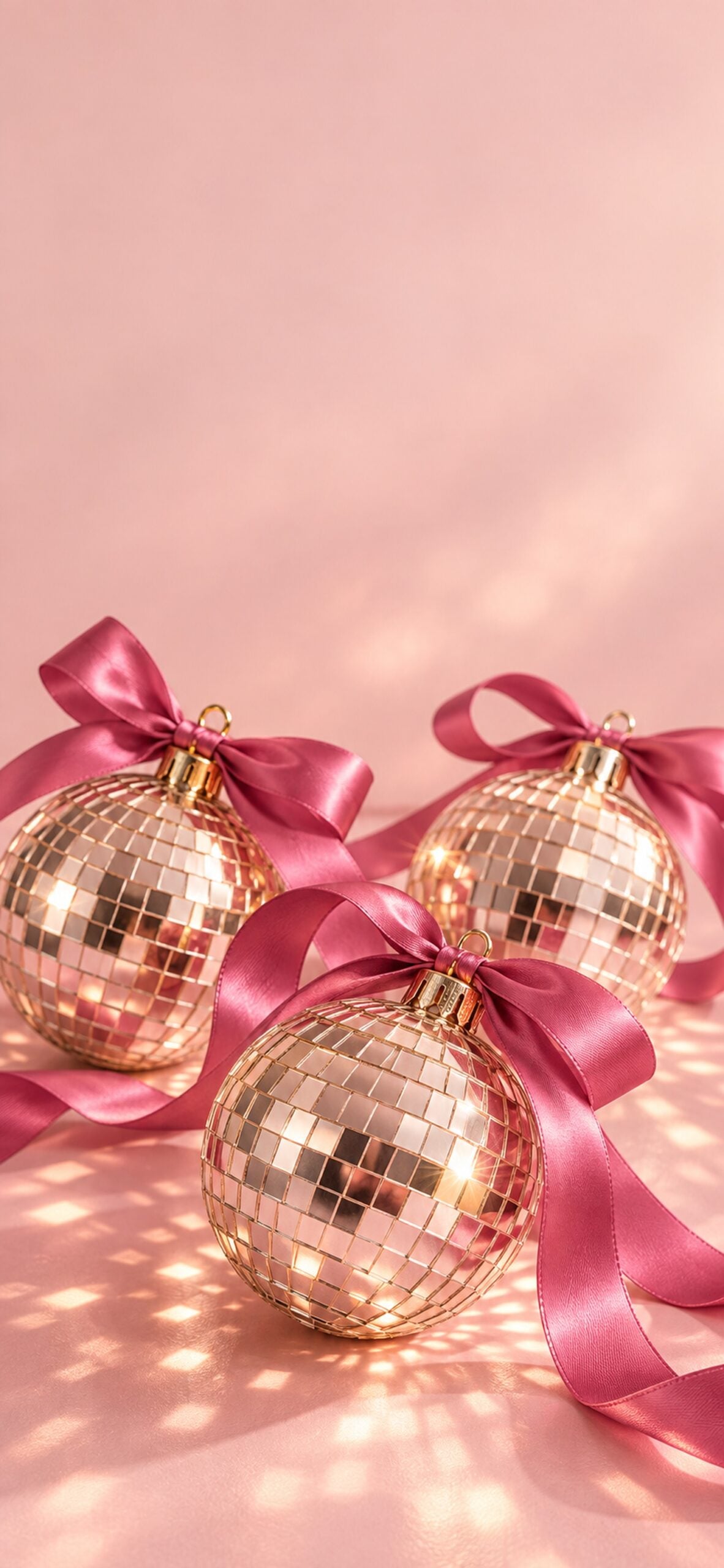
Mirrored ornaments and magenta ribbons bring a little party sparkle to the collection. Try this brighter wallpaper if pastel pink feels too quiet for your holiday style.
19. Candy Cane Stripes and a Pink Bow
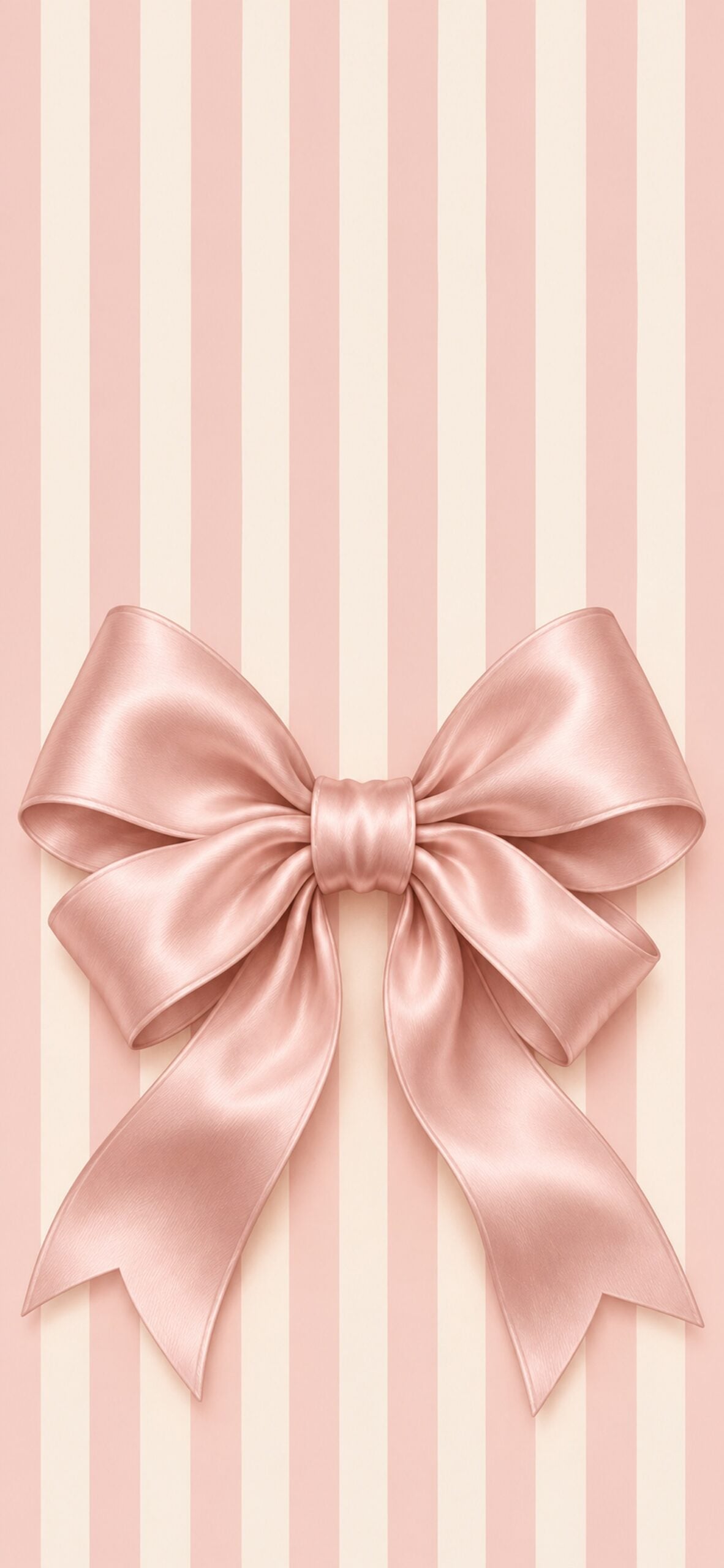
Pink-and-cream stripes sit behind one oversized satin bow. The bold ribbon shape adds a clear focal point while the striped background keeps the design playful.
20. Blush Christmas Wreath
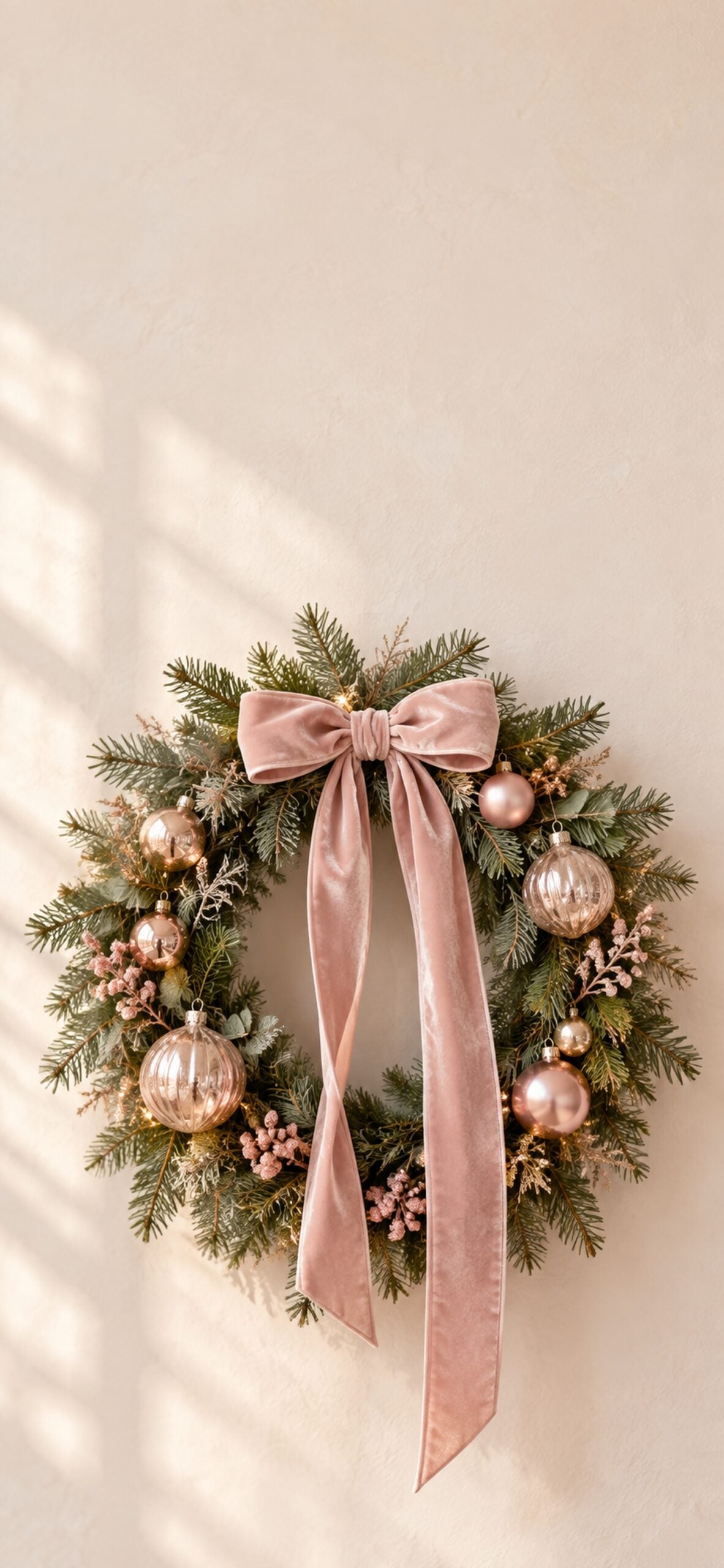
A wreath with blush ornaments and a flowing ribbon gives this wallpaper a classic holiday feel. The simple arrangement leaves room above it for your Lock Screen clock.
21. Pink Snowfall Gradient
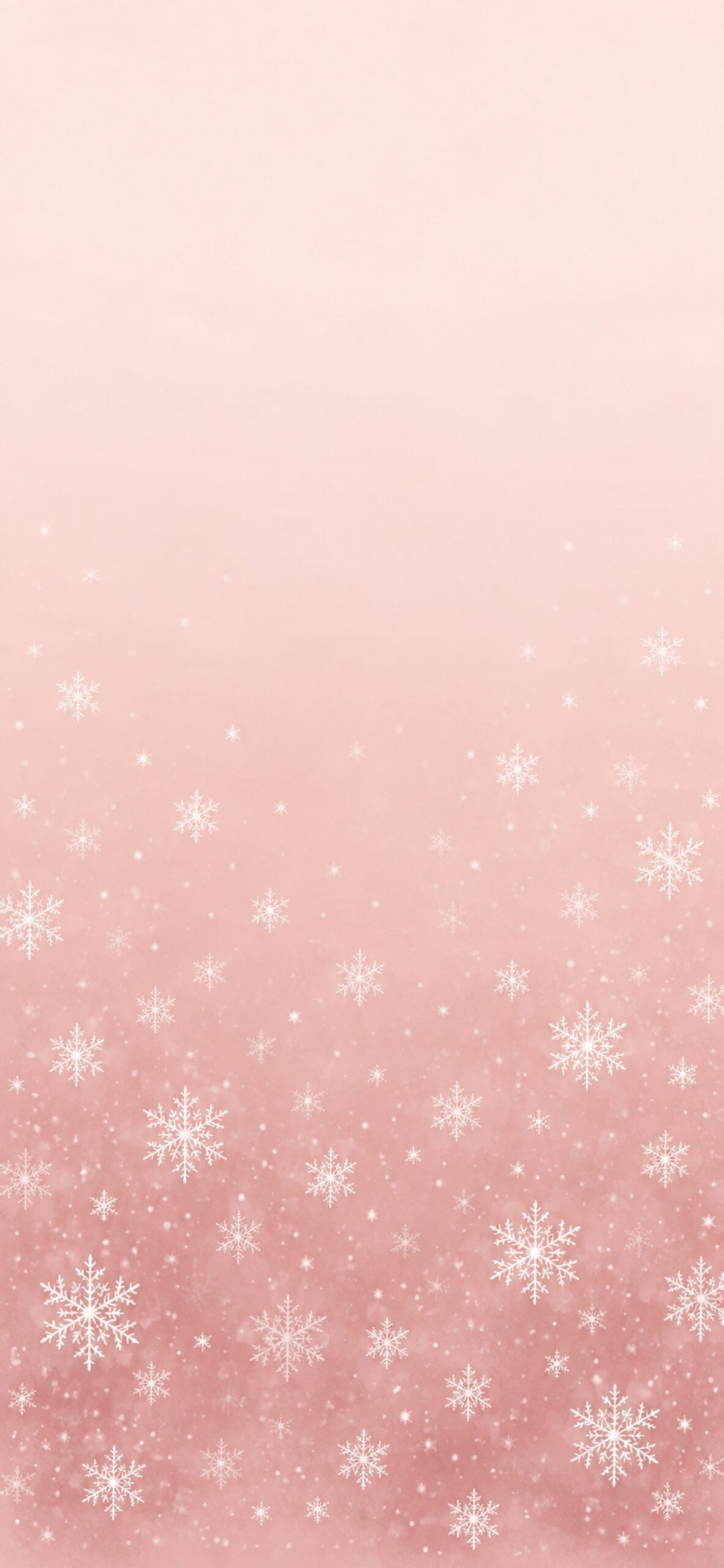
A soft blush-to-rose gradient and delicate snowflakes make this one of the simplest designs in the set. It is a good starting point if you want your app icons to stay easy to see.
22. Stacked Pink Christmas Presents
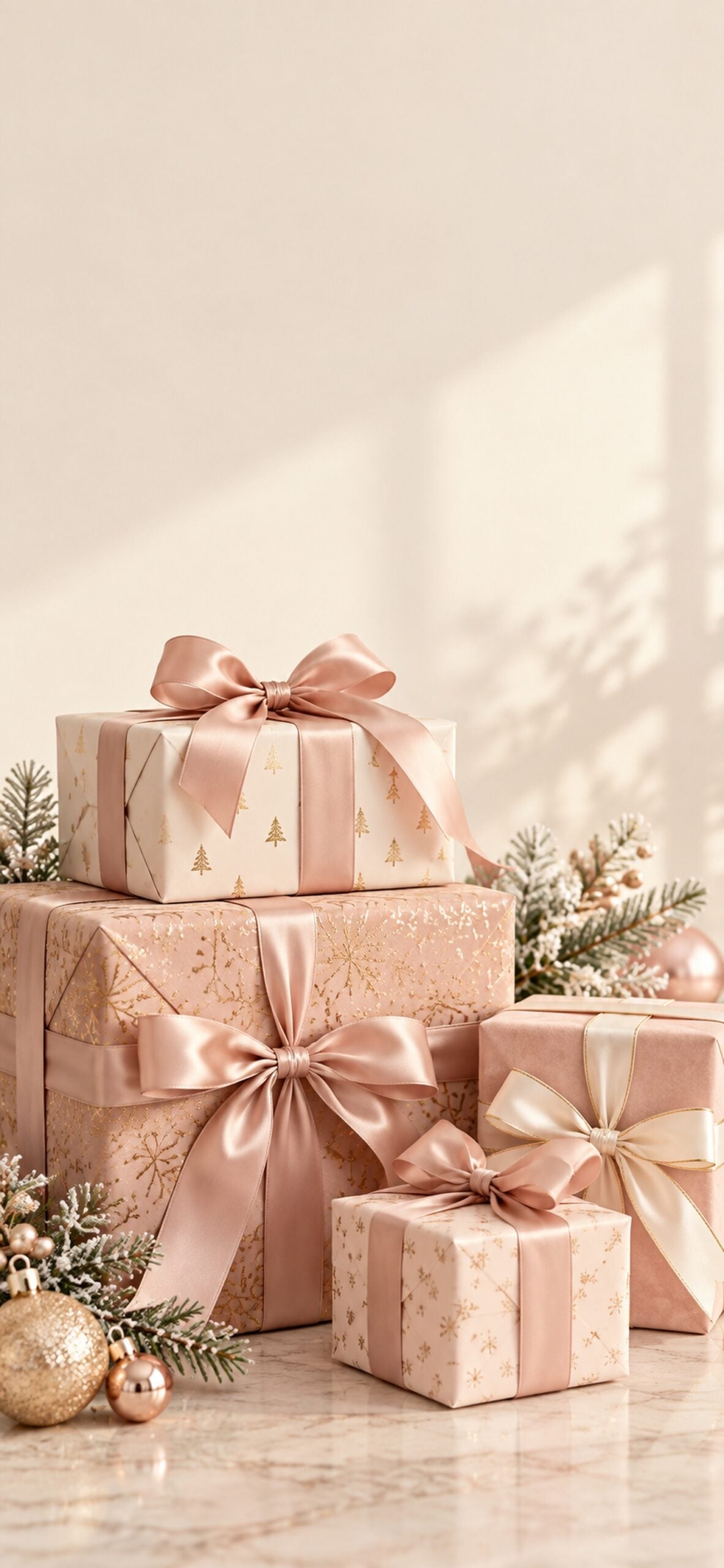
Layered pink gift wrap and soft ribbon bows create a pretty pile of Christmas presents. The mix of blush, rose and cream adds texture without introducing lots of extra colours.
23. Pink Candle and Evergreen
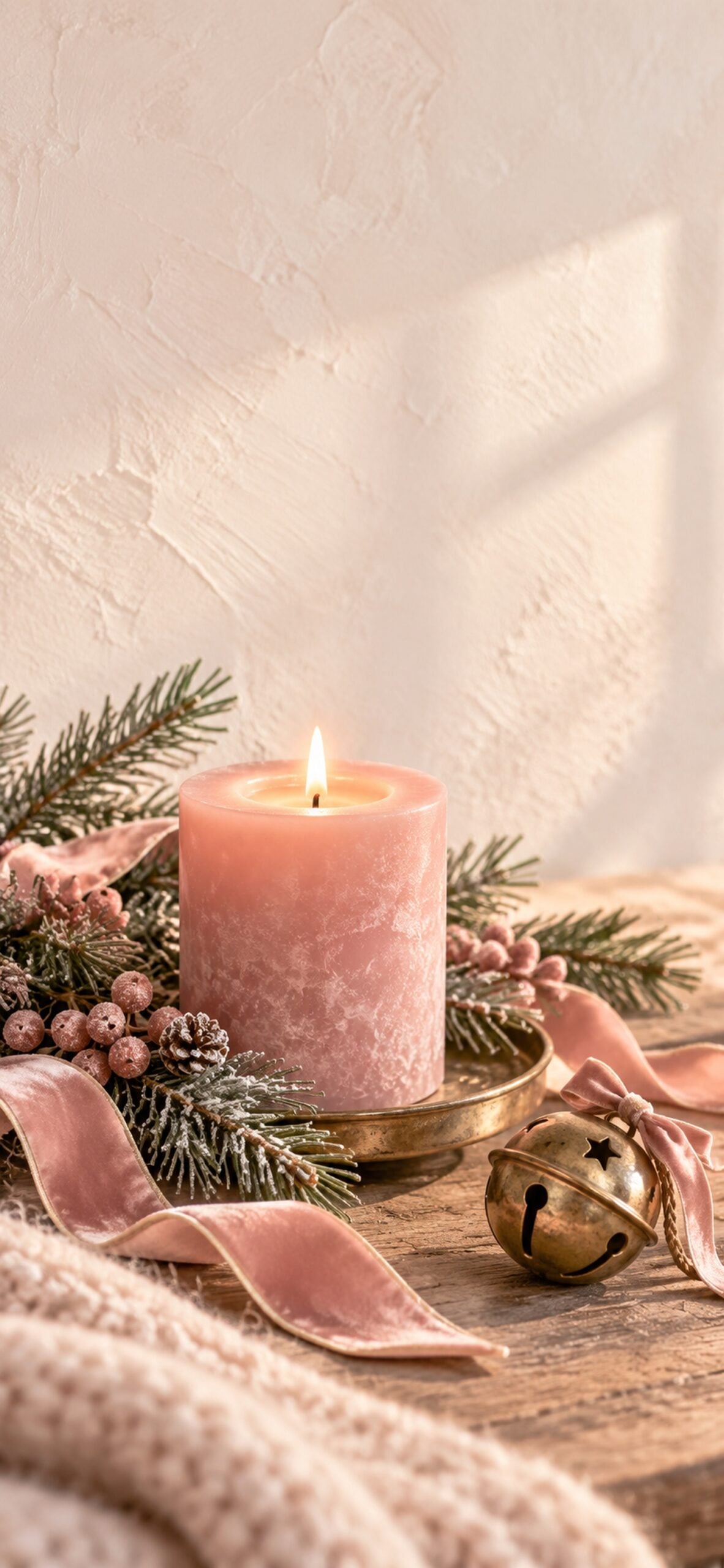
A rose-coloured candle, evergreen sprigs and an antique brass detail make this background feel warm and cosy. It is a lovely choice for a quieter Christmas look.
24. Pink Gingerbread Cookie Pattern
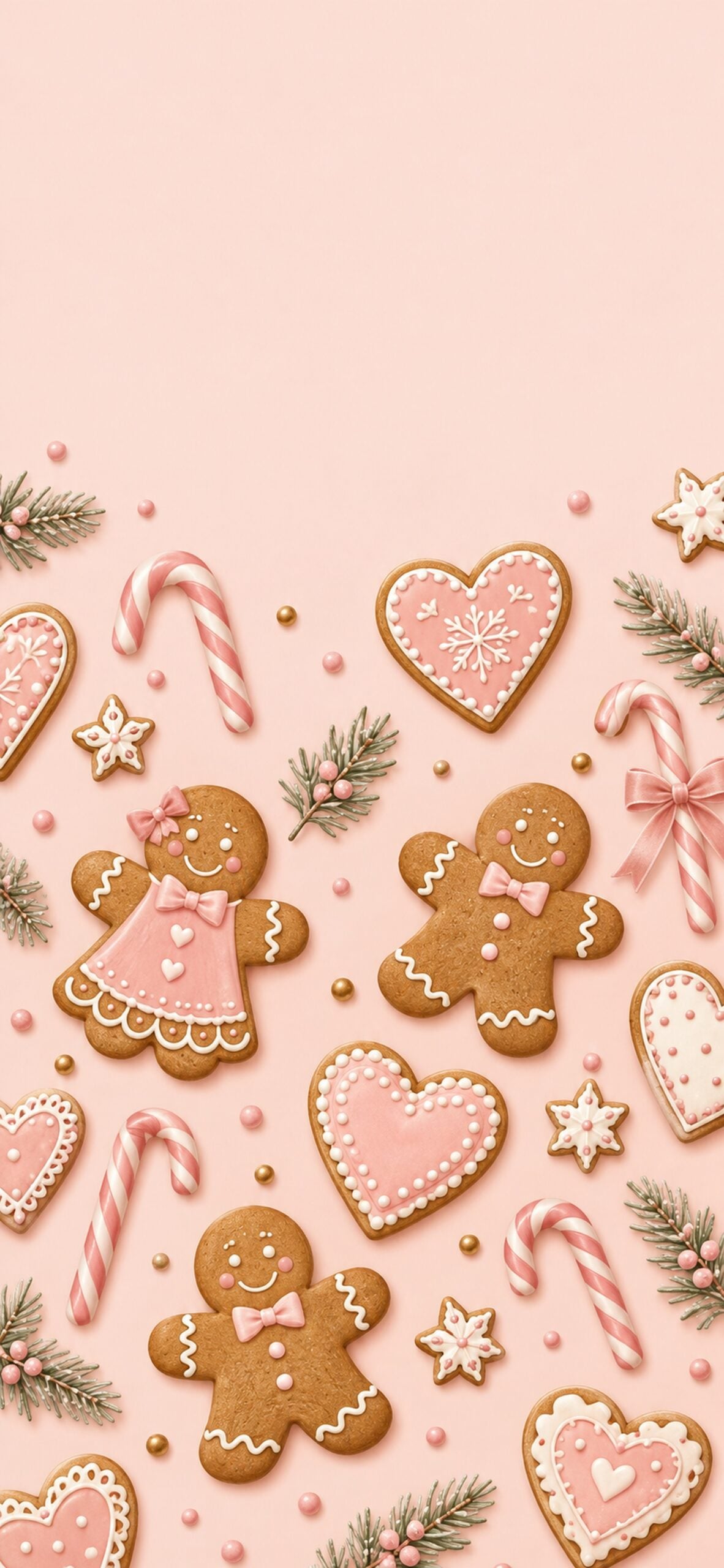
Gingerbread people, icing hearts and little candy canes fill this cheerful pattern. The pink background ties the biscuit colours into the rest of the collection.
25. Vintage Pink Santa Card
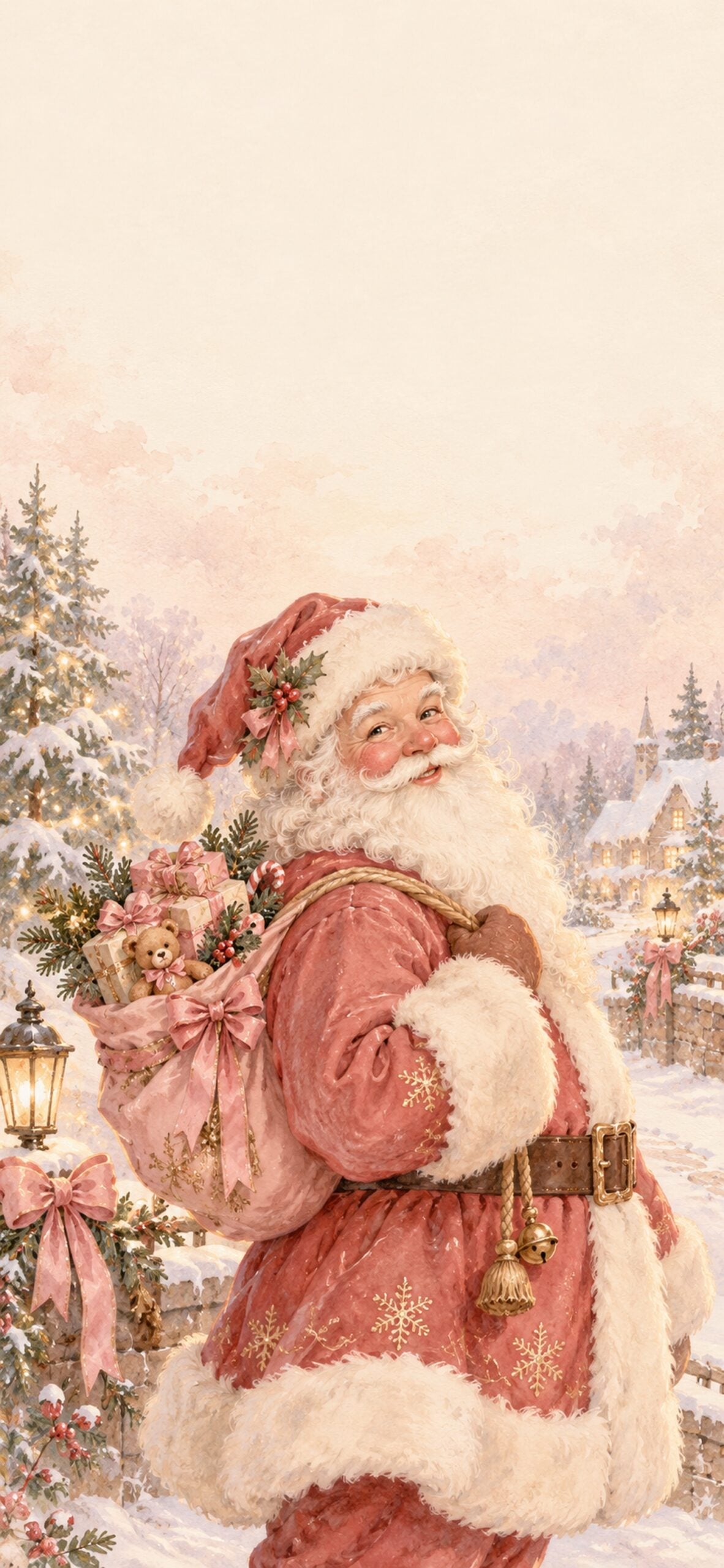
Muted pinks and a softly aged paper finish give this Santa illustration a nostalgic feel. Choose it if you love old-fashioned Christmas cards and softer holiday colours.
26. Pink Cottagecore Christmas Embroidery
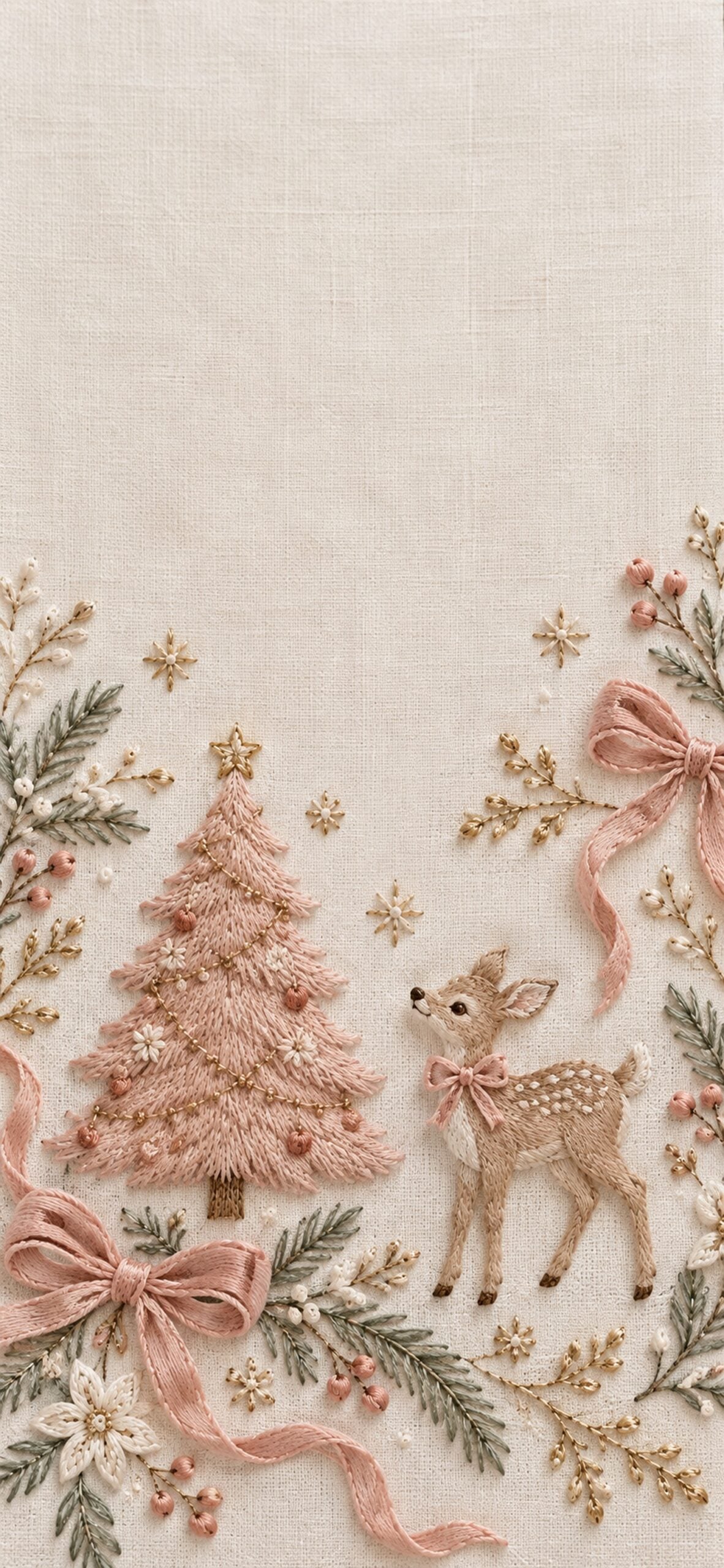
Stitched bows, a little tree and a deer bring a handmade feel to this Christmas background. The linen-like texture makes it a sweet option for a softer cottagecore screen.
27. Hot Pink Preppy Christmas
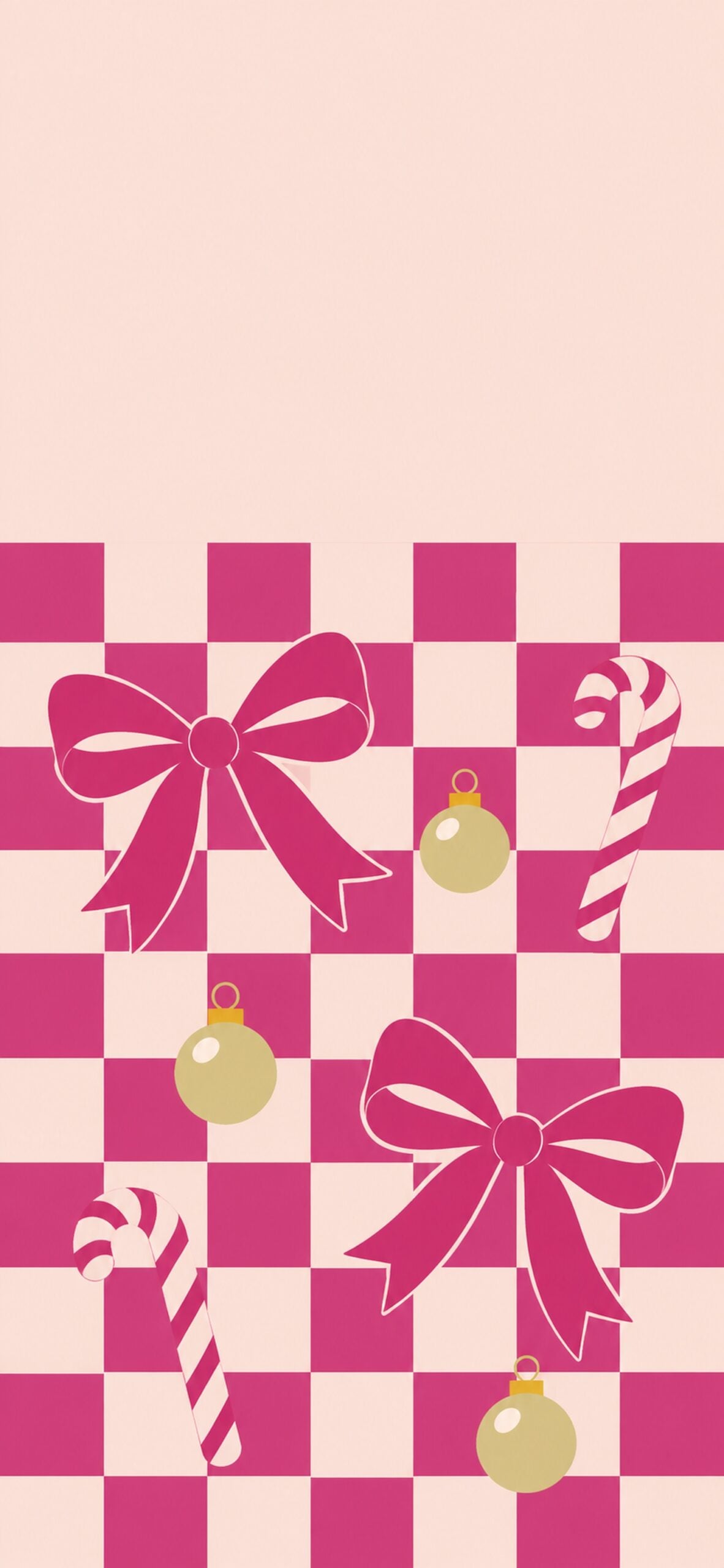
Magenta checks, bold bows and simple ornaments give this wallpaper a brighter preppy style. It is an easy way to add more colour while keeping the Christmas theme clear.
28. Blush and Neutral Christmas
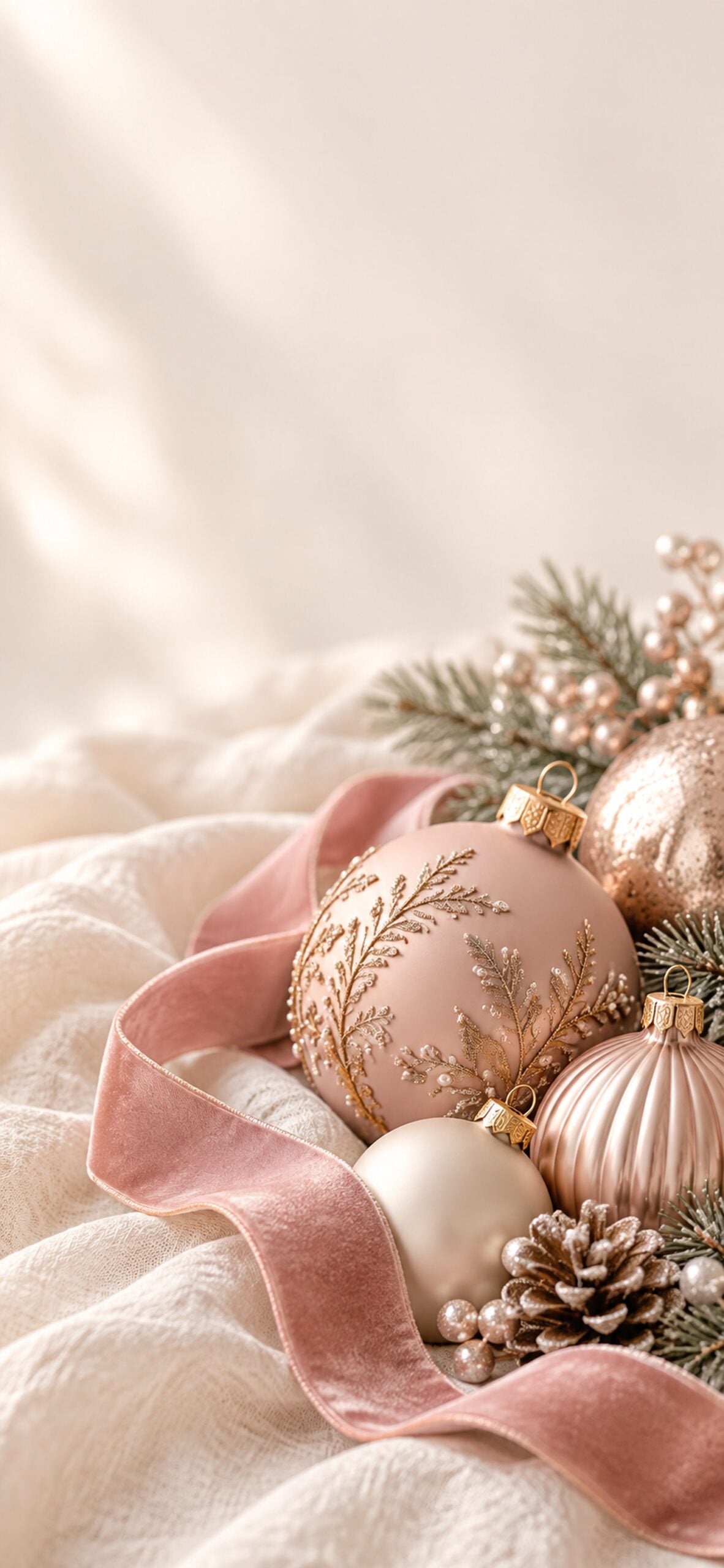
Cream, taupe and pale pink ornaments make this a gentle option for a neutral-loving Christmas look. The quiet colours pair well with a simpler Home Screen.
29. Pink Stars and Snowflakes
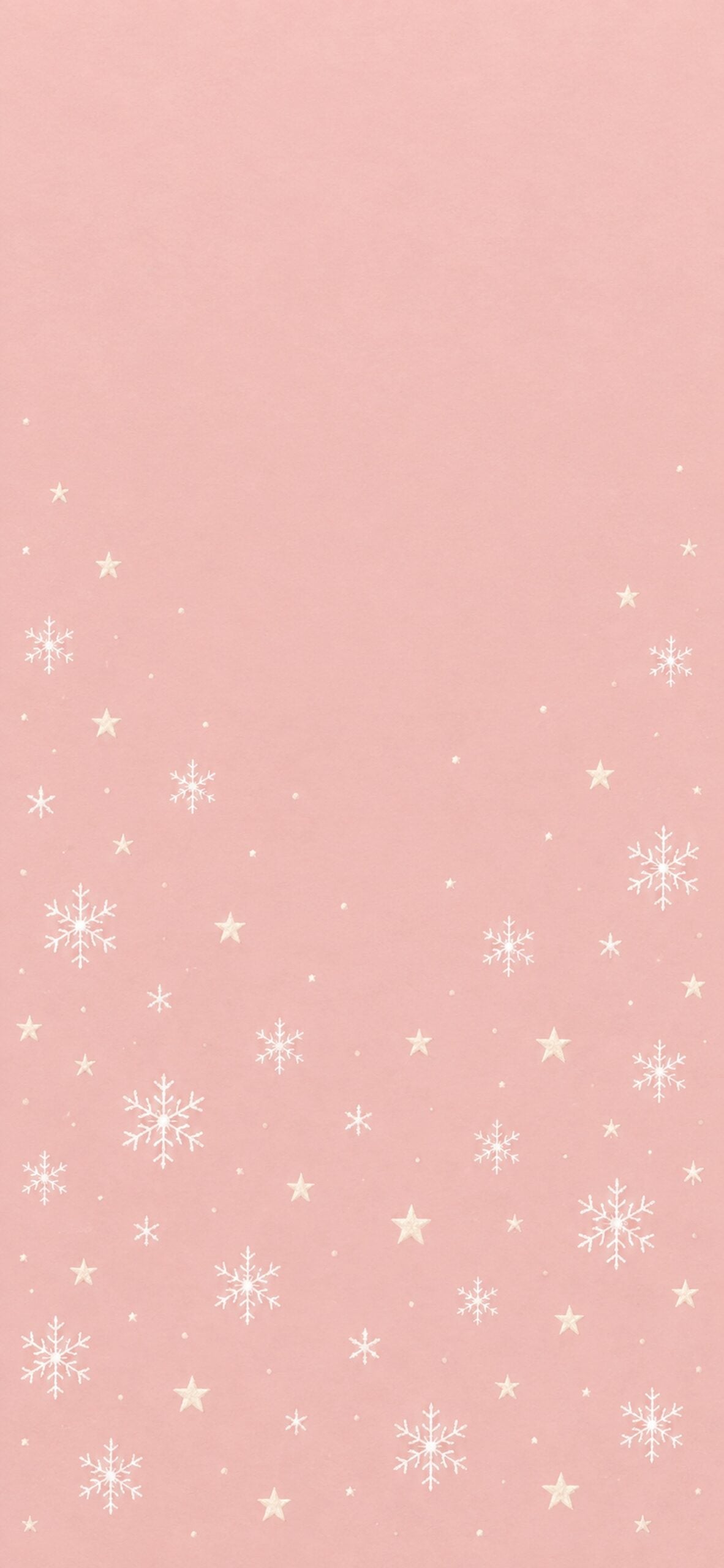
Tiny stars and snowflakes float across a rosy background. This design keeps the festive detail light, so it is easy to use through the whole winter season.
30. Burgundy and Pink Christmas Bow
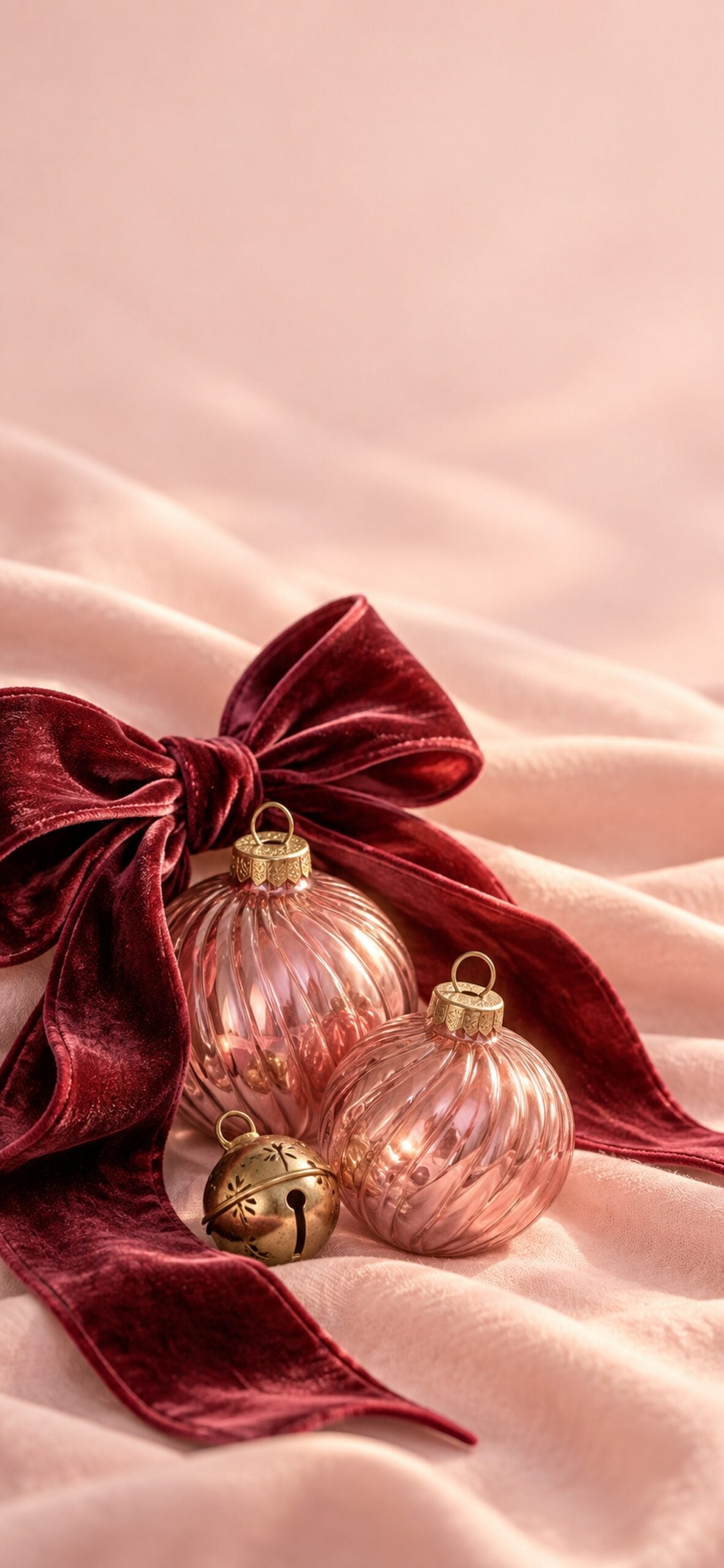
A deep berry ribbon and dusty rose ornaments add a richer finish to the collection. I love this combination when you want pink Christmas details with a little more contrast.
How to Save and Set Your Pink Christmas Wallpaper on iPhone
- Open the full-size file. Tap Download Wallpaper beneath your chosen design.
- Save it to Photos. Touch and hold the opened image and choose the option to save it. Depending on your browser, you may need to use the Share menu and select Save Image instead.
- Open your wallpaper settings. Go to Settings > Wallpaper > Add New Wallpaper, then tap Photos and select the saved design.
- Check the crop. Adjust the image in the preview so the main bow, tree or scene stays visible around your clock and widgets. Tap Add when you're happy with the placement.
- Choose your screens. Tap Set as Wallpaper Pair to use the design on both screens. Choose Customize Home Screen if you want a different appearance behind your apps.
If your menus look different, Apple's guide to changing your iPhone wallpaper explains the current options. The wording can vary with your iOS version.
If the Wallpaper Looks Too Zoomed In
Reposition or resize the image in the wallpaper preview before saving it. Different screen shapes can crop the edges, so keep the important detail away from the very top and sides. If the clock covers a favourite feature, try one of the simpler designs or move the scene lower in the preview.
If the Image Is Missing from Photos
Return to the download button and save the opened JPG. A file saved to your browser's Downloads folder may still need to be opened and saved to Photos using the Share menu. Check your recent photos before returning to the wallpaper settings.
Choose a Pink Christmas Style for Your Screen
For a soft coquette look, start with the ribbon pattern in number 4, the bows and holly in number 14, or the striped bow in number 19. Pair a detailed bow design on your Lock Screen with the snowfall gradient in number 21 behind your apps.
For a cosy Christmas mood, try the gingerbread village in number 2, the snowy cottages in number 6, or the cocoa scene in number 9. If you prefer something brighter, the disco ornaments in number 18 and preppy checks in number 27 add stronger pink accents.
"Pinkmas" is a playful name for a pink Christmas aesthetic. Coquette-inspired designs add details such as ribbons, pearls and delicate patterns. I love that you can choose a quiet blush background or a bolder pink design while keeping the whole screen festive.
If you want to carry the same colours into your decorating, browse my pink Christmas aesthetic ideas for more seasonal inspiration.
An Optional Finishing Touch for Your Phone
This post may contain affiliate links. As an Amazon Associate, I earn from qualifying purchases at no extra cost to you.
If you're already replacing your phone case, a blush pink protective case can coordinate with these backgrounds. Choose one made for your exact iPhone model, with raised edges around the screen and camera.
More Free Christmas and Winter Wallpapers
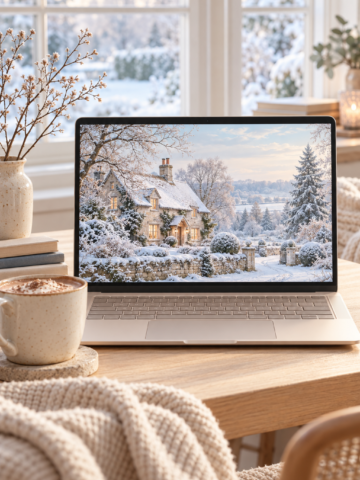
For a wider mix of holiday colours, browse my Christmas iPhone wallpaper collection. When you want a background that lasts beyond Christmas, my free winter iPhone wallpapers include snowy scenes and simpler seasonal designs.
For your laptop or computer, explore these collections:
- Pastel Christmas desktop wallpapers
- Cute Christmas backgrounds for desktop
- Christmas aesthetic wallpaper freebies
- Blush pink desktop backgrounds
- Aesthetic winter desktop wallpapers
You can find the holiday collections together in my Christmas wallpaper hub.
Pink Christmas iPhone Wallpaper FAQs
The JPG files can also be used on phones that accept custom image wallpapers. You may need to adjust the crop for your screen, and the setup steps will depend on your phone's brand and version.
No. Setting a wallpaper changes the background behind your apps, but it does not replace the app icons or install a theme. You can keep your usual layout and simply update the background.
No, these downloads are still JPG images. The illustrated snow, lights and sparkles remain part of the picture rather than moving on your screen.
First check that you saved the full-size JPG from the download button. A screenshot, a small preview or a heavily enlarged crop can lose detail. Download the original file again and try a less zoomed-in crop.
For a wider screen, start with my pastel Christmas wallpaper collection. It has soft holiday colours in a desktop format. These tall phone images will crop much more heavily on a landscape monitor.
This collection is offered for personal device backgrounds. It is not a printable art collection or a licence for products, templates or resale. Share the article link so others can download their own favourite.
A Pretty Pink Christmas Refresh
I hope this collection helps you find a Christmas background that feels like your style, whether that means a soft ribbon pattern, a snowy pink village or a cheerful gingerbread scene. A detailed design can make a lovely Lock Screen, while one of the quieter options keeps things simple behind your apps.
Choose your favourite pink Christmas iPhone wallpaper above and tap Download Wallpaper to save the full-size image. It's a small seasonal update you can enjoy every time you pick up your phone.
Until next time,



As Seen on TikTok
Come behind the scenes of our farmhouse build, decor projects, and cozy everyday life. Tap a video to watch, then follow @nikkisplate on TikTok for more.
Watch this video on TikTok
Watch this video on TikTok
Watch this video on TikTok

Leave a Reply