
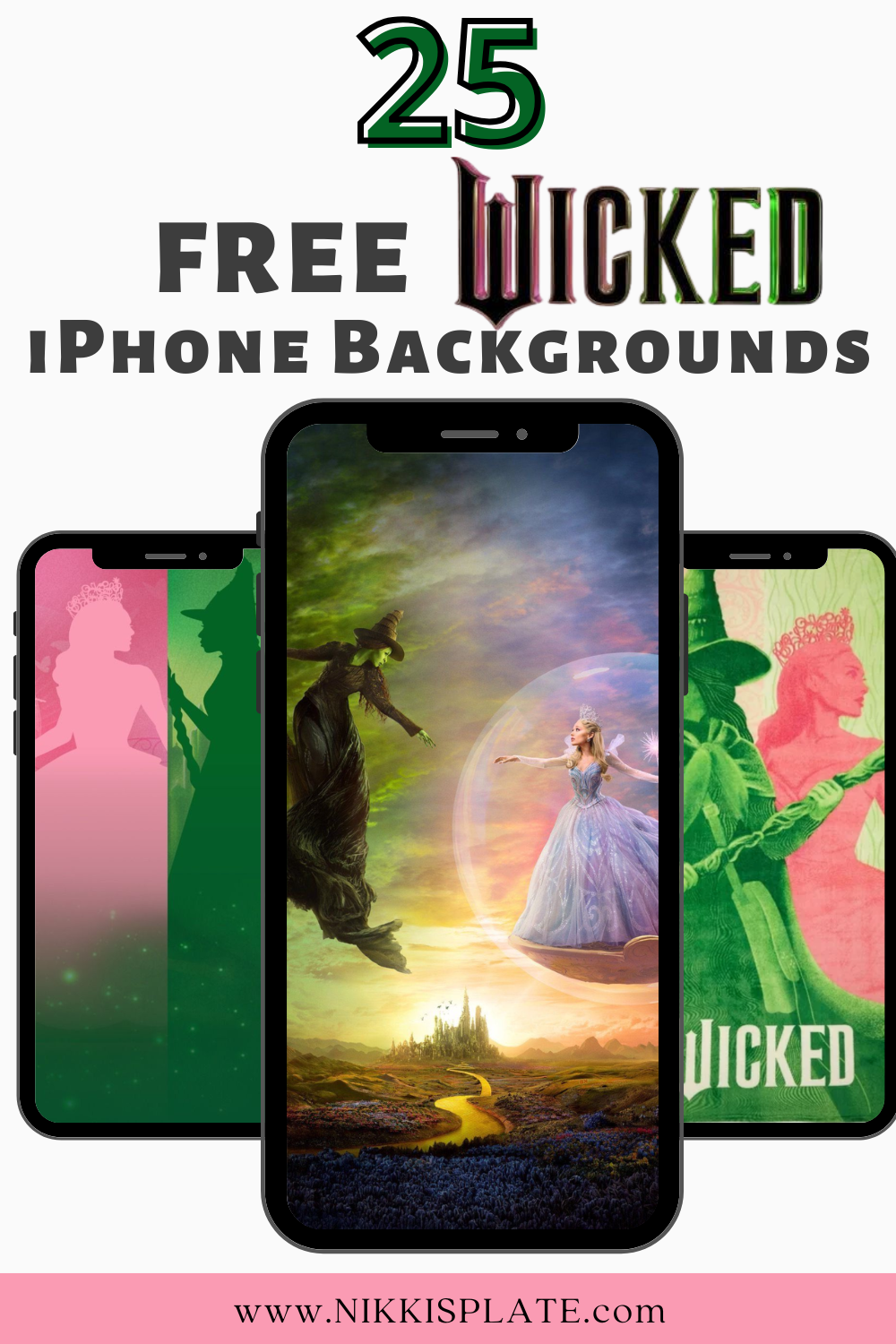
Download 25 free Wicked iPhone backgrounds inspired by Elphaba, Glinda, and Emerald City-magical, Wicked aesthetic wallpapers for your phone.
Disclaimer: this post may contain affiliate links, and every purchase made through these links will give me a small commission (at absolutely no extra cost for you!) AS AN AMAZON ASSOCIATE AND REWARDSTYLE MEMBER, I EARN FROM QUALIFYING PURCHASES. See Privacy Policy for additional info.
Hi Beauties! If you're a fan of Wicked, there's something magical about carrying a little piece of Oz with you everywhere you go. From Elphaba's powerful journey to Glinda's sparkling charm, these Wicked iPhone backgrounds are the perfect way to personalize your phone while celebrating one of the most beloved musicals of all time. Whether you're drawn to bold Emerald City energy or soft pink and green aesthetics, these wallpapers bring the story to life right on your screen.
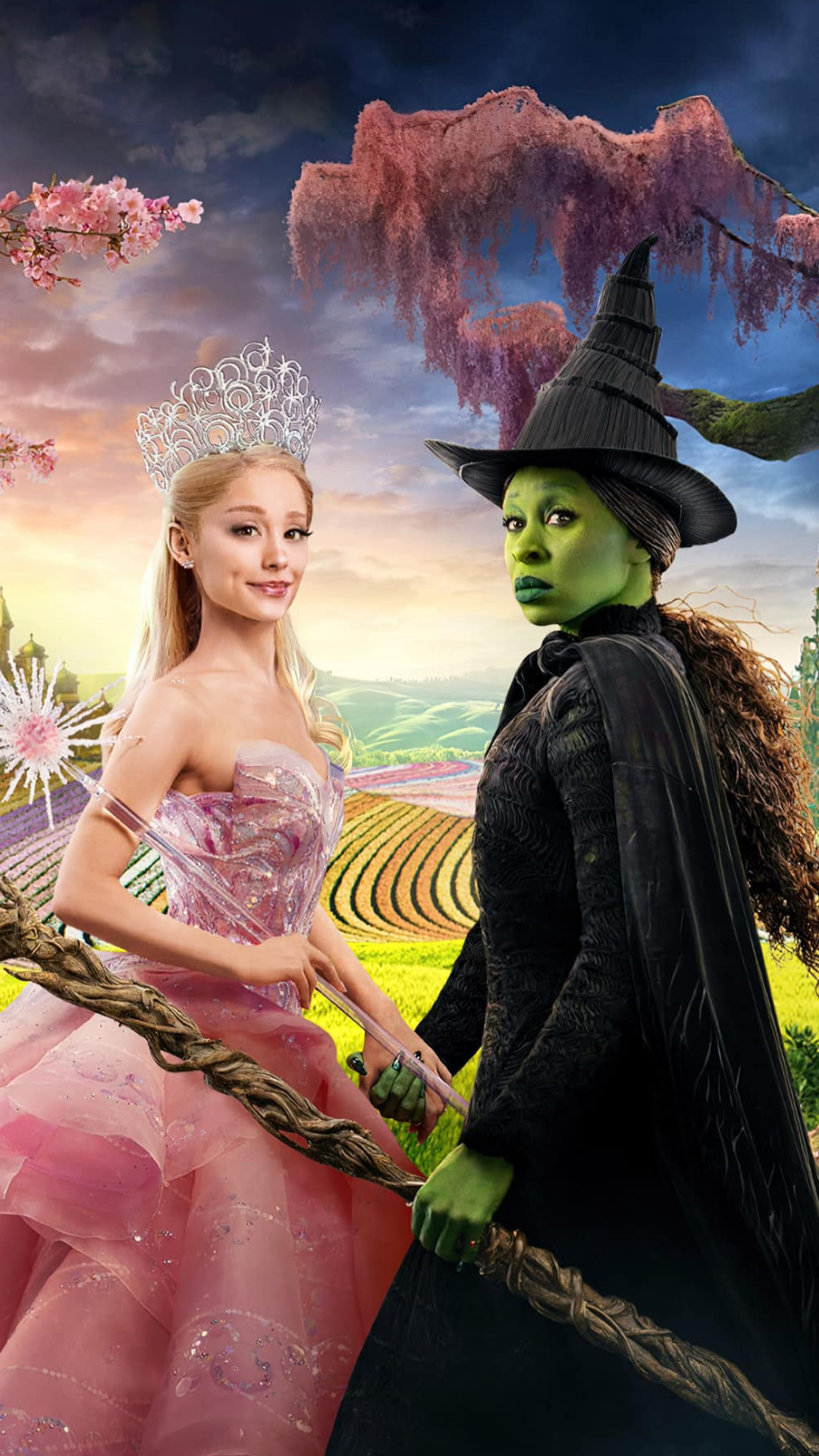
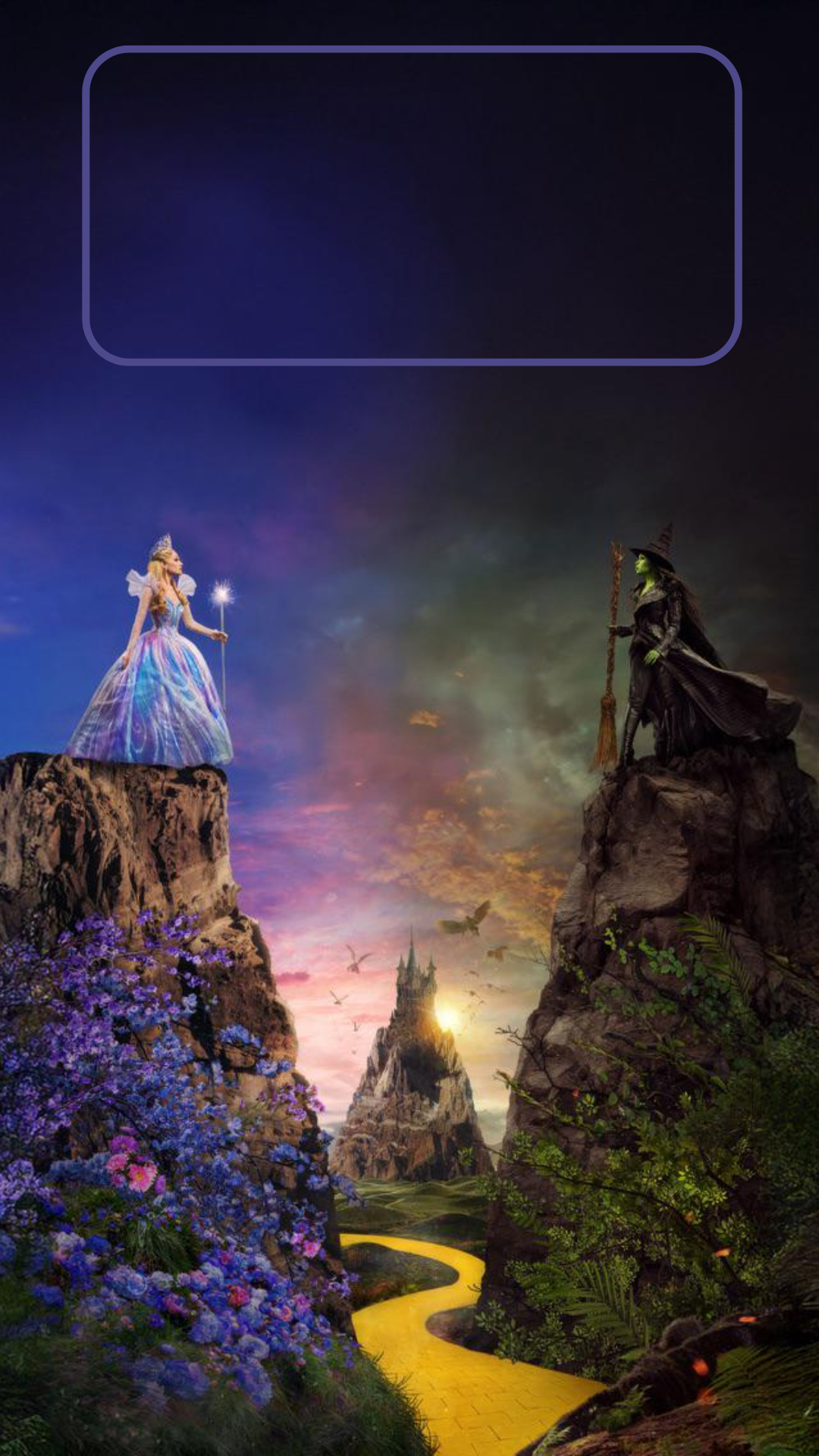
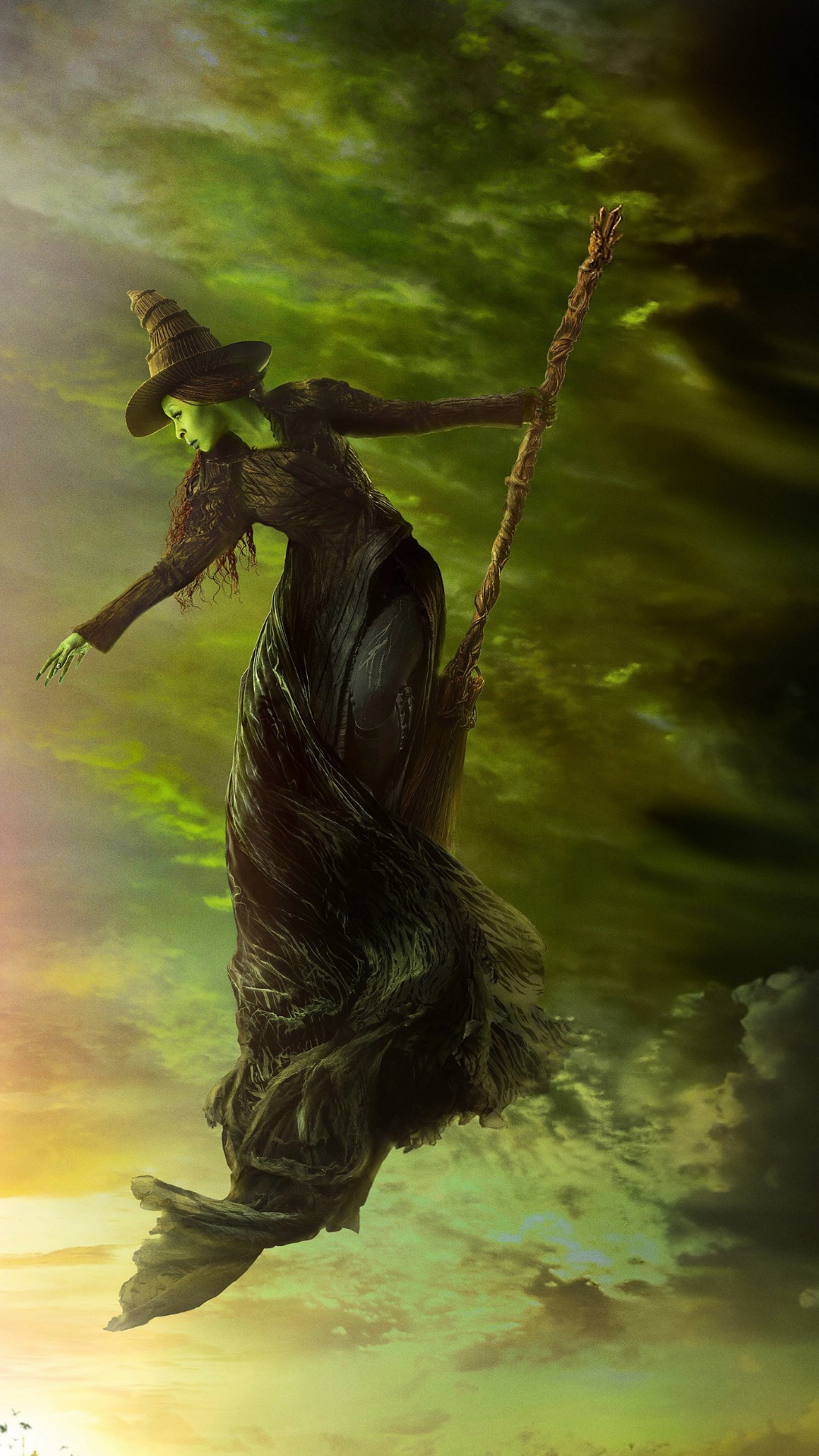
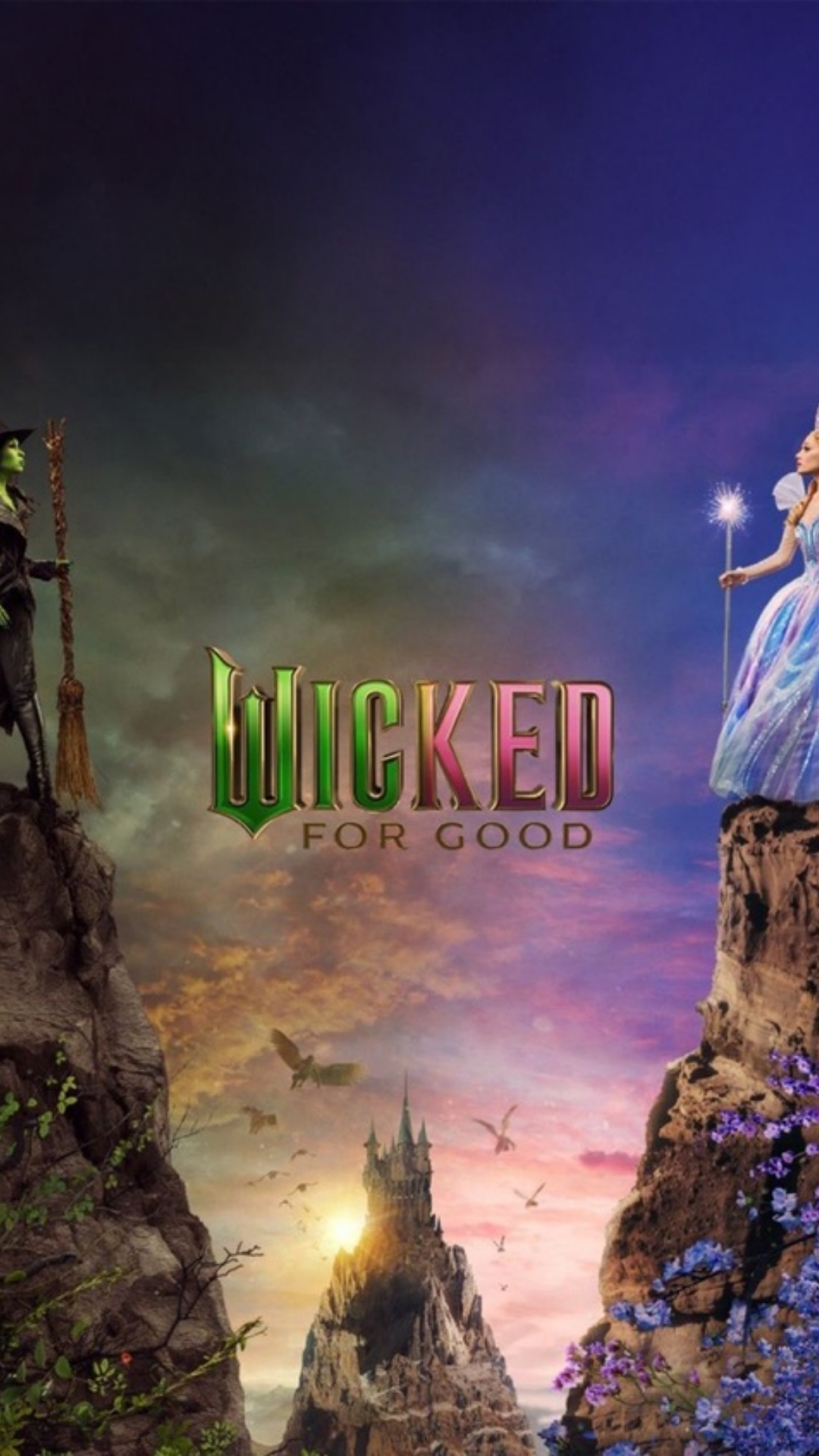
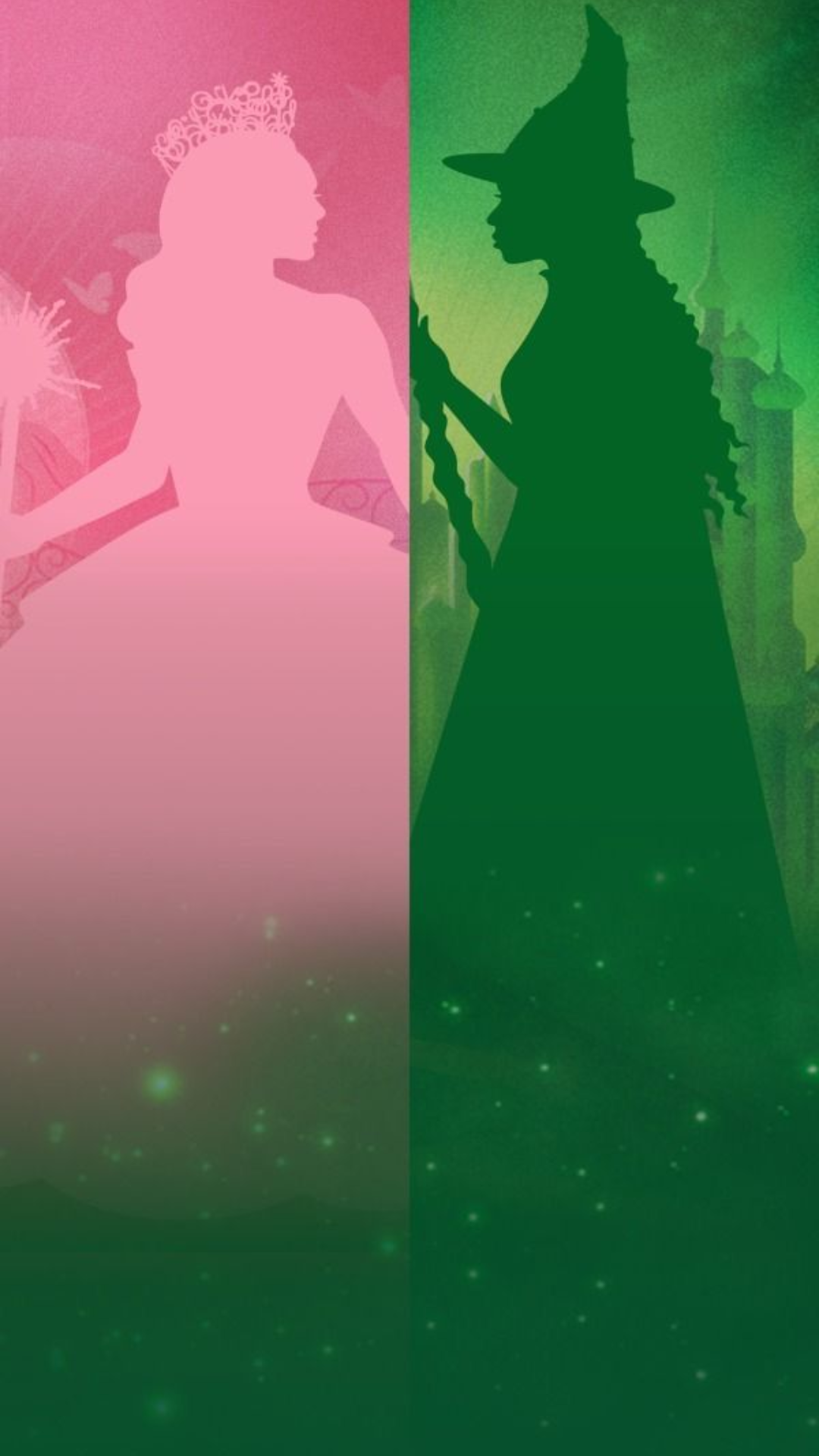
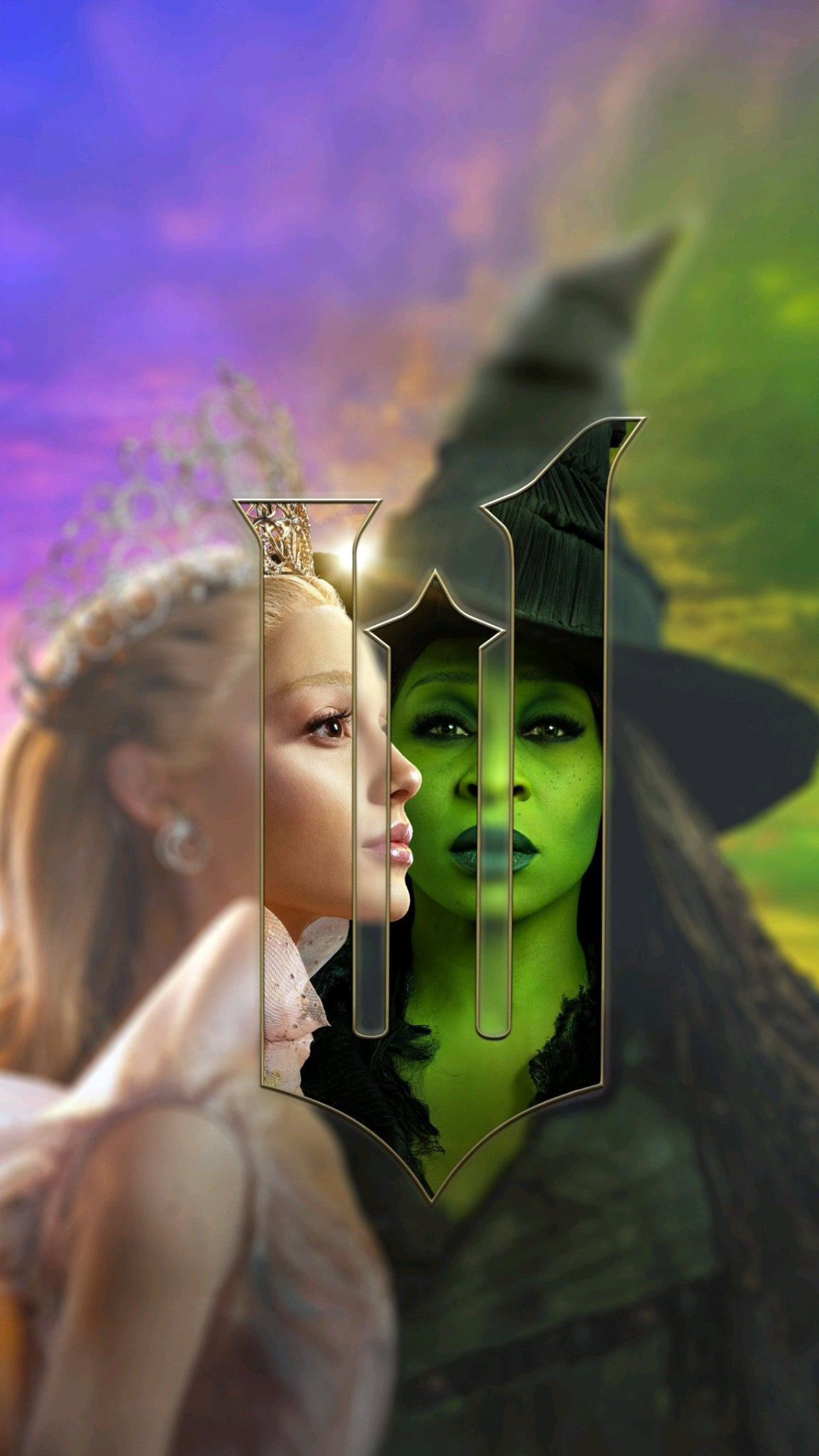
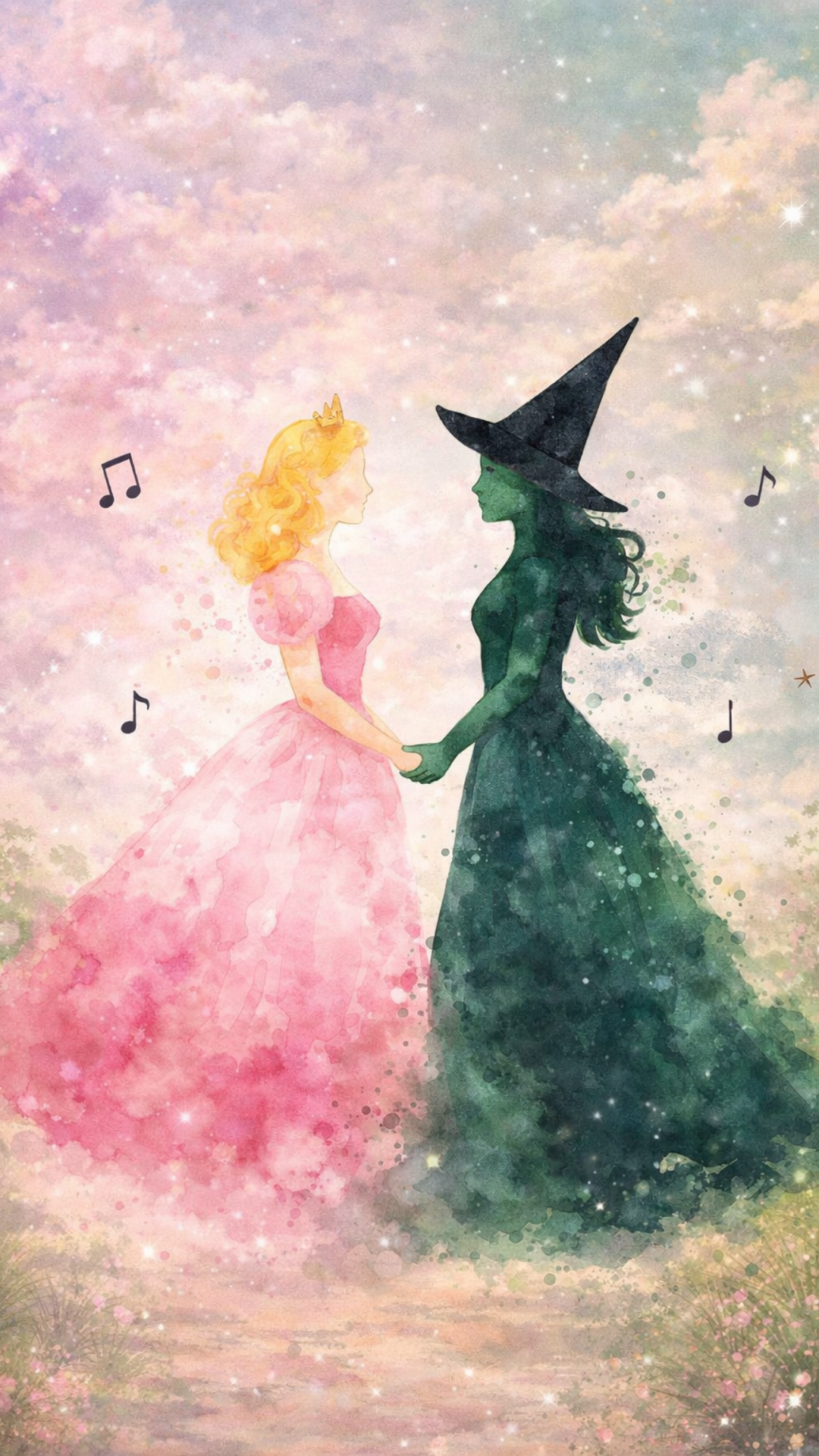
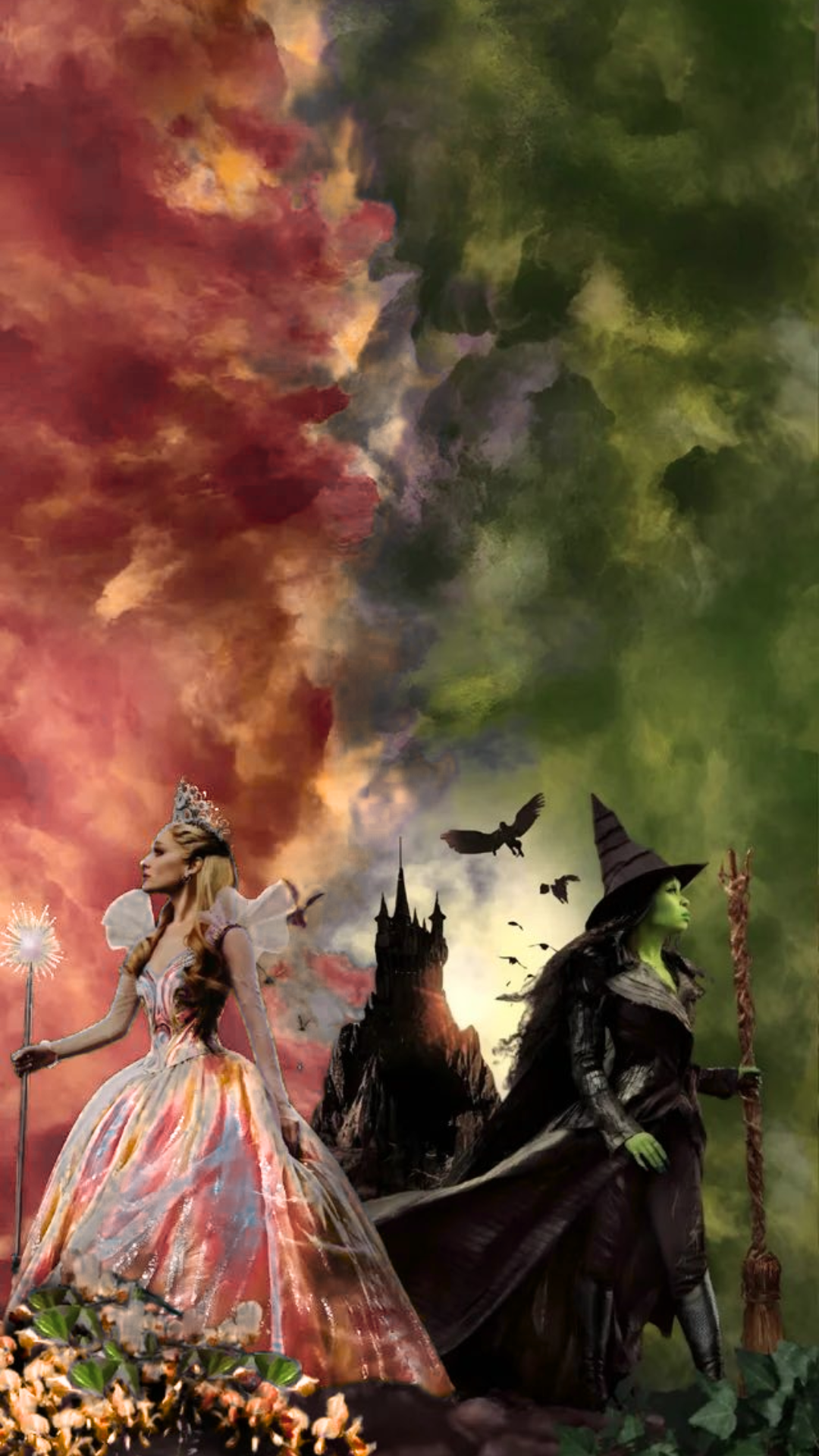
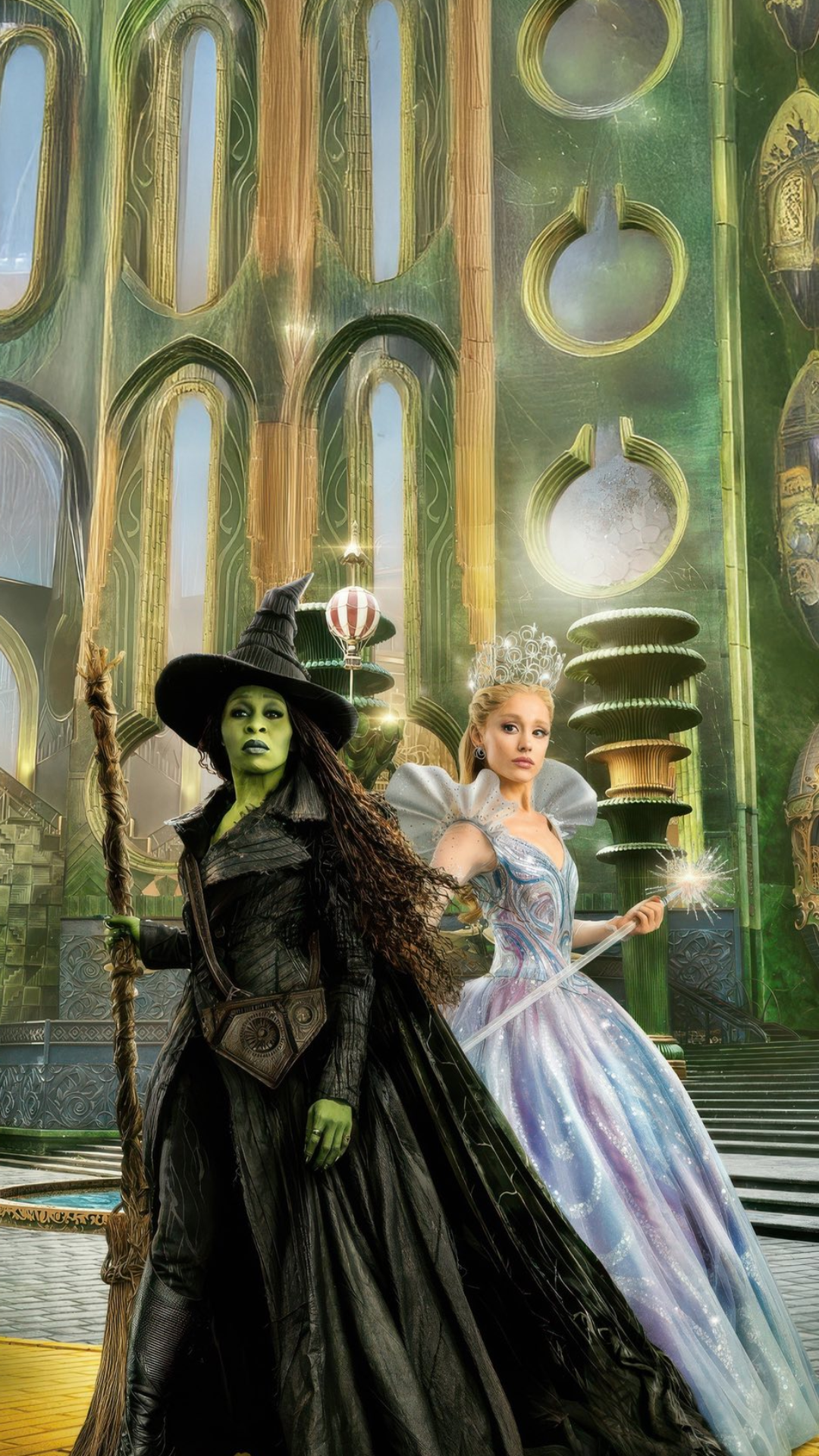
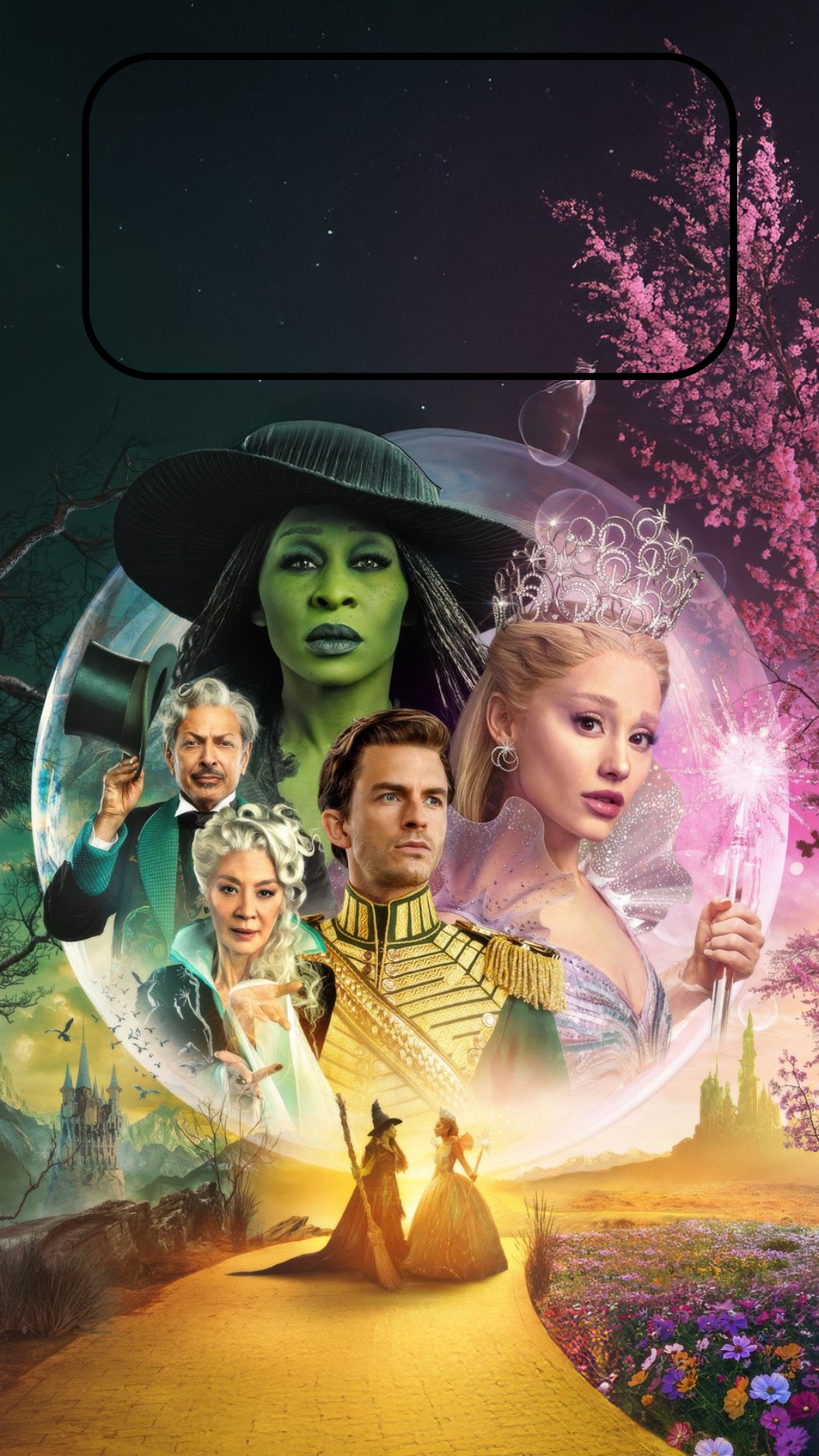
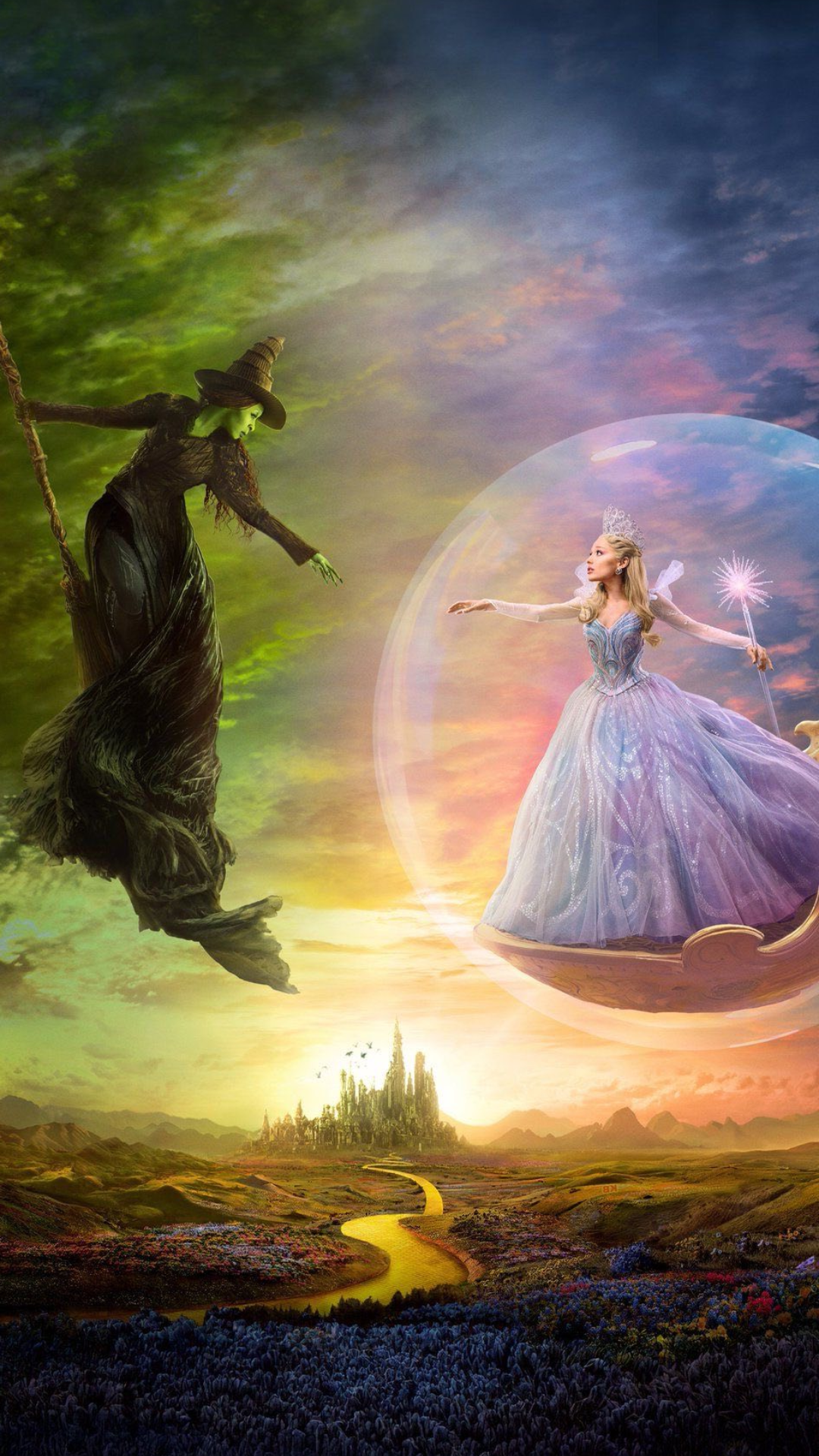
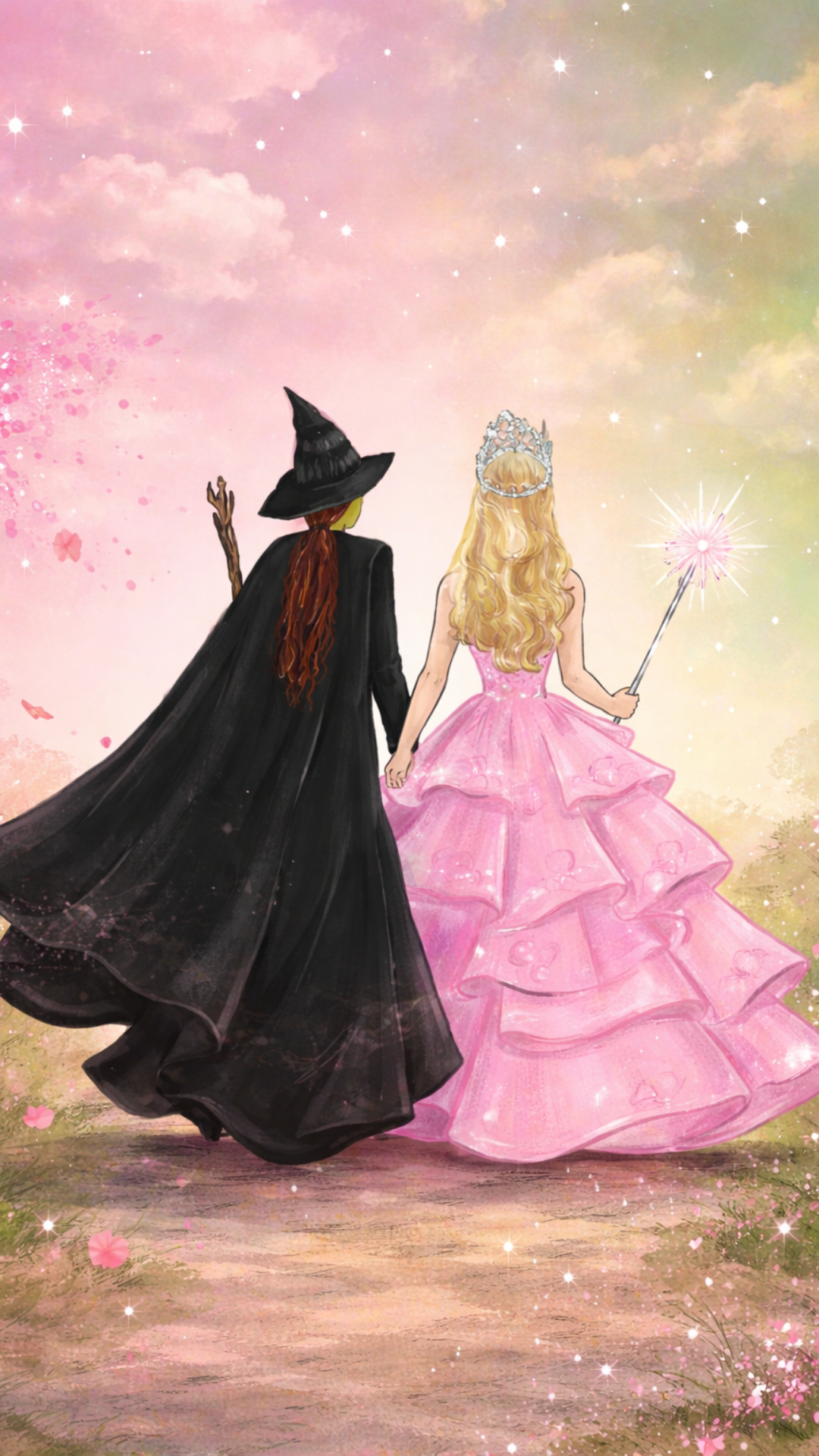
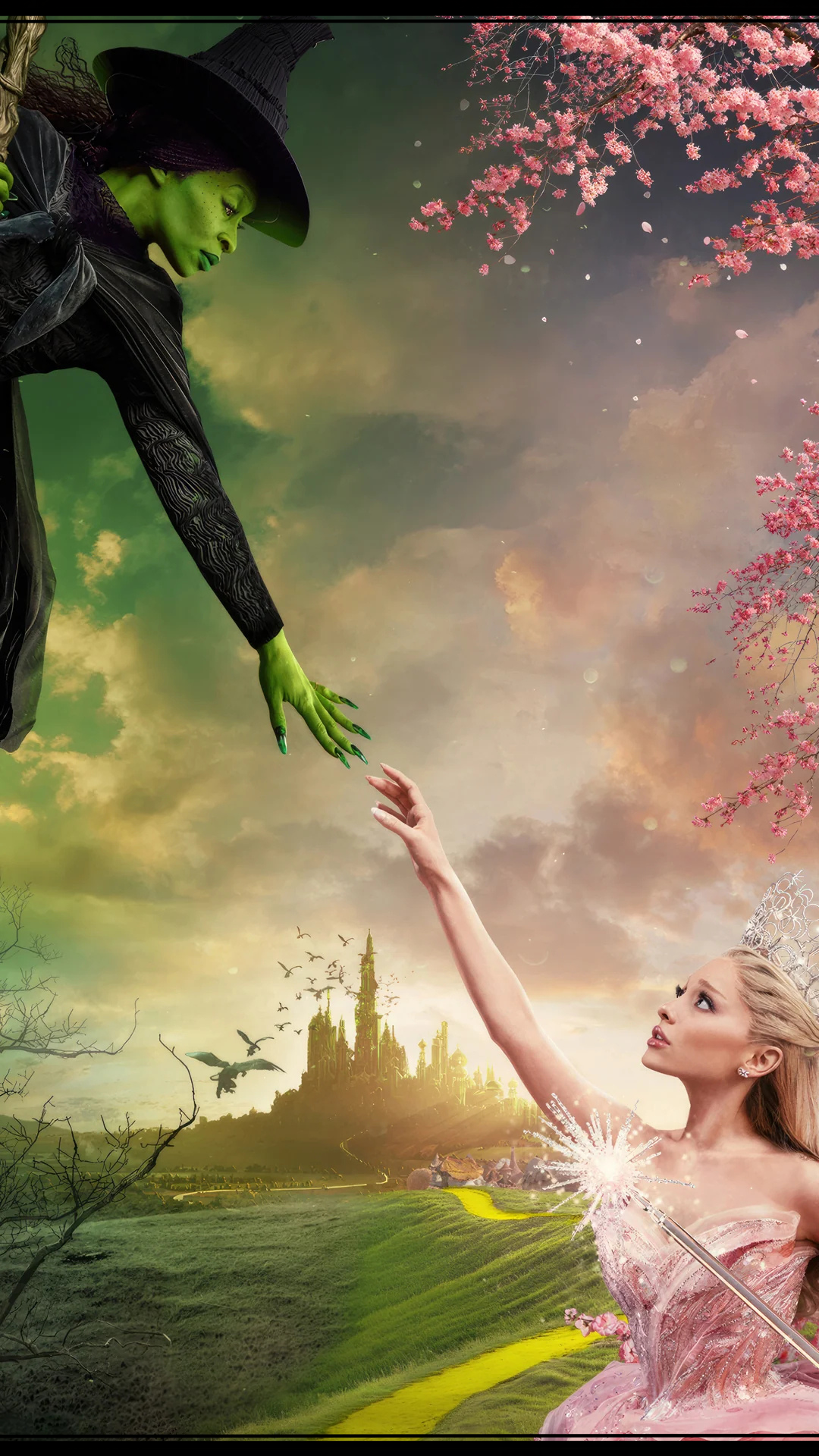
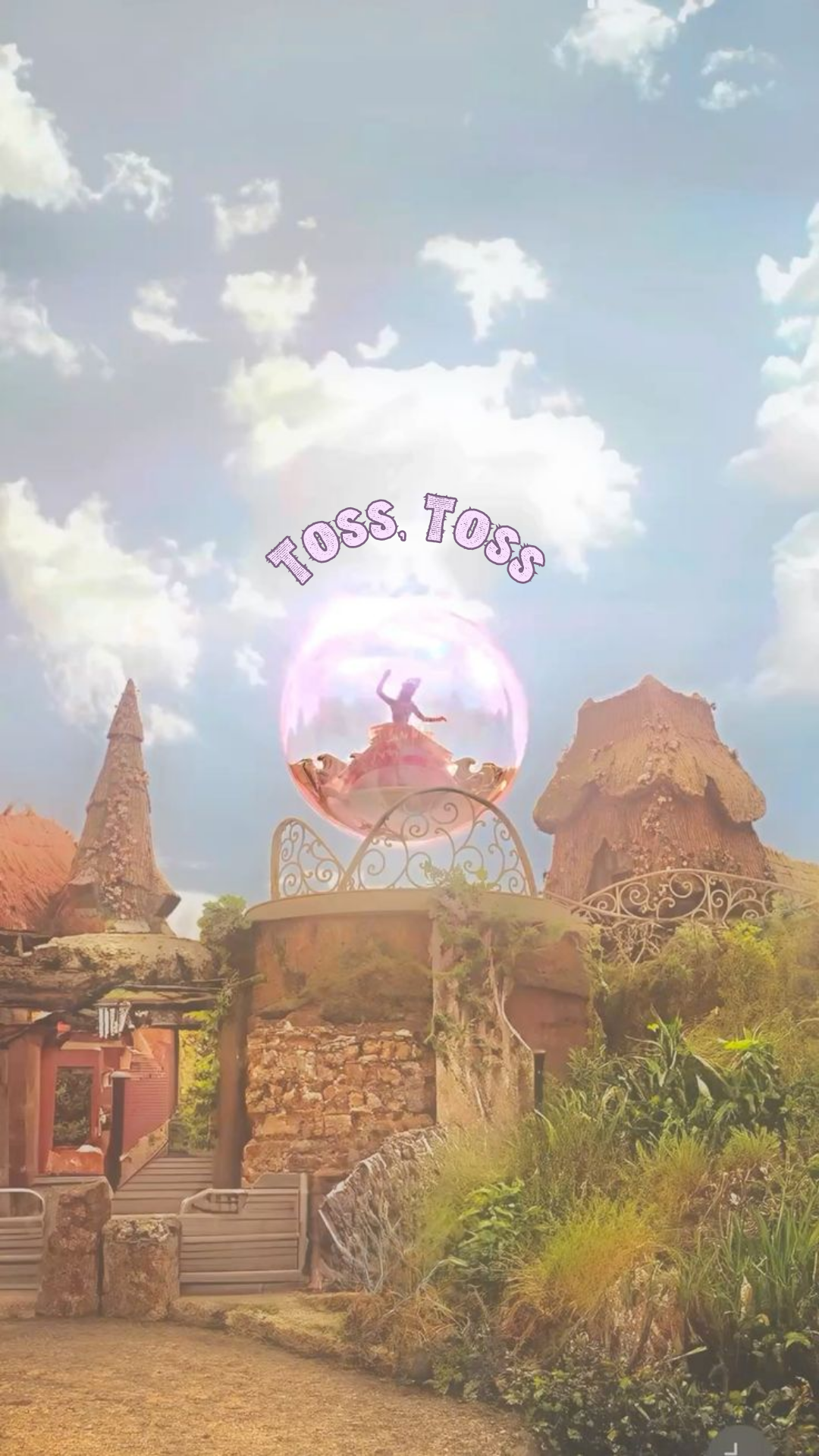
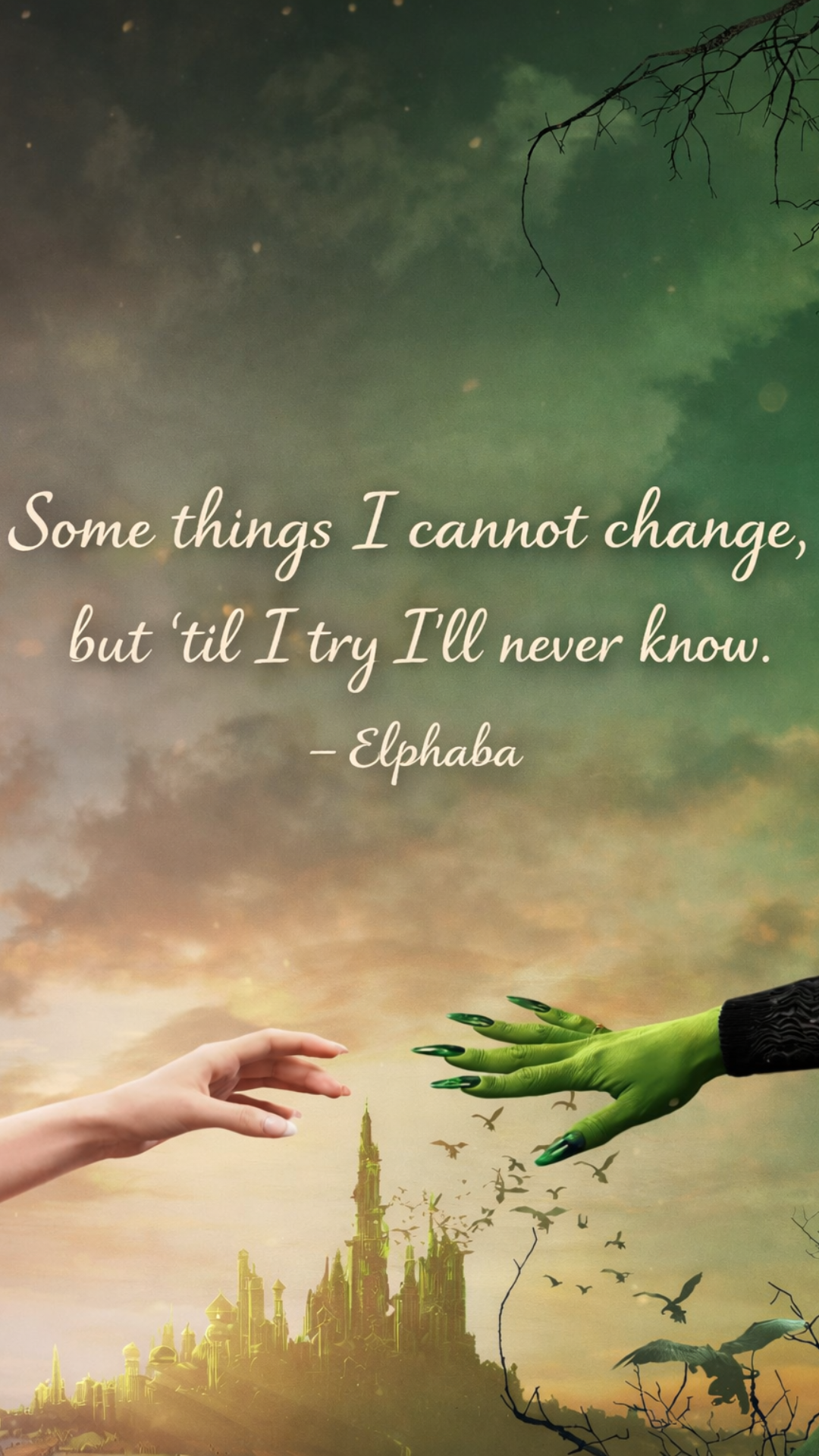
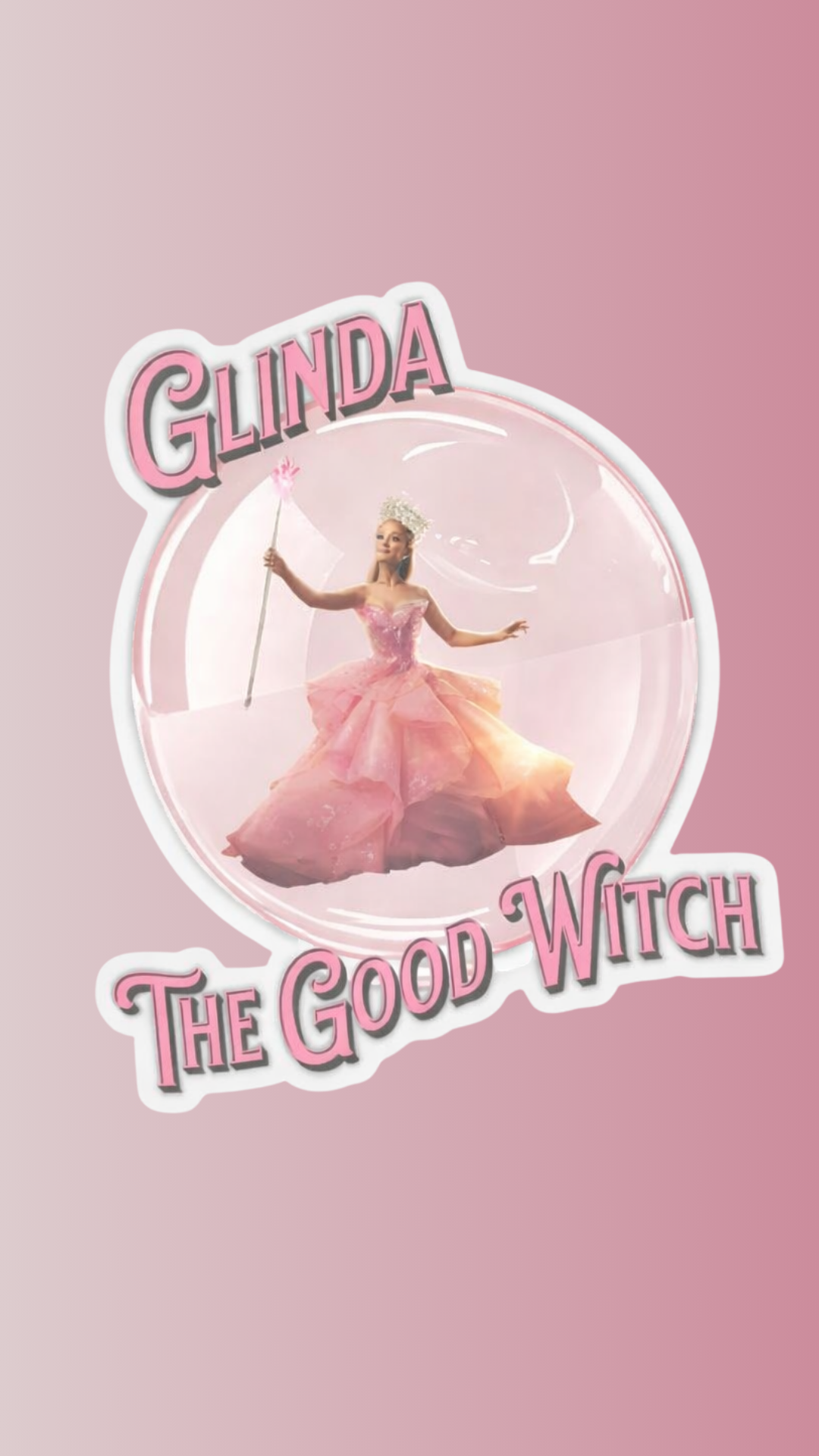
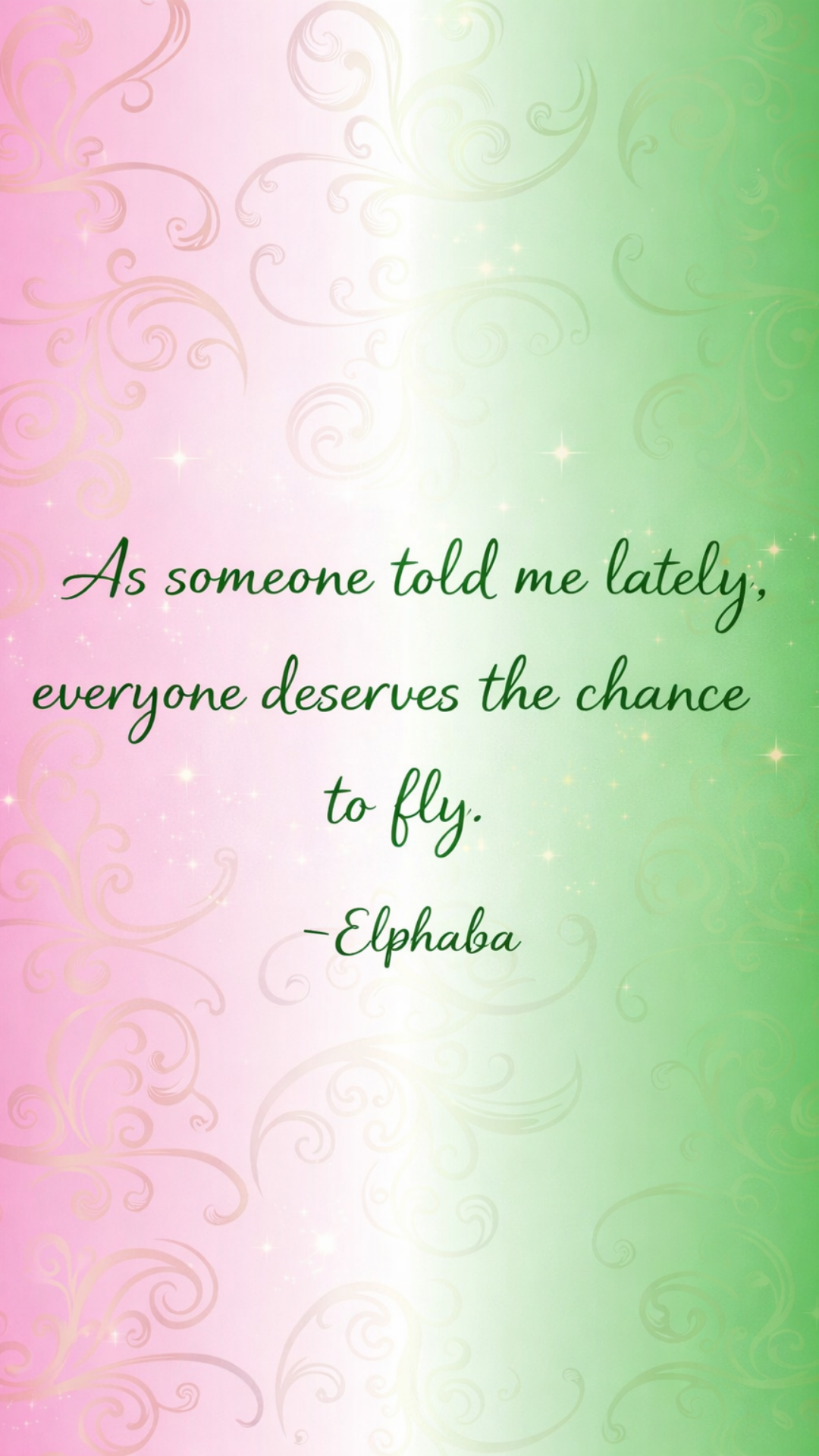
This collection of Wicked iPhone wallpapers includes a mix of dramatic character scenes, inspirational Elphaba quotes, and whimsical Glinda moments designed specifically for iPhone screens. You'll find backgrounds featuring the Yellow Brick Road, magical bubbles, iconic quotes like "Everyone deserves the chance to fly," and beautifully blended pink-and-green color palettes that feel both cinematic and aesthetic. Each wallpaper is sized perfectly for iPhone use and designed to keep icons readable while still making a statement.
Whether you're searching for Wicked aesthetic phone wallpapers, Elphaba quote iPhone backgrounds, or a subtle Glinda-inspired lock screen, there's something here for every fan. These backgrounds are perfect for everyday use, Broadway lovers, and anyone counting down to the Wicked movie or stage revival. Scroll through and choose your favorite Wicked-inspired iPhone background to add a little magic - and a lot of confidence - to your screen.
FREE Wicked iPhone Backgrounds Inspired by Elphaba & Glinda
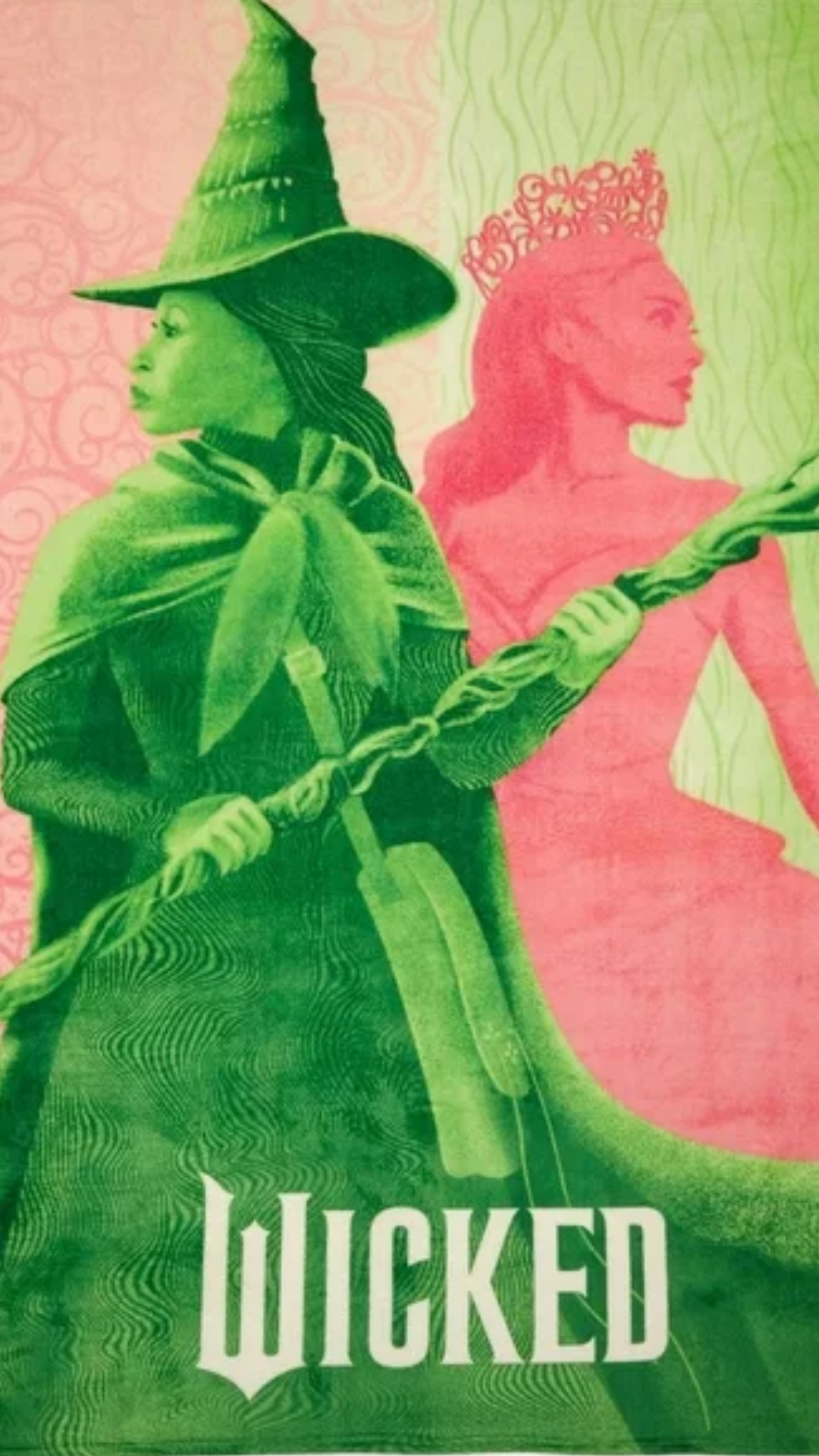
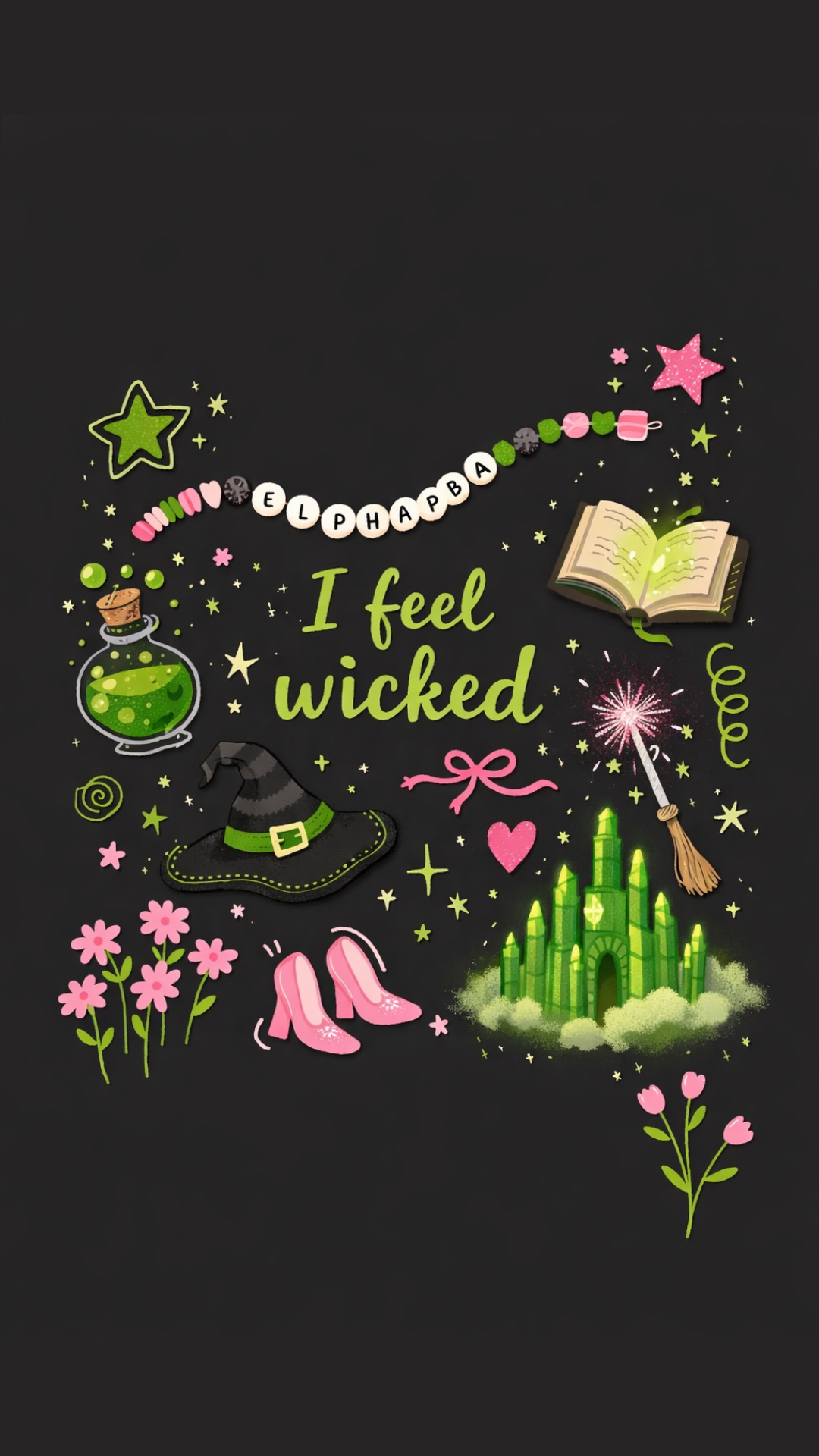
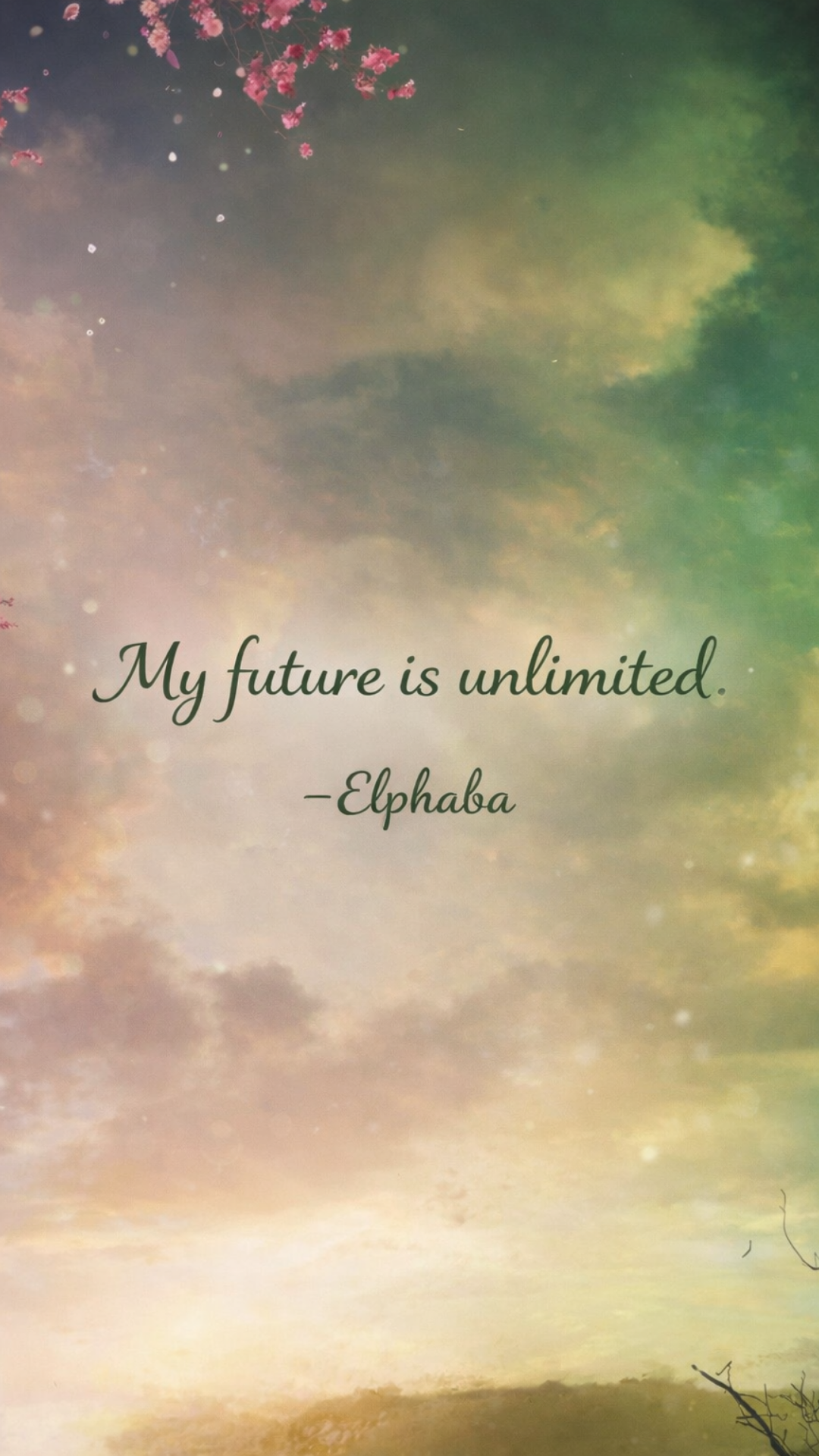
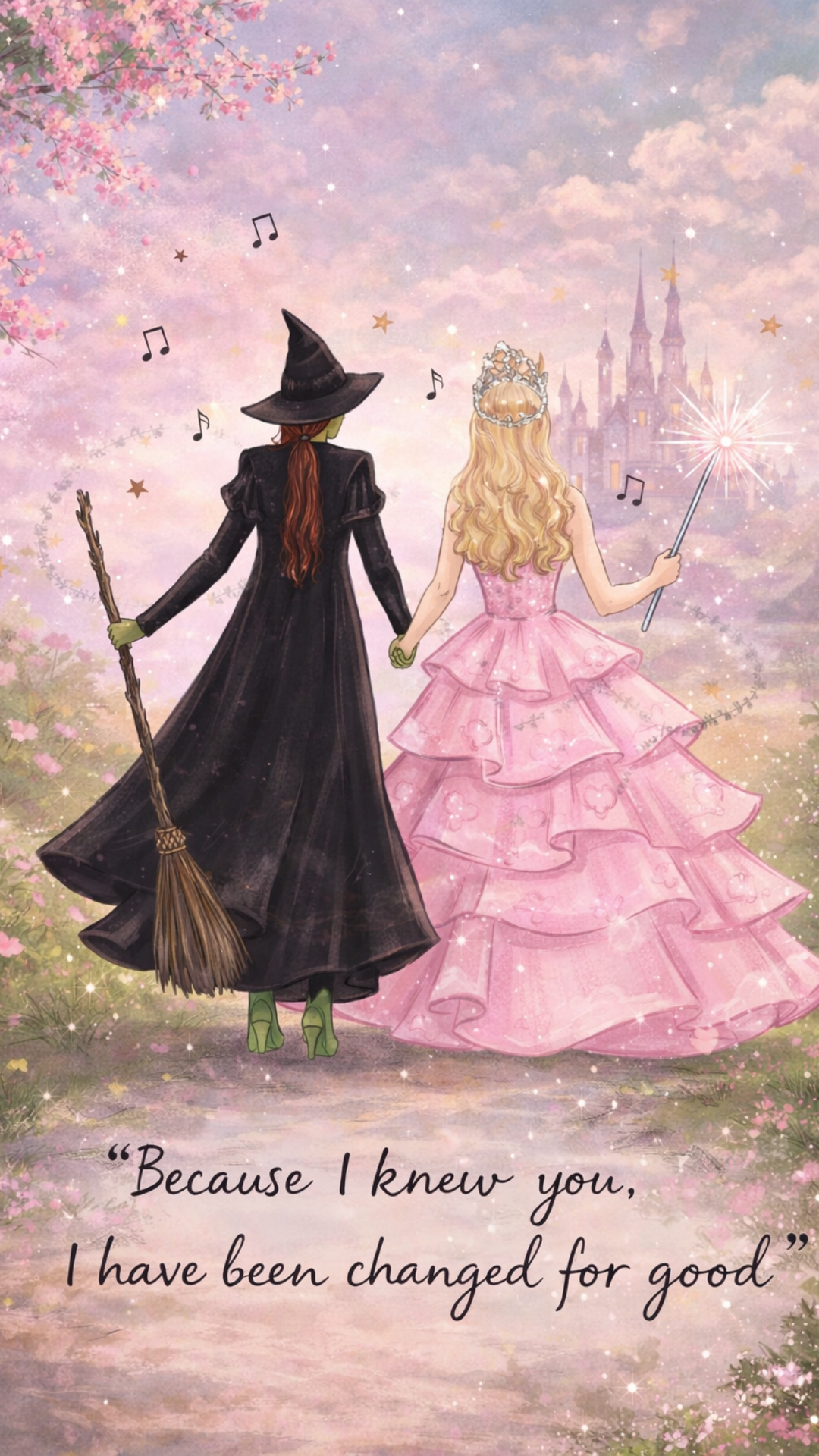
These free Wicked iPhone backgrounds are inspired by Elphaba and Glinda, blending bold emerald tones with soft pink details. From iconic scenes to quote-based designs, each wallpaper is sized perfectly for iPhone and easy to download.
Wicked Aesthetic Phone Wallpapers
These Wicked aesthetic phone wallpapers capture the magic of Oz through moody greens, soft pinks, and cinematic details inspired by Elphaba and Glinda. Perfect for fans who love a bold yet beautiful iPhone background that feels both dramatic and dreamy.



Wicked Quote iPhone Backgrounds
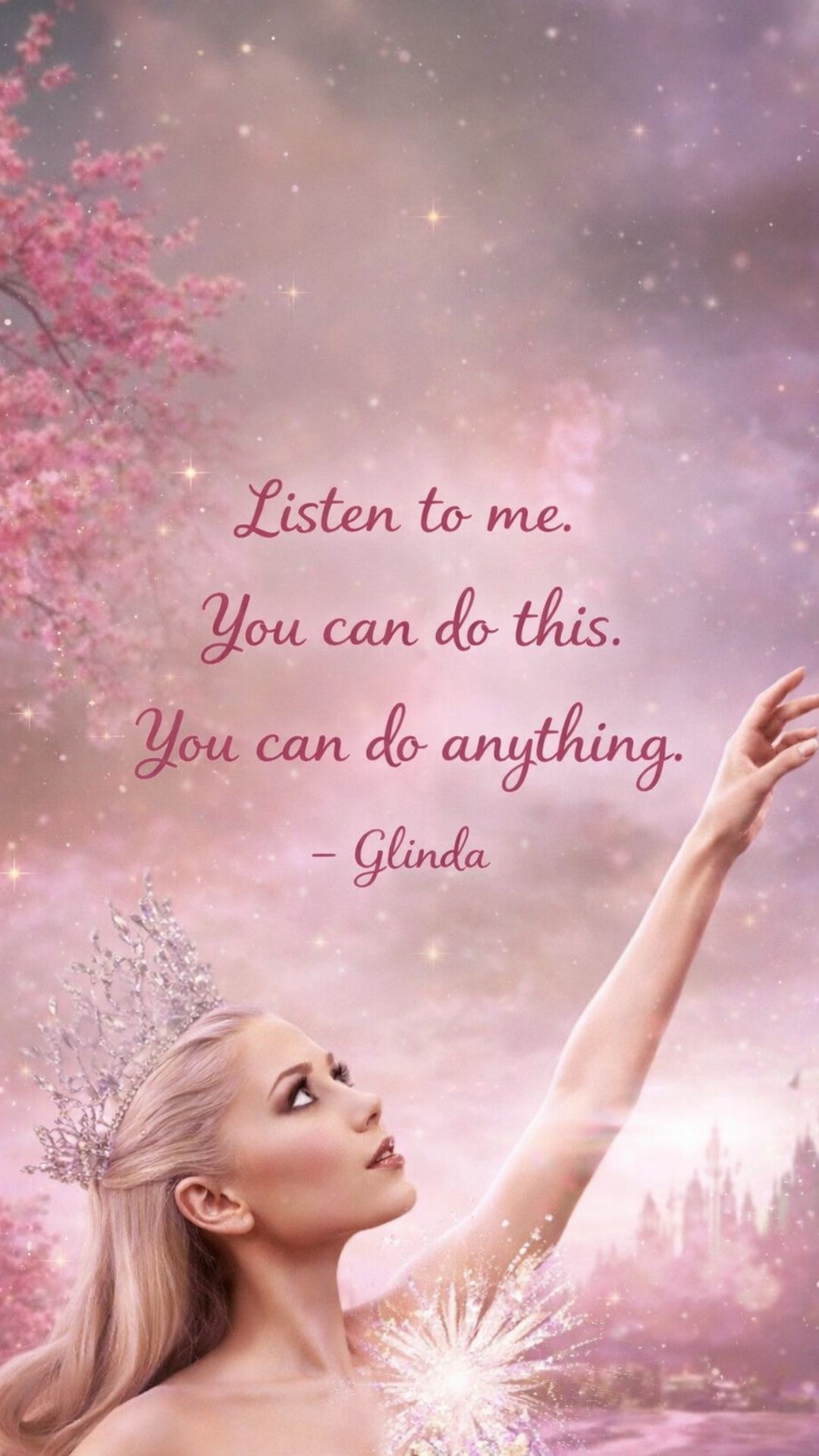
These Wicked quote iPhone backgrounds feature powerful lines from Elphaba and Glinda, designed to inspire every time you unlock your phone. From bold statements to softer affirmations, each wallpaper blends iconic quotes with magical Wicked-inspired visuals.
How to Download and Use These Wicked iPhone Backgrounds
Downloading and setting up your favorite Wicked iPhone backgrounds is quick and easy, whether you're refreshing your lock screen or giving your home screen a magical makeover. All of the wallpapers in this collection are sized specifically for iPhone, so they'll fit beautifully without awkward cropping or loss of quality. Just choose the design that speaks to you - from bold Elphaba-inspired visuals to soft, dreamy Glinda aesthetics - and follow the steps below.
How to Save Wicked iPhone Wallpapers on iPhone
To save a Wicked iPhone wallpaper, tap on the image you want so it opens at full size. Press and hold the image, then select Save to Photos. Once it's saved, open the Photos app, tap the image, and choose Use as Wallpaper. From there, you can set it as your lock screen, home screen, or both. For the best results, avoid screenshotting the image - saving it directly ensures the highest resolution and sharpest details.
Tips for Making Wicked Wallpapers Look Best on Your Home Screen
For a clean, polished look, consider using Wicked wallpapers with softer gradients or minimal text for your home screen, where app icons sit on top. More detailed or quote-based designs often shine best on the lock screen. You can also turn off Perspective Zoom when setting your wallpaper to keep the artwork exactly as designed. If you love a cohesive aesthetic, try pairing a darker Elphaba-inspired lock screen with a lighter Glinda-themed home screen for a perfectly balanced Wicked phone setup.
More Free iPhone Wallpapers You'll Love
If you love switching up your phone background with the seasons or your current mood, there are plenty more free iPhone wallpapers waiting for you. From soft, calming designs to bold, statement-making backgrounds, I regularly share new collections that are sized perfectly for iPhone and easy to download.
- 20 Cute Aesthetic iPhone Backgrounds (Free) - A mix of soft colors, playful designs, and aesthetic visuals that are perfect for everyday use.
- Winter iPhone Wallpapers - Cozy, seasonal backgrounds featuring winter tones, calming landscapes, and minimalist designs.
- Cute Christmas iPhone Wallpaper Backgrounds - Festive and fun holiday-inspired iPhone wallpapers that add a cheerful touch to your screen during the Christmas season.
Final Thoughts on Wicked iPhone Backgrounds
Wicked has a way of staying with you long after the curtain falls, and these Wicked iPhone backgrounds are a simple way to carry that magic with you every day. Whether you're drawn to Elphaba's strength, Glinda's optimism, or the powerful quotes that define their journey, these wallpapers let you personalize your phone with designs that feel meaningful and visually beautiful.
From aesthetic scenes to quote-based designs, this collection of free Wicked iPhone wallpapers was created to fit seamlessly on your phone while still making a statement. Bookmark this page, save your favorites, and check back often - I'll continue adding new Wicked-inspired iPhone backgrounds so your screen can evolve right along with your love for Oz.
Until next time,

As Seen on TikTok
Come behind the scenes of our farmhouse build, decor projects, and cozy everyday life. Tap a video to watch, then follow @nikkisplate on TikTok for more.
Watch this video on TikTok
Watch this video on TikTok
Watch this video on TikTok

Leave a Reply